19

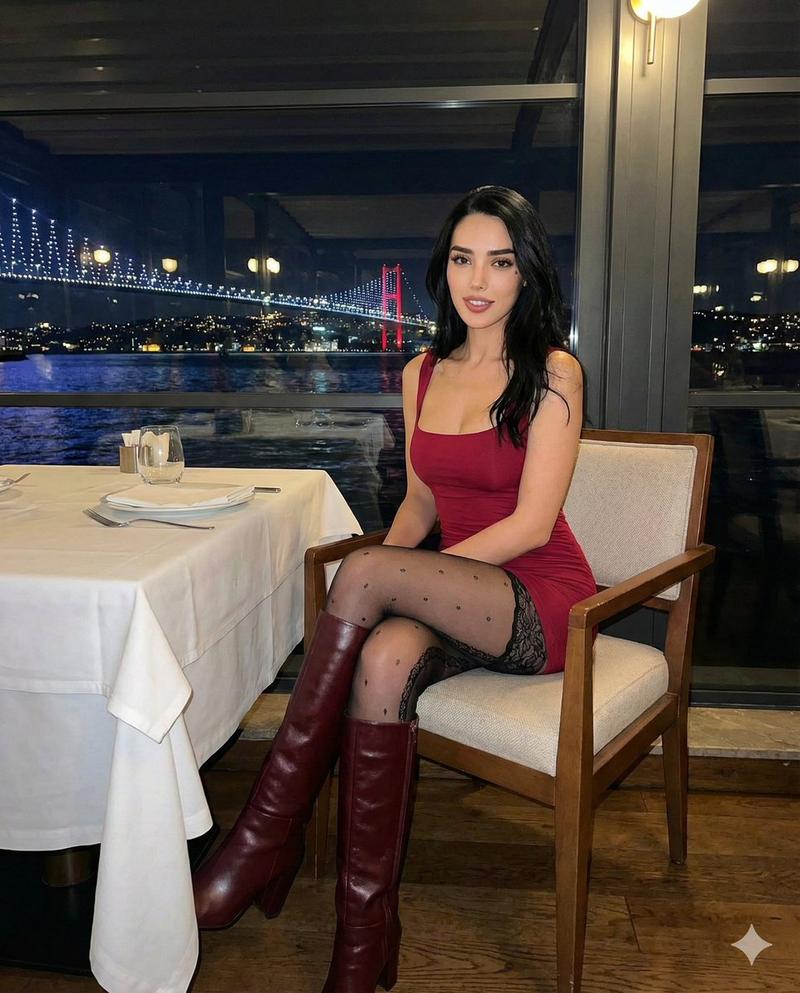
iPhone 风格办公室拍摄
Enlarge

iPhone 风格办公室拍摄

Prompt
A wide image shot on {argument name="camera" default="iPhone"} of a glass whiteboard, in a room overlooking {argument name="landmark" default="the Bay Bridge"}. The field of view shows {argument name="subject" default="a woman writing"}, sporting a tshirt with a large OpenAl logo. The handwriting looks natural and a bit messy, and we see the photographer's reflection.
Category
Charts & Infographics
Model
GPT Image 2
Creator
Patrick
Views4
Source ID
13642
Published
Apr 15, 2026

Guide

About "iPhone 风格办公室拍摄"

What is this prompt for?

"iPhone 风格办公室拍摄" AI image prompt for GPT Image 2 (Charts & Infographics). 一个用于生成逼真 iPhone 照片的提示词,画面内容为一名女性在项目上书写,并带有特定的窗外景色和倒影。 Copy it on Picva and recreate t…

The full copyable prompt and example visuals above are ready for AI image generation or one-click recreate in Picva.

How to use this prompt

  1. Step 1

    Open the prompt detail

    Review the example visuals, category, and full prompt text for "iPhone 风格办公室拍摄".

  2. Step 2

    Copy the prompt

    Copy the prompt body from this page, or load it directly in Studio.

  3. Step 3

    Pick a model (GPT Image 2)

    Prefer GPT Image 2. If you switch models, keep subject and composition and tweak style terms.

  4. Step 4

    Generate and export

    Recreate the look in Picva, or export into your workflow for editing and publishing.

FAQ

What is the "iPhone 风格办公室拍摄" prompt?
It is an AI image-generation prompt for GPT Image 2 in the Charts & Infographics category. This page includes the full prompt text, example visuals, and a one-click recreate path in Picva.
How do I use this prompt to generate an image?
Copy the prompt from this page, or use Generate / Studio. Paste it into a compatible image model, or recreate the look in Picva with optional reference images.
Which model is this prompt for?
This page lists GPT Image 2. Most descriptive prompts also transfer to nearby image models such as GPT Image, Flux, or Midjourney with light style tweaks.
Can I use the result commercially?
You can usually copy the prompt for creation, but commercial use of the final image depends on the model terms, reference-image rights, and the generated content. Follow the source author and platform rules.