19

动漫风格星空与自定义文字
Enlarge

动漫风格星空与自定义文字

Prompt
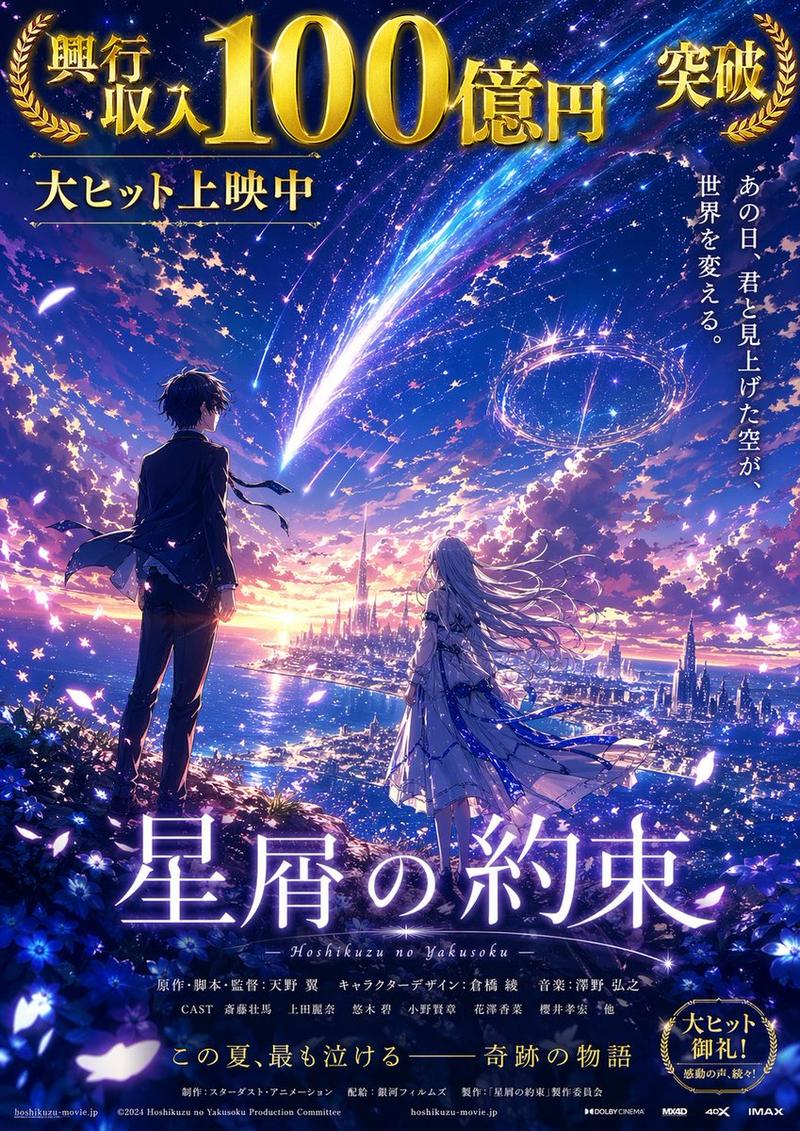
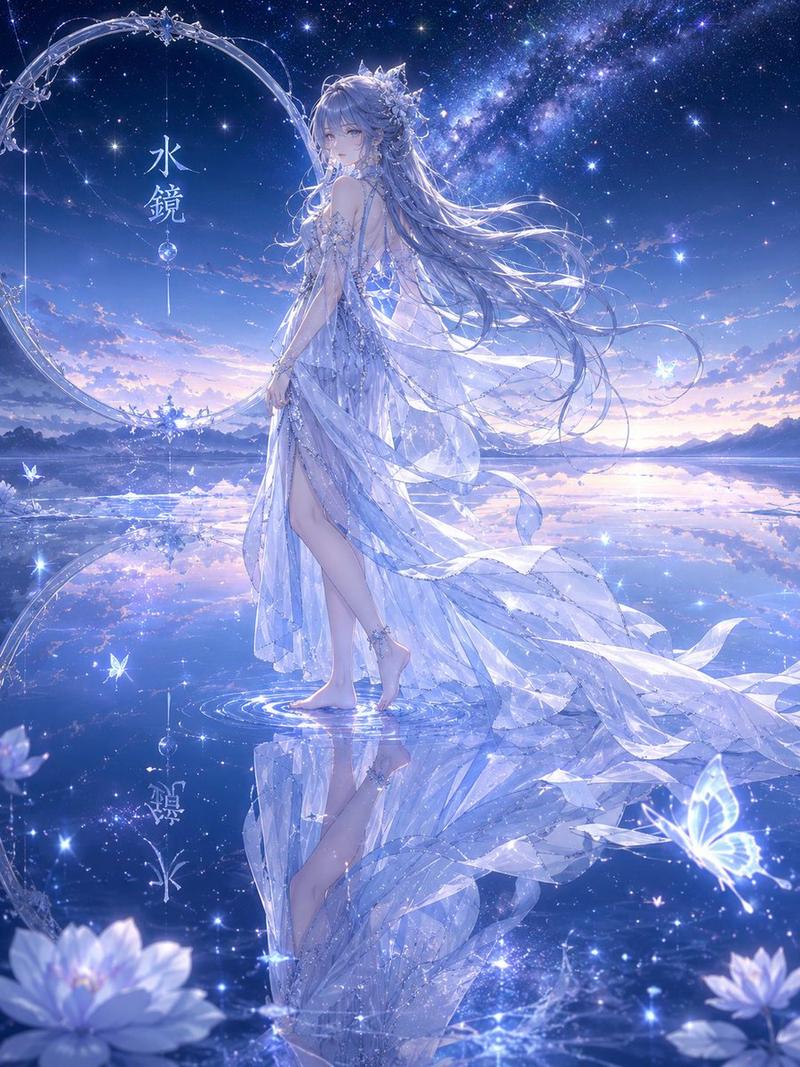
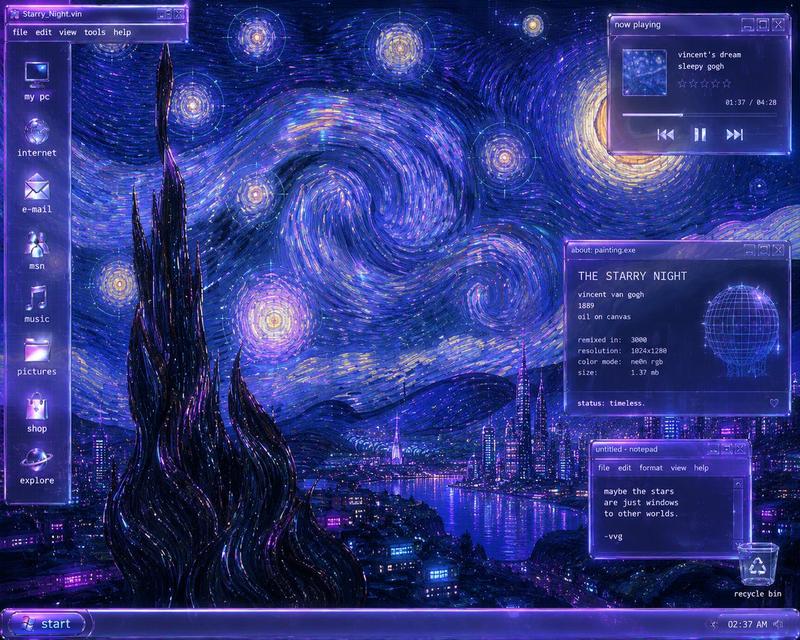
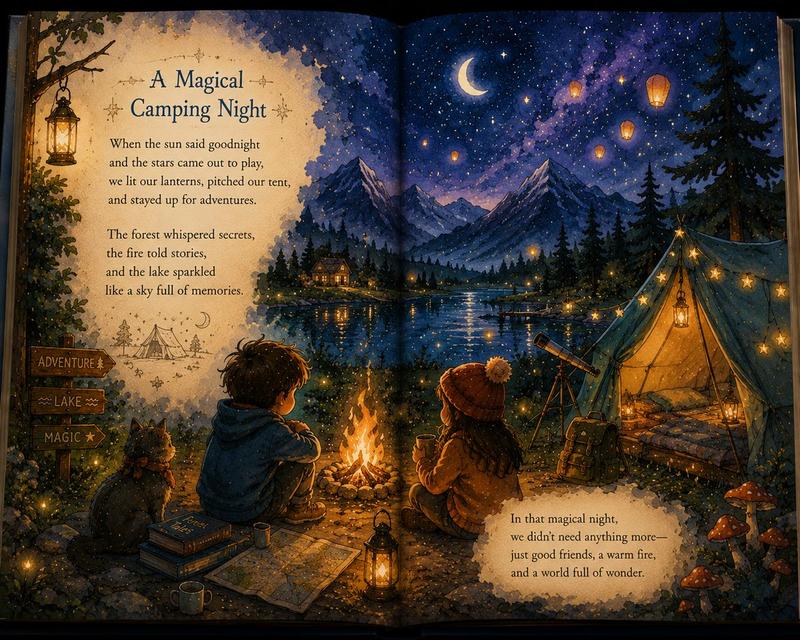
A breathtaking anime-style landscape featuring a vibrant, starry night sky dominated by a brilliant, sweeping Milky Way in hues of deep purple, blue, and magenta. Two prominent shooting stars, one glowing bright blue and the other a softer pinkish-red, streak downwards across the sky, their tails intersecting. In the center of the sky, written in elegant, glowing cursive neon-like script, is the text "{argument name="custom text" default="Your Name"}", underlined by a delicate pink line that forms a small bow in the middle. Below, a serene landscape unfolds with dark, silhouetted clouds framing the edges. A distant town with glowing city lights sits nestled along the shores of a calm lake, reflecting the twilight colors of the horizon where the sun has just set, leaving a gradient of pink and orange. The foreground features dark silhouettes of grassy hills and subtle hints of purple flowers, adding depth to this magical, cinematic scene reminiscent of Makoto Shinkai's art style.
Category
Charts & Infographics
Model
GPT Image 2
Creator
Fandu
Views2
Source ID
13655
Published
Apr 15, 2026

Guide

About "动漫风格星空与自定义文字"

What is this prompt for?

"动漫风格星空与自定义文字" AI image prompt for GPT Image 2 (Charts & Infographics). 生成令人惊叹的动漫风格风景,包含星空、彗星以及发光的自定义文字。 Copy it on Picva and recreate the look in one click.

The full copyable prompt and example visuals above are ready for AI image generation or one-click recreate in Picva.

How to use this prompt

  1. Step 1

    Open the prompt detail

    Review the example visuals, category, and full prompt text for "动漫风格星空与自定义文字".

  2. Step 2

    Copy the prompt

    Copy the prompt body from this page, or load it directly in Studio.

  3. Step 3

    Pick a model (GPT Image 2)

    Prefer GPT Image 2. If you switch models, keep subject and composition and tweak style terms.

  4. Step 4

    Generate and export

    Recreate the look in Picva, or export into your workflow for editing and publishing.

FAQ

What is the "动漫风格星空与自定义文字" prompt?
It is an AI image-generation prompt for GPT Image 2 in the Charts & Infographics category. This page includes the full prompt text, example visuals, and a one-click recreate path in Picva.
How do I use this prompt to generate an image?
Copy the prompt from this page, or use Generate / Studio. Paste it into a compatible image model, or recreate the look in Picva with optional reference images.
Which model is this prompt for?
This page lists GPT Image 2. Most descriptive prompts also transfer to nearby image models such as GPT Image, Flux, or Midjourney with light style tweaks.
Can I use the result commercially?
You can usually copy the prompt for creation, but commercial use of the final image depends on the model terms, reference-image rights, and the generated content. Follow the source author and platform rules.