18

漫展 Cosplayer 肖像
Enlarge

漫展 Cosplayer 肖像

Prompt
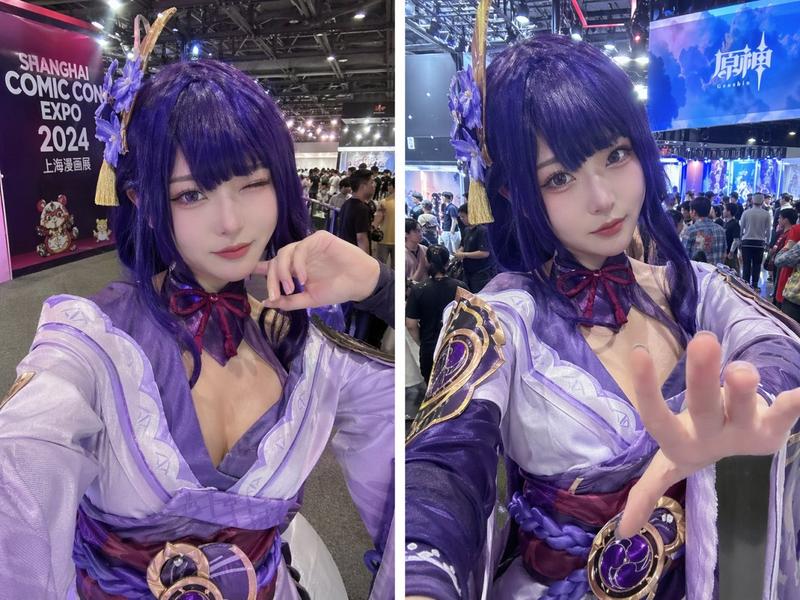
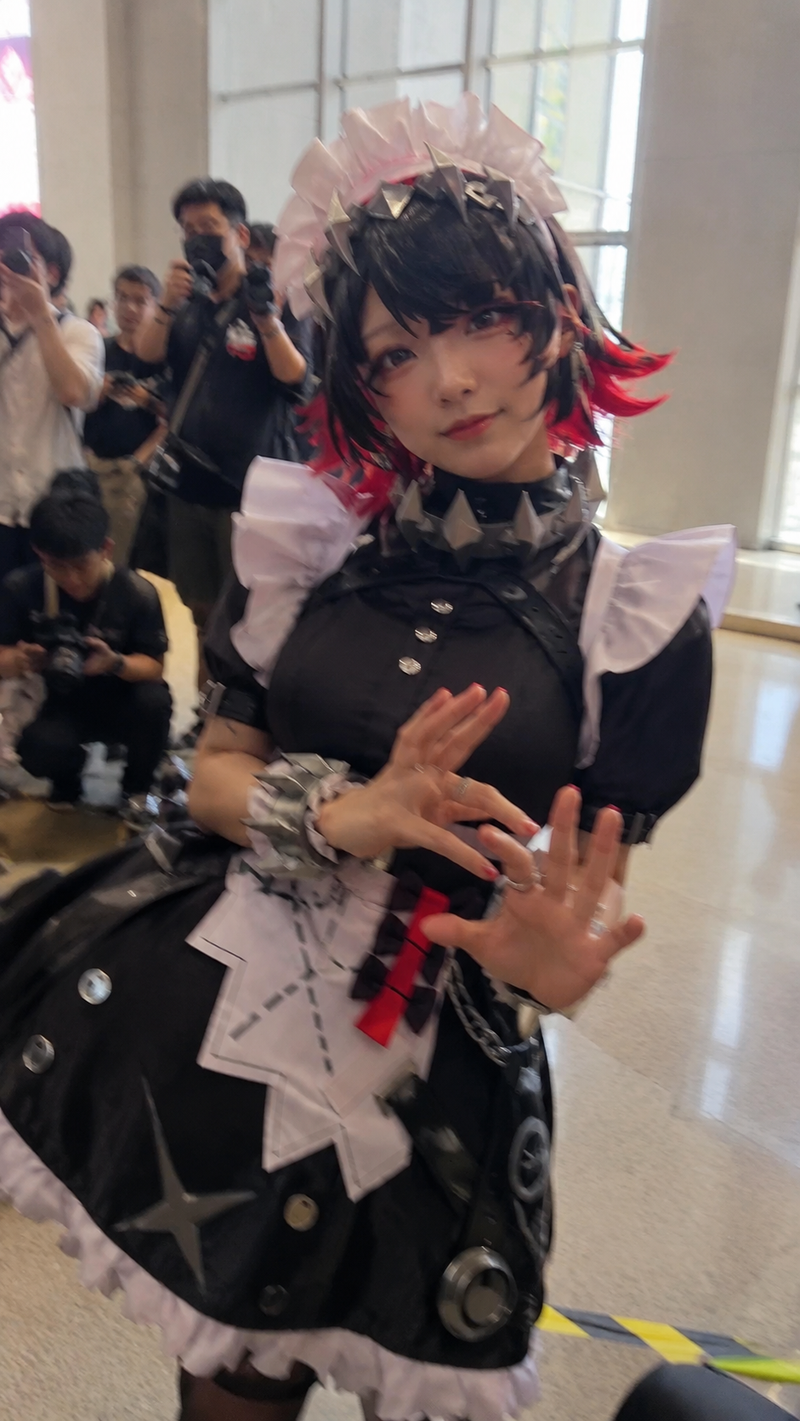
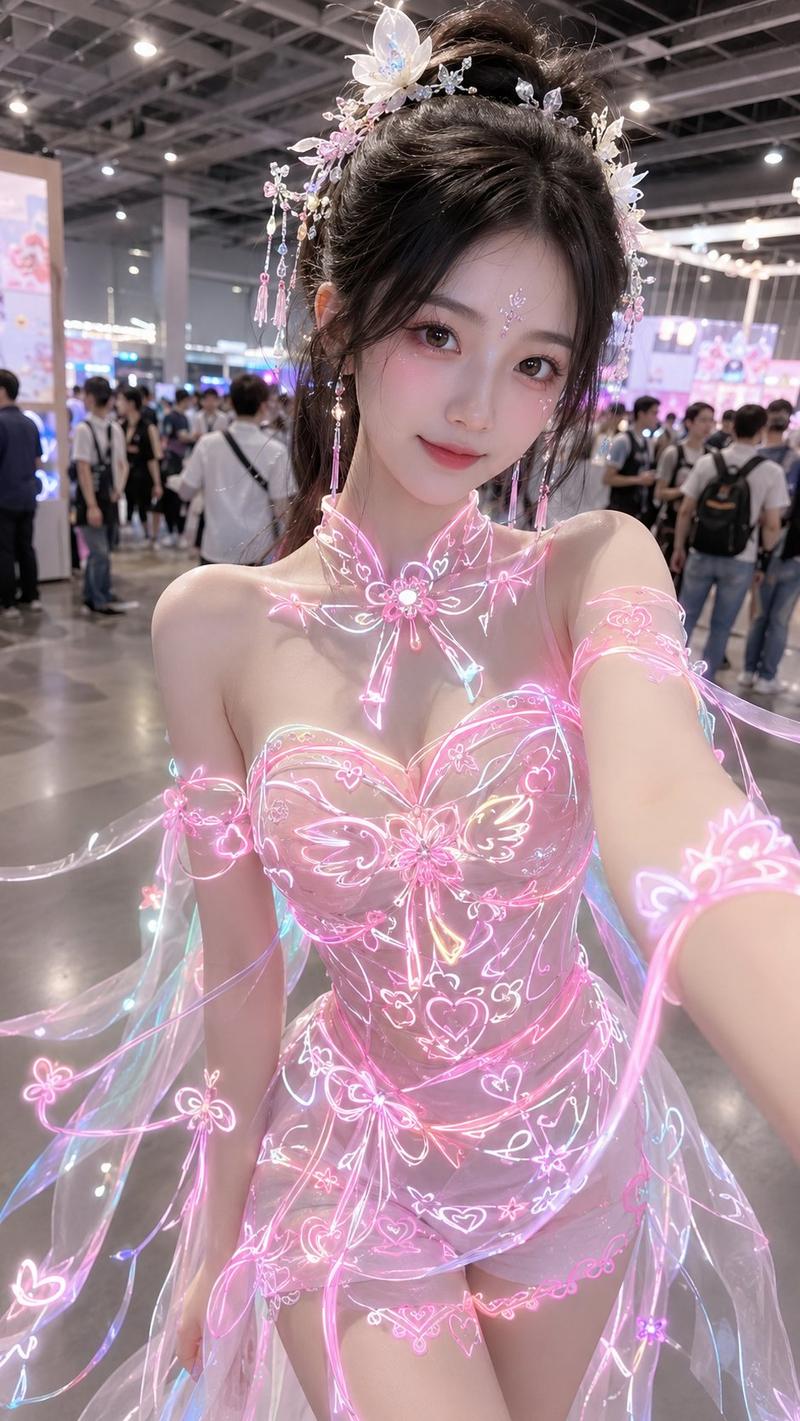
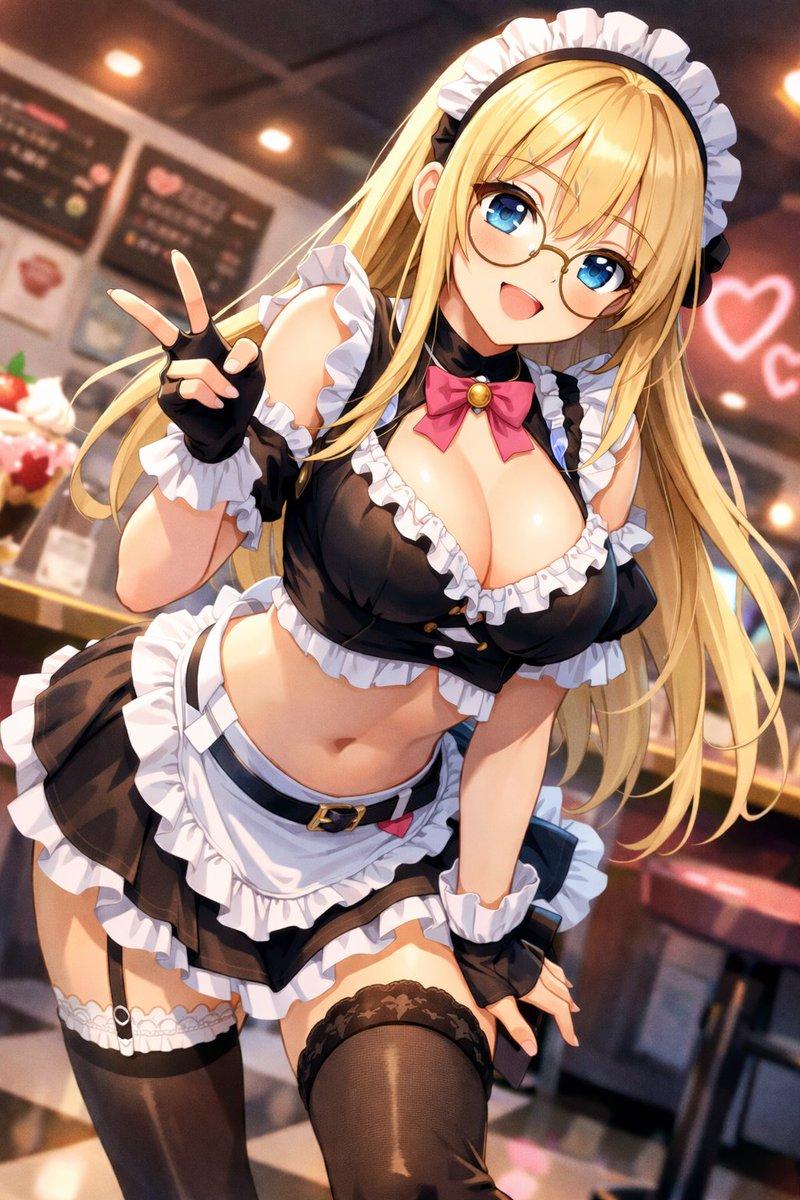
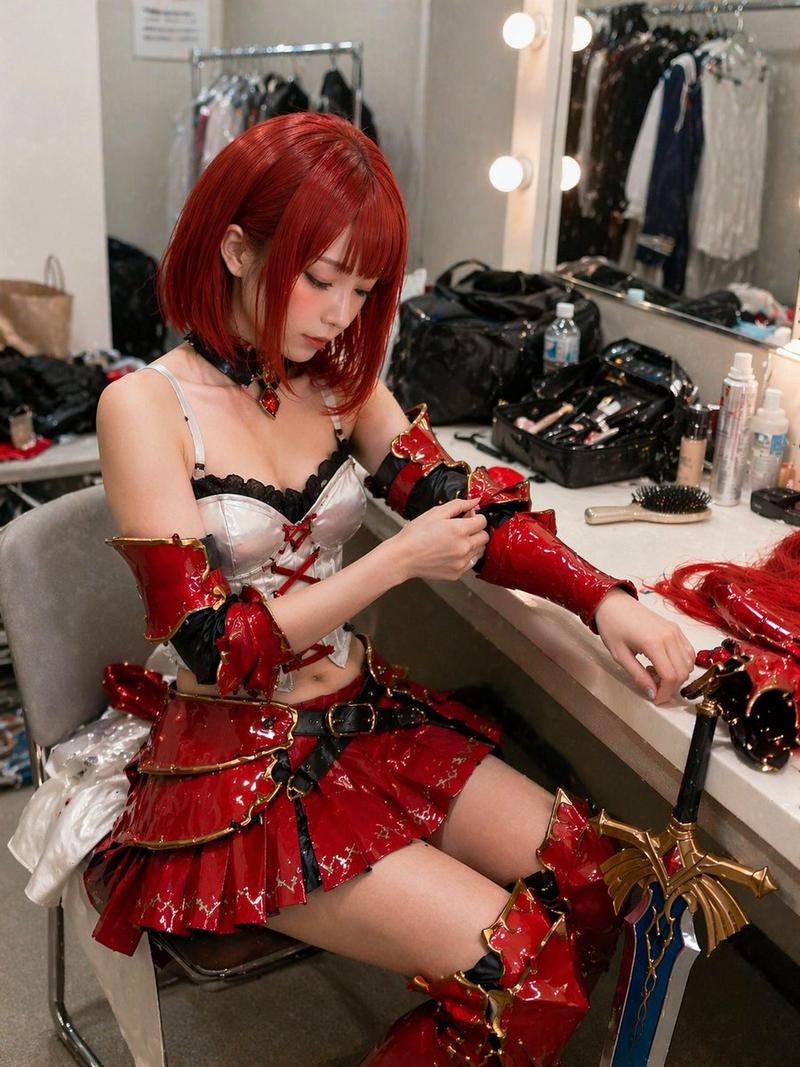
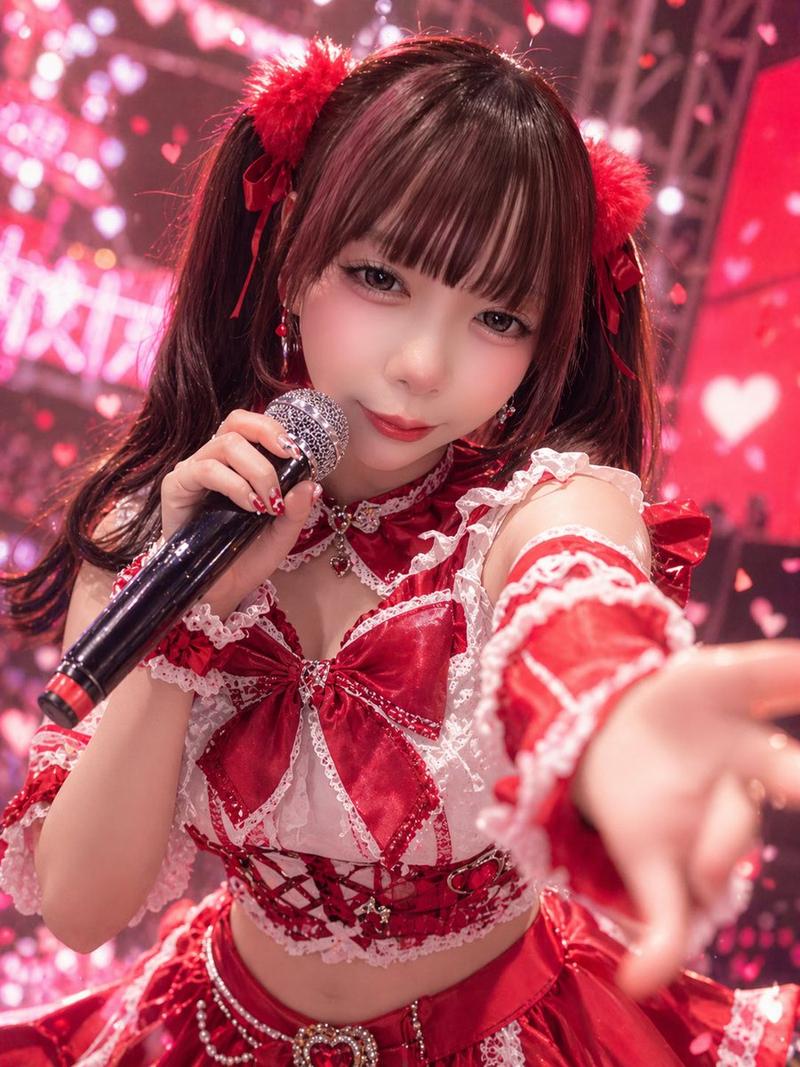
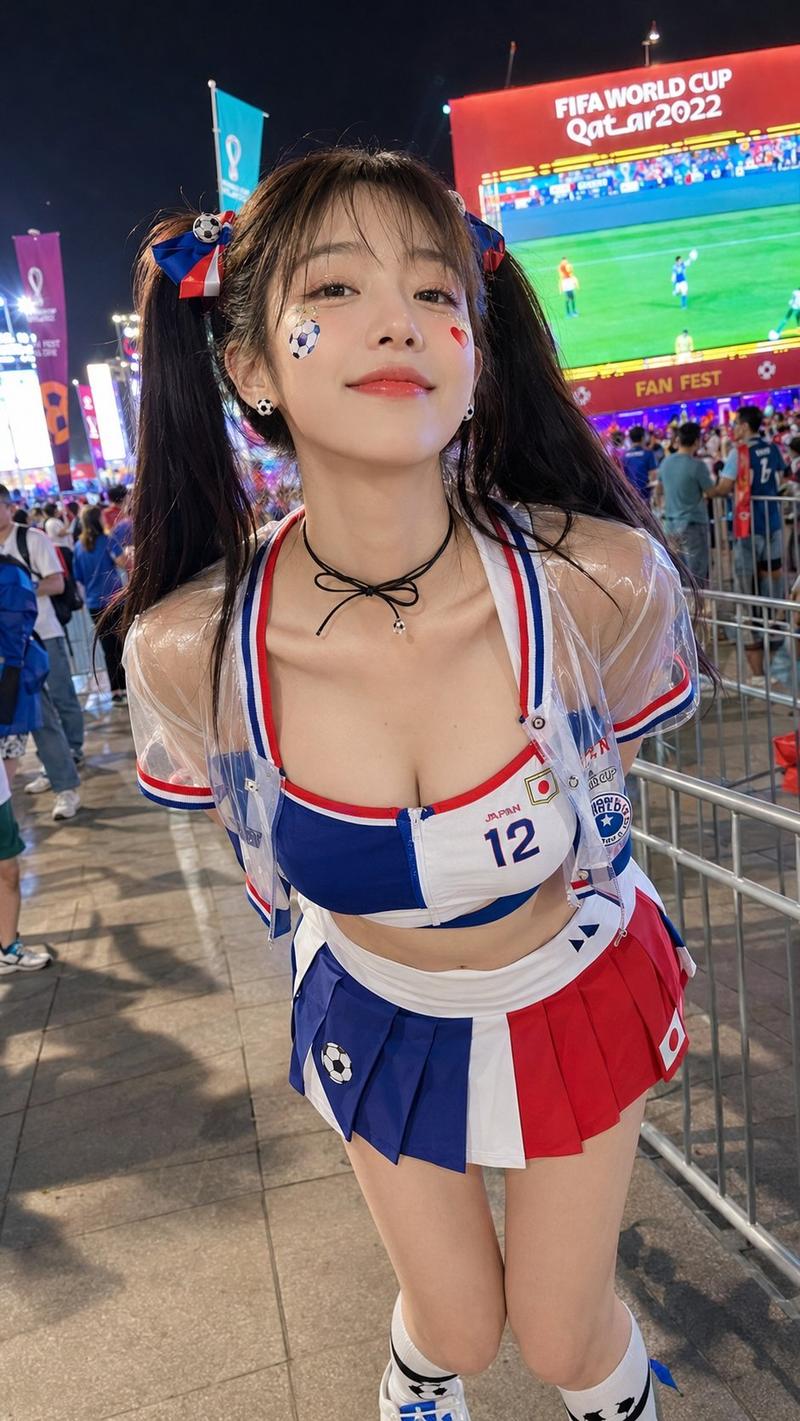
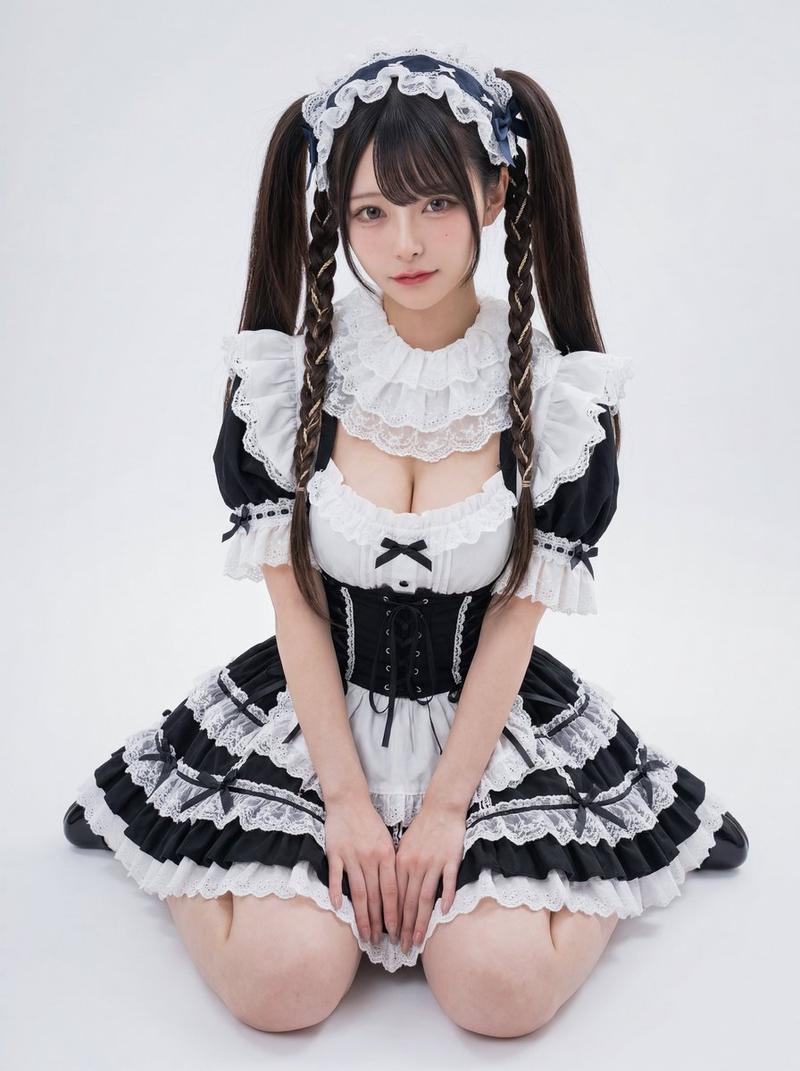
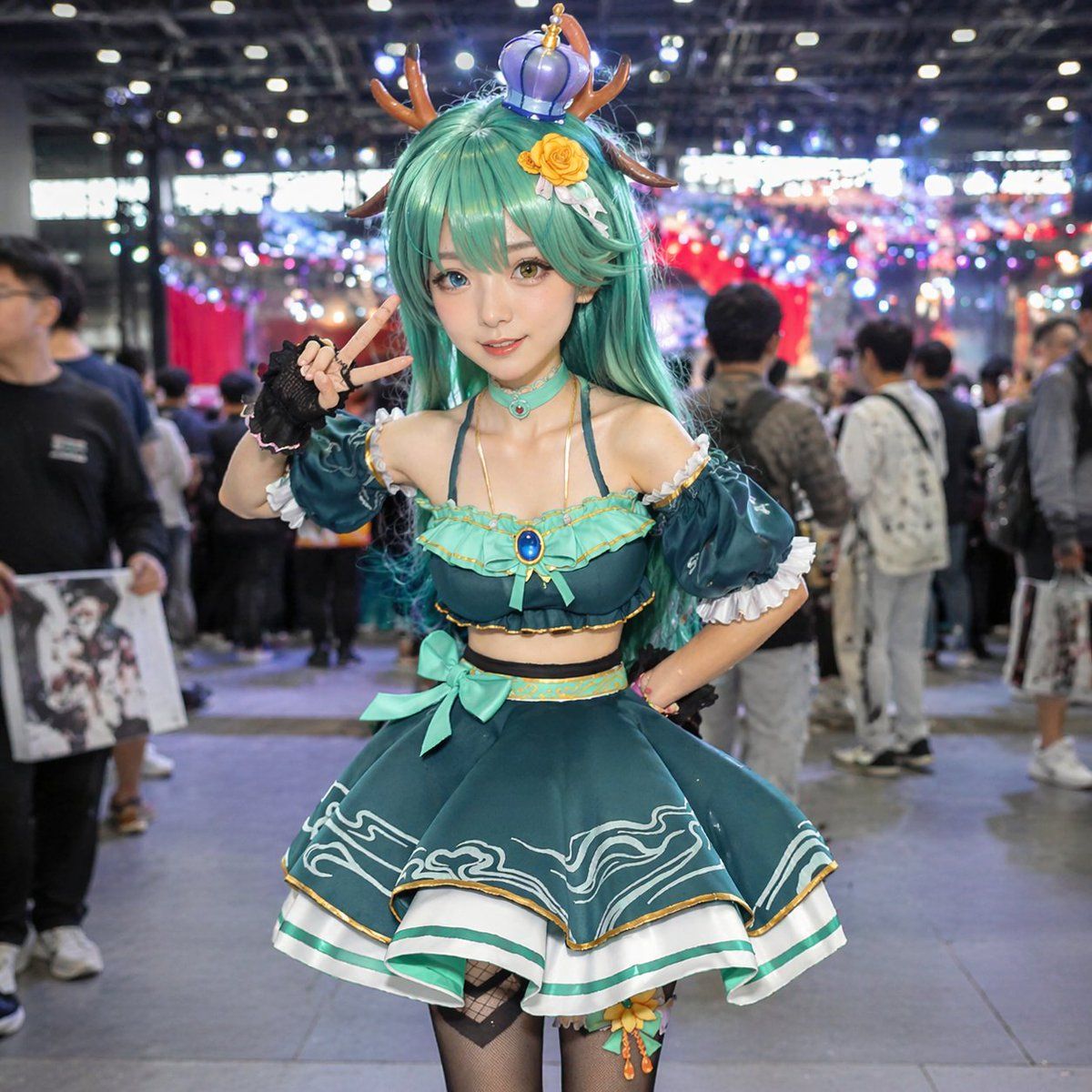
Photorealistic portrait of a female cosplayer at a {argument name="setting" default="crowded anime convention hall"}. She has long {argument name="hair color" default="teal"} hair, {argument name="eye color" default="heterochromia, one blue and one amber"} eyes, and wears {argument name="headwear" default="deer antlers and a small purple crown"} with a yellow rose clip. Her outfit is a {argument name="outfit style" default="teal two-piece idol costume with ruffled skirt"}, gold trim, wave patterns, gem choker, black fingerless gloves, and fishnet tights. She poses with a peace sign and one hand on her hip against a blurred background of convention attendees and bokeh lighting.
Category
Photography & Realism
Model
GPT Image 2
Views2
Source ID
13754
Published
Apr 16, 2026

Guide

About "漫展 Cosplayer 肖像"

What is this prompt for?

"漫展 Cosplayer 肖像" AI image prompt for GPT Image 2 (Photography & Realism). 生成一张在繁忙漫展上摆姿势的 Cosplayer 照片级写实图像,非常适合角色可视化或活动摄影样机。 Copy it on Picva and recreate the…

The full copyable prompt and example visuals above are ready for AI image generation or one-click recreate in Picva.

How to use this prompt

  1. Step 1

    Open the prompt detail

    Review the example visuals, category, and full prompt text for "漫展 Cosplayer 肖像".

  2. Step 2

    Copy the prompt

    Copy the prompt body from this page, or load it directly in Studio.

  3. Step 3

    Pick a model (GPT Image 2)

    Prefer GPT Image 2. If you switch models, keep subject and composition and tweak style terms.

  4. Step 4

    Generate and export

    Recreate the look in Picva, or export into your workflow for editing and publishing.

FAQ

What is the "漫展 Cosplayer 肖像" prompt?
It is an AI image-generation prompt for GPT Image 2 in the Photography & Realism category. This page includes the full prompt text, example visuals, and a one-click recreate path in Picva.
How do I use this prompt to generate an image?
Copy the prompt from this page, or use Generate / Studio. Paste it into a compatible image model, or recreate the look in Picva with optional reference images.
Which model is this prompt for?
This page lists GPT Image 2. Most descriptive prompts also transfer to nearby image models such as GPT Image, Flux, or Midjourney with light style tweaks.
Can I use the result commercially?
You can usually copy the prompt for creation, but commercial use of the final image depends on the model terms, reference-image rights, and the generated content. Follow the source author and platform rules.