照片级逼真的中文数学试卷
Prompt
{
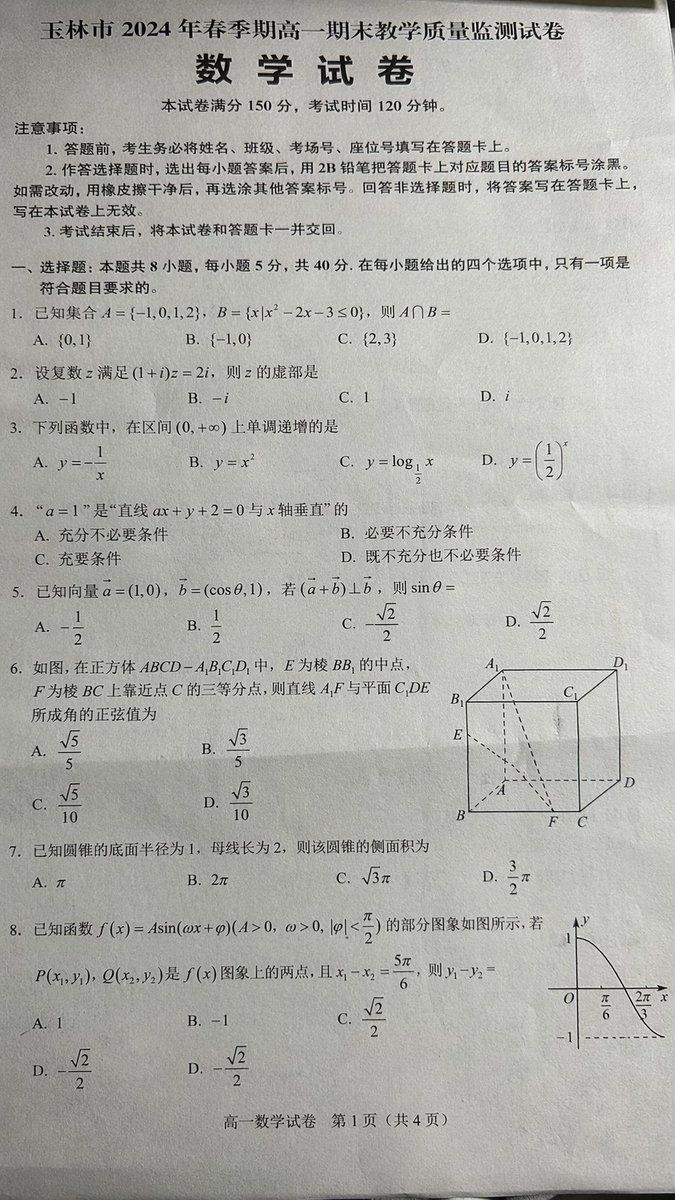
  "type": "photorealistic printed examination paper",
  "style": "black text on slightly crumpled off-white paper, authentic document photography",
  "header": {
    "main_title": "{argument name=\"exam title\" default=\"玉林市 2024 年春季期高一期末教学质量监测试卷\"}",
    "subject": "{argument name=\"subject name\" default=\"数 学 试 卷\"}",
    "details": "{argument name=\"score and time\" default=\"本试卷满分 150 分,考试时间 120 分钟。\"}"
  },
  "layout": {
    "instructions": {
      "title": "注意事项:",
      "point_count": 3,
      "content": "Standard exam rules regarding answer sheets, 2B pencils, and submission."
    },
    "main_section": {
      "heading": "{argument name=\"section title\" default=\"一、选择题: 本题共 8 小题,每小题 5 分,共 40 分。在每小题给出的四个选项中,只有一项是符合题目要求的。\"}",
      "question_count": 8,
      "format": "Numbered list from 1 to 8, each with mathematical formulas and 4 multiple-choice options (A, B, C, D).",
      "topics": [
        "Sets intersection",
        "Complex numbers",
        "Monotonically increasing functions",
        "Necessary and sufficient conditions",
        "Vectors and trigonometry",
        "Solid geometry",
        "Cone lateral surface area",
        "Trigonometric function graph"
      ],
      "diagrams": {
        "count": 2,
        "descriptions": [
          "A 3D line drawing of a cube with internal dashed lines located next to question 6.",
          "A 2D Cartesian coordinate graph showing a partial sine wave curve located next to question 8."
        ]
      }
    },
    "footer": "{argument name=\"footer text\" default=\"高一数学试卷 第 1 页 (共 4 页)\"}"
  }
}- Category
- Charts & Infographics
- Model
- GPT Image 2
- Creator
- 秋风_irwin
- Source ID
- 13773
- Published
- Apr 16, 2026
Views8