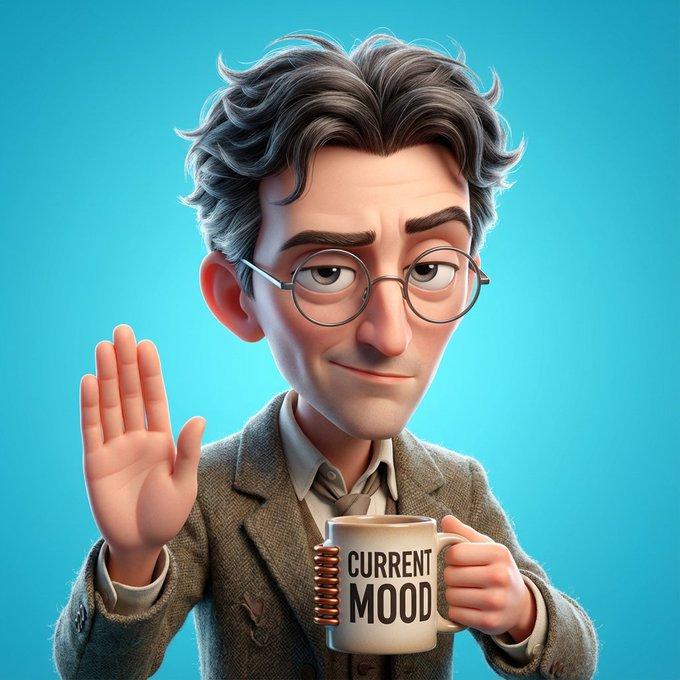
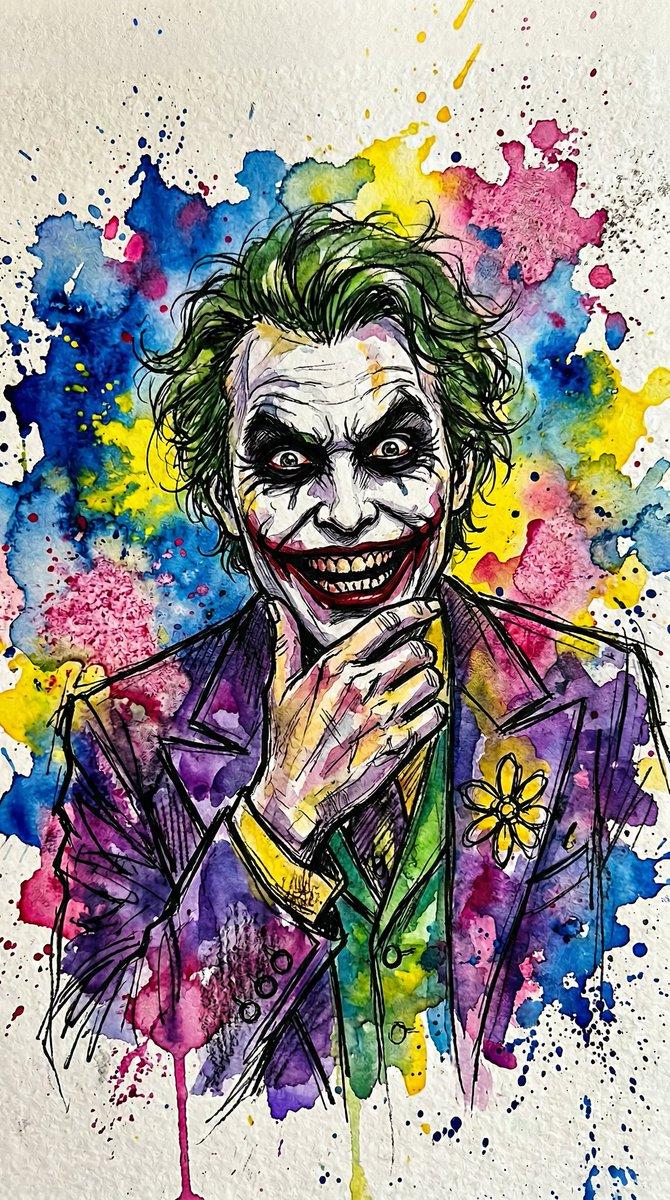
程序员性格对比插画
Prompt
{
  "type": "3D Pixar-style animated illustration",
  "composition": "Two contrasting characters sitting at a desk, split-screen aesthetic with messy left side and neat right side",
  "floating_text": {
    "left": "{argument name=\"left character name\" default=\"OPUS 4.6 THINKING\"} in glowing red handwritten font",
    "right": "{argument name=\"right character name\" default=\"CODEX\"} in glowing blue neon font"
  },
  "characters": [
    {
      "position": "left",
      "persona": "Rebellious, aggressive coder",
      "appearance": "Messy brown hair, confident smirk, cigarette in mouth, neck tattoo 'NO RULES'",
      "clothing": "Black leather jacket with spikes, black t-shirt with text '{argument name=\"left shirt text\" default=\"FAST. BOLD. BROKEN. BUT IT WORKS... SOMETIMES.\"}'",
      "pose": "Arm wrapped around the right character, holding a black can reading 'DEPLOY OR DIE'"
    },
    {
      "position": "right",
      "persona": "Organized, steady coder",
      "appearance": "Neat brown hair, round glasses, nervous but compliant expression",
      "clothing": "Cozy grey cardigan with a tree logo, collared shirt, sleeve patch reading 'READ. PLAN. REFACTOR. DELIVER.'",
      "pose": "Holding a white mug with text '{argument name=\"right mug text\" default=\"CODE. THINK. IMPROVE.\"}' with both hands"
    }
  ],
  "environment": {
    "left_side": {
      "vibe": "chaotic and messy",
      "props": [
        "Computer monitor showing colorful code",
        "Black mug reading 'BUGS ARE FEATURES'",
        "5 crumpled pieces of paper",
        "1 sticky note on desk reading 'TODO: 完成一半的用户系统。。。算了明天再说。'"
      ],
      "whiteboard": {
        "title": "OPUS 的作风:",
        "bullet_points_count": 5,
        "sticky_notes_count": 2,
        "sticky_notes_text": ["先实现再说!", "一个文件搞定全部!"]
      }
    },
    "right_side": {
      "vibe": "structured and neat",
      "props": [
        "Open notebook with a 6-item checklist titled '执行计划:' and a yellow sticky note '让代码变得更好。'",
        "Stack of 5 dark books with spine text: 'PRODUCT REQUIREMENTS.md', 'ARCHITECTURE.md', '.claude', 'CODEBASE ANALYSIS.md', 'REFACTOR PLAN.md'",
        "Neat architectural blueprint on the desk"
      ],
      "whiteboard": {
        "title": "CODEX 的作风:",
        "bullet_points_count": 5,
        "sticky_notes_count": 3,
        "sticky_notes_text": ["先读文档理解架构", "制定计划再开始", "顺便把这段代码重构一下"]
      }
    }
  },
  "foreground": {
    "plaque": "Metal nameplate on the front edge of the desk with engraved text '{argument name=\"plaque text\" default=\"最佳拍档 一个激进,一个稳重,刚好互补。♡\"}'"
  }
}- Category
- Posters & Typography
- Model
- GPT Image 2
- Creator
- 长歌
- Source ID
- 13792
- Published
- Apr 16, 2026
Views5