17

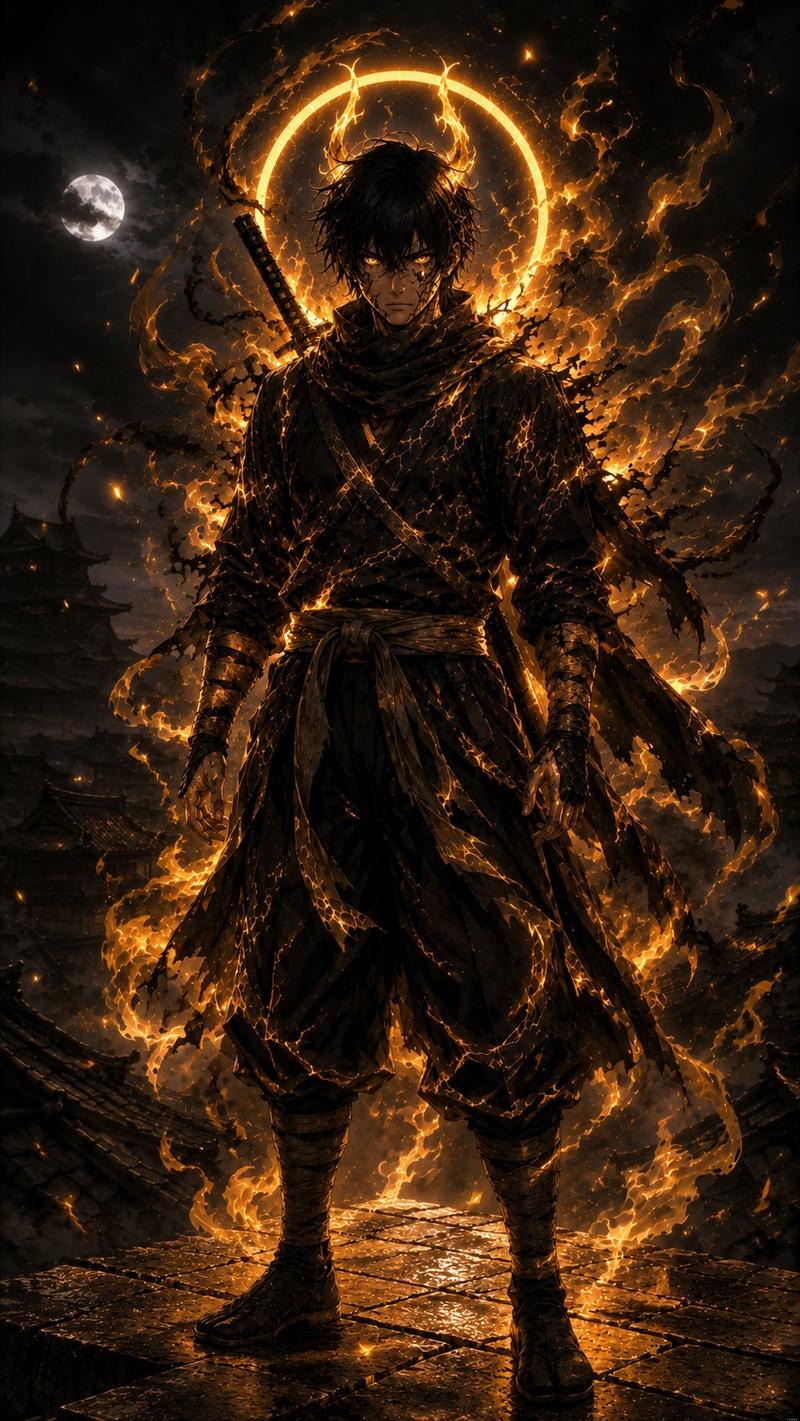
暗黑奇幻武士战场
Enlarge

暗黑奇幻武士战场

Prompt
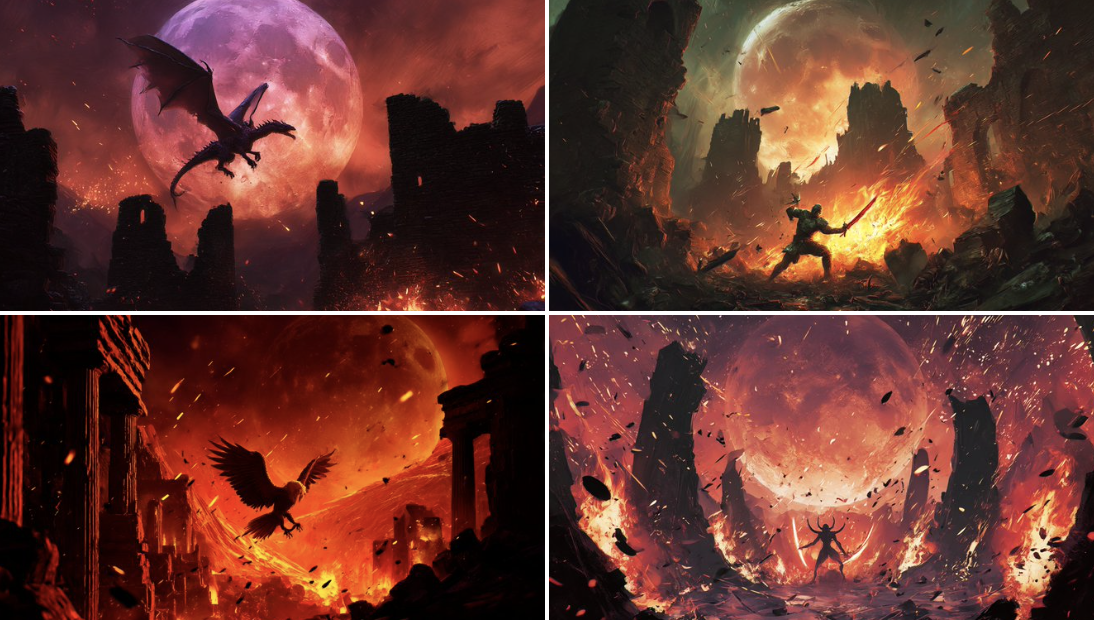
A dark fantasy anime illustration of a lone swordsman on a desolate battlefield under a giant {argument name="moon color" default="blood-red"} moon. The character has {argument name="character hair" default="long dark hair in a messy high ponytail"}, glowing red eyes, and wears tattered black traditional clothing while holding a {argument name="weapon" default="katana"} angled downwards. In the background, a {argument name="background structure" default="ruined Japanese castle"} looms amidst dark, swirling clouds. The scene includes 3 prominent tattered banners with Japanese kanji planted among shadowy debris. The lighting is cinematic and ominous, utilizing a color palette of {argument name="color palette" default="deep blacks and intense crimson reds"}.
Category
Posters & Typography
Model
GPT Image 2
Creator
abdlhak
Views6
Source ID
13809
Published
Apr 16, 2026

Guide

About "暗黑奇幻武士战场"

What is this prompt for?

"暗黑奇幻武士战场" AI image prompt for GPT Image 2 (Posters & Typography). 生成一张电影级动漫插画,描绘了巨月之下战场上的孤胆战士,非常适合作为暗黑奇幻概念艺术。 Copy it on Picva and recreate the look in one cl…

The full copyable prompt and example visuals above are ready for AI image generation or one-click recreate in Picva.

How to use this prompt

  1. Step 1

    Open the prompt detail

    Review the example visuals, category, and full prompt text for "暗黑奇幻武士战场".

  2. Step 2

    Copy the prompt

    Copy the prompt body from this page, or load it directly in Studio.

  3. Step 3

    Pick a model (GPT Image 2)

    Prefer GPT Image 2. If you switch models, keep subject and composition and tweak style terms.

  4. Step 4

    Generate and export

    Recreate the look in Picva, or export into your workflow for editing and publishing.

FAQ

What is the "暗黑奇幻武士战场" prompt?
It is an AI image-generation prompt for GPT Image 2 in the Posters & Typography category. This page includes the full prompt text, example visuals, and a one-click recreate path in Picva.
How do I use this prompt to generate an image?
Copy the prompt from this page, or use Generate / Studio. Paste it into a compatible image model, or recreate the look in Picva with optional reference images.
Which model is this prompt for?
This page lists GPT Image 2. Most descriptive prompts also transfer to nearby image models such as GPT Image, Flux, or Midjourney with light style tweaks.
Can I use the result commercially?
You can usually copy the prompt for creation, but commercial use of the final image depends on the model terms, reference-image rights, and the generated content. Follow the source author and platform rules.