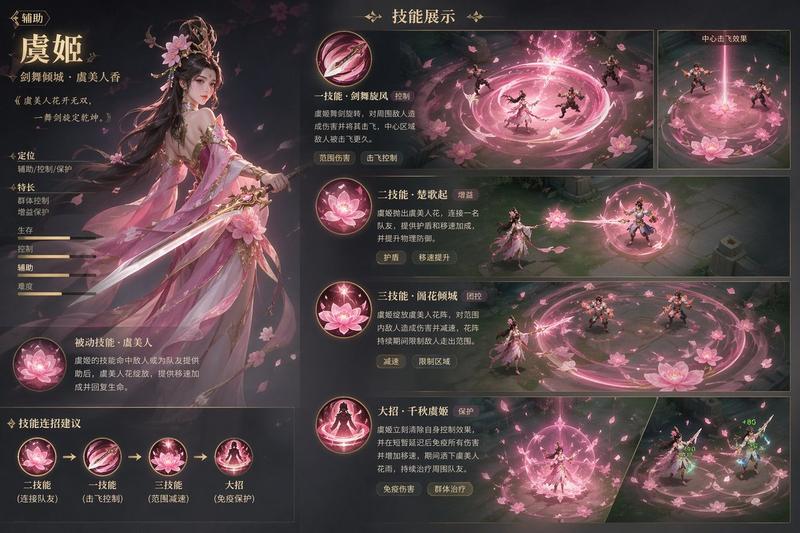
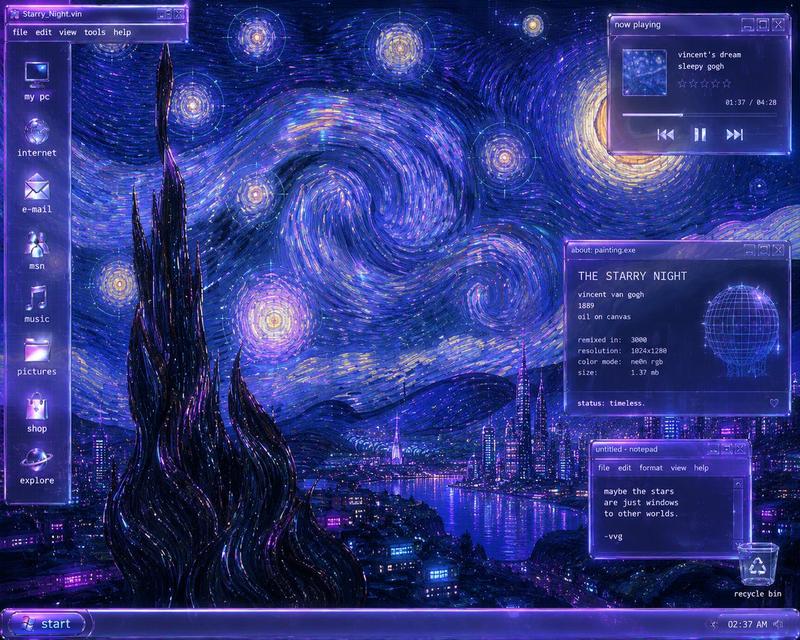
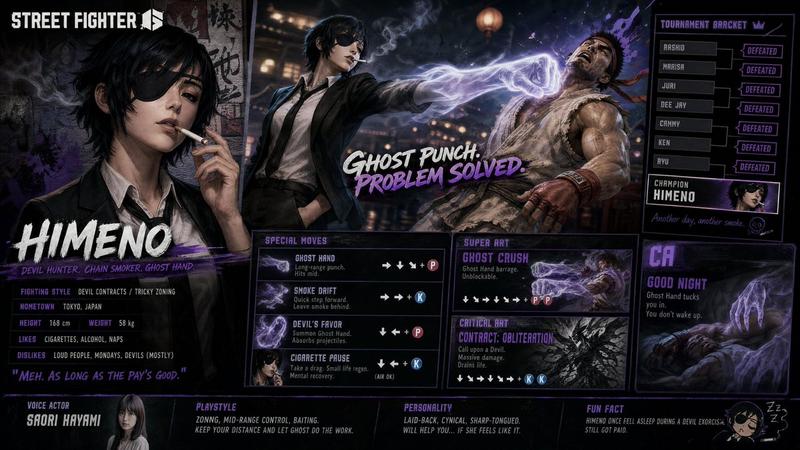
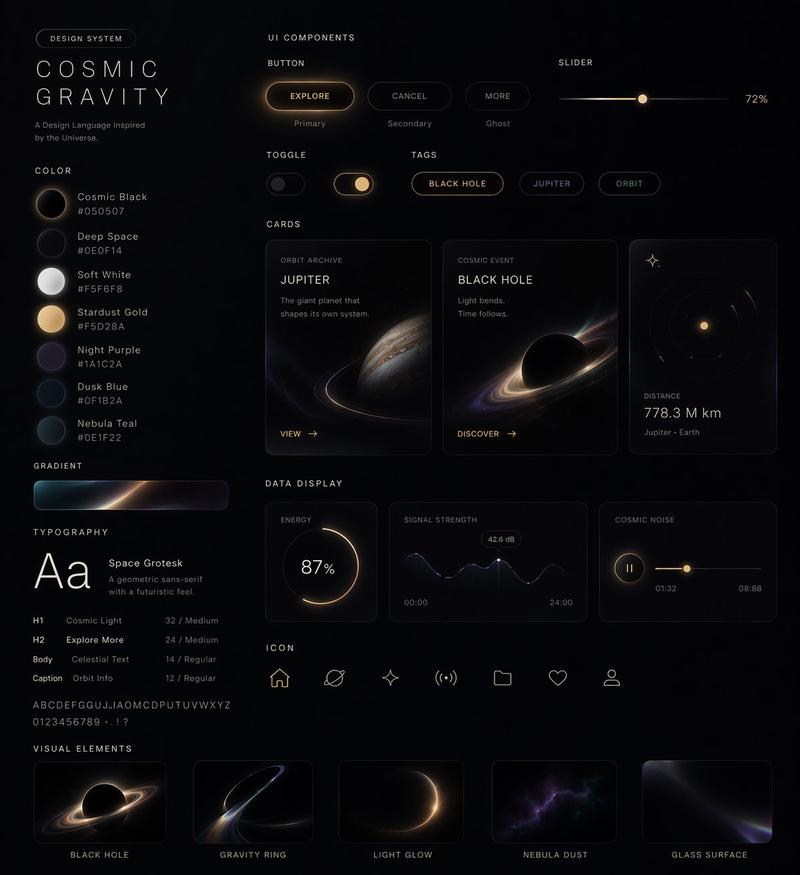
暗黑奇幻游戏活动 UI 设计稿
Prompt
{
  "type": "game event landing page UI mockup",
  "art_style": "{argument name=\"art style\" default=\"heavy impasto oil painting, dark fantasy\"}",
  "background_artwork": {
    "description": "dynamic combat scene with swirling dark and red energy",
    "character_count": 4,
    "characters": [
      "top: white-haired man casting blue spell",
      "middle-left: dark-haired man summoning shadow energy",
      "right: pink-haired man throwing red energy punch",
      "bottom-left: brown-haired woman wielding hammer"
    ]
  },
  "ui_layout": {
    "top_left": {
      "type": "event header",
      "elements": [
        {"small_text": "{argument name=\"subtitle\" default=\"리그 오브 레전드 X 주술회전\"}"},
        {"large_title": "{argument name=\"main title\" default=\"주술사의 결전\"}"},
        {"date_text": "{argument name=\"event date\" default=\"이벤트 기간: 2024.07.18 - 2024.08.28\"}"},
        {"description": "소환사의 협곡에 주술회전이 강림했다. 임무를 완료하고 한정 보상을 획득해 보세요!"},
        {"button": "{argument name=\"button text\" default=\"이벤트 참여\"}"}
      ]
    },
    "bottom_left": {
      "type": "mission panel",
      "header": "일일 임무 0/8",
      "mission_count": 2,
      "missions": [
        {"text": "협곡에서 게임 1회 플레이", "progress": "0/1", "reward": "100"},
        {"text": "적 챔피언 15회 처치 관여", "progress": "0/15", "reward": "200"}
      ]
    },
    "bottom_right": {
      "type": "rewards panel",
      "labels": ["주술회전 패스", "한정 스킨 보상"],
      "icon_count": 4,
      "icons": [
        "blindfolded man",
        "pink-haired boy",
        "brown-haired girl",
        "dark monster"
      ]
    }
  }
}- Category
- UI & Interfaces
- Model
- GPT Image 2
- Creator
- Aditya ⚡Rao
- Source ID
- 13835
- Published
- Apr 16, 2026
Views9