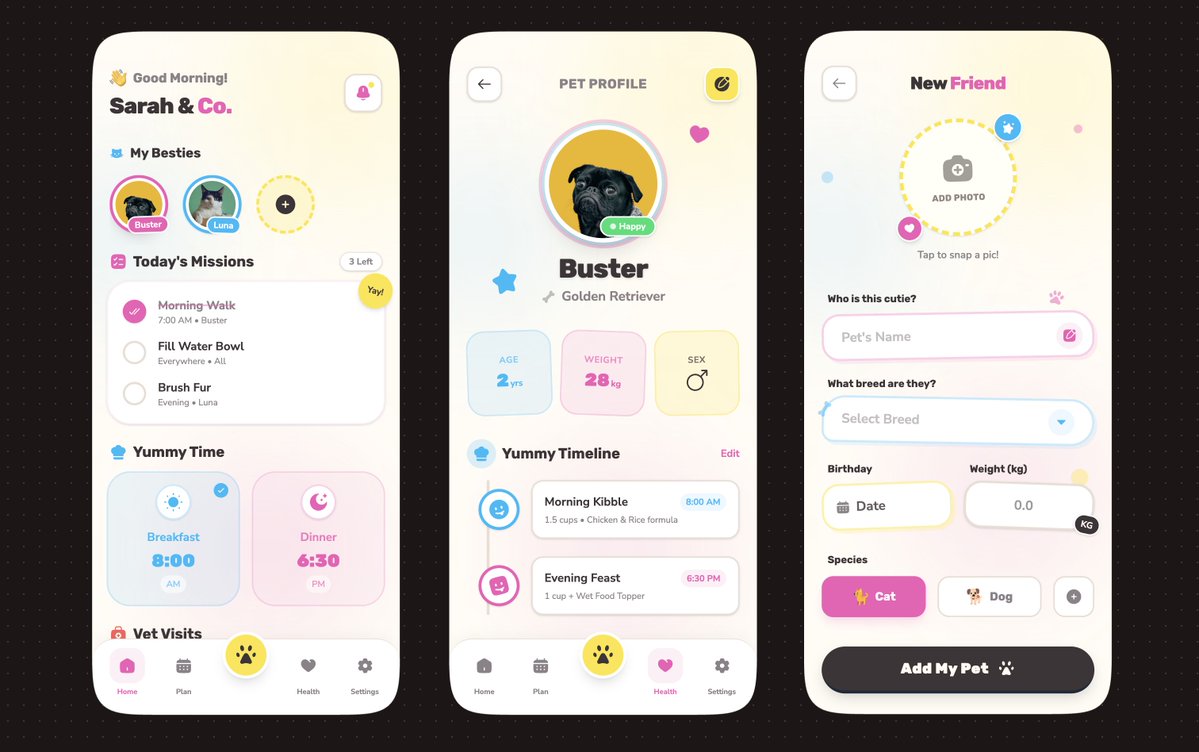
AI 助手 App UI 设计稿
Prompt
{
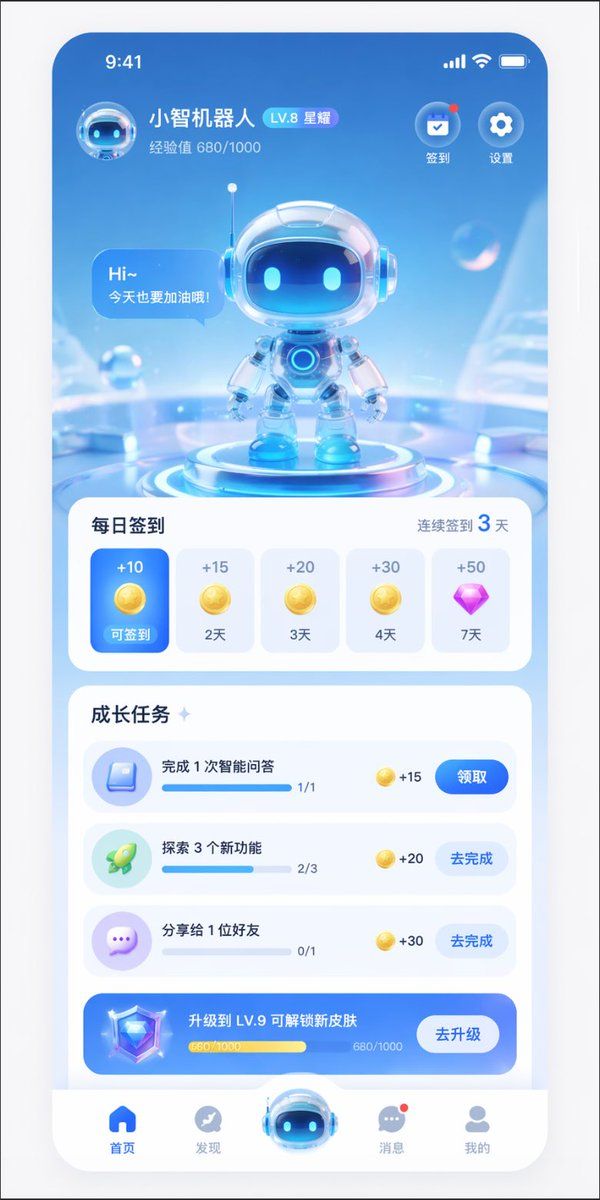
  "type": "mobile app UI mockup",
  "theme": "futuristic AI assistant, 3D glassmorphism, light blue and white color palette",
  "header": {
    "user_profile": {
      "avatar": "small 3D robot head",
      "name": "{argument name=\"app name\" default=\"小智机器人\"}",
      "level_badge": "LV.8 星耀",
      "experience": "经验值 680/1000"
    },
    "top_right_icons": {
      "count": 2,
      "labels": ["签到", "设置"]
    }
  },
  "hero_display": {
    "subject": "cute 3D robot with glass helmet and glowing blue eyes",
    "pose": "standing on a glowing futuristic circular podium",
    "speech_bubble": "{argument name=\"robot greeting\" default=\"Hi~ 今天也要加油哦!\"}",
    "background": "abstract light blue tech environment with floating transparent bubbles"
  },
  "layout": {
    "sections": [
      {
        "title": "每日签到",
        "subtitle": "连续签到 3 天",
        "type": "horizontal scroll cards",
        "count": 5,
        "items": [
          {"state": "active blue card", "reward": "+10 gold coin", "label": "可签到"},
          {"state": "inactive white card", "reward": "+15 gold coin", "label": "2天"},
          {"state": "inactive white card", "reward": "+20 gold coin", "label": "3天"},
          {"state": "inactive white card", "reward": "+30 gold coin", "label": "4天"},
          {"state": "inactive white card", "reward": "+50 purple diamond", "label": "7天"}
        ]
      },
      {
        "title": "成长任务",
        "type": "vertical list",
        "count": 4,
        "items": [
          {"icon": "blue book", "text": "{argument name=\"task 1 title\" default=\"完成 1 次智能问答\"}", "progress": "1/1", "reward": "+15", "button": "领取"},
          {"icon": "green rocket", "text": "{argument name=\"task 2 title\" default=\"探索 3 个新功能\"}", "progress": "2/3", "reward": "+20", "button": "去完成"},
          {"icon": "purple chat bubble", "text": "分享给 1 位好友", "progress": "0/1", "reward": "+30", "button": "去完成"},
          {"style": "blue gradient banner", "icon": "3D diamond", "text": "{argument name=\"upgrade banner text\" default=\"升级到 LV.9 可解锁新皮肤\"}", "progress": "680/1000", "button": "去升级"}
        ]
      }
    ],
    "bottom_navigation": {
      "count": 5,
      "items": [
        {"icon": "blue home", "label": "首页"},
        {"icon": "grey compass", "label": "发现"},
        {"icon": "large protruding 3D robot head", "label": ""},
        {"icon": "grey chat bubble with red dot", "label": "消息"},
        {"icon": "grey user profile", "label": "我的"}
      ]
    }
  }
}- Category
- UI & Interfaces
- Model
- GPT Image 2
- Creator
- summer song
- Source ID
- 13905
- Published
- Apr 17, 2026
Views13