17

3D 动画风格动物办公室邂逅
Enlarge

3D 动画风格动物办公室邂逅

Prompt
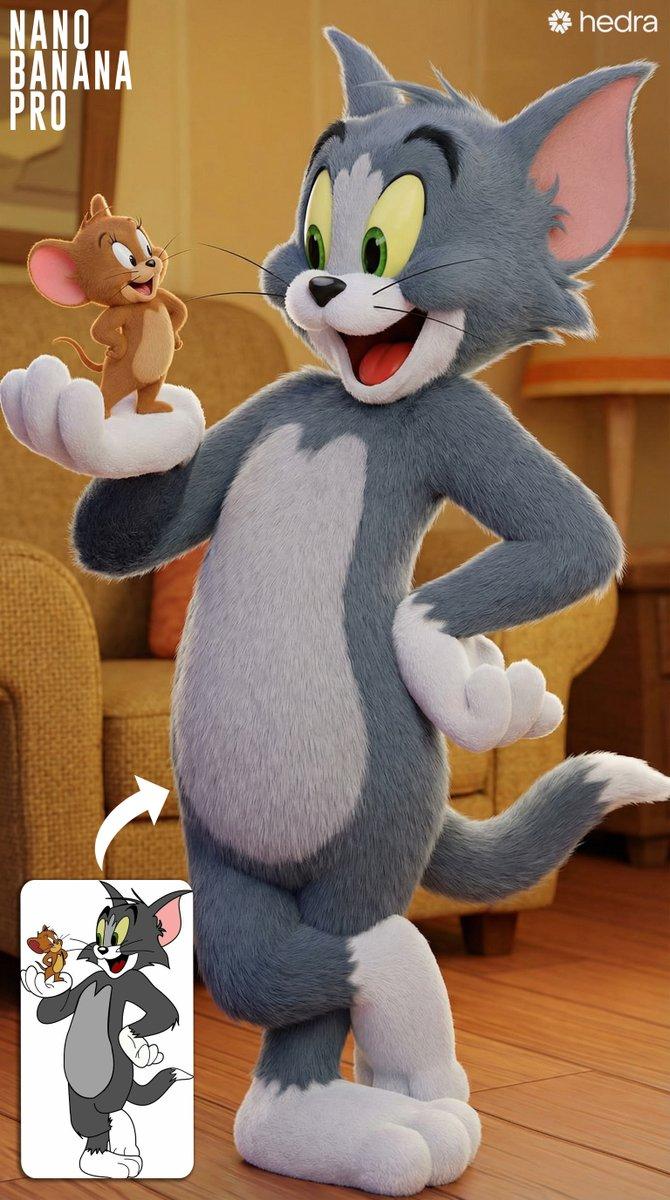
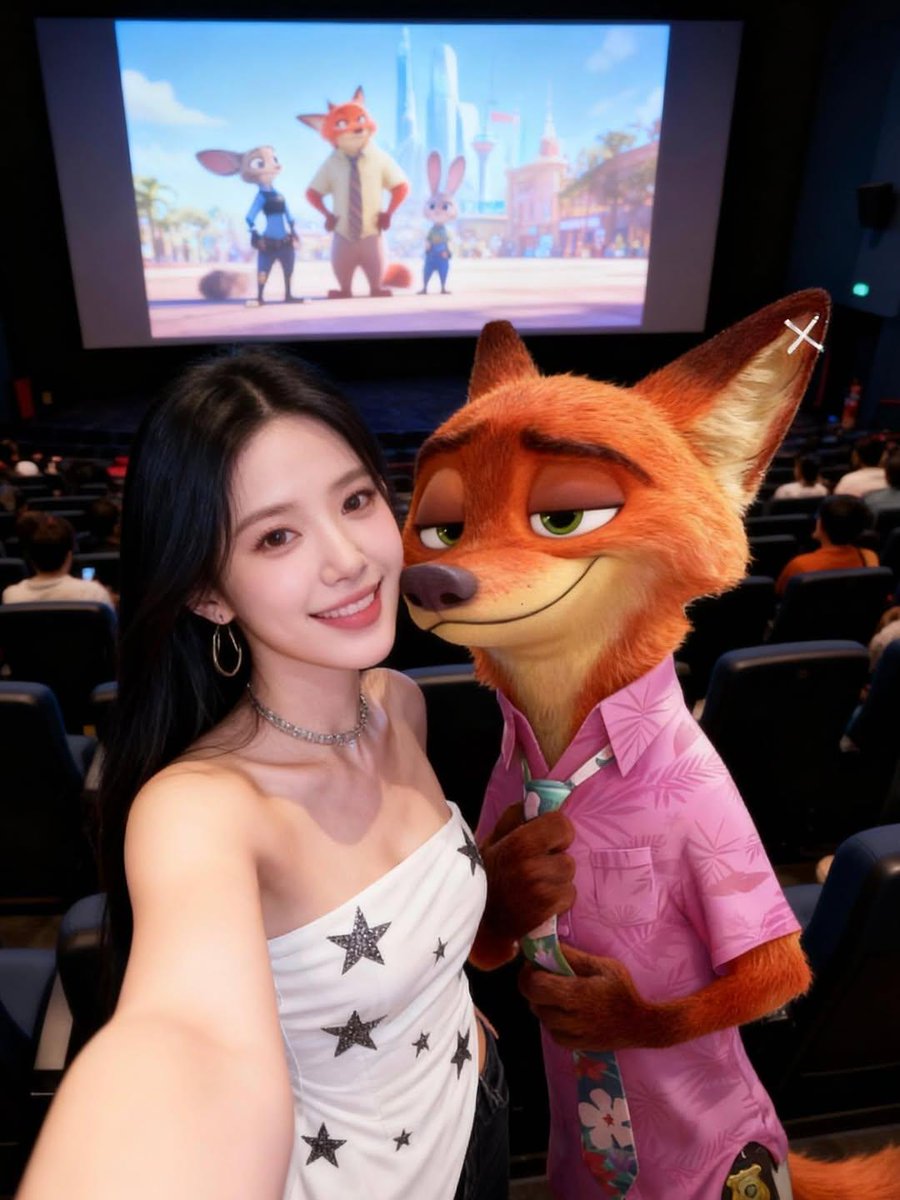
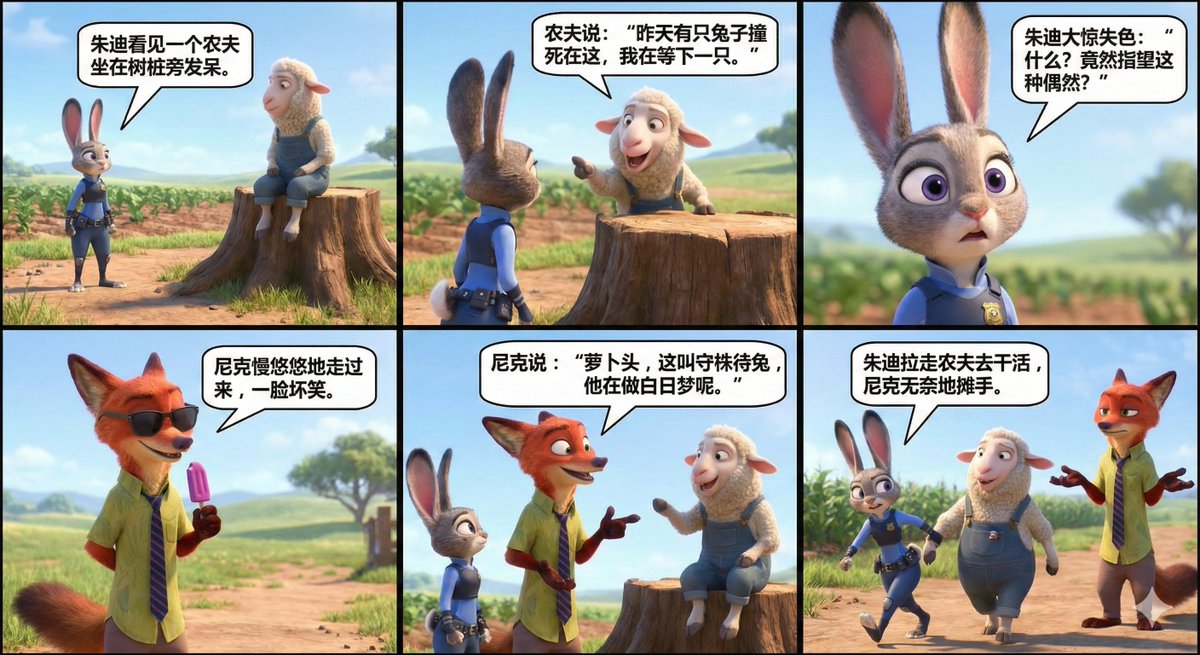
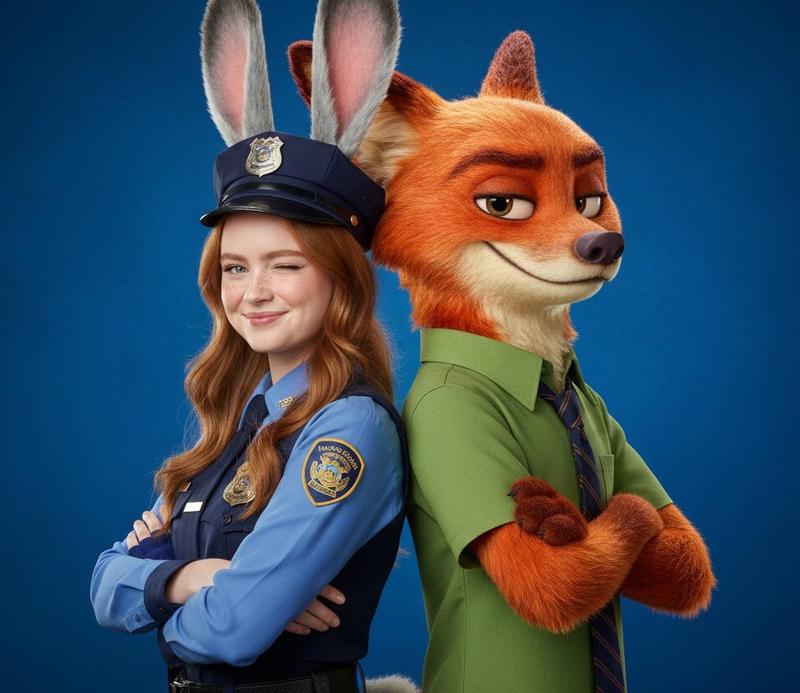
A high-quality 3D animated cinematic shot of a {argument name="left character" default="black and white tuxedo cat police officer"} extending a white-gloved hand for a handshake to a tall, {argument name="right character" default="stylish anthropomorphic blonde fox"}. The fox is smirking with one hand in his pocket, wearing a {argument name="fox outfit" default="teal open shirt over a white t-shirt, white pants, and a gold chain"}. They are standing in a modern, upscale office lobby. On the left wall, a metallic 3D star logo reads "{argument name="company name" default="Paw Star ENTERTAINMENT"}" above a sleek reception desk. The background features a black leather sofa, a potted plant, and wall decor including {argument name="background decor" default="3 framed gold records and 2 framed posters featuring the fox"}. The image features detailed fur textures, realistic clothing materials, and soft, professional studio lighting typical of modern animated feature films.
Category
Posters & Typography
Model
GPT Image 2
Views3
Source ID
13917
Published
Apr 17, 2026

Guide

About "3D 动画风格动物办公室邂逅"

What is this prompt for?

"3D 动画风格动物办公室邂逅" AI image prompt for GPT Image 2 (Posters & Typography). 生成一个电影级 3D 动画风格场景,展示两只拟人化动物在现代企业大厅中的互动。 Copy it on Picva and recreate the look in one…

The full copyable prompt and example visuals above are ready for AI image generation or one-click recreate in Picva.

How to use this prompt

  1. Step 1

    Open the prompt detail

    Review the example visuals, category, and full prompt text for "3D 动画风格动物办公室邂逅".

  2. Step 2

    Copy the prompt

    Copy the prompt body from this page, or load it directly in Studio.

  3. Step 3

    Pick a model (GPT Image 2)

    Prefer GPT Image 2. If you switch models, keep subject and composition and tweak style terms.

  4. Step 4

    Generate and export

    Recreate the look in Picva, or export into your workflow for editing and publishing.

FAQ

What is the "3D 动画风格动物办公室邂逅" prompt?
It is an AI image-generation prompt for GPT Image 2 in the Posters & Typography category. This page includes the full prompt text, example visuals, and a one-click recreate path in Picva.
How do I use this prompt to generate an image?
Copy the prompt from this page, or use Generate / Studio. Paste it into a compatible image model, or recreate the look in Picva with optional reference images.
Which model is this prompt for?
This page lists GPT Image 2. Most descriptive prompts also transfer to nearby image models such as GPT Image, Flux, or Midjourney with light style tweaks.
Can I use the result commercially?
You can usually copy the prompt for creation, but commercial use of the final image depends on the model terms, reference-image rights, and the generated content. Follow the source author and platform rules.