语言翻译与布局修改
Prompt
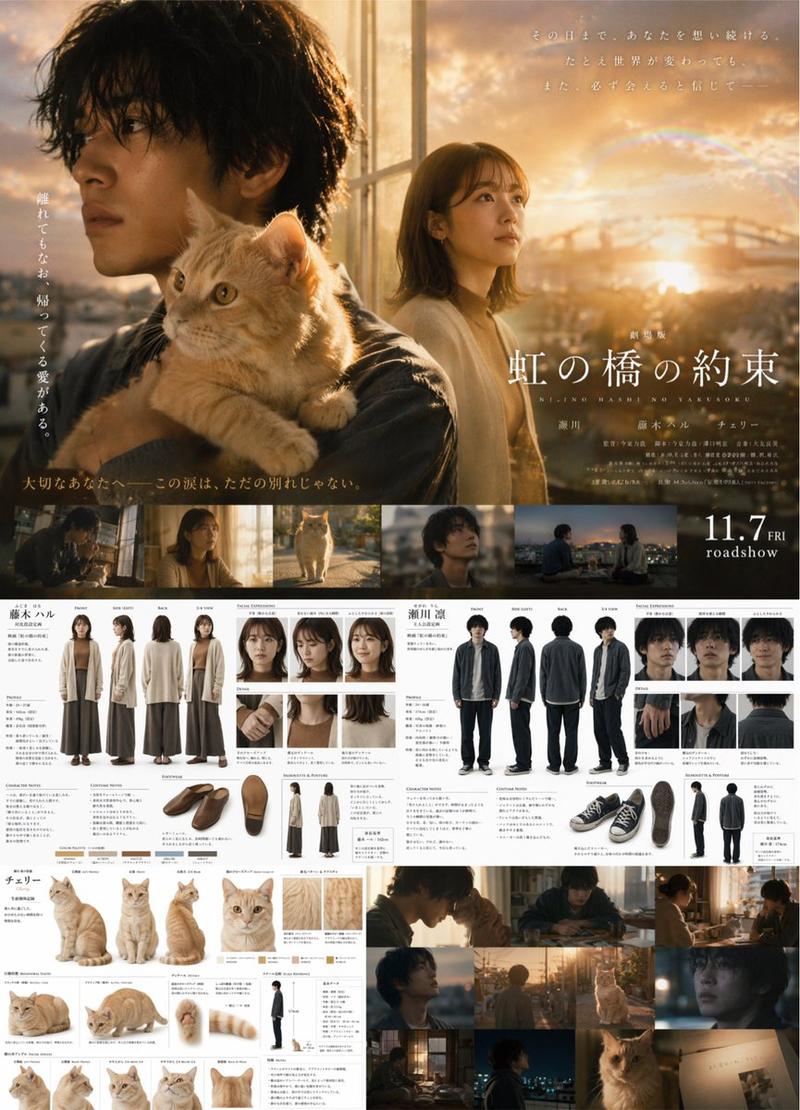
更改为英文版本。保持图像原样,并将日文文本翻译为英文。标题 = {argument name="title" default="风间的宁静 —— 致那天的你"}- Category
- Creative Use Cases
- Model
- GPT Image 2
- Source ID
- 13984
- Published
- Apr 18, 2026
Views1
17

更改为英文版本。保持图像原样,并将日文文本翻译为英文。标题 = {argument name="title" default="风间的宁静 —— 致那天的你"}Guide
"语言翻译与布局修改" AI image prompt for GPT Image 2 (Creative Use Cases). 一个展示 GPT-Image-2 在保持原始视觉风格和内容的同时翻译图像内文本能力的提示词。 Copy it on Picva and recreate the look in one…
The full copyable prompt and example visuals above are ready for AI image generation or one-click recreate in Picva.
Step 1
Review the example visuals, category, and full prompt text for "语言翻译与布局修改".
Step 2
Copy the prompt body from this page, or load it directly in Studio.
Step 3
Prefer GPT Image 2. If you switch models, keep subject and composition and tweak style terms.
Step 4
Recreate the look in Picva, or export into your workflow for editing and publishing.


![A clean 3×3 [ratio] storyboard grid with nine equal [ratio] sized panels on [4:5](https://i.pixshop.app/storage/v1/render/image/public/prompt-source-media/promptsref/work-29238/image-1-acea6e809fefeb0b.png?width=800&quality=75&resize=contain)