电商直播 UI 样机
Prompt
{
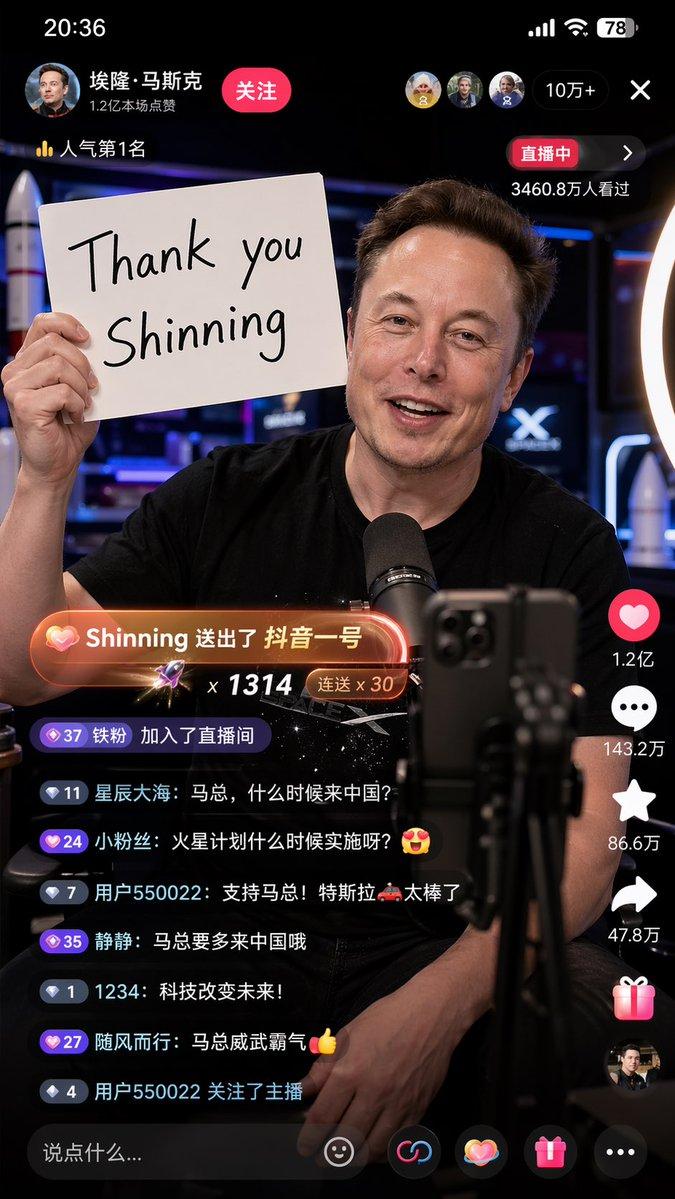
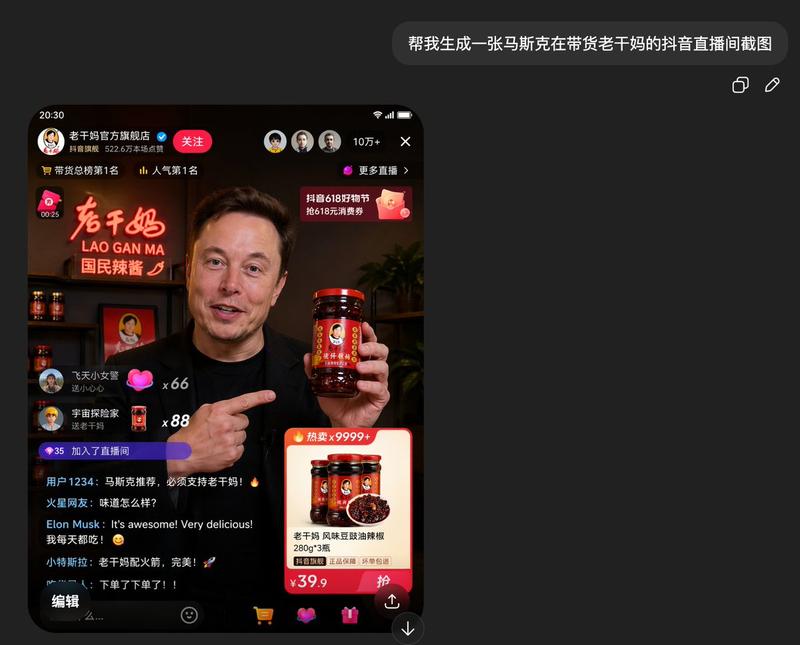
  "type": "mobile livestream screenshot",
  "subject": {
    "person": "Sam Altman",
    "action": "looking directly at the camera, gesturing with right hand extended forward",
    "clothing": "dark green sweater"
  },
  "background": "room with a shelf containing 3 wine bottles, a sign saying 'AGI', and an OpenAI logo on the wall",
  "layout": {
    "top_bar": {
      "time": "20:34",
      "battery": "77+"
    },
    "streamer_info": {
      "name": "{argument name=\"streamer name\" default=\"OpenAI\"}",
      "likes": "48.3万本场点赞",
      "button": "关注"
    },
    "viewer_stats": {
      "viewers": "10万+",
      "avatars_count": 3
    },
    "banners": {
      "count": 4,
      "labels": ["OpenAI官方旗舰店榜第1名", "更多直播", "00:12", "520好礼季"]
    },
    "host_label": {
      "name": "{argument name=\"host name\" default=\"山姆奥特曼 Sam Altman\"}",
      "status": "直播中",
      "subtitle": "{argument name=\"host quote\" default=\"大家好,我是山姆奥特曼,GPT滞销,帮帮我们!\"}"
    },
    "chat_box": {
      "message_count": 6,
      "messages": [
        "1号小迷妹: 来了来了",
        "博士在深圳: 支持奥特曼!支持 OpenAI!",
        "AI爱好者: GPTplus买起来!",
        "小太阳: 先拍一单试试",
        "OpenAI小助理: 点击下方小黄车,了解更多产品信息~",
        "淡定哥: 已拍,支持!"
      ]
    },
    "product_card": {
      "title": "{argument name=\"product name\" default=\"OpenAI ChatGPT Plus 订阅服务 (一个月)\"}",
      "features": "正品保障 7天无理由 过期自动退 随时可退",
      "price": "{argument name=\"product price\" default=\"¥199\"}",
      "button": "抢"
    },
    "bottom_bar": {
      "input_placeholder": "说点什么...",
      "icons_count": 4
    }
  }
}- Category
- UI & Interfaces
- Model
- GPT Image 2
- Creator
- 程序员Left
- Source ID
- 13992
- Published
- Apr 18, 2026
Views4