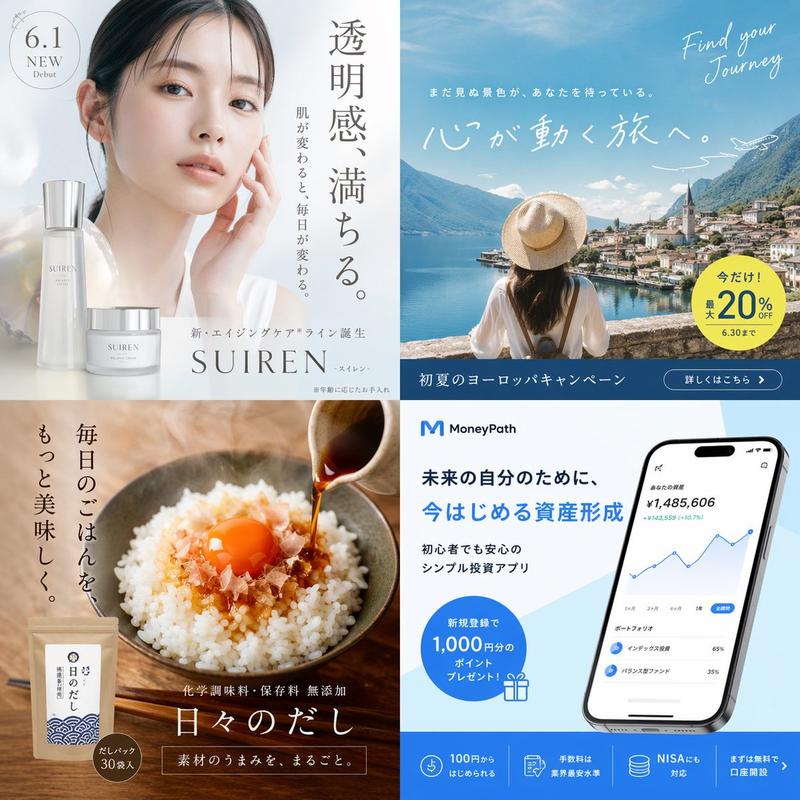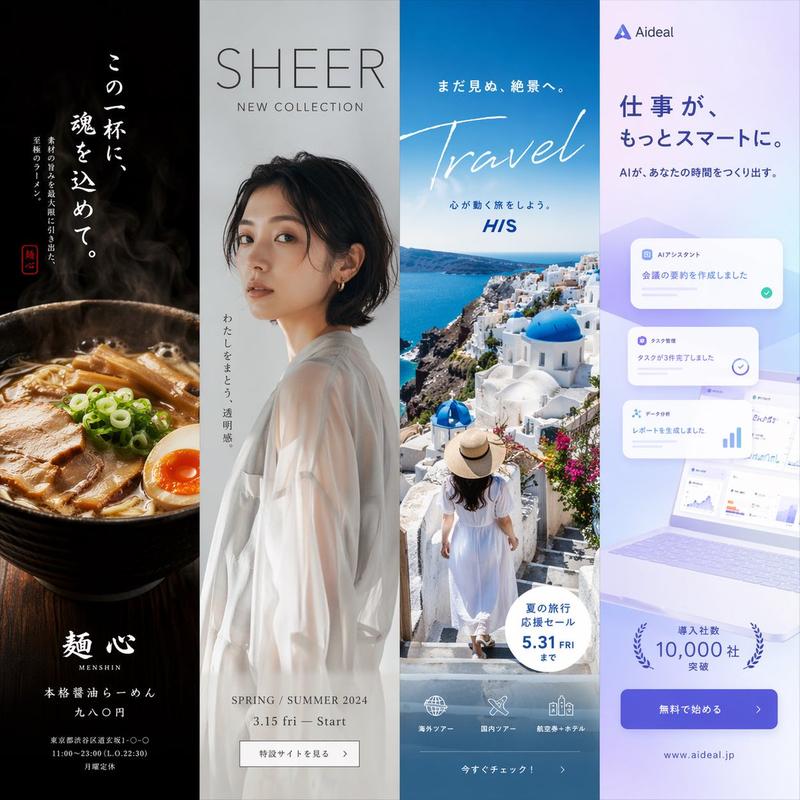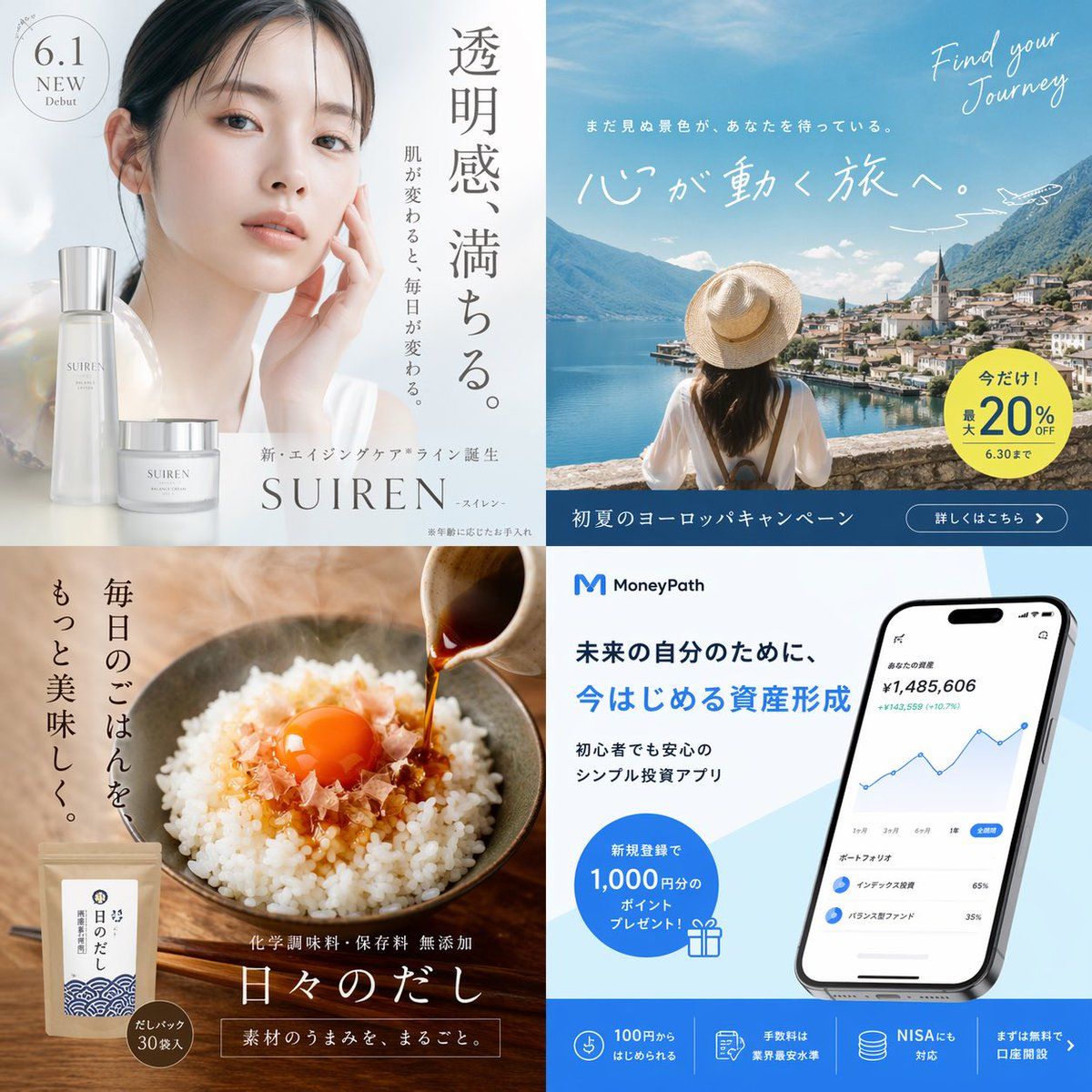
4 格广告概念网格
Prompt
{
  "type": "2x2 advertisement grid",
  "layout": {
    "grid_structure": "2 rows, 2 columns",
    "sections": [
      {
        "position": "top-left",
        "theme": "skincare beauty ad",
        "visuals": "Portrait of a young Asian woman with glowing, clear skin, hand gently touching her face. Two elegant frosted glass skincare product bottles in the foreground.",
        "copy": {
          "headline": "{argument name=\"skincare headline\" default=\"透明感、満ちる。\"}",
          "subheadline": "When your skin changes, your everyday changes.",
          "brand_text": "New aging care line debut {argument name=\"skincare brand\" default=\"SUIREN\"}",
          "badge": "6.1 NEW Debut"
        }
      },
      {
        "position": "top-right",
        "theme": "travel agency campaign ad",
        "visuals": "Back view of a woman in a white shirt and straw hat looking out over a scenic European lake town with mountains and a church spire. A small airplane illustration in the sky.",
        "copy": {
          "english_script": "Find your Journey",
          "headline": "{argument name=\"travel headline\" default=\"心が動く旅へ。\"}",
          "subheadline": "Unseen scenery is waiting for you.",
          "badge": "Now only! Up to 20% OFF until 6.30",
          "bottom_bar": "Early summer Europe campaign | Details here >"
        }
      },
      {
        "position": "bottom-left",
        "theme": "traditional food product ad",
        "visuals": "Close-up of a rustic bowl of white rice topped with bonito flakes and a bright orange raw egg yolk. Dark soy sauce or dashi is being poured from a small ceramic pitcher. A kraft paper product pouch is in the bottom left corner.",
        "copy": {
          "headline": "{argument name=\"food headline\" default=\"毎日のごはんを、もっと美味しく。\"}",
          "product_name": "Everyday Dashi",
          "features": "No chemical seasonings or preservatives added | The whole umami of the ingredients.",
          "badge": "Dashi pack 30 bags included"
        }
      },
      {
        "position": "bottom-right",
        "theme": "fintech investment app ad",
        "visuals": "A modern smartphone displaying a financial dashboard with a blue line chart and portfolio breakdown. Clean white and light blue background.",
        "copy": {
          "logo": "M MoneyPath",
          "headline": "For your future self, {argument name=\"finance headline\" default=\"今はじめる資産形成\"}",
          "subheadline": "Simple investment app safe even for beginners",
          "badge": "1,000 yen worth of points present for new registration!",
          "bottom_features": [
            "Start from 100 yen",
            "Industry lowest fee level",
            "NISA compatible",
            "Open an account for free first >"
          ]
        }
      }
    ]
  }
}- Category
- Charts & Infographics
- Model
- GPT Image 2
- Creator
- KAWAI
- Source ID
- 13996
- Published
- Apr 17, 2026
Views4