史诗奇幻双重曝光剪影
Prompt
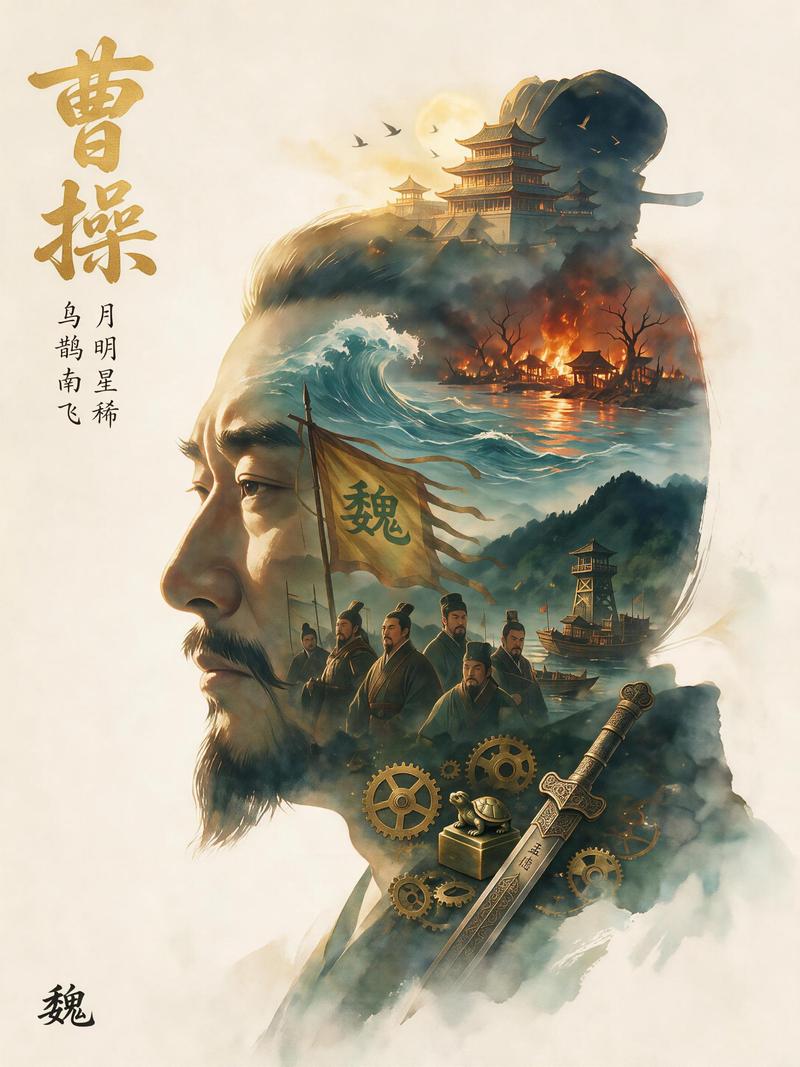
An {argument name="overall theme" default="epic fantasy"} illustration utilizing a {argument name="art style" default="watercolor and ink wash double exposure"} technique on a vintage parchment background. The overall composition forms the {argument name="main silhouette subject" default="right-facing profile of a man's head"}. Inside this silhouette is a complex montage of scenes and characters. At the top, a white tree with red leaves stands near a cliffside castle, with a white winged creature flying on the left and a black dragon breathing fire on the right. Below this, a blonde woman sits on a throne made of swords, while a cloaked figure stands on a hill nearby. In the center right, a romantic couple consisting of a blonde woman and a dark-haired man in a fur collar gaze at each other. To their left stands a knight in full plate armor holding a sword. Below them is a group of 3 figures: a man, a young woman, and a child. At the bottom, a large white wolf head is on the left, and a stag stands near a castle on the right. In the bottom center, a flaming heart hovers above 2 crossed swords and 1 golden crown. The {argument name="dominant color palette" default="muted earthy tones with splashes of red and orange"} creates a dramatic, legendary atmosphere.- Category
- Posters & Typography
- Model
- GPT Image 2
- Creator
- 佛恩
- Source ID
- 14034
- Published
- Apr 18, 2026
Views6




![[Main Roles] the most recognizable head, face outline, mask or outer outline of](https://i.pixshop.app/storage/v1/render/image/public/prompt-source-media/promptsref/work-29167/image-1-5ac24201b4f8b665.png?width=800&quality=75&resize=contain)