18

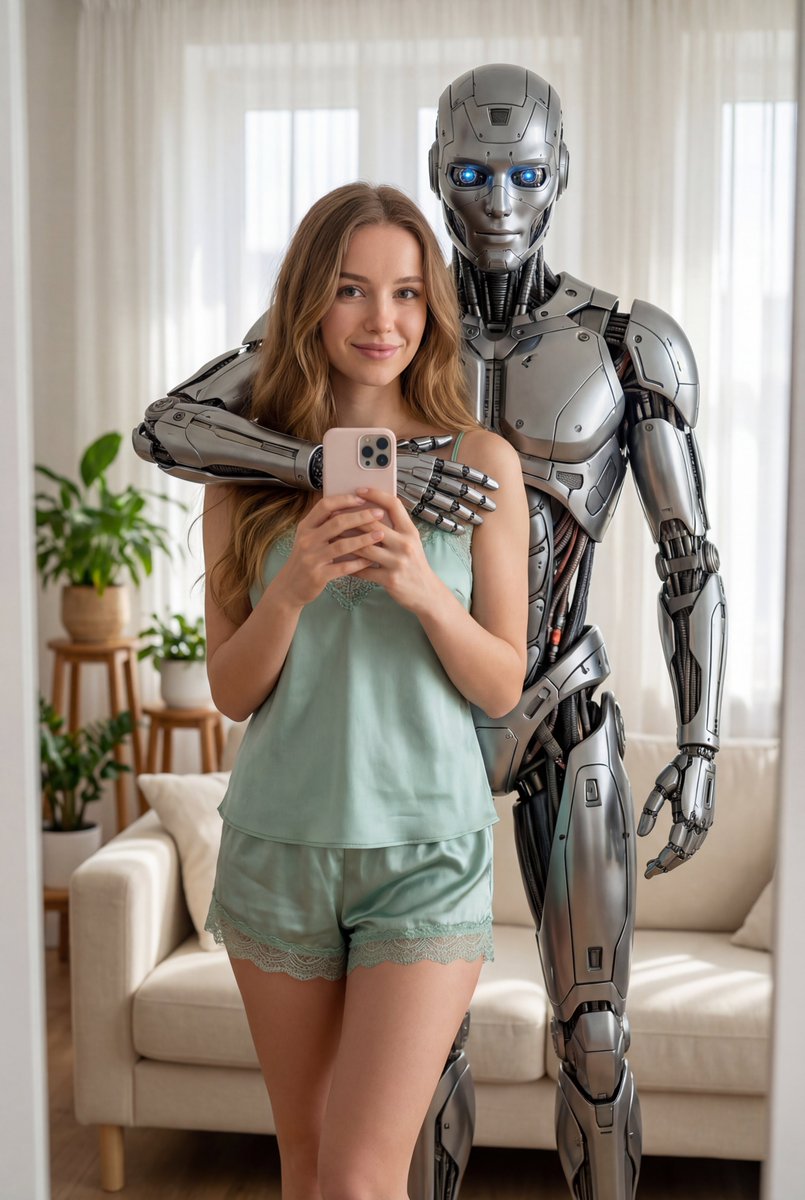
动力装甲镜中自拍
Enlarge

动力装甲镜中自拍

Prompt
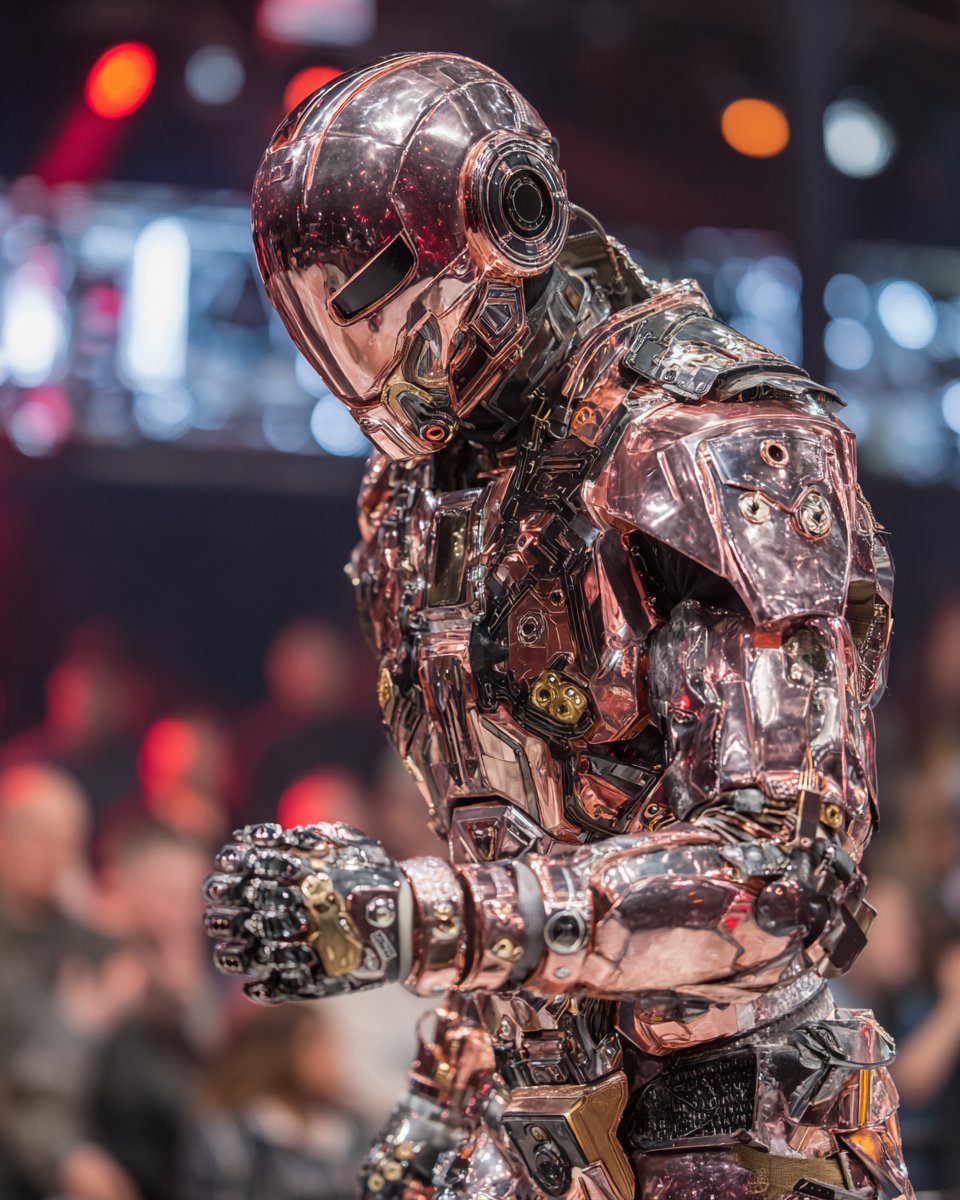
A person wearing a highly detailed, weathered, and battle-damaged {argument name="armor type" default="T-60 power armor from Fallout"} taking a mirror selfie with a {argument name="phone type" default="black smartphone"}. The armor is bulky, metallic, and covered in grime, rust, and scratches, featuring a distinctive helmet with a respirator, headlamp, and thick shoulder pauldrons. The person is holding the phone in their right armored hand, positioned in front of their chest. The reflection is seen in a slightly dirty mirror with a dark wooden frame. In the background, there is a dimly lit, messy room with a {argument name="poster subject" default="Vault Boy poster"} partially visible on the wall behind the armor. The lighting is moody and realistic, emphasizing the textures of the metal and the gritty atmosphere.
Category
Posters & Typography
Model
GPT Image 2
Creator
Vic Rom
Views3
Source ID
14074
Published
Apr 15, 2026

Guide

About "动力装甲镜中自拍"

What is this prompt for?

"动力装甲镜中自拍" AI image prompt for GPT Image 2 (Posters & Typography). 生成一张身穿风化动力装甲的人在杂乱房间里进行镜中自拍的写实图像。 Copy it on Picva and recreate the look in one click.

The full copyable prompt and example visuals above are ready for AI image generation or one-click recreate in Picva.

How to use this prompt

  1. Step 1

    Open the prompt detail

    Review the example visuals, category, and full prompt text for "动力装甲镜中自拍".

  2. Step 2

    Copy the prompt

    Copy the prompt body from this page, or load it directly in Studio.

  3. Step 3

    Pick a model (GPT Image 2)

    Prefer GPT Image 2. If you switch models, keep subject and composition and tweak style terms.

  4. Step 4

    Generate and export

    Recreate the look in Picva, or export into your workflow for editing and publishing.

FAQ

What is the "动力装甲镜中自拍" prompt?
It is an AI image-generation prompt for GPT Image 2 in the Posters & Typography category. This page includes the full prompt text, example visuals, and a one-click recreate path in Picva.
How do I use this prompt to generate an image?
Copy the prompt from this page, or use Generate / Studio. Paste it into a compatible image model, or recreate the look in Picva with optional reference images.
Which model is this prompt for?
This page lists GPT Image 2. Most descriptive prompts also transfer to nearby image models such as GPT Image, Flux, or Midjourney with light style tweaks.
Can I use the result commercially?
You can usually copy the prompt for creation, but commercial use of the final image depends on the model terms, reference-image rights, and the generated content. Follow the source author and platform rules.