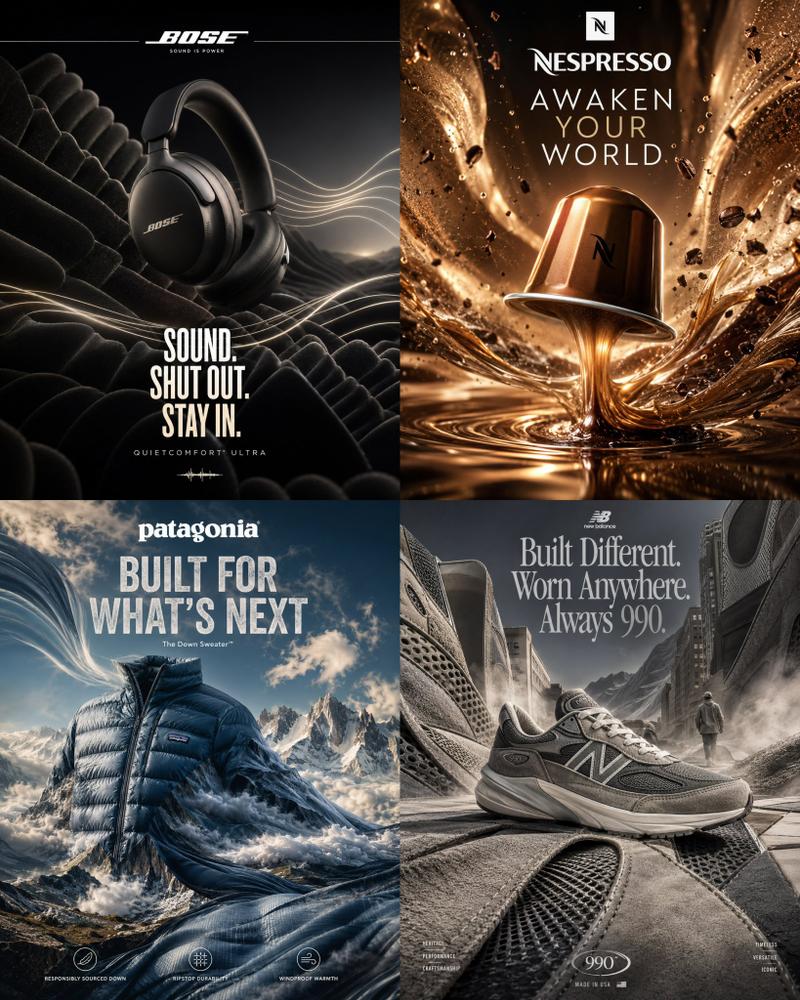
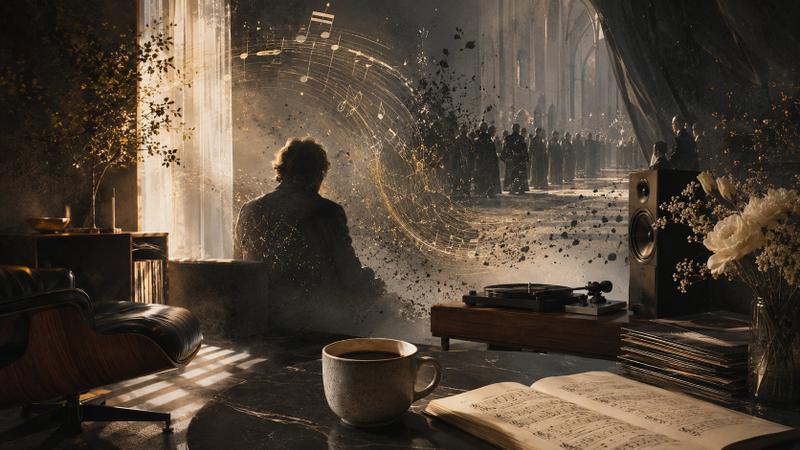
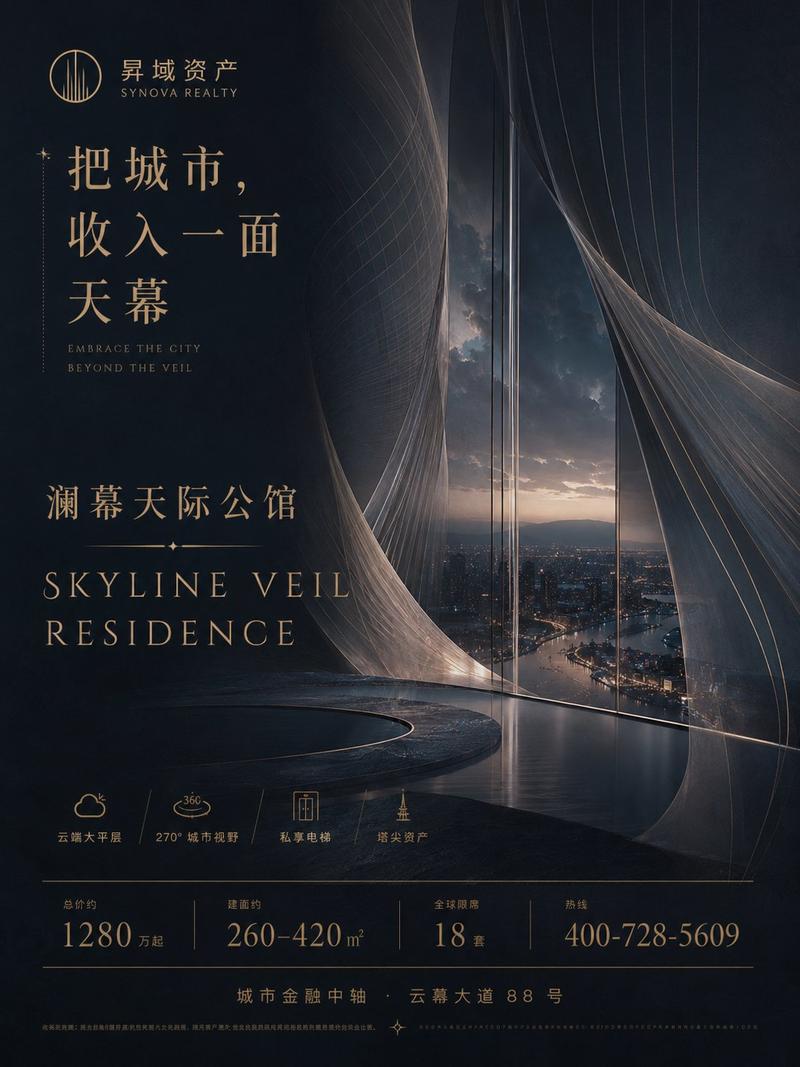
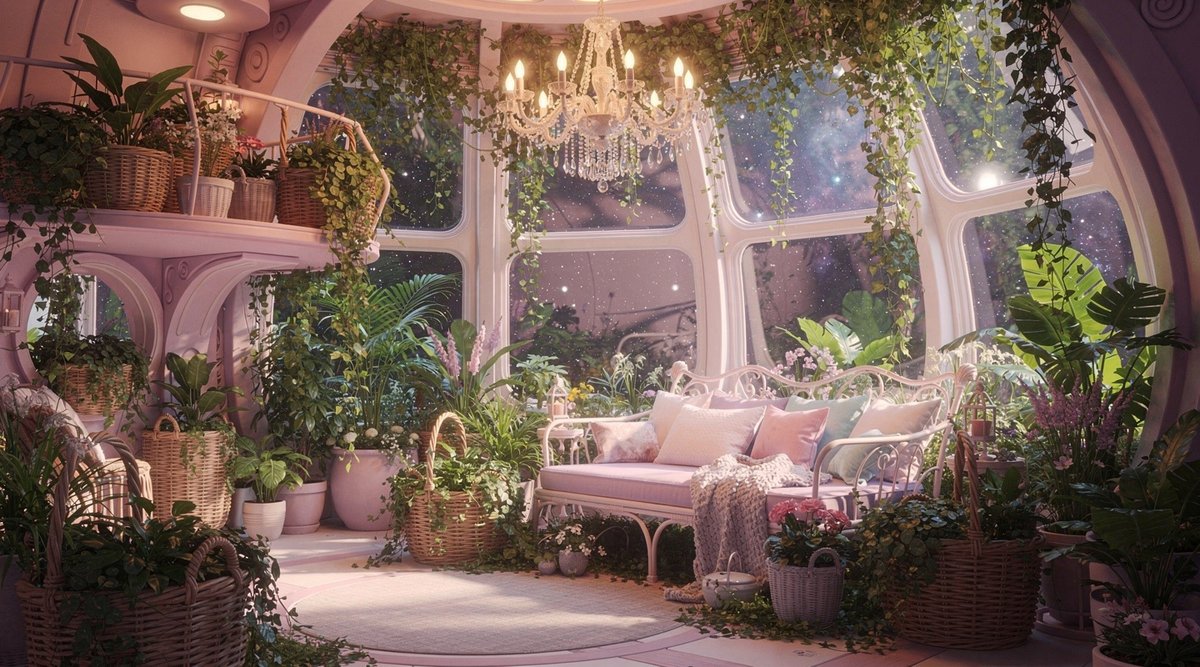
反重力台灯落地页模型
Prompt
{
  "type": "website landing page mockup",
  "theme": "dark mode, modern, sci-fi interior",
  "color_palette": [
    "dark teal",
    "{argument name=\"primary color\" default=\"cyan\"}",
    "cool white",
    "charcoal"
  ],
  "header": {
    "logo": "crescent moon icon with dots",
    "brand_name": "{argument name=\"brand name\" default=\"GraviLune\"}",
    "navigation_links": {
      "count": 5,
      "labels": [
        "特徴",
        "使い方",
        "テクノロジー",
        "デザイン",
        "よくある質問"
      ]
    },
    "cta_button": "今すぐ購入する"
  },
  "hero_content": {
    "position": "left",
    "headline": "{argument name=\"headline text\" default=\"気分に合わせて、部屋の重力をデザインする。\"}",
    "subtext": "集中したい朝は軽く、眠りたい夜は深く。重力の密度を整えて、空間体験そのものを変えるインテリアランプ。",
    "buttons": {
      "count": 2,
      "primary": "重力を整える (glowing cyan, rounded)",
      "secondary": "部屋の変化を見る (outlined, play icon)"
    },
    "feature_badges": {
      "count": 3,
      "labels": [
        "3段階重力モード",
        "家具もふわり",
        "安全設計"
      ]
    }
  },
  "visual_scene": {
    "position": "right and background",
    "setting": "{argument name=\"background setting\" default=\"modern living room at night with a full moon\"}",
    "main_product": "{argument name=\"product description\" default=\"large sleek circular pendant lamp emitting cool white glow\"}",
    "floating_objects": {
      "count": 7,
      "items": [
        "2 open books",
        "1 closed book",
        "1 black coffee mug",
        "1 smartphone",
        "2 pens"
      ]
    },
    "table_objects": "stack of 3 books hovering slightly above wooden coffee table",
    "furniture": "dark sofa on the left, wooden coffee table"
  },
  "footer_element": "SCROLL text with downward line indicator at bottom center"
}- Category
- Charts & Infographics
- Model
- GPT Image 2
- Creator
- パク🎈動画広告分析Pro × AI
- Source ID
- 14180
- Published
- Apr 20, 2026
Views4