17

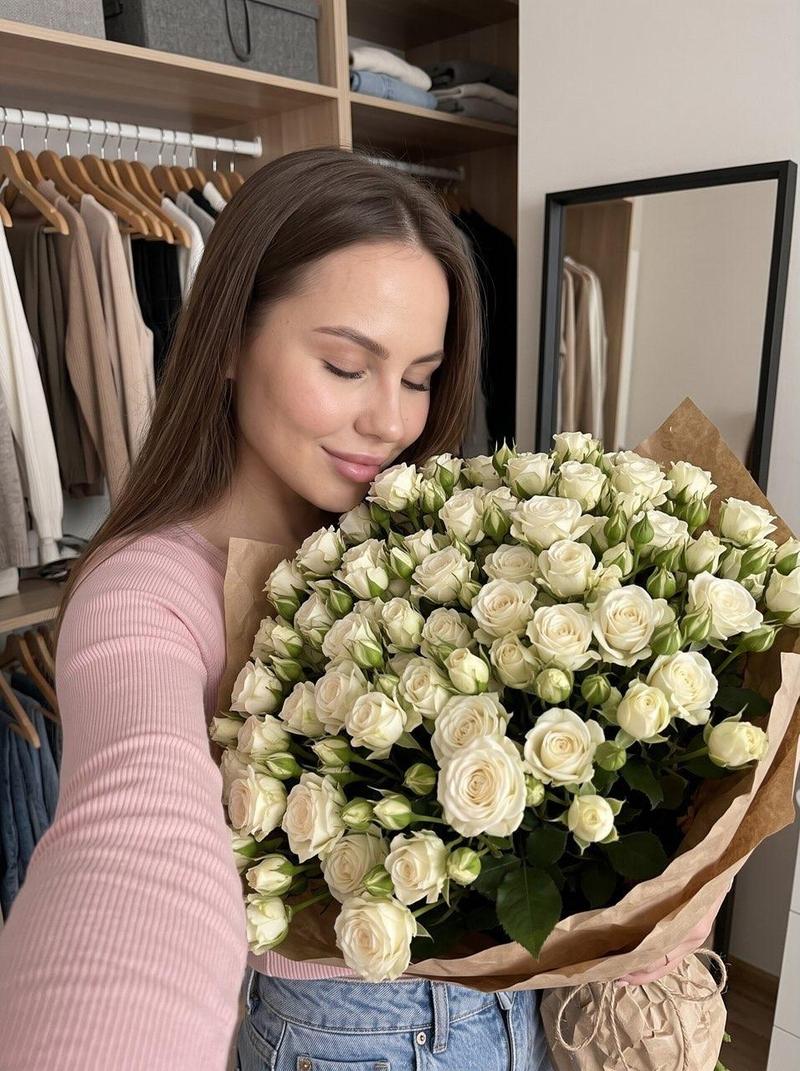
母亲节鲜花礼品促销横幅
Enlarge

母亲节鲜花礼品促销横幅

Prompt
{
  "type": "promotional banner advertisement",
  "theme": "Mother's Day flower gift",
  "visual_style": "soft, elegant, feminine, pastel colors, scattered pink petals in the background",
  "imagery": {
    "bouquet": "large arrangement of {argument name=\"color theme\" default=\"pink\"} carnations and roses, wrapped in pink paper with a satin ribbon, placed on the right side",
    "tag": "white rectangular tag hanging from the bouquet reading '{argument name=\"tag text\" default=\"Thank you Mother!\"}' with a drawn heart"
  },
  "layout": {
    "main_typography": {
      "position": "top left to mid left",
      "top_arch": "大好きなお母さんへ、",
      "sub_arch": "\\ 感謝の気持ちをお花に込めて。 /",
      "headline_1": "{argument name=\"main event\" default=\"母の日\"}に",
      "headline_2": "{argument name=\"product name\" default=\"フラワーギフト\"}を",
      "headline_3": "贈ろう"
    },
    "details_section": {
      "position": "bottom left above footer",
      "badge": "circular badge with text '{argument name=\"event date\" default=\"5.12\"} sun 母の日'",
      "description_text": "ありがとうの気持ちを お花にのせて、 特別な一日をもっと華やかに。"
    },
    "footer": {
      "position": "bottom edge",
      "style": "white horizontal bar",
      "count": 3,
      "items": [
        { "icon": "delivery truck", "text": "全国配送対応", "subtext": "※一部地域を除く" },
        { "icon": "gift box", "text": "ギフトラッピング無料" },
        { "icon": "calendar", "text": "5/10(金)までのご注文で 母の日当日にお届け" }
      ]
    }
  }
}
Category
Charts & Infographics
Model
GPT Image 2
Views0
Source ID
14219
Published
Apr 20, 2026

Guide

About "母亲节鲜花礼品促销横幅"

What is this prompt for?

"母亲节鲜花礼品促销横幅" AI image prompt for GPT Image 2 (Charts & Infographics). 生成一张用于母亲节鲜花礼品的日式促销横幅,包含花束、优雅的排版以及一个 3 项信息的页脚。 Copy it on Picva and recreate the look in…

The full copyable prompt and example visuals above are ready for AI image generation or one-click recreate in Picva.

How to use this prompt

  1. Step 1

    Open the prompt detail

    Review the example visuals, category, and full prompt text for "母亲节鲜花礼品促销横幅".

  2. Step 2

    Copy the prompt

    Copy the prompt body from this page, or load it directly in Studio.

  3. Step 3

    Pick a model (GPT Image 2)

    Prefer GPT Image 2. If you switch models, keep subject and composition and tweak style terms.

  4. Step 4

    Generate and export

    Recreate the look in Picva, or export into your workflow for editing and publishing.

FAQ

What is the "母亲节鲜花礼品促销横幅" prompt?
It is an AI image-generation prompt for GPT Image 2 in the Charts & Infographics category. This page includes the full prompt text, example visuals, and a one-click recreate path in Picva.
How do I use this prompt to generate an image?
Copy the prompt from this page, or use Generate / Studio. Paste it into a compatible image model, or recreate the look in Picva with optional reference images.
Which model is this prompt for?
This page lists GPT Image 2. Most descriptive prompts also transfer to nearby image models such as GPT Image, Flux, or Midjourney with light style tweaks.
Can I use the result commercially?
You can usually copy the prompt for creation, but commercial use of the final image depends on the model terms, reference-image rights, and the generated content. Follow the source author and platform rules.