20

热带度假胜地旅游广告横幅
Enlarge

热带度假胜地旅游广告横幅

Prompt
{
  "type": "travel advertisement web banner",
  "scene": {
    "setting": "{argument name=\"destination type\" default=\"tropical overwater bungalow resort\"}",
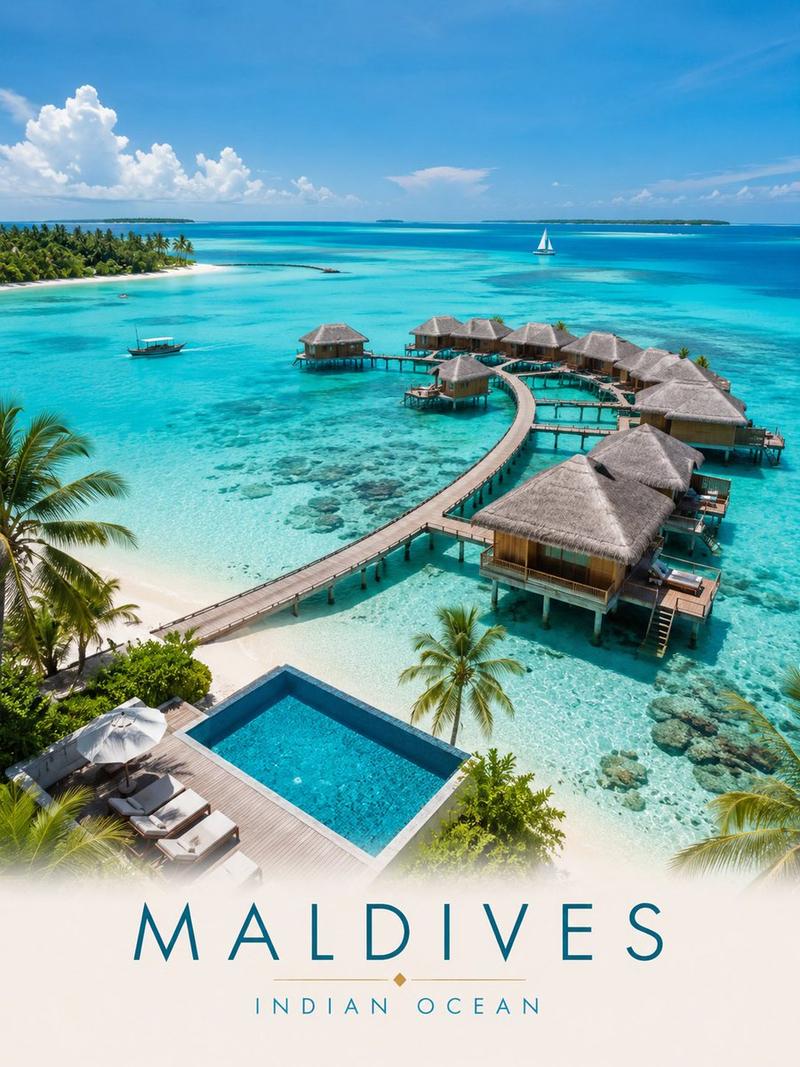
    "background": "turquoise water, blue sky, fluffy clouds, palm trees, distant sailboat, 2 airplanes with dashed flight paths",
    "foreground_right": "wooden deck, 2 lounge chairs, white cushions, blue towel, straw hat, round table, blue tropical drink, frangipani, pink hibiscus framing edge"
  },
  "layout": {
    "text_overlay": {
      "position": "center-left",
      "elements": [
        { "type": "top_text", "text": "{argument name=\"top text\" default=\"さあ、次の旅へ。\"}", "decoration": "airplane icon, dashed line" },
        { "type": "main_headline", "text": "{argument name=\"main headline\" default=\"この景色に、会いにいこう。\"}", "style": "large blue gradient serif font" },
        { "type": "subheadline", "text": "{argument name=\"subheadline\" default=\"日常を抜け出して、心がほどける休日を。\"}", "decoration": "gold decorative swirls" },
        { "type": "cta_button", "text": "{argument name=\"button text\" default=\"今すぐチェック\"}", "style": "blue-cyan gradient pill shape, right arrow" }
      ]
    },
    "bottom_features": {
      "position": "bottom-left",
      "count": 3,
      "items": [
        { "icon": "palm trees and waves", "label": "絶景リゾート" },
        { "icon": "overwater bungalow", "label": "非日常ステイ" },
        { "icon": "suitcase", "label": "週末旅行にも" }
      ]
    }
  }
}
Category
Charts & Infographics
Model
GPT Image 2
Views5
Source ID
14234
Published
Apr 20, 2026

Guide

About "热带度假胜地旅游广告横幅"

What is this prompt for?

"热带度假胜地旅游广告横幅" AI image prompt for GPT Image 2 (Charts & Infographics). 生成一个充满活力的旅游广告横幅,包含热带度假胜地背景、前景休闲元素以及可自定义的促销文字叠加层。 Copy it on Picva and recreate the look…

The full copyable prompt and example visuals above are ready for AI image generation or one-click recreate in Picva.

How to use this prompt

  1. Step 1

    Open the prompt detail

    Review the example visuals, category, and full prompt text for "热带度假胜地旅游广告横幅".

  2. Step 2

    Copy the prompt

    Copy the prompt body from this page, or load it directly in Studio.

  3. Step 3

    Pick a model (GPT Image 2)

    Prefer GPT Image 2. If you switch models, keep subject and composition and tweak style terms.

  4. Step 4

    Generate and export

    Recreate the look in Picva, or export into your workflow for editing and publishing.

FAQ

What is the "热带度假胜地旅游广告横幅" prompt?
It is an AI image-generation prompt for GPT Image 2 in the Charts & Infographics category. This page includes the full prompt text, example visuals, and a one-click recreate path in Picva.
How do I use this prompt to generate an image?
Copy the prompt from this page, or use Generate / Studio. Paste it into a compatible image model, or recreate the look in Picva with optional reference images.
Which model is this prompt for?
This page lists GPT Image 2. Most descriptive prompts also transfer to nearby image models such as GPT Image, Flux, or Midjourney with light style tweaks.
Can I use the result commercially?
You can usually copy the prompt for creation, but commercial use of the final image depends on the model terms, reference-image rights, and the generated content. Follow the source author and platform rules.