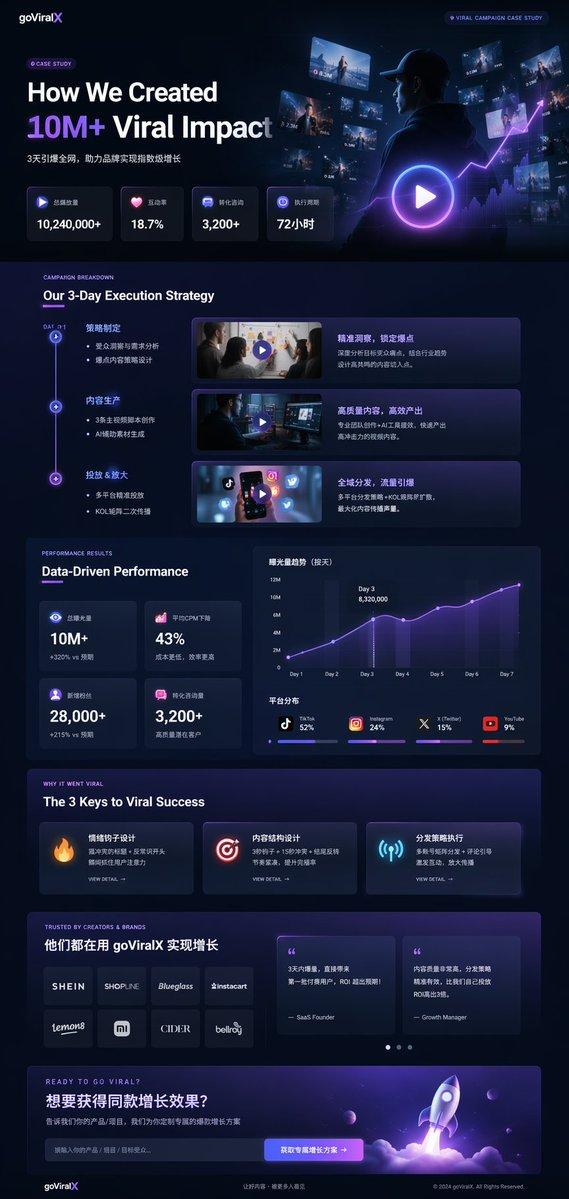
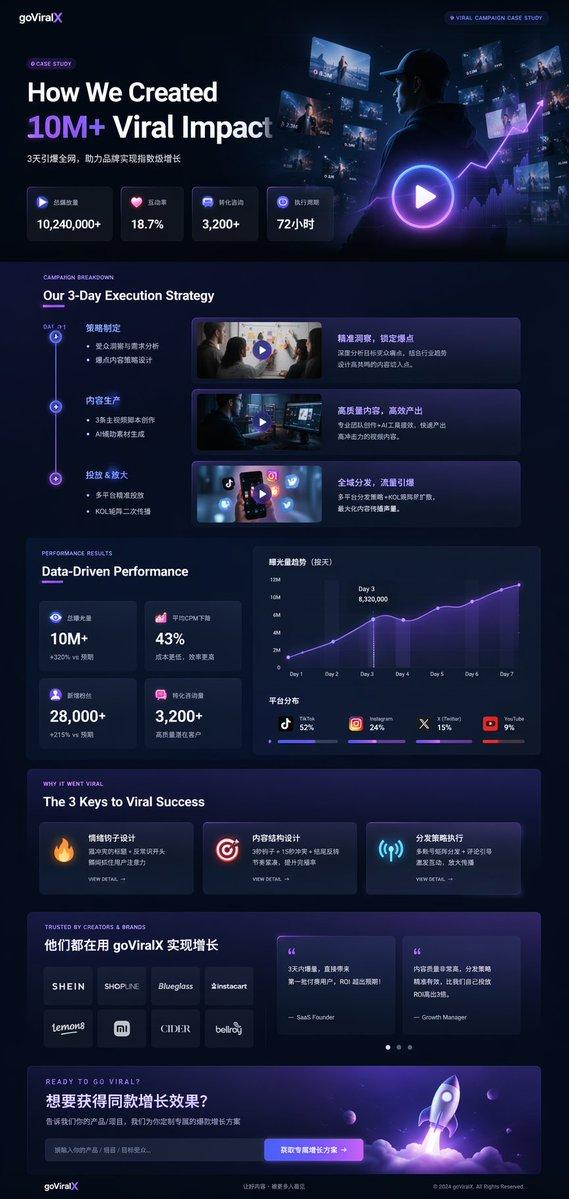
健身 SaaS 着陆页 UI
Prompt
Design a modern, high-end {argument name="app type" default="fitness app"} landing page and product UI for a brand called {argument name="brand name" default="PulseFit"}.

Create a clean web design mockup that looks like a real SaaS fitness platform and mobile companion app. The design should feel premium, motivating, and easy to use, with a polished UI/UX style similar to top-tier health and wellness apps.

Include:
- A hero section with bold headline, short subheadline, strong call-to-action button, and app preview
- Dashboard UI showing daily activity, calories burned, workout streak, heart rate, step count, and progress rings
- Workout program cards for strength, cardio, mobility, and recovery
- Nutrition tracking section with macro breakdown and water intake
- Progress charts and analytics widgets
- Trainer/community section with profile cards and testimonials
- Pricing section and download/app store callout
- Mobile app screens shown alongside the web design for a cohesive product ecosystem

Style direction:
- Sleek, minimal, modern interface
- Premium fitness brand aesthetic
- Smooth spacing, strong hierarchy, rounded cards, soft shadows
- Dark mode UI with energetic accent colors like electric blue, neon green, or vibrant orange
- Crisp typography, realistic charts, polished buttons, beautiful onboarding feel
- Highly detailed, dribbble-worthy, startup-quality product design
- Realistic UX case study presentation, not a cartoon or illustration

Composition:
- Full website homepage mockup
- Multiple UI sections visible in one polished presentation
- Slight perspective or straight-on product showcase
- Clean background with subtle gradients and professional lighting
- Ultra-detailed, sharp text rendering, visually balanced layout

Output:
A stunning, realistic UI/UX design concept for a fitness app website and dashboard that looks ready for development.

Make it look like a real Figma product design presentation for a premium startup.- Category
- Charts & Infographics
- Model
- GPT Image 2
- Source ID
- 14322
- Published
- Apr 21, 2026
Views10