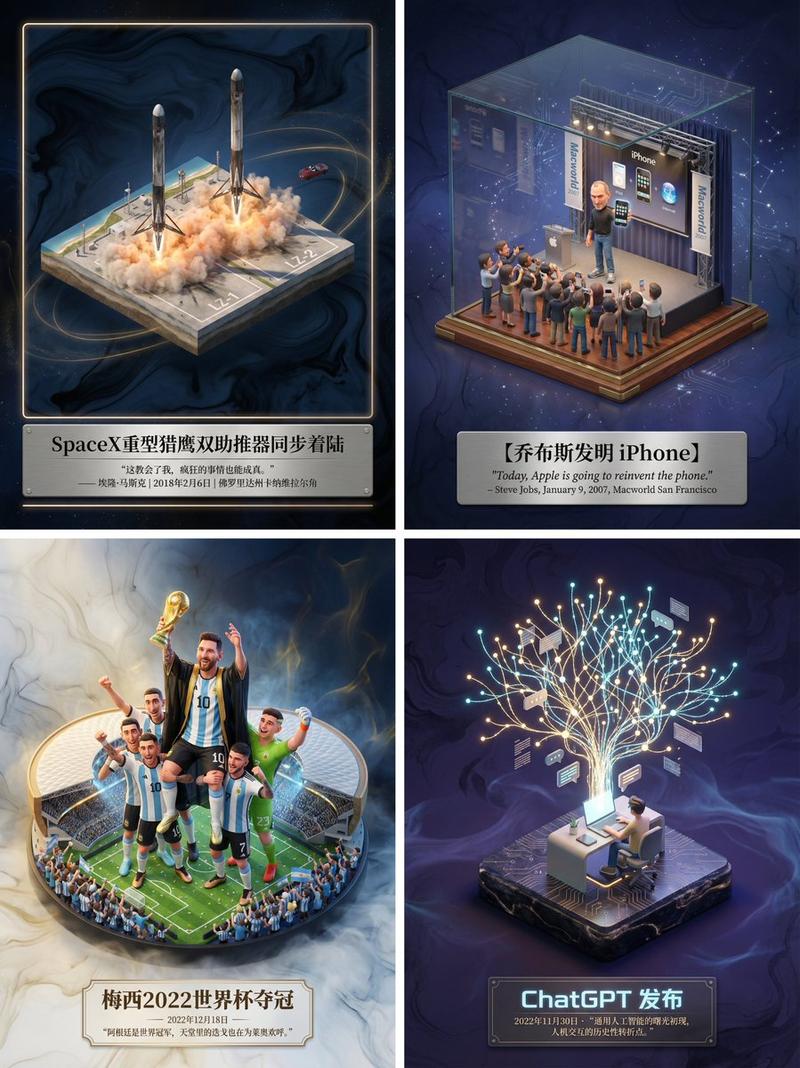
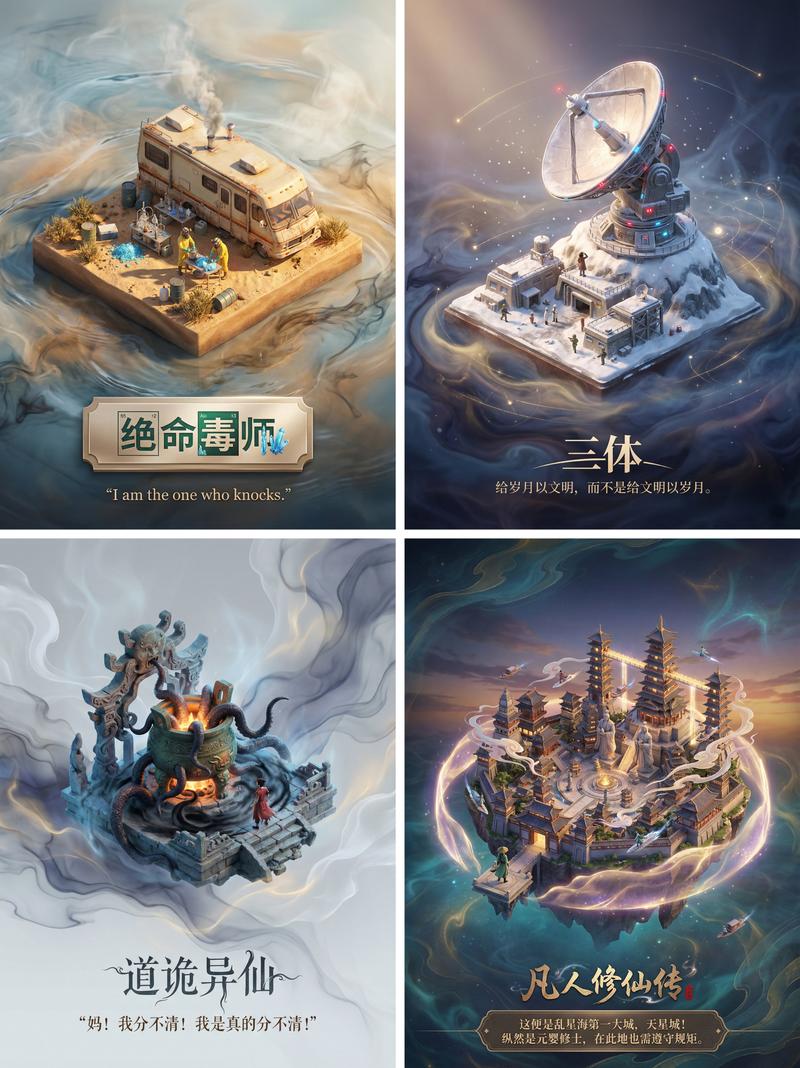
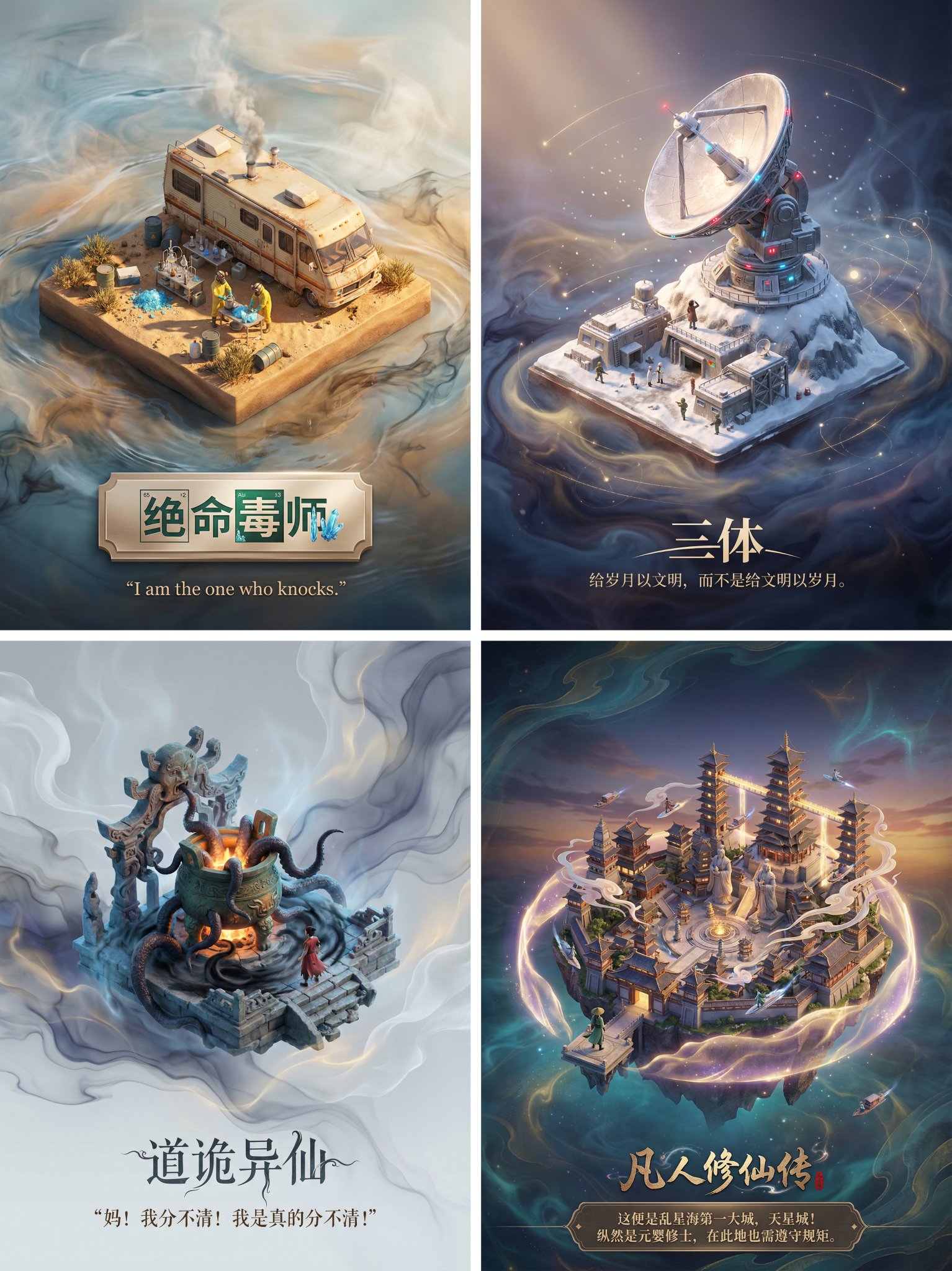
历史发明时间轴网格
Prompt
Create a square infographic-style illustration showing a {argument name="grid size" default="15×15"} invention timeline grid rendered as a collection of miniature isometric dioramas on aged parchment tiles. The image should look like a curated historical poster that spans from {argument name="starting year" default="1000 BC"} to {argument name="ending year" default="2026"}, with one invention per tile and no repeats. Show the visible portion as a 5 by 5 section of the larger grid, for a total of 25 labeled tiles, arranged in neat rows and columns with thin dark borders. Every tile contains a unique world-changing invention depicted as a small handcrafted diorama with era-appropriate materials, colors, and background details. Use a warm antiquarian palette for ancient and medieval inventions, sepia technical-document tones for early modern inventions, and cooler neon-blue futuristic lighting for modern digital and biotech inventions. Surround the grid with an old-map border and subtle historical cartography textures, blending into faint modern network graphics near the bottom right.

Label each visible tile with a small beige caption tag in bold black text. Include exactly these 25 visible inventions in reading order from top left to bottom right: 1) {argument name="first tile label" default="1000 BC"} tile showing an iron plow and simple hand tools in a farm field, captioned "Iron Plow & Tools"; 2) "Concept of Zero" shown as a parchment-like tile with a carved zero symbol and a blue hourglass; 3) "Water Clock" shown as a wooden water-timing device; 4) "Catapult" shown as a wooden siege engine; 5) "Antikythera Mechanism" shown as an intricate bronze gear device in a stone niche; 6) "Concrete" shown as a wheelbarrow filled with wet cement or mortar; 7) "Wheelbarrow" shown as a simple wooden one-wheel cart; 8) "Windmill" shown as a traditional mill on grassy ground; 9) "Gunpowder" shown as a barrel and a mound of black powder with smoke; 10) "Printing Press" shown as a wooden press framed by classical columns; 11) "Mechanical Clock" shown as an ornate standing clock; 12) "Telescope" shown as an early brass telescope on a tripod with sketch-like scientific notes; 13) "Steam Engine" shown on a blue blueprint-style tile with an early locomotive engine; 14) "Electric Battery" shown on a blueprint-like tile with two cylindrical battery cells and wiring; 15) "Telegraph" shown as a Morse telegraph key on technical paper; 16) "Light Bulb" shown glowing warmly on a neutral pedestal; 17) "Automobile" shown as an early red motorcar on a workshop-plan background; 18) "Airplane" shown as a commercial jet aircraft in miniature; 19) "Transistor" shown as a black microchip on a luminous circuit-board tile; 20) "Personal Computer" shown as a beige desktop computer with CRT monitor and keyboard; 21) "World Wide Web" shown as a glowing blue globe over digital circuitry; 22) "Smartphone" shown as a sleek modern phone on a neon-tech background; 23) "CRISPR-Cas9" shown as a DNA double helix in a biotech-blue display tile; 24) "Reusable Rocket" shown as several upright rockets launching with exhaust clouds; 25) "AI (LLMs)" shown as glowing large letters AI in a holographic tech cube; 26) "Brain-Computer Interface" shown as a glowing brain hologram on a blue platform; 27) "Advanced Neural Interface (Implant)" shown as a transparent human head profile with a glowing brain implant, with a small top label reading "2026".

Keep the composition highly organized, poster-like, and visually dense, with each tile readable at a glance. Use slight isometric perspective, crisp linework, painterly shading, and polished editorial illustration quality. The overall feeling should combine museum poster, educational timeline, and imaginative historical-tech diorama art.- Category
- Charts & Infographics
- Model
- GPT Image 2
- Creator
- Gadgetify
- Source ID
- 14412
- Published
- Apr 21, 2026
Views3