14

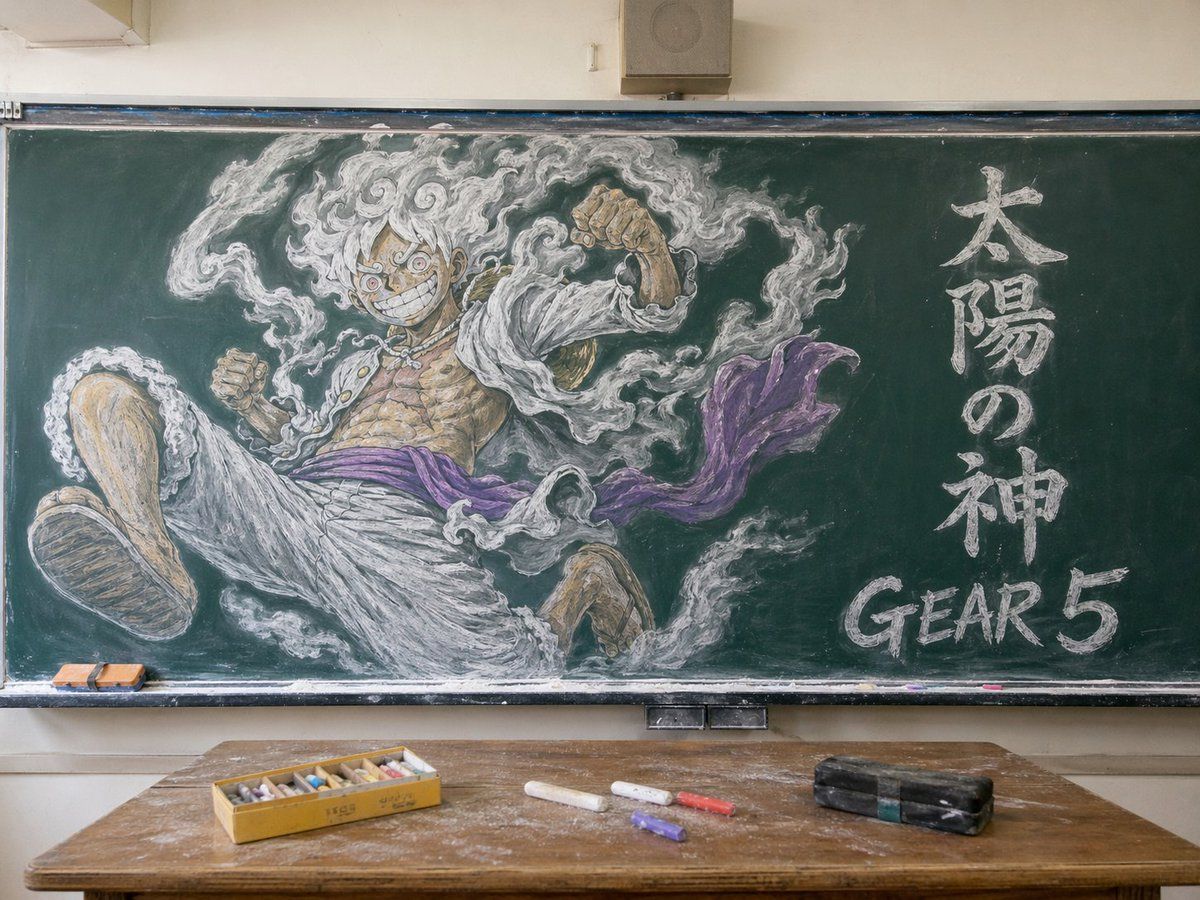
Gear 5 黑板教室壁画
Enlarge

Gear 5 黑板教室壁画

Prompt
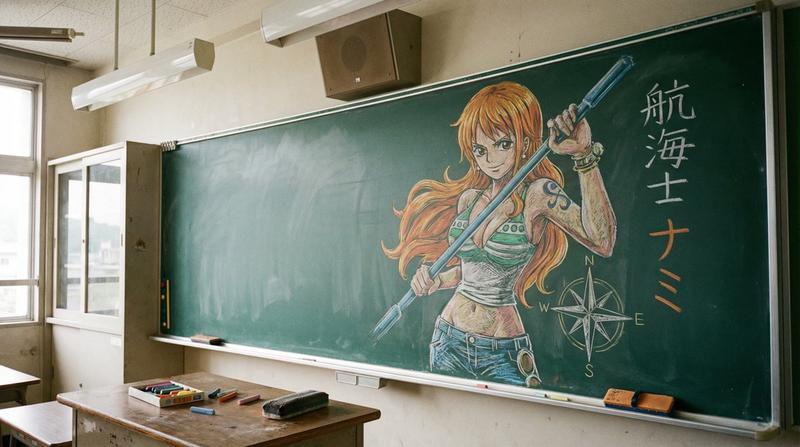
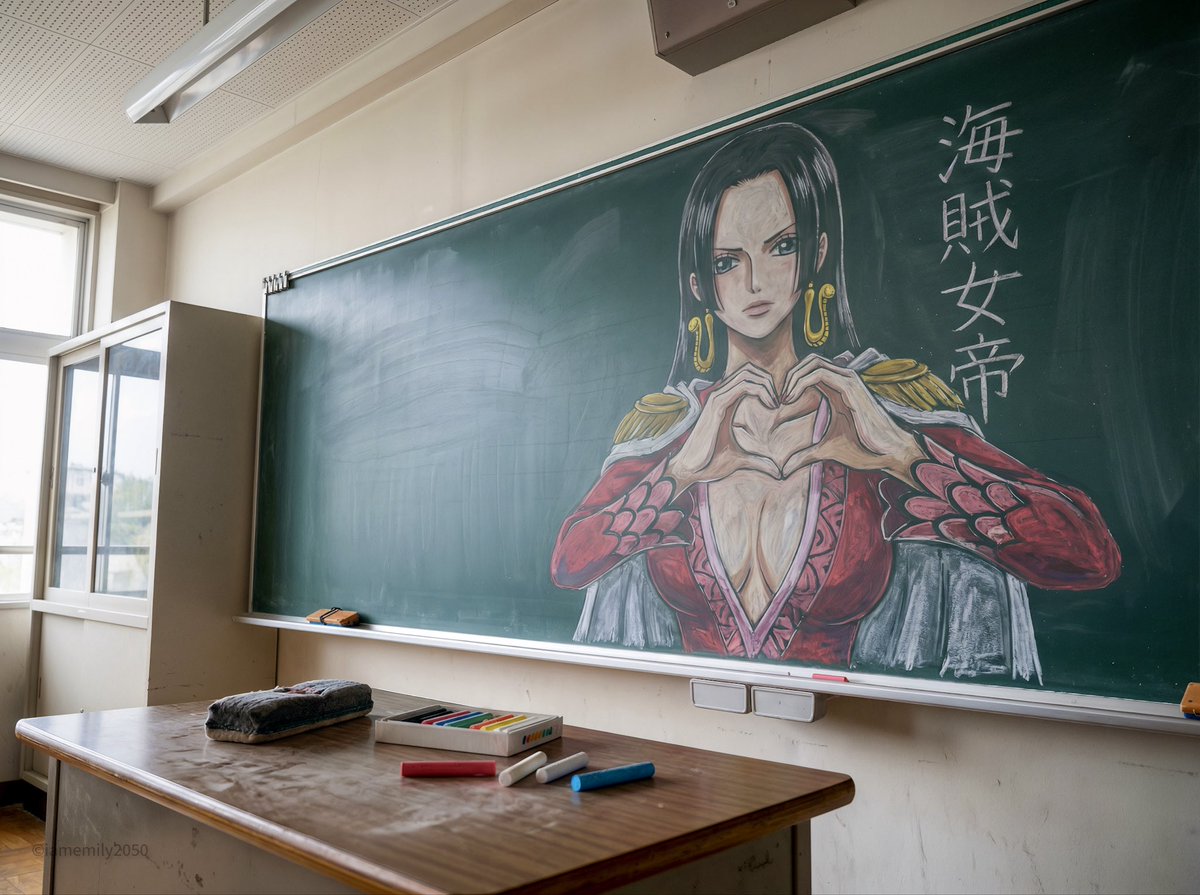
A photorealistic classroom interior centered on a large green chalkboard filled with an elaborate chalk mural of Monkey D. Luffy in Gear 5 from One Piece. The drawing dominates the board: a dynamic low-angle foreshortened pose with one oversized foot thrust toward the viewer, both fists raised, wild curly white hair, huge manic grin, intense round eyes, open white jacket, bare muscular chest with visible scars, loose white pants, and a flowing purple sash. Surround him with swirling white smoke-like aura drawn in expressive chalk strokes. On the right side of the chalkboard, include 2 text elements written in chalk: 1 vertical Japanese phrase reading "太陽の神" and 1 large English label reading "GEAR 5" near the lower right. Render the chalk art with layered white, gray, tan, and purple pastel-chalk texture, visible smudging, dust, and hand-drawn shading. Show the full blackboard frame, tray, and a realistic classroom setting with beige walls and a small speaker box above the board. In the foreground, place a worn wooden teacher's desk covered in chalk dust, with exactly 5 visible desk items: 1 open yellow box of multicolored chalk sticks, 3 loose chalk sticks on the desk, and 1 black rectangular chalkboard eraser. Add 2 small erasers resting on the left side of the chalk tray. Soft natural indoor lighting, straight-on composition, highly detailed, realistic photograph of a classroom with spectacular anime chalkboard art.
Category
Charts & Infographics
Model
GPT Image 2
Creator
Leeve
Views6
Source ID
14429
Published
Apr 21, 2026

Guide

About "Gear 5 黑板教室壁画"

What is this prompt for?

"Gear 5 黑板教室壁画" AI image prompt for GPT Image 2 (Charts & Infographics). 此提示词可生成一张逼真的教室照片,画面中心为一幅极具冲击力的 Gear 5 路飞黑板壁画,非常适合用于动漫主题海报设计或图像模型社交媒体对比。 Copy it on Pic…

The full copyable prompt and example visuals above are ready for AI image generation or one-click recreate in Picva.

How to use this prompt

  1. Step 1

    Open the prompt detail

    Review the example visuals, category, and full prompt text for "Gear 5 黑板教室壁画".

  2. Step 2

    Copy the prompt

    Copy the prompt body from this page, or load it directly in Studio.

  3. Step 3

    Pick a model (GPT Image 2)

    Prefer GPT Image 2. If you switch models, keep subject and composition and tweak style terms.

  4. Step 4

    Generate and export

    Recreate the look in Picva, or export into your workflow for editing and publishing.

FAQ

What is the "Gear 5 黑板教室壁画" prompt?
It is an AI image-generation prompt for GPT Image 2 in the Charts & Infographics category. This page includes the full prompt text, example visuals, and a one-click recreate path in Picva.
How do I use this prompt to generate an image?
Copy the prompt from this page, or use Generate / Studio. Paste it into a compatible image model, or recreate the look in Picva with optional reference images.
Which model is this prompt for?
This page lists GPT Image 2. Most descriptive prompts also transfer to nearby image models such as GPT Image, Flux, or Midjourney with light style tweaks.
Can I use the result commercially?
You can usually copy the prompt for creation, but commercial use of the final image depends on the model terms, reference-image rights, and the generated content. Follow the source author and platform rules.