15

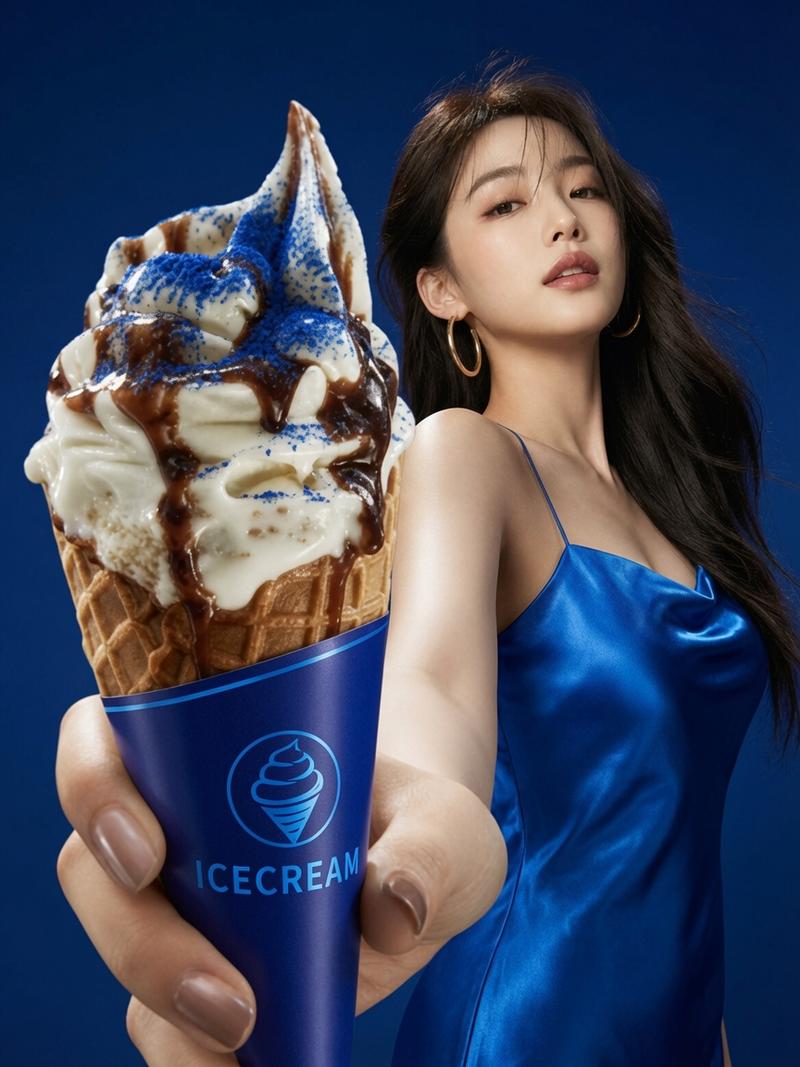
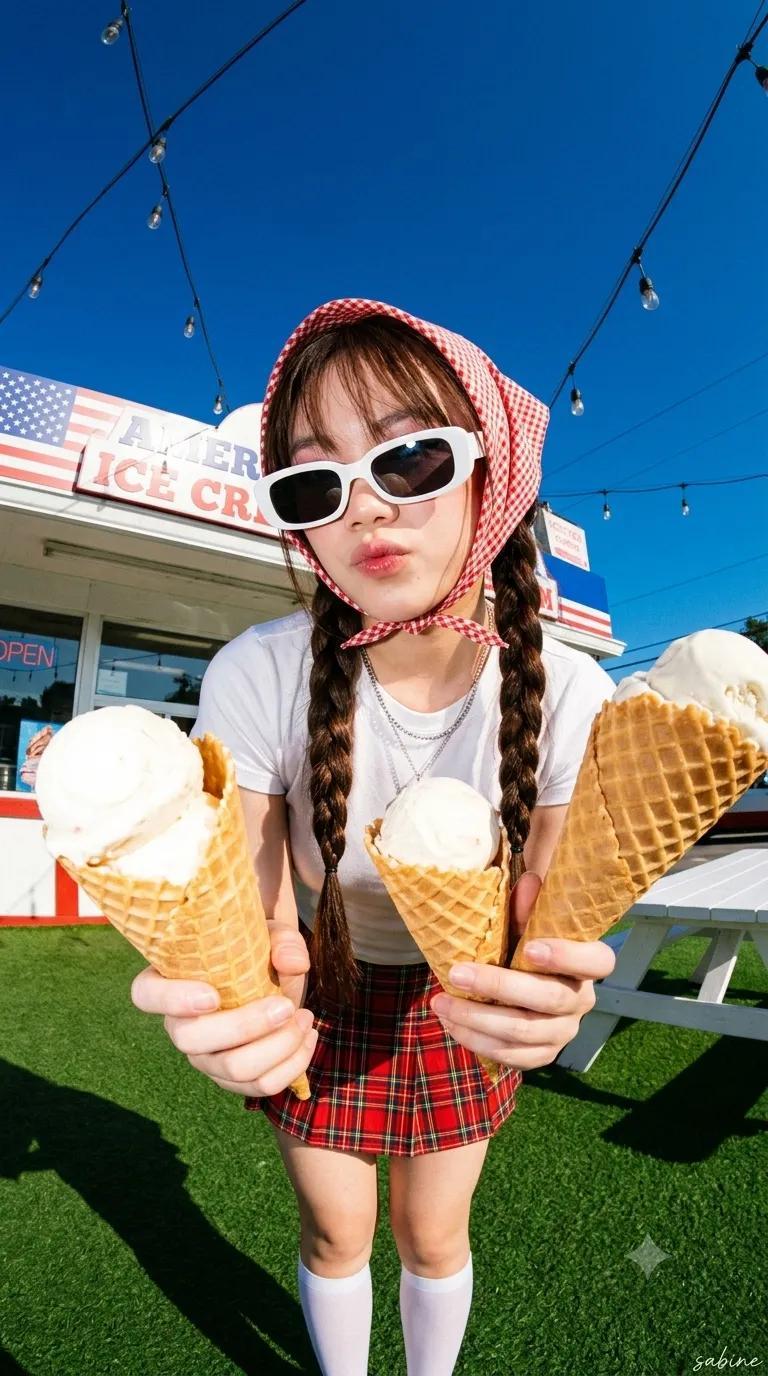
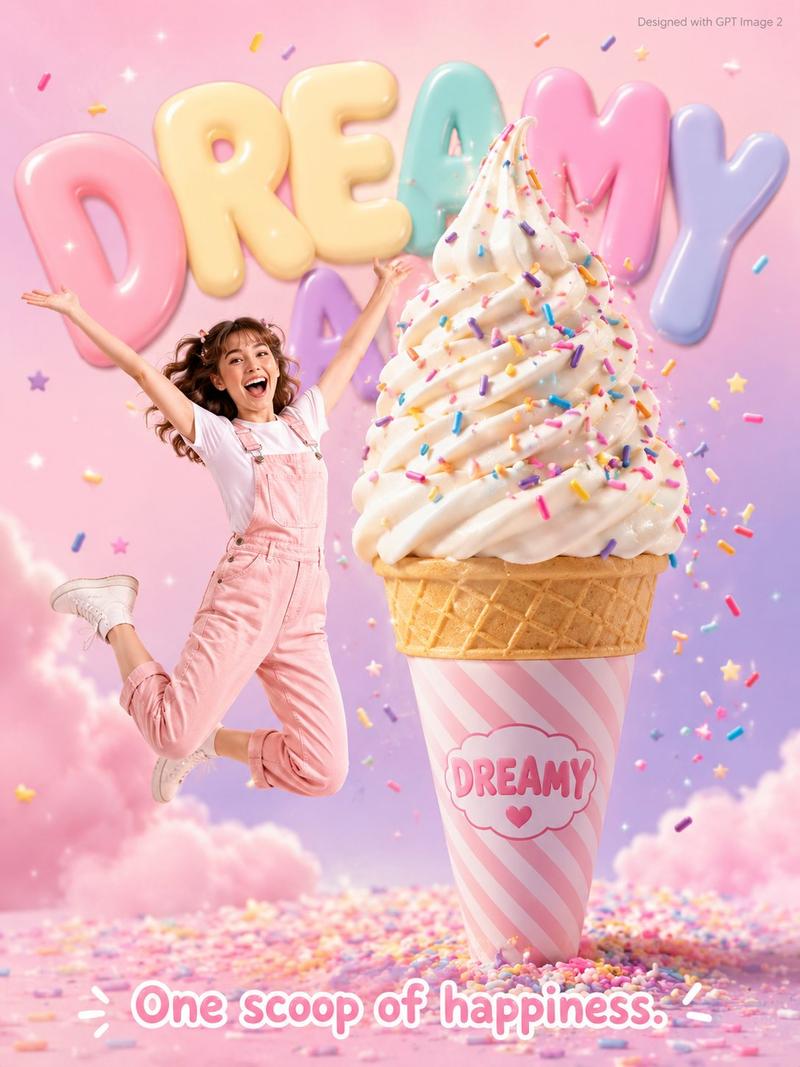
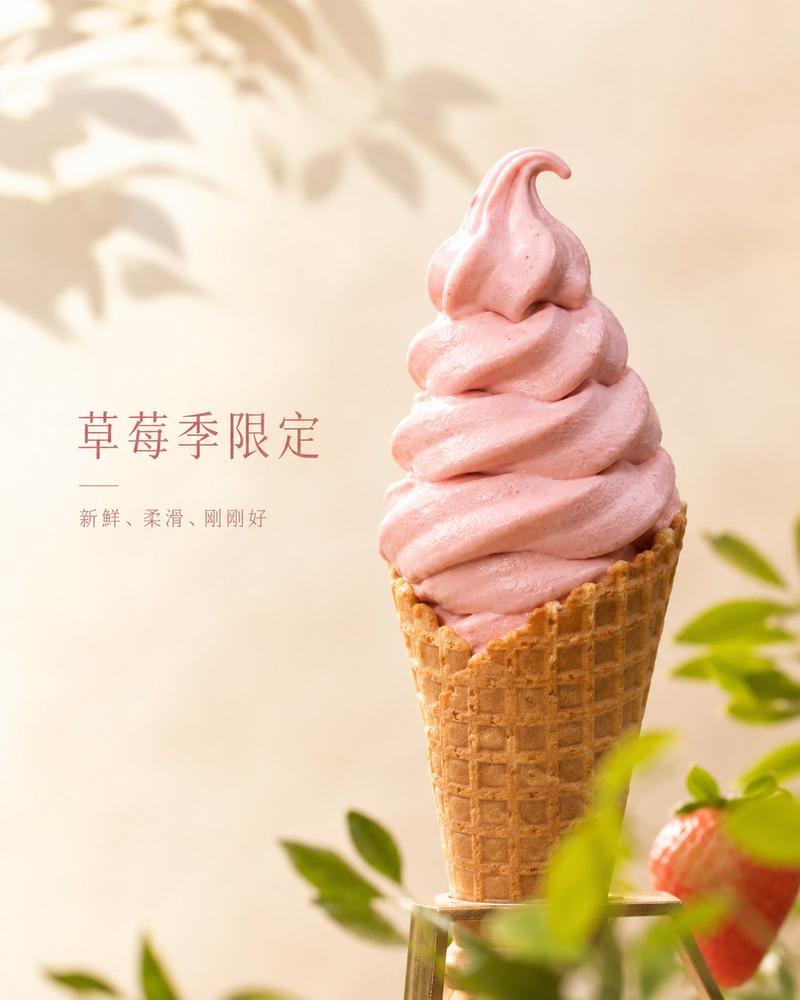
手持草莓冰淇淋的摄影棚肖像
Enlarge

手持草莓冰淇淋的摄影棚肖像

Prompt
A polished studio portrait of a glamorous pop-star-like woman from the chest up, centered against a smooth neutral gray backdrop. She has {argument name="hair color" default="jet black"} long loose wavy hair with a middle part, glossy shine, and soft volume falling over both shoulders. Her face is mostly hidden behind the ice cream cone she is holding up in front of her mouth and lower face, creating a playful fashion-editorial composition. She wears a white ribbed tank top with wide straps and a single visible sparkling stud earring. In her hand is 1 waffle cone topped with 1 large scoop of pink strawberry ice cream with dark red berry swirls and slight melting texture. Warm, flattering beauty lighting, soft shadows, realistic skin tones, high-end celebrity portrait photography, crisp focus on the hand, cone, hair, and shoulders, minimal background, subtly sensual and chic mood, vertical crop.
Category
Charts & Infographics
Model
GPT Image 2
Views7
Source ID
14594
Published
Apr 21, 2026

Guide

About "手持草莓冰淇淋的摄影棚肖像"

What is this prompt for?

"手持草莓冰淇淋的摄影棚肖像" AI image prompt for GPT Image 2 (Charts & Infographics). 此提示词可生成一张精致的名人风格摄影棚肖像,画面中一位深色头发的女性将草莓冰淇淋甜筒置于脸前,非常适合时尚编辑或流行文化类图像。 Copy it on Picva and…

The full copyable prompt and example visuals above are ready for AI image generation or one-click recreate in Picva.

How to use this prompt

  1. Step 1

    Open the prompt detail

    Review the example visuals, category, and full prompt text for "手持草莓冰淇淋的摄影棚肖像".

  2. Step 2

    Copy the prompt

    Copy the prompt body from this page, or load it directly in Studio.

  3. Step 3

    Pick a model (GPT Image 2)

    Prefer GPT Image 2. If you switch models, keep subject and composition and tweak style terms.

  4. Step 4

    Generate and export

    Recreate the look in Picva, or export into your workflow for editing and publishing.

FAQ

What is the "手持草莓冰淇淋的摄影棚肖像" prompt?
It is an AI image-generation prompt for GPT Image 2 in the Charts & Infographics category. This page includes the full prompt text, example visuals, and a one-click recreate path in Picva.
How do I use this prompt to generate an image?
Copy the prompt from this page, or use Generate / Studio. Paste it into a compatible image model, or recreate the look in Picva with optional reference images.
Which model is this prompt for?
This page lists GPT Image 2. Most descriptive prompts also transfer to nearby image models such as GPT Image, Flux, or Midjourney with light style tweaks.
Can I use the result commercially?
You can usually copy the prompt for creation, but commercial use of the final image depends on the model terms, reference-image rights, and the generated content. Follow the source author and platform rules.