15

二战历史照片上色
Enlarge

二战历史照片上色

Prompt
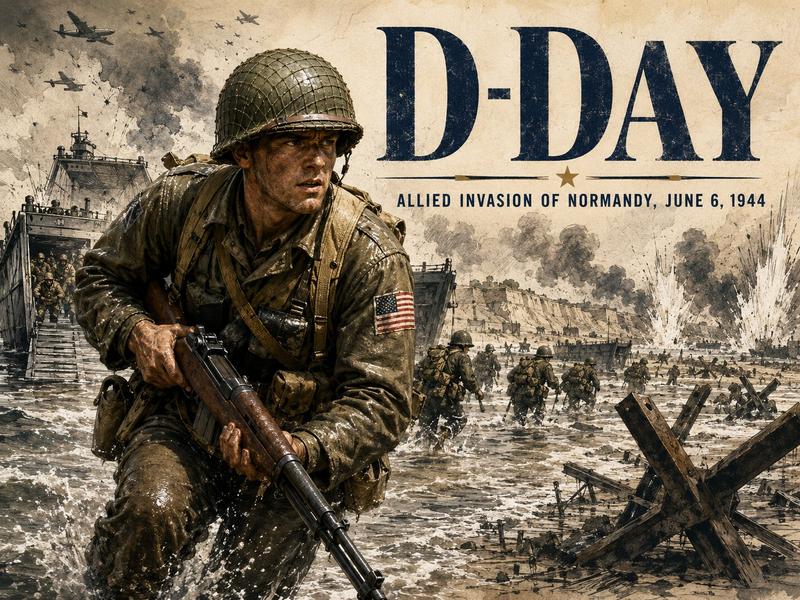
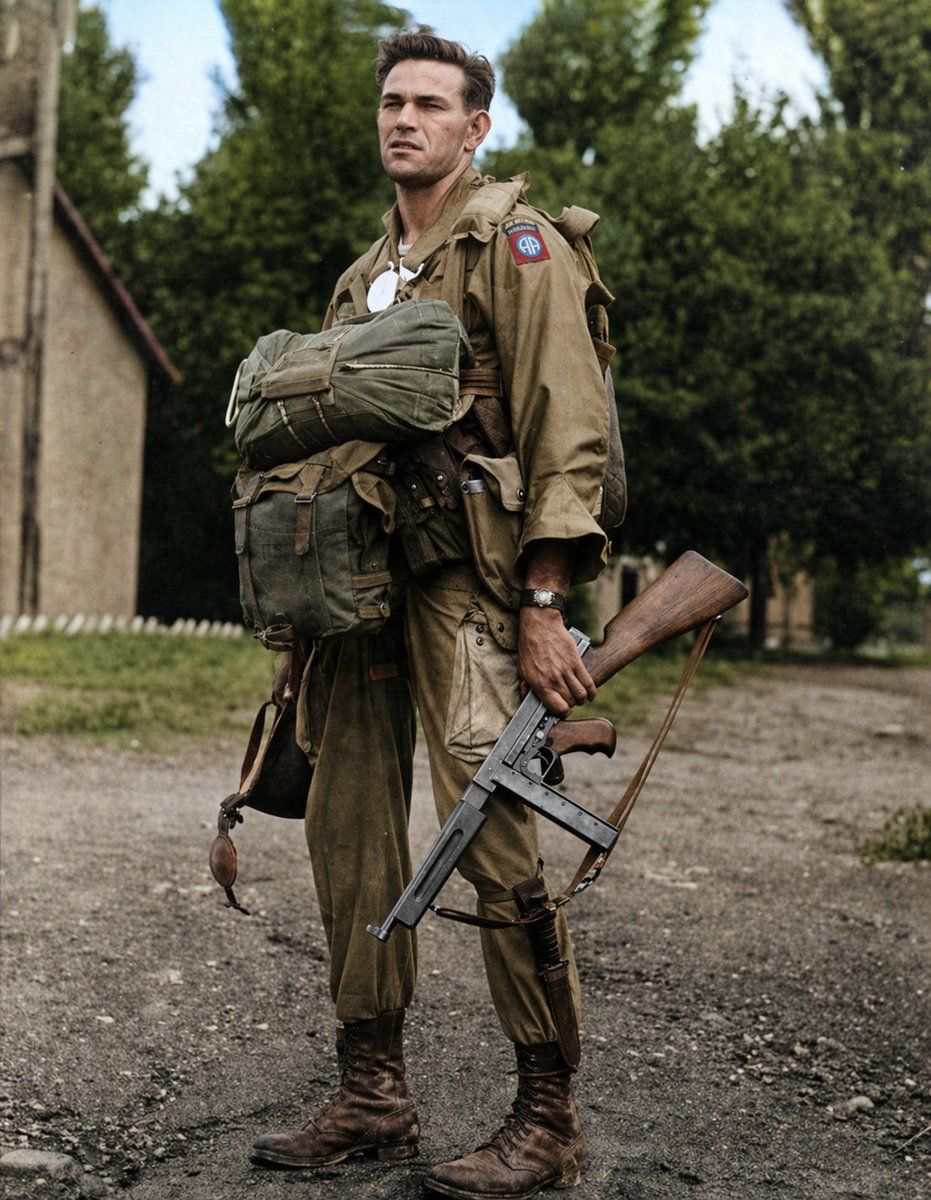
Using the provided reference image, colorize the original black-and-white WWII paratrooper photo into a realistic, historically accurate color restoration. Preserve the exact composition, pose, gear, weapon, cropped face block, background, and photographic framing. Add natural period-appropriate colors: khaki/tan uniform and jump gear, olive drab pack, brown leather boots and straps, wood-toned rifle stock, dark metal gun body, muted earth tones for the dirt road and building, green trees, and a soft pale blue sky. Make the 82nd Airborne shoulder patch historically correct with 1 visible patch in red, white, and blue. Keep the result looking like a faithful documentary-era restoration rather than a modern stylized repaint.
Category
Charts & Infographics
Model
GPT Image 2
Creator
JE_Colors
Views4
Source ID
14636
Published
Apr 21, 2026

Guide

About "二战历史照片上色"

What is this prompt for?

"二战历史照片上色" AI image prompt for GPT Image 2 (Charts & Infographics). 此提示词可将黑白战争参考照片还原为写实且符合历史事实的彩色图像,适用于档案保存、编辑出版或教育用途。 Copy it on Picva and recreate the look i…

The full copyable prompt and example visuals above are ready for AI image generation or one-click recreate in Picva.

How to use this prompt

  1. Step 1

    Open the prompt detail

    Review the example visuals, category, and full prompt text for "二战历史照片上色".

  2. Step 2

    Copy the prompt

    Copy the prompt body from this page, or load it directly in Studio.

  3. Step 3

    Pick a model (GPT Image 2)

    Prefer GPT Image 2. If you switch models, keep subject and composition and tweak style terms.

  4. Step 4

    Generate and export

    Recreate the look in Picva, or export into your workflow for editing and publishing.

FAQ

What is the "二战历史照片上色" prompt?
It is an AI image-generation prompt for GPT Image 2 in the Charts & Infographics category. This page includes the full prompt text, example visuals, and a one-click recreate path in Picva.
How do I use this prompt to generate an image?
Copy the prompt from this page, or use Generate / Studio. Paste it into a compatible image model, or recreate the look in Picva with optional reference images.
Which model is this prompt for?
This page lists GPT Image 2. Most descriptive prompts also transfer to nearby image models such as GPT Image, Flux, or Midjourney with light style tweaks.
Can I use the result commercially?
You can usually copy the prompt for creation, but commercial use of the final image depends on the model terms, reference-image rights, and the generated content. Follow the source author and platform rules.