17

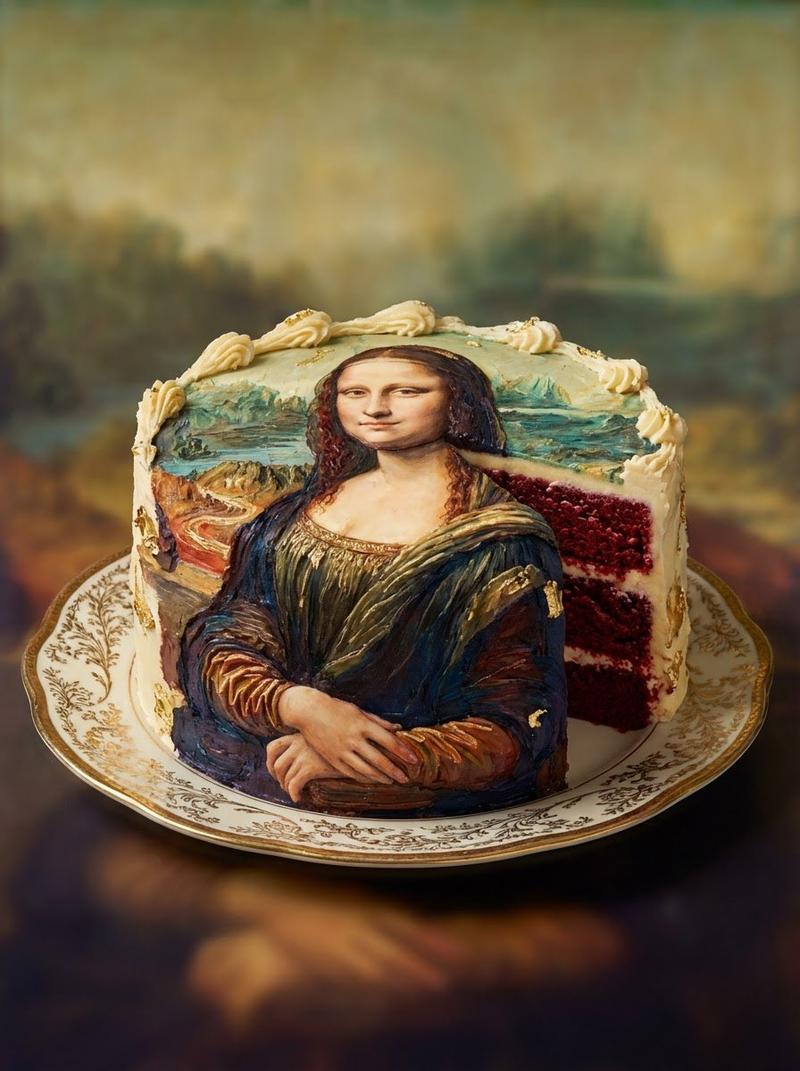
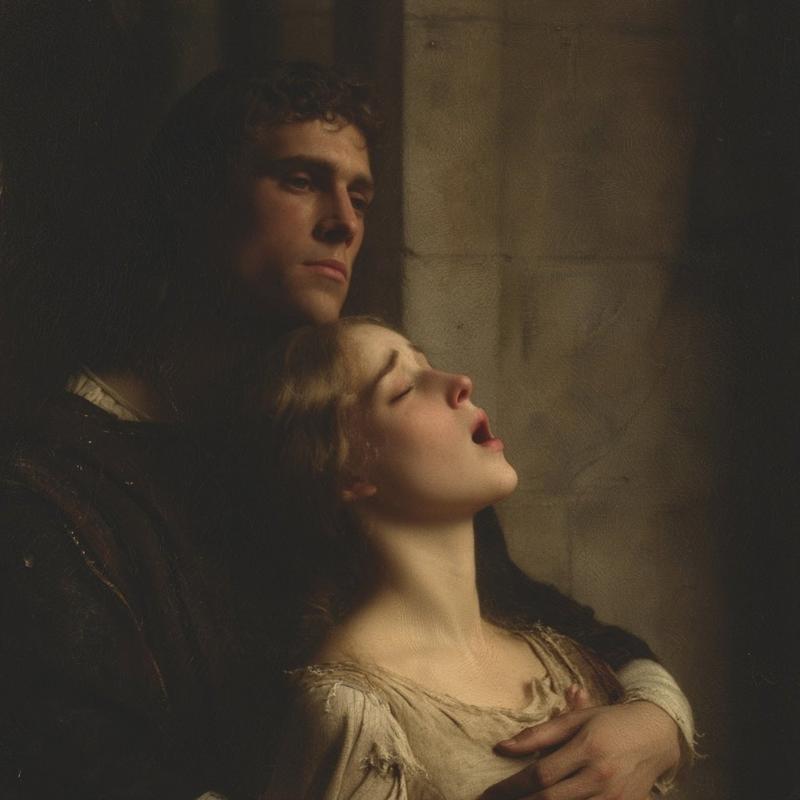
列奥纳多绘制《蒙娜丽莎》
Enlarge

Example images

列奥纳多绘制《蒙娜丽莎》

Prompt
A cinematic Renaissance art studio interior lit by soft warm window light, showing an elderly Leonardo da Vinci-like painter in left profile, seated at an easel and painting the Mona Lisa from a live model. The painter has long gray hair, a full gray beard, and wears a dark period cap and heavy dark robe. In the center foreground stands a large canvas on a wooden easel displaying the Mona Lisa composition, while on the right a live female sitter poses in the same iconic posture with folded hands, wearing a dark Renaissance dress and veil-like drapery. The mood is intimate, quiet, and painterly, with rich brown and amber tones, dramatic chiaroscuro, aged plaster walls, a leaded-glass window on the left, and a wooden table in the back holding brushes and studies. Include 2 portrait sketches pinned or propped in the background behind the model. In the lower right foreground, show a cluttered painter’s worktable with 1 paint palette, multiple small paint dabs, several brushes in a cup, and a few shallow bowls. Compose the scene as a realistic historical photograph of the moment the masterpiece is being created, medium-wide shot, slightly over-the-shoulder from behind the artist, extremely detailed textures, old master atmosphere, soft focus falloff, no modern objects.
Category
Charts & Infographics
Model
GPT Image 2
Views3
Source ID
14641
Published
Apr 21, 2026

Guide

About "列奥纳多绘制《蒙娜丽莎》"

What is this prompt for?

"列奥纳多绘制《蒙娜丽莎》" AI image prompt for GPT Image 2 (Charts & Infographics). 此提示词可生成一幅电影质感的历史场景,描绘列奥纳多·达·芬奇以真人模特为原型绘制《蒙娜丽莎》的画面,非常适合创作戏剧性的美术作品和文艺复兴主题视觉内容。 Copy it on…

The full copyable prompt and example visuals above are ready for AI image generation or one-click recreate in Picva.

How to use this prompt

  1. Step 1

    Open the prompt detail

    Review the example visuals, category, and full prompt text for "列奥纳多绘制《蒙娜丽莎》".

  2. Step 2

    Copy the prompt

    Copy the prompt body from this page, or load it directly in Studio.

  3. Step 3

    Pick a model (GPT Image 2)

    Prefer GPT Image 2. If you switch models, keep subject and composition and tweak style terms.

  4. Step 4

    Generate and export

    Recreate the look in Picva, or export into your workflow for editing and publishing.

FAQ

What is the "列奥纳多绘制《蒙娜丽莎》" prompt?
It is an AI image-generation prompt for GPT Image 2 in the Charts & Infographics category. This page includes the full prompt text, example visuals, and a one-click recreate path in Picva.
How do I use this prompt to generate an image?
Copy the prompt from this page, or use Generate / Studio. Paste it into a compatible image model, or recreate the look in Picva with optional reference images.
Which model is this prompt for?
This page lists GPT Image 2. Most descriptive prompts also transfer to nearby image models such as GPT Image, Flux, or Midjourney with light style tweaks.
Can I use the result commercially?
You can usually copy the prompt for creation, but commercial use of the final image depends on the model terms, reference-image rights, and the generated content. Follow the source author and platform rules.