15

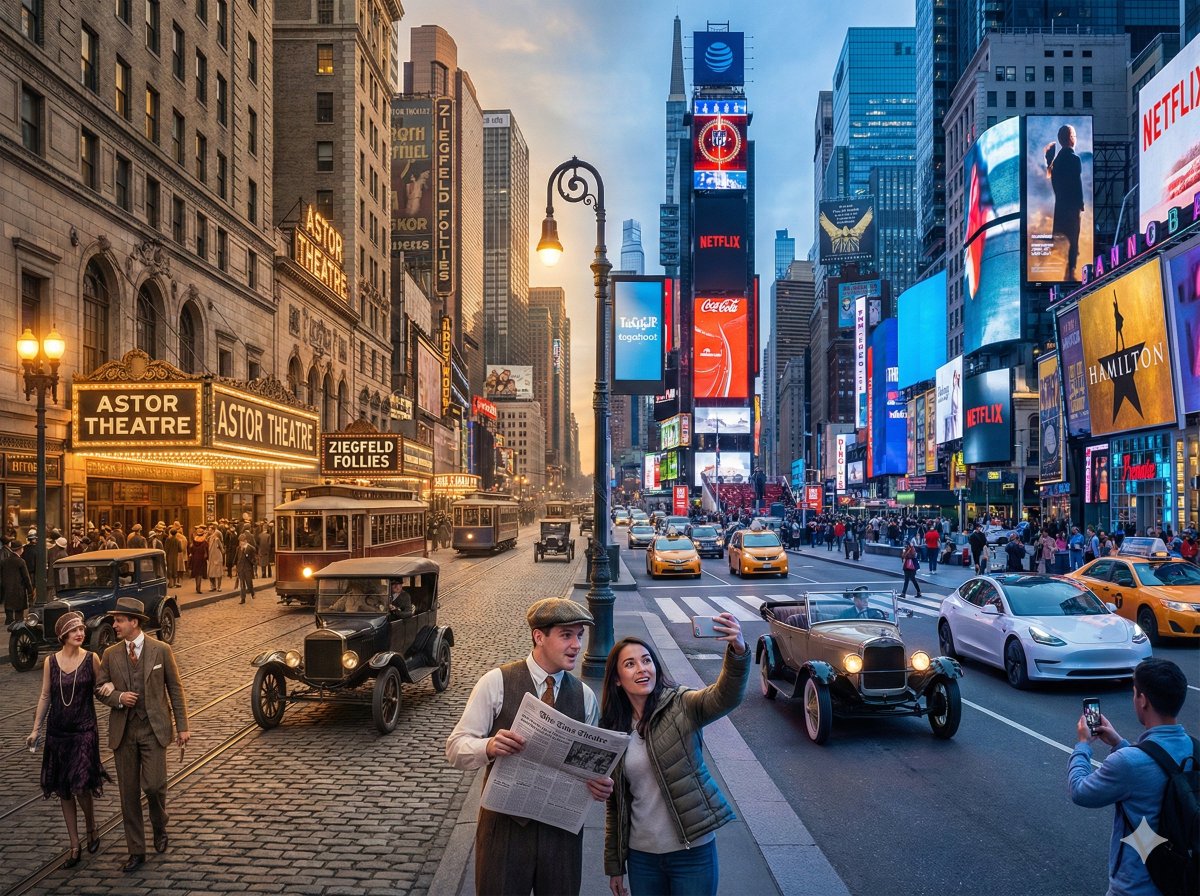
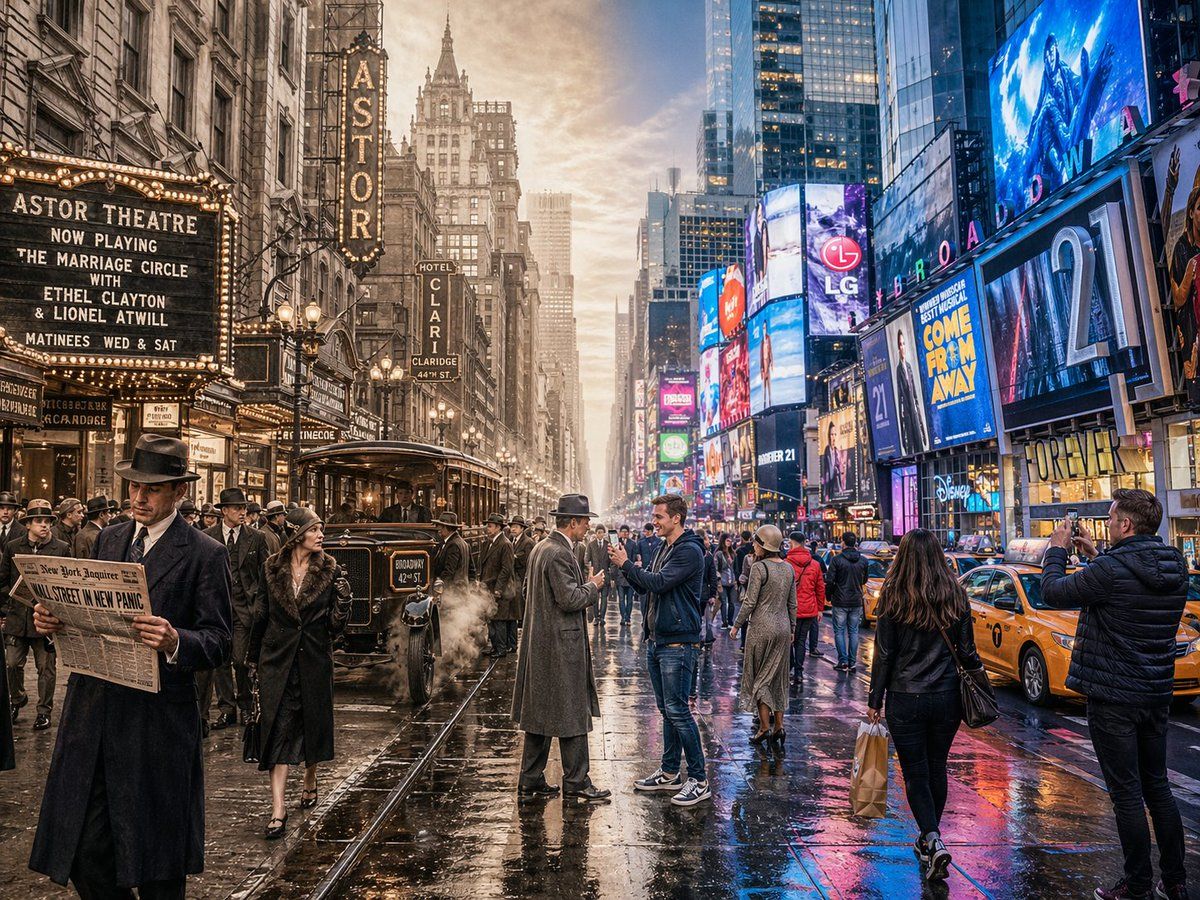
分屏时空穿越场景
Enlarge

Example images

分屏时空穿越场景

Prompt
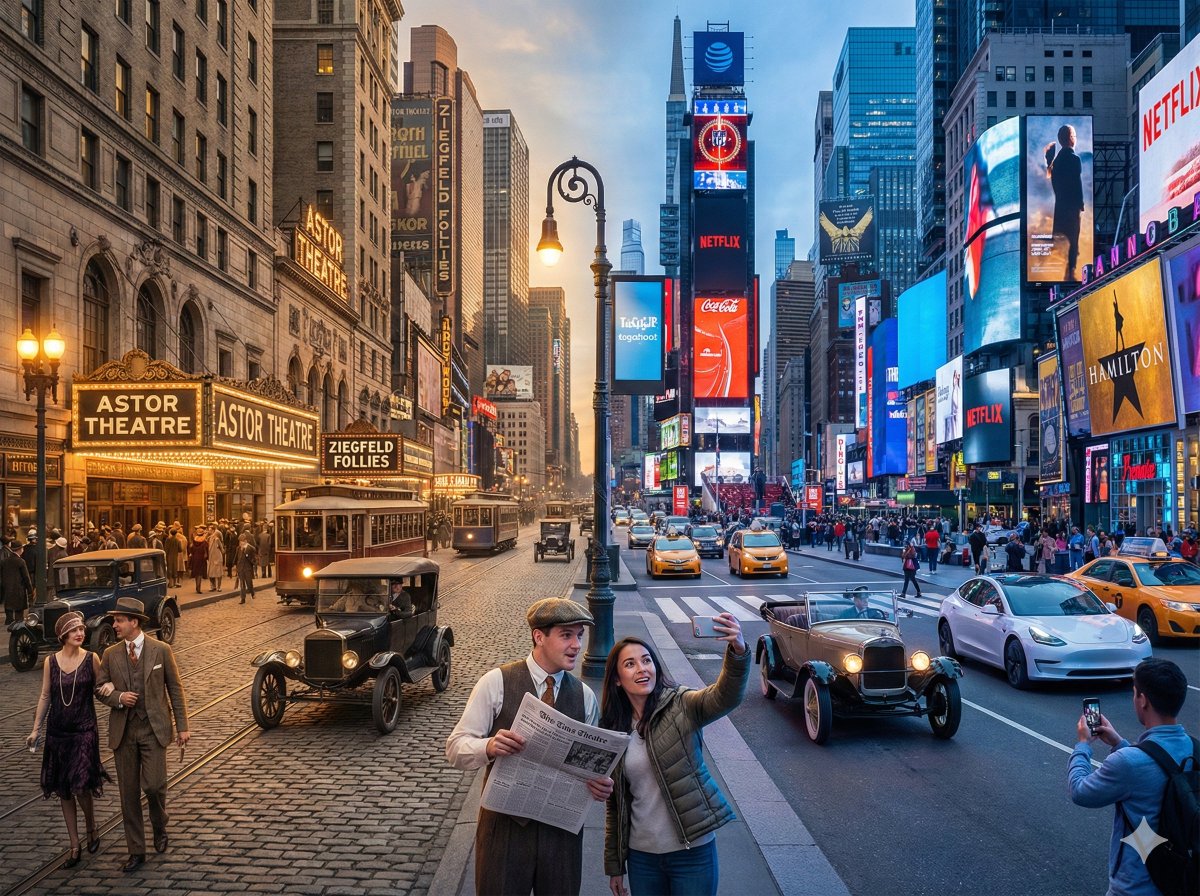
A horizontal split-screen cinematic shot of {argument name="scene" default="Times Square, New York"}, seamlessly blending two different eras: {argument name="first era" default="1920s"} on the left and {argument name="second era" default="present day"} on the right (default: about 100 years ago vs. present day). On the left side: show era-appropriate architecture, interior or environment design, materials, vehicles, and props that clearly belong to that historical period. People wear authentic clothing from the era, including hairstyles, accessories, and typical items in their hands. The overall mood feels nostalgic and historically accurate. On the right side: show the same scene in the modern era, with updated architecture or renovated structures, contemporary materials (glass, steel, LED screens, modern furniture), modern vehicles or equipment, and current technology. People wear contemporary fashion that matches today’s style in this setting. In the center: the two eras merge and overlap organically, without a hard dividing line. Elements from both eras visually interact: people from different times look at each other, walk through each other’s space, or seem surprised by the other era’s technology and objects. Architecture and environment smoothly morph from old to new. Make sure the scene is not just a simple left/right comparison but a dynamic time-travel interaction. Photorealistic, 8k resolution, cinematic lighting, wide angle, highly detailed textures, rich sense of time-travel storytelling. Aspect Ratio: 4:3
Category
Architecture & Spaces
Model
GPT Image 2
Creator
宝玉
Views7
Source ID
14713
Published
Apr 22, 2026

Guide

About "分屏时空穿越场景"

What is this prompt for?

"分屏时空穿越场景" AI image prompt for GPT Image 2 (Architecture & Spaces). 一个复杂的提示词,旨在生成一张无缝的水平分屏图像,将历史与现代时代融合在同一个场景中。 Copy it on Picva and recreate the look in one c…

The full copyable prompt and example visuals above are ready for AI image generation or one-click recreate in Picva.

How to use this prompt

  1. Step 1

    Open the prompt detail

    Review the example visuals, category, and full prompt text for "分屏时空穿越场景".

  2. Step 2

    Copy the prompt

    Copy the prompt body from this page, or load it directly in Studio.

  3. Step 3

    Pick a model (GPT Image 2)

    Prefer GPT Image 2. If you switch models, keep subject and composition and tweak style terms.

  4. Step 4

    Generate and export

    Recreate the look in Picva, or export into your workflow for editing and publishing.

FAQ

What is the "分屏时空穿越场景" prompt?
It is an AI image-generation prompt for GPT Image 2 in the Architecture & Spaces category. This page includes the full prompt text, example visuals, and a one-click recreate path in Picva.
How do I use this prompt to generate an image?
Copy the prompt from this page, or use Generate / Studio. Paste it into a compatible image model, or recreate the look in Picva with optional reference images.
Which model is this prompt for?
This page lists GPT Image 2. Most descriptive prompts also transfer to nearby image models such as GPT Image, Flux, or Midjourney with light style tweaks.
Can I use the result commercially?
You can usually copy the prompt for creation, but commercial use of the final image depends on the model terms, reference-image rights, and the generated content. Follow the source author and platform rules.