14

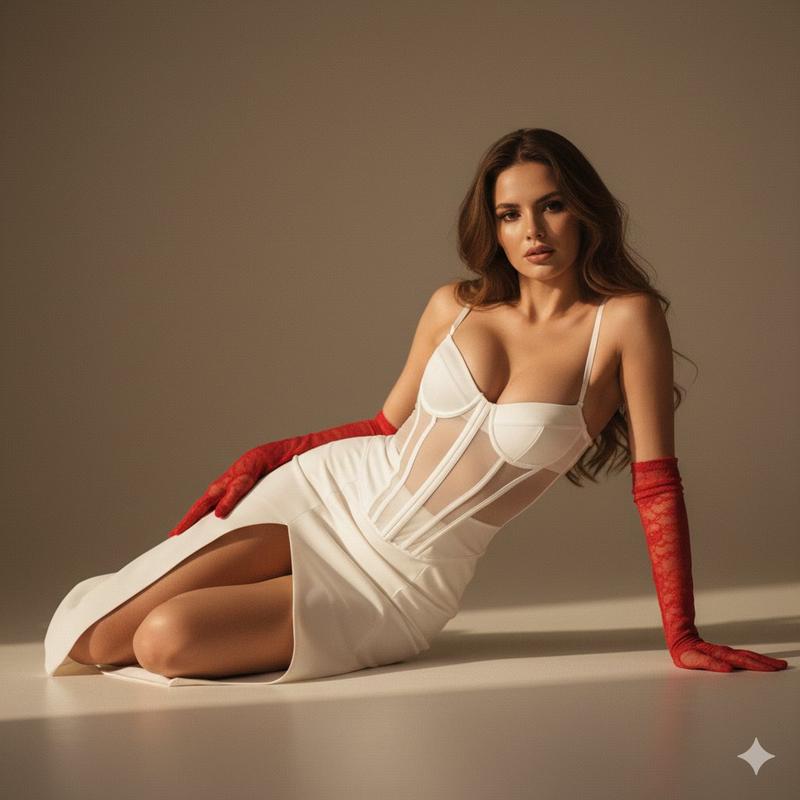
电影感影棚肖像
Enlarge

Example images

电影感影棚肖像

Prompt
{
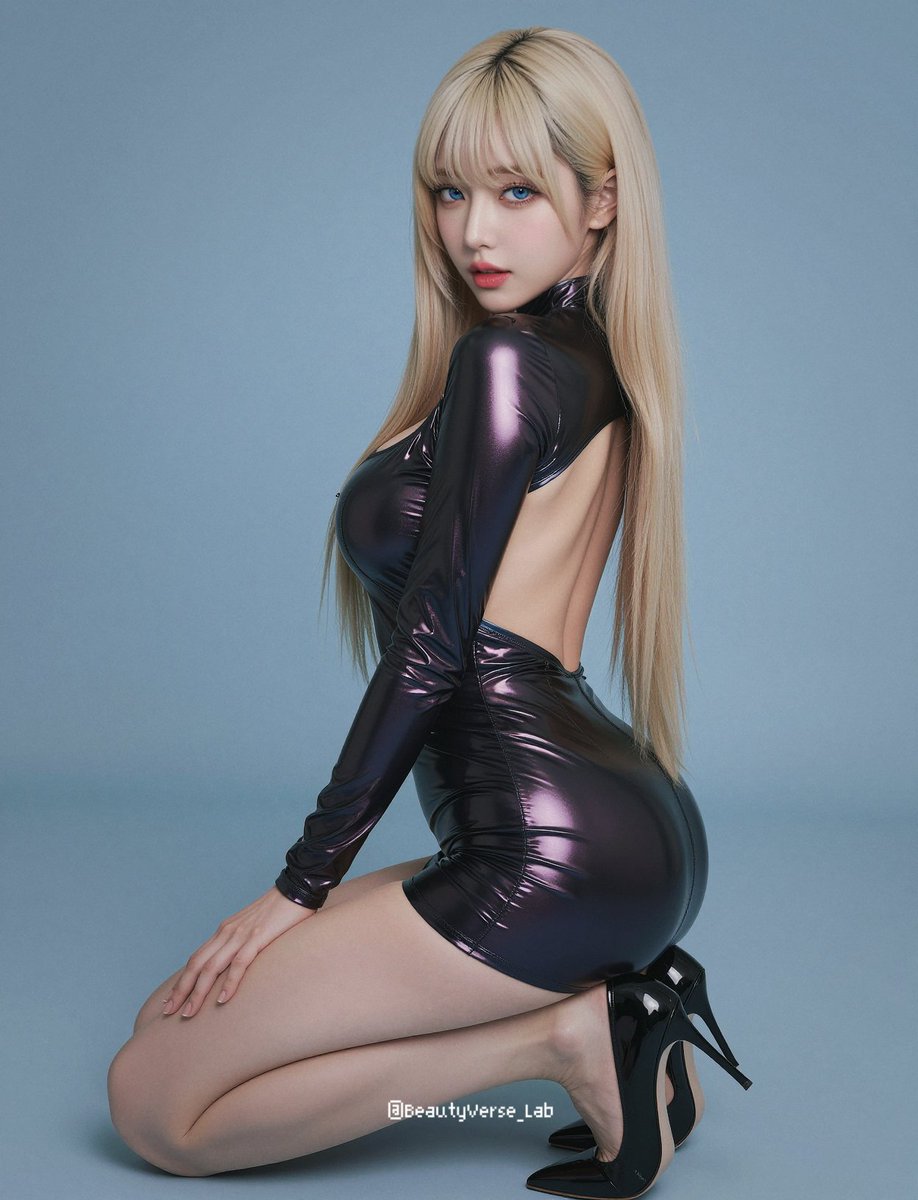
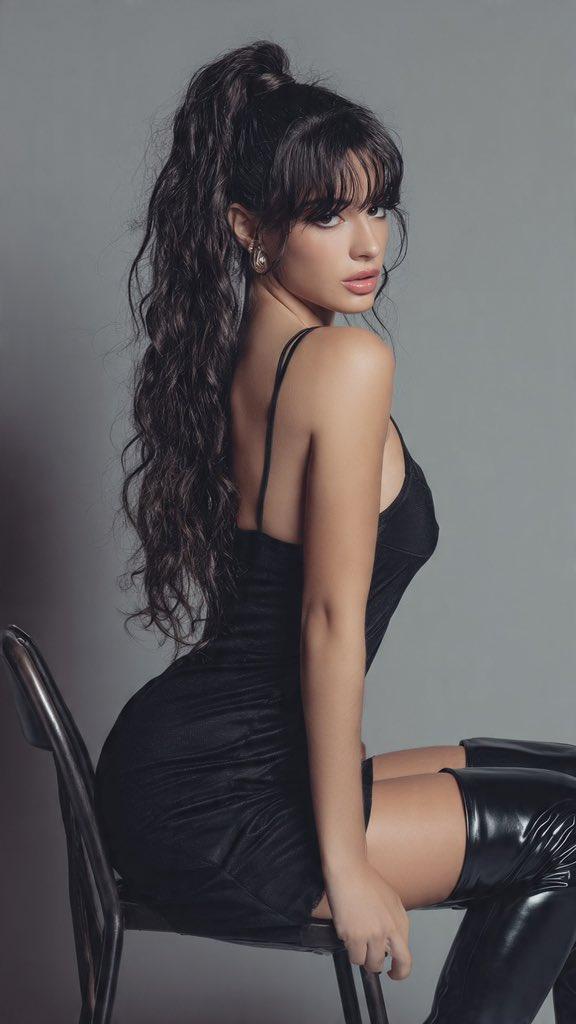
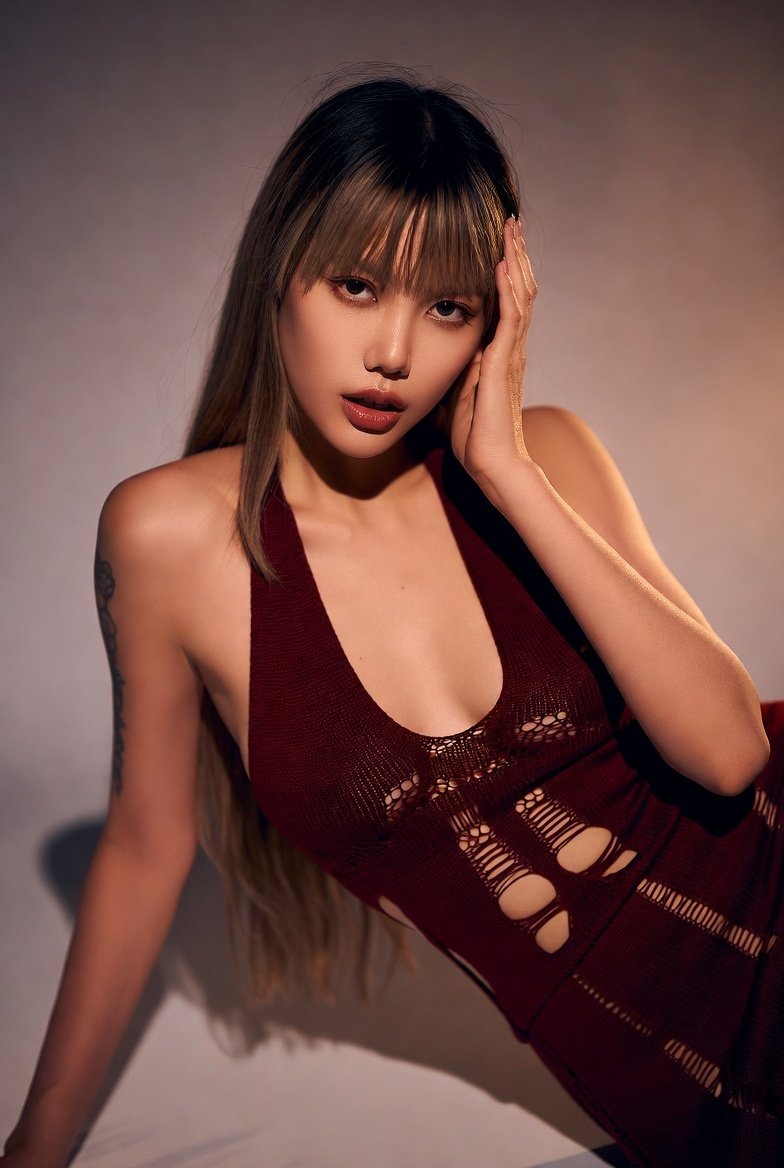
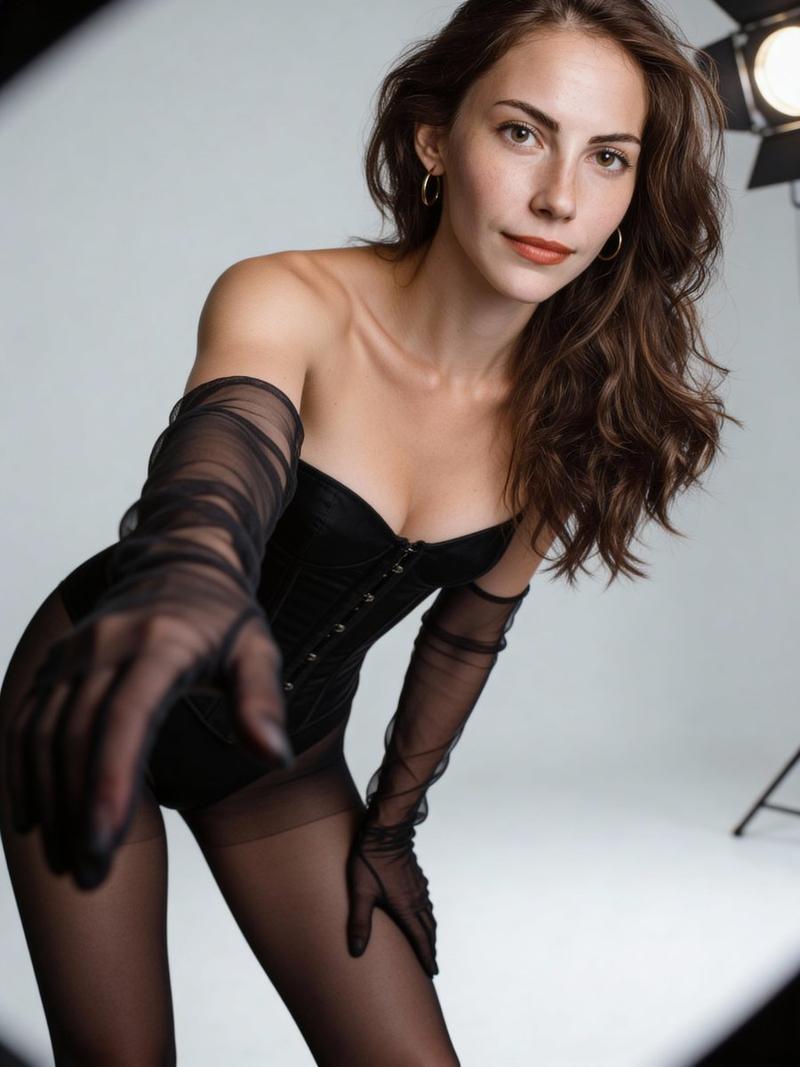
  "prompt": "Studio portrait of a young adult woman with long wavy red hair and fair freckled skin, wearing a black sequined strapless mini dress and thigh-high black boots. She is seated on the floor in a relaxed yet confident pose, facing forward with a soft, neutral expression. A black ribbon choker drapes loosely around her neck. The scene is lit with warm, golden studio lighting that creates a circular spotlight effect behind her, casting soft shadows and adding depth. Minimalist background, editorial fashion photography style, high detail, cinematic warmth, smooth gradients.",
  "negative_prompt": "lowres, blurry, bad anatomy, extra limbs, deformed hands, distorted face, harsh shadows, overexposed, underexposed, watermark, text, logo, jpeg artifacts, cartoon, CGI, 3D render",
  "style": "editorial fashion photography, photorealistic",
  "camera": {
    "angle": "eye-level",
    "framing": "three-quarter body portrait",
    "lens": "85mm",
    "aperture": "f/2.0"
  },
  "lighting": {
    "type": "studio lighting",
    "setup": "warm spotlight with soft falloff",
    "mood": "cinematic and intimate"
  },
  "setting": {
    "location": "studio",
    "background": "warm gradient backdrop with circular light vignette"
  },
  "color_palette": [
    "black",
    "warm gold",
    "amber",
    "soft beige"
  ],
  "size": "768x1152"
}
Category
Charts & Infographics
Model
GPT Image 2
Creator
Miz
Views5
Source ID
14732
Published
Apr 22, 2026

Guide

About "电影感影棚肖像"

What is this prompt for?

"电影感影棚肖像" AI image prompt for GPT Image 2 (Charts & Infographics). 这是一个为 GPT Image 2 设计的高细节影棚肖像提示词,采用结构化 JSON 格式,详细指定了摄影设置、布光和构图,以呈现专业的时尚美学效果。 Copy it on Picva…

The full copyable prompt and example visuals above are ready for AI image generation or one-click recreate in Picva.

How to use this prompt

  1. Step 1

    Open the prompt detail

    Review the example visuals, category, and full prompt text for "电影感影棚肖像".

  2. Step 2

    Copy the prompt

    Copy the prompt body from this page, or load it directly in Studio.

  3. Step 3

    Pick a model (GPT Image 2)

    Prefer GPT Image 2. If you switch models, keep subject and composition and tweak style terms.

  4. Step 4

    Generate and export

    Recreate the look in Picva, or export into your workflow for editing and publishing.

FAQ

What is the "电影感影棚肖像" prompt?
It is an AI image-generation prompt for GPT Image 2 in the Charts & Infographics category. This page includes the full prompt text, example visuals, and a one-click recreate path in Picva.
How do I use this prompt to generate an image?
Copy the prompt from this page, or use Generate / Studio. Paste it into a compatible image model, or recreate the look in Picva with optional reference images.
Which model is this prompt for?
This page lists GPT Image 2. Most descriptive prompts also transfer to nearby image models such as GPT Image, Flux, or Midjourney with light style tweaks.
Can I use the result commercially?
You can usually copy the prompt for creation, but commercial use of the final image depends on the model terms, reference-image rights, and the generated content. Follow the source author and platform rules.