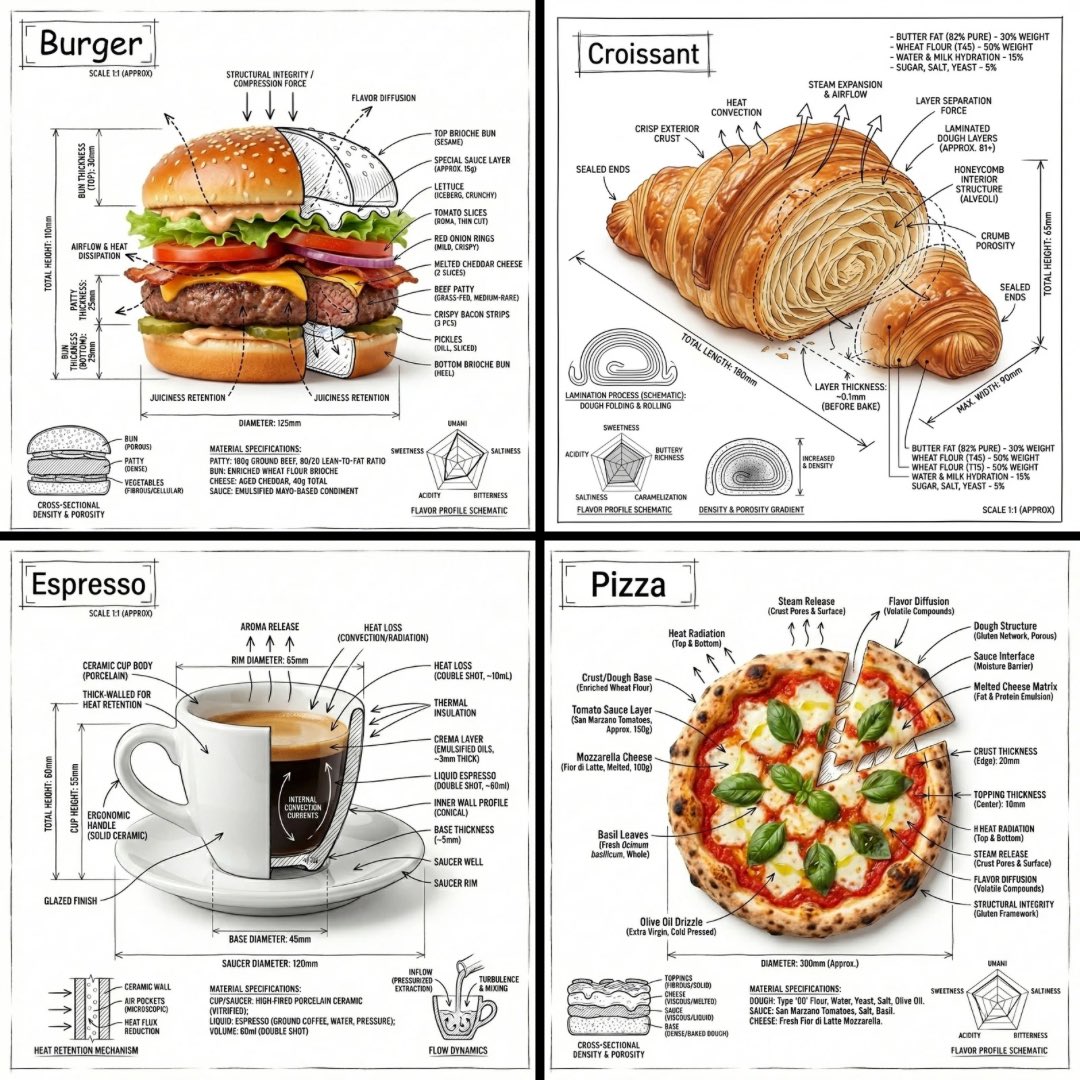
复古芝士汉堡食谱海报
Prompt
{"type":"vintage illustrated recipe poster","subject":"classic American cheeseburger cooking infographic","style":{"medium":"hand-drawn ink and watercolor food illustration","look":"retro diner cookbook poster, warm parchment background, slightly textured paper, sketchy outlines, rich appetizing shading","typography":"large red hand-lettered title and black uppercase handwritten captions"},"text":{"title":"{argument name=\"headline text\" default=\"CLASSIC AMERICAN CHEESEBURGER\"}","ingredientsHeader":"INGREDIENTS","methodHeader":"METHOD","footer":"{argument name=\"footer text\" default=\"BEST SERVED HOT WITH CRISPY FRIES ON THE SIDE!\"}"},"hero":{"count":1,"description":"large fully assembled cheeseburger at top right with sesame seed bun, ruffled green lettuce, thick tomato slices, red onion rings, pickle slices, melted cheddar over a char-grilled beef patty, ketchup and mustard visible at the bottom"},"layout":{"sections":[{"title":"INGREDIENTS","position":"upper middle","count":6,"items":["GROUND BEEF PATTY","CHEDDAR CHEESE SLICES","FRESH LETTUCE LEAVES","SLICED TOMATOES","BURGER BUNS","KETCHUP & MUSTARD"]},{"title":"METHOD","position":"center to lower middle","count":6,"items":["1 SHAPE THE BEEF INTO PATTIES","2 SEASON WITH SALT AND PEPPER","3 GRILL THE PATTIES UNTIL COOKED THROUGH","4 ADD CHEESE AND LET IT MELT","5 TOAST THE BUNS LIGHTLY","6 ASSEMBLE WITH TOPPINGS AND SAUCES"]}],"extraElementsCount":2,"extraElements":["small plated burger illustration near the ingredients row","basket of crispy fries with a small cup of ketchup at bottom right"]},"ingredients":{"count":6,"items":[{"name":"GROUND BEEF PATTY","appearance":"single raw round beef patty"},{"name":"CHEDDAR CHEESE SLICES","appearance":"3 overlapping orange cheese squares"},{"name":"FRESH LETTUCE LEAVES","appearance":"small cluster of green leaf lettuce"},{"name":"SLICED TOMATOES","appearance":"3 red tomato slices"},{"name":"BURGER BUNS","appearance":"1 sesame bun shown as top and bottom together like a mini burger stack"},{"name":"KETCHUP & MUSTARD","appearance":"2 squeeze bottles, one red and one yellow"}]},"method":{"count":6,"steps":[{"step":1,"scene":"two hands shaping a raw beef patty"},{"step":2,"scene":"small bowl of salt beside a wooden pepper mill"},{"step":3,"scene":"single burger patty grilling over open flame on a grill grate"},{"step":4,"scene":"grilled patty topped with melted cheddar on the grill"},{"step":5,"scene":"2 bun halves toasting cut-side down in a pan"},{"step":6,"scene":"assembled cheeseburger with a curved arrow suggesting stacking"}]},"palette":{"count":5,"colors":["warm beige parchment","deep ketchup red","golden cheddar orange","lettuce green","toasted brown"]},"composition":"portrait poster, balanced infographic layout with decorative red flourishes around the title and headers, clean spacing, appetizing and nostalgic","quality":"high detail, crisp legible lettering, polished editorial food illustration"}- Category
- Charts & Infographics
- Model
- GPT Image 2
- Creator
- Anissa
- Source ID
- 14827
- Published
- Apr 22, 2026
Views1