17

商业广告分镜布局
Enlarge

商业广告分镜布局

Prompt
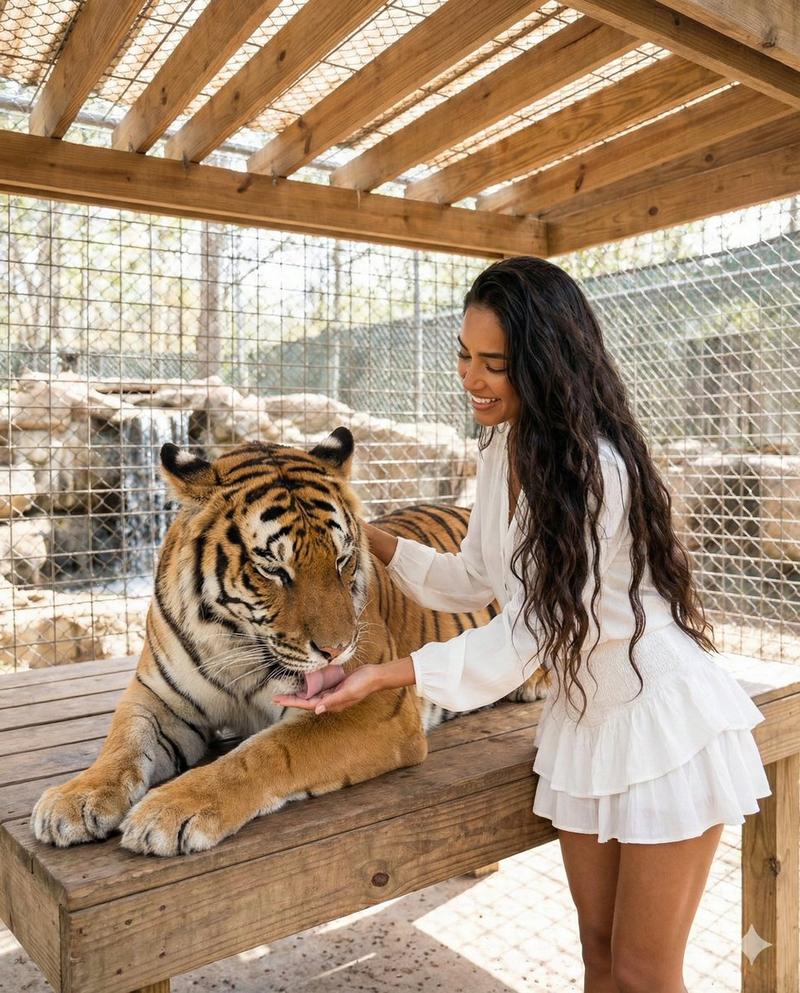
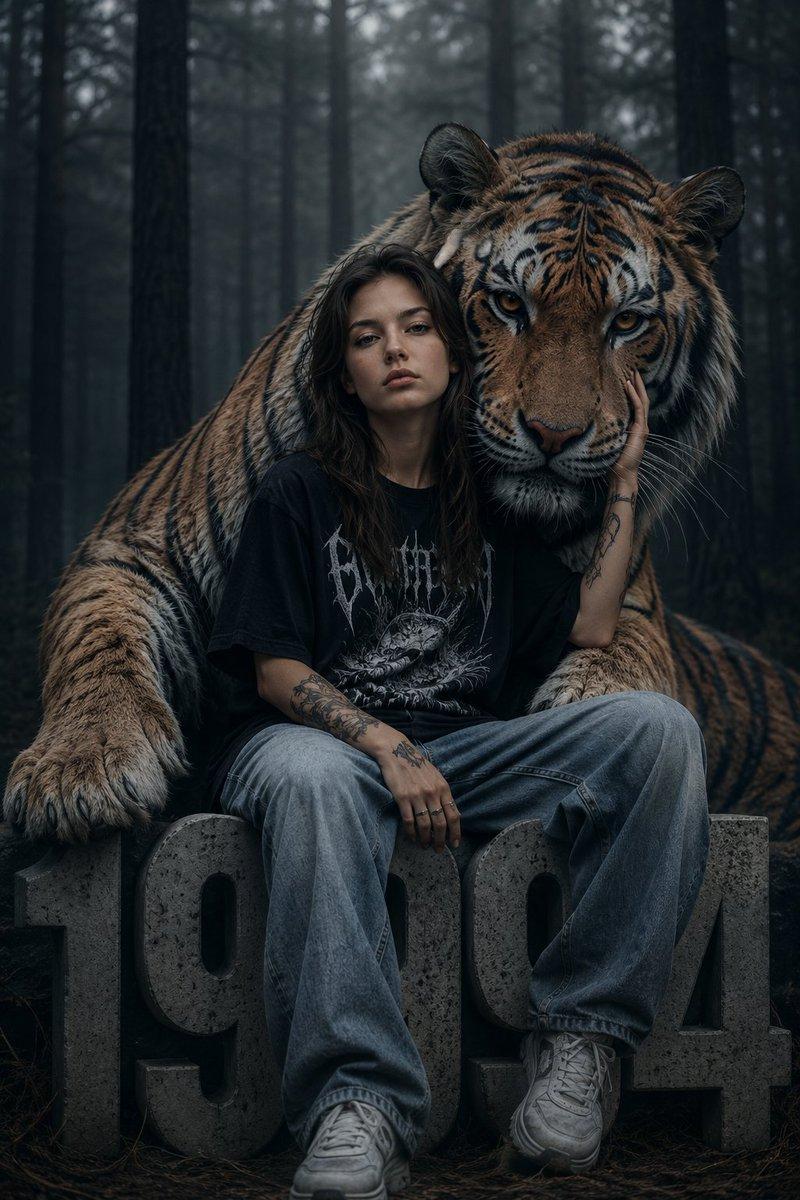
Create a cinematic commercial storyboard sheet.\n\nLAYOUT:\n- Fixed 6-panel grid (2x3), evenly spaced\n- Clean white or neutral background\n- Each panel clearly separated, no UI, no clutter\n\nGLOBAL STYLE:\n- Cinematic realism, high-end commercial look\n- Soft controlled lighting, consistent across all panels\n- No character or environment drift\n\nSTORY ARC (strict order):\n1. Setup\n2. Tension\n3. Product reveal\n4. Product interaction\n5. Transformation (impact)\n6. Clean closing shot\n\nSCENE CONCEPT:\n{argument name="story concept" default="A woman lives in a quiet apartment with a tense, unpredictable tiger. The tiger behaves like a domestic cat but carries constant danger. When she serves the product (cat food), the tiger visibly relaxes and transforms into a calm domestic house cat."}\n\nPANEL REQUIREMENTS (for EACH panel include):\n- Cinematic frame (clear composition, subject readable)\n- Shot / Action (focused on character + product when applicable)\n- Camera (shot type, angle, movement)\n\nPRODUCT RULES:\n- Product must be sharp, readable, and well-lit in panels 3, 4, 6\n- No distortion, no redesign\n- Packaging must remain consistent\n\nVISUAL PRIORITIES:\n- Strong contrast between tension (tiger) and relief (cat)\n- Clear readability in every frame\n- No abstract or surreal distortion, grounded realism\n\nTEXT:\n- Minimal, small, professional labels only (panel number + short shot note)\n- No extra graphics
Category
Charts & Infographics
Model
GPT Image 2
Creator
Kōda
Views8
Source ID
15158
Published
Apr 23, 2026

Guide

About "商业广告分镜布局"

What is this prompt for?

"商业广告分镜布局" AI image prompt for GPT Image 2 (Charts & Infographics). 一个高度结构化的提示词,用于生成包含一致角色和叙事进程的六格商业分镜布局。 Copy it on Picva and recreate the look in one click.

The full copyable prompt and example visuals above are ready for AI image generation or one-click recreate in Picva.

How to use this prompt

  1. Step 1

    Open the prompt detail

    Review the example visuals, category, and full prompt text for "商业广告分镜布局".

  2. Step 2

    Copy the prompt

    Copy the prompt body from this page, or load it directly in Studio.

  3. Step 3

    Pick a model (GPT Image 2)

    Prefer GPT Image 2. If you switch models, keep subject and composition and tweak style terms.

  4. Step 4

    Generate and export

    Recreate the look in Picva, or export into your workflow for editing and publishing.

FAQ

What is the "商业广告分镜布局" prompt?
It is an AI image-generation prompt for GPT Image 2 in the Charts & Infographics category. This page includes the full prompt text, example visuals, and a one-click recreate path in Picva.
How do I use this prompt to generate an image?
Copy the prompt from this page, or use Generate / Studio. Paste it into a compatible image model, or recreate the look in Picva with optional reference images.
Which model is this prompt for?
This page lists GPT Image 2. Most descriptive prompts also transfer to nearby image models such as GPT Image, Flux, or Midjourney with light style tweaks.
Can I use the result commercially?
You can usually copy the prompt for creation, but commercial use of the final image depends on the model terms, reference-image rights, and the generated content. Follow the source author and platform rules.