15

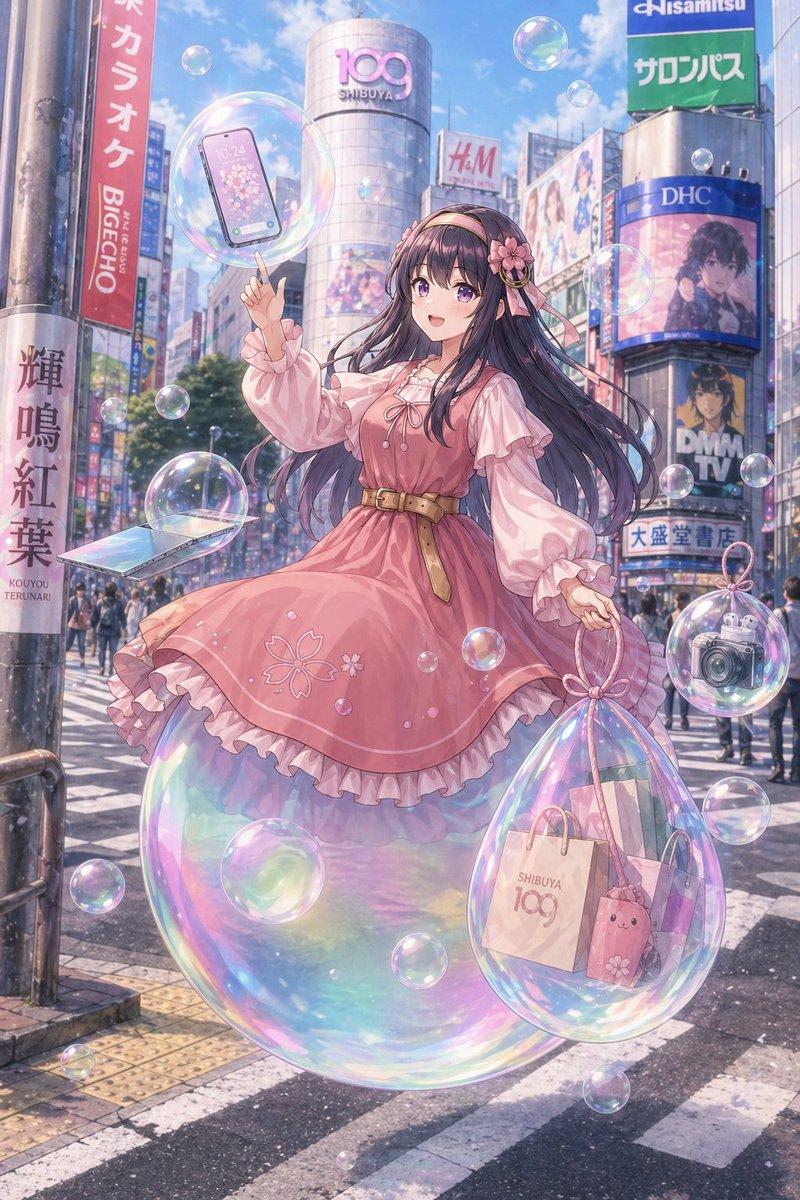
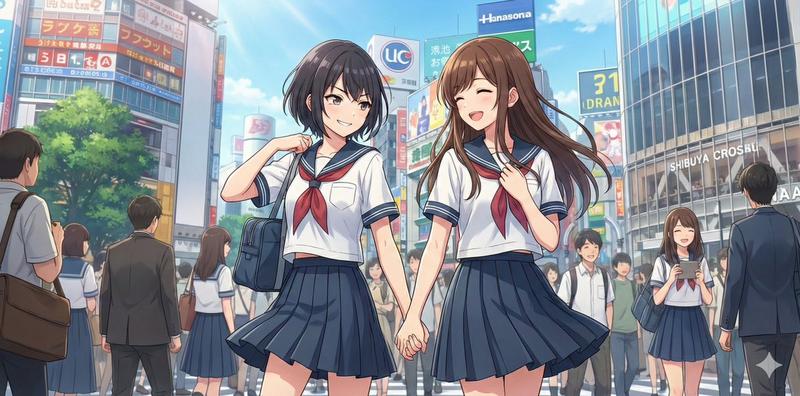
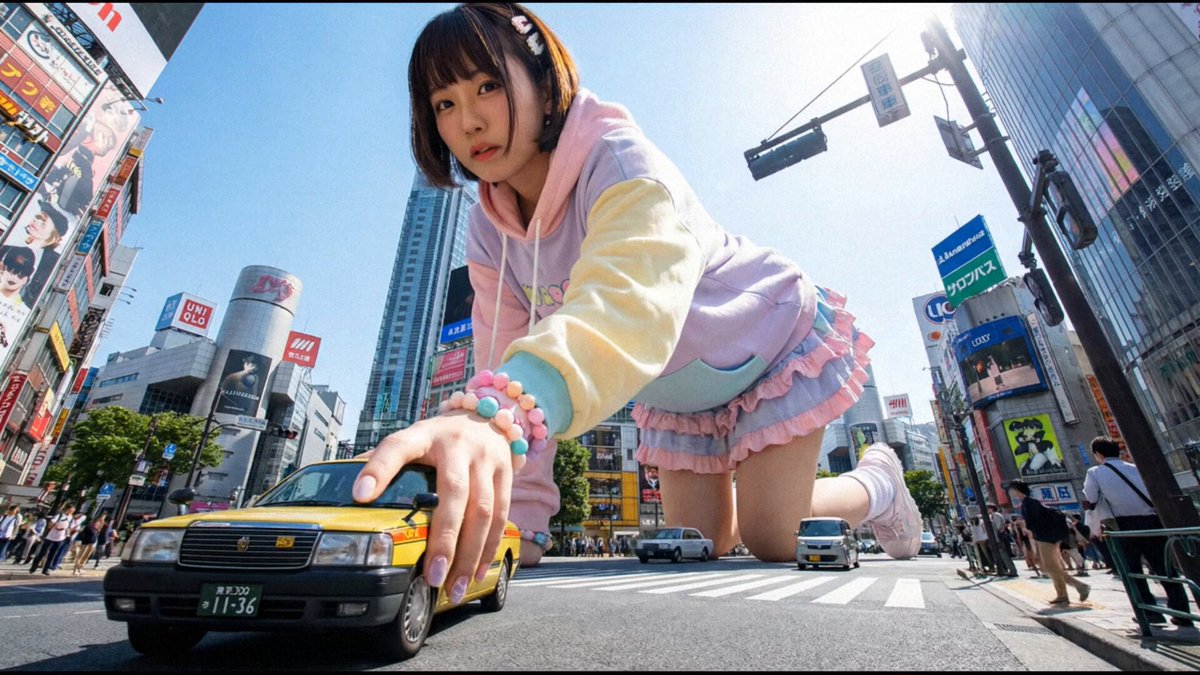
超写实超现实海报设计提示词
Enlarge

超写实超现实海报设计提示词

Prompt
类型:{argument name="genre" default="汉堡"}
品牌名称:{argument name="brand name" default="Kashiko"}

基于此图像,生成一张具有照片级真实感的海报,其概念需完全脱离常识,且在现实世界中绝无仅有。

不要仅仅进行简单的延伸;要让创意实现飞跃,达到一种“逻辑上说得通,但解读起来极其疯狂”的境界。

[绝对条件]
- 照片级真实感表现(还原纹理、氛围,甚至像真实照片一样的光粒子)
- 所有文字必须使用日语

[夸张/强化元素]
■ 字体设计
- 字符本身被物化或现象化
- 字体与主题产生物理交互

■ 文字排版
- 忽略常规布局,将文字置于空间本身之中
- 具有极强视觉引导力的布局

■ 构图
- 不现实的透视、极广角、畸变、比例破坏
- 清晰的前景、中景和背景层次,且信息密度极高
- 一个瞬间抓人眼球的核心元素 + 细节中无数微妙的怪异之处

■ 灯光
- 电影级的灯光效果
- 强烈的逆光、轮廓光、霓虹灯、粒子光、体积光
- 光本身具有意义(作为引导或强调功能)

■ 标语
- 短促、强烈的日语短句,逻辑通顺但难以完全参透
- 文案与情境略有偏差,却又出奇地契合

[附加效果]
- 现实与非现实同时并存的违和感
- 图像部分区域无视物理定律
- 具备专业级广告水准的品质

最终,将其打造为一张“可被理解但又超乎想象”、让人忍不住回看的海报。如果参考图像是角色,请应用穿戴、使用或尝试食用该品牌等动作。请勿使用任何真实品牌 Logo、公司名称或个人姓名;使其完全原创。确保最终成品中不包含任何现实世界的元素。抑制因过度细节导致的噪点或平衡破坏,保持整体视觉统一与高级感。
Category
Posters & Typography
Model
GPT Image 2
Views2
Source ID
15222
Published
Apr 23, 2026

Guide

About "超写实超现实海报设计提示词"

What is this prompt for?

"超写实超现实海报设计提示词" AI image prompt for GPT Image 2 (Posters & Typography). 一份详细的提示词,用于创作融合现实与超现实概念的电影级、照片级真实感海报,支持针对品牌和视觉元素进行深度定制。 Copy it on Picva and recreate t…

The full copyable prompt and example visuals above are ready for AI image generation or one-click recreate in Picva.

How to use this prompt

  1. Step 1

    Open the prompt detail

    Review the example visuals, category, and full prompt text for "超写实超现实海报设计提示词".

  2. Step 2

    Copy the prompt

    Copy the prompt body from this page, or load it directly in Studio.

  3. Step 3

    Pick a model (GPT Image 2)

    Prefer GPT Image 2. If you switch models, keep subject and composition and tweak style terms.

  4. Step 4

    Generate and export

    Recreate the look in Picva, or export into your workflow for editing and publishing.

FAQ

What is the "超写实超现实海报设计提示词" prompt?
It is an AI image-generation prompt for GPT Image 2 in the Posters & Typography category. This page includes the full prompt text, example visuals, and a one-click recreate path in Picva.
How do I use this prompt to generate an image?
Copy the prompt from this page, or use Generate / Studio. Paste it into a compatible image model, or recreate the look in Picva with optional reference images.
Which model is this prompt for?
This page lists GPT Image 2. Most descriptive prompts also transfer to nearby image models such as GPT Image, Flux, or Midjourney with light style tweaks.
Can I use the result commercially?
You can usually copy the prompt for creation, but commercial use of the final image depends on the model terms, reference-image rights, and the generated content. Follow the source author and platform rules.