16

可爱的眨眼女学生比耶手势
Enlarge

可爱的眨眼女学生比耶手势

Prompt
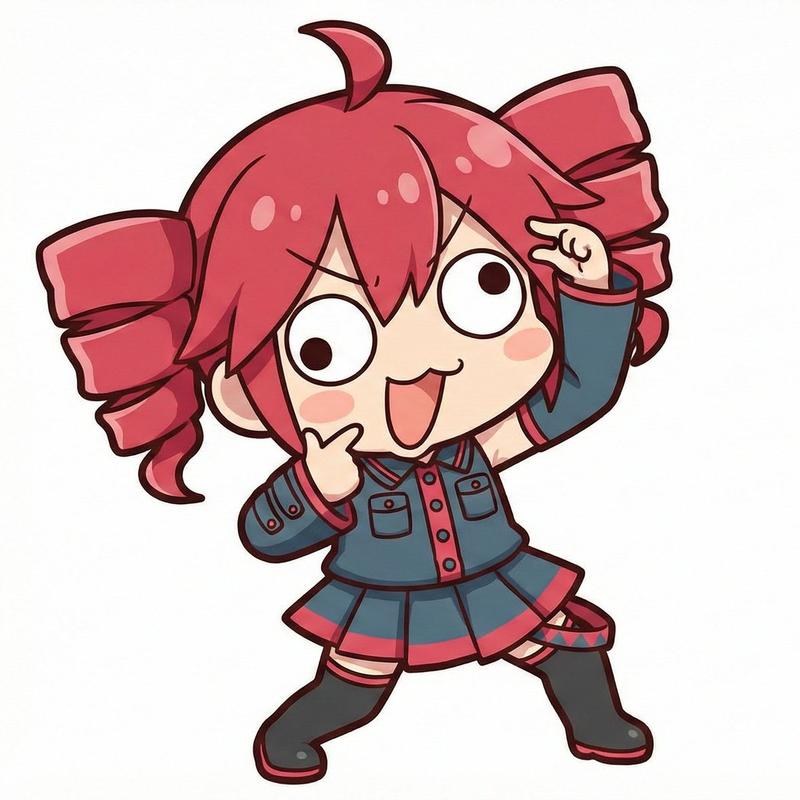
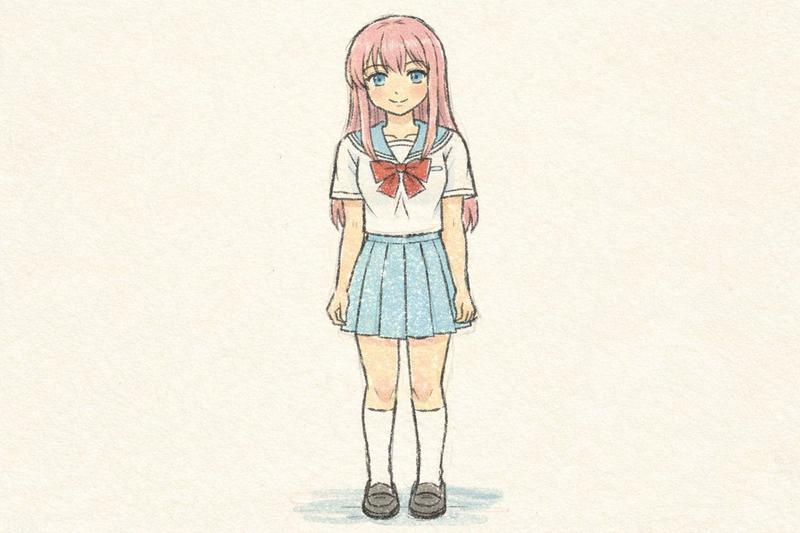
A simple cute flat vector illustration of a cheerful Japanese schoolgirl centered on a plain light gray background, shown from about mid-thigh up in a front-facing pose. She has long straight {argument name="hair color" default="black"} hair with side-swept bangs, fair skin, a rounded face, pink blush on both cheeks, one eye open and the other eye winking, a small nose, and an open smiling mouth. She is wearing a classic Japanese high school uniform with a dark navy blazer, white shirt collar, large red ribbon bow at the neck, and a gray pleated skirt, with 2 visible gold blazer buttons. Both arms are stretched straight out horizontally to the sides toward the viewer, and both hands are making peace signs with the fingers angled downward. Use bold clean black outlines, soft pastel-like flat colors, minimal shading, kawaii sticker-style proportions, symmetrical composition, and a friendly playful expression.
Category
Brand & Logos
Model
GPT Image 2
Views11
Source ID
15342
Published
Apr 23, 2026

Guide

About "可爱的眨眼女学生比耶手势"

What is this prompt for?

"可爱的眨眼女学生比耶手势" AI image prompt for GPT Image 2 (Brand & Logos). 一张简洁的卡哇伊矢量风格插画,描绘了一位身穿校服、面带微笑并做出双重比耶手势的女学生,适用于图标、贴纸和简单的角色艺术。 Copy it on Picva and recreate the…

The full copyable prompt and example visuals above are ready for AI image generation or one-click recreate in Picva.

How to use this prompt

  1. Step 1

    Open the prompt detail

    Review the example visuals, category, and full prompt text for "可爱的眨眼女学生比耶手势".

  2. Step 2

    Copy the prompt

    Copy the prompt body from this page, or load it directly in Studio.

  3. Step 3

    Pick a model (GPT Image 2)

    Prefer GPT Image 2. If you switch models, keep subject and composition and tweak style terms.

  4. Step 4

    Generate and export

    Recreate the look in Picva, or export into your workflow for editing and publishing.

FAQ

What is the "可爱的眨眼女学生比耶手势" prompt?
It is an AI image-generation prompt for GPT Image 2 in the Brand & Logos category. This page includes the full prompt text, example visuals, and a one-click recreate path in Picva.
How do I use this prompt to generate an image?
Copy the prompt from this page, or use Generate / Studio. Paste it into a compatible image model, or recreate the look in Picva with optional reference images.
Which model is this prompt for?
This page lists GPT Image 2. Most descriptive prompts also transfer to nearby image models such as GPT Image, Flux, or Midjourney with light style tweaks.
Can I use the result commercially?
You can usually copy the prompt for creation, but commercial use of the final image depends on the model terms, reference-image rights, and the generated content. Follow the source author and platform rules.