19

肥皂泡破裂微距摄影
Enlarge

Example images

肥皂泡破裂微距摄影

Prompt
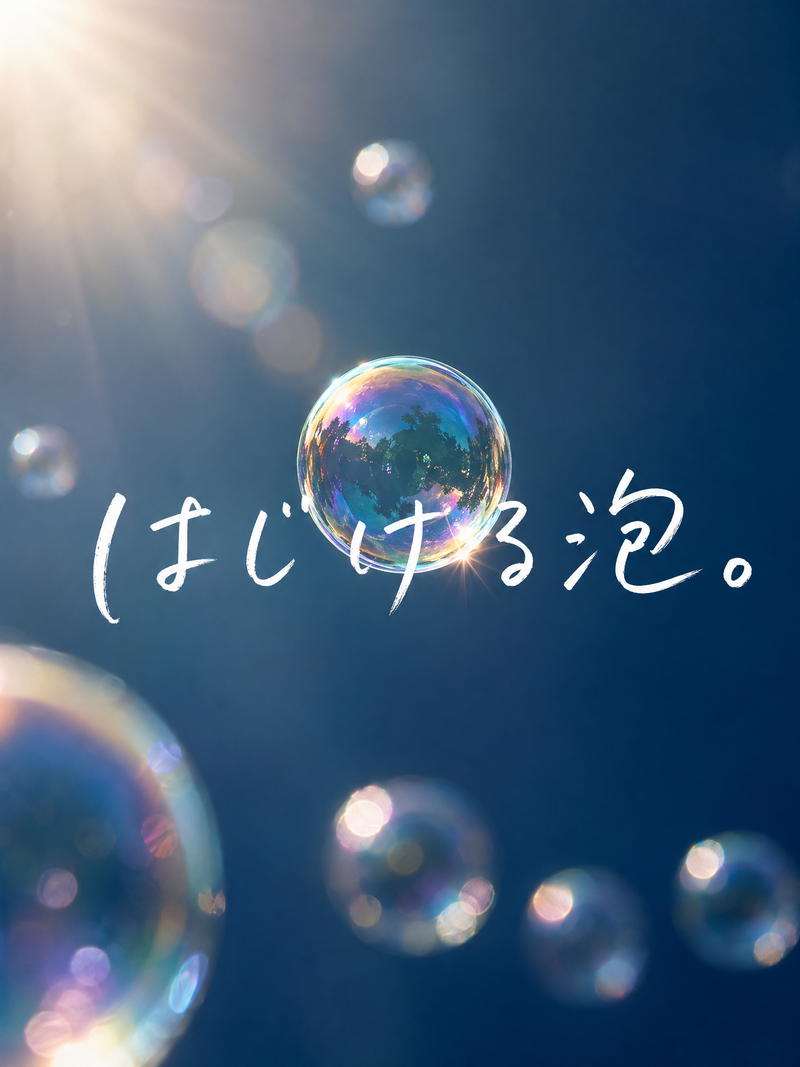
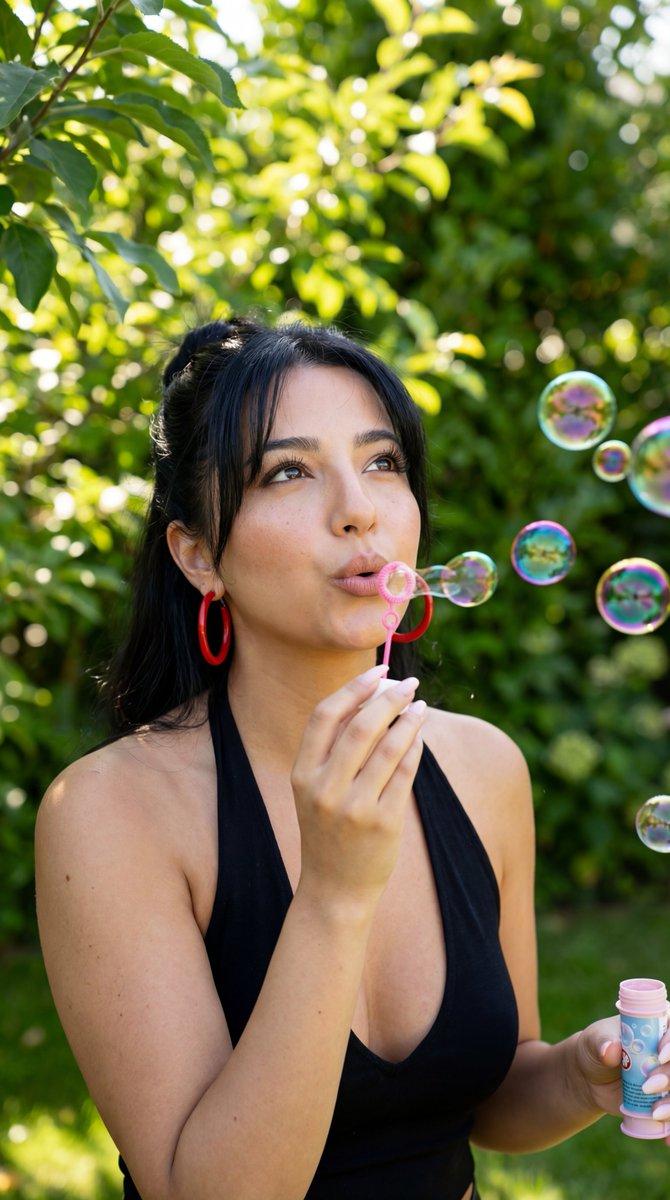
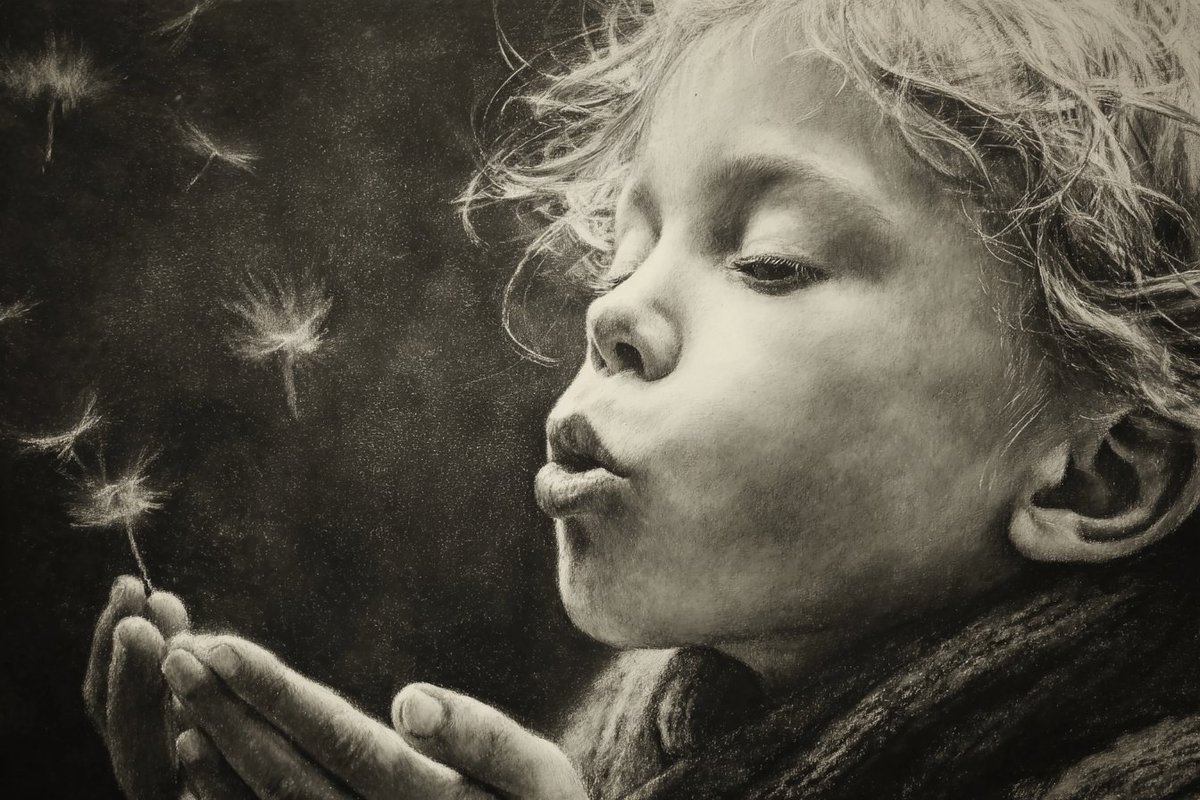
A high-speed macro photograph of a soap bubble bursting in a sunlit garden, framed horizontally. On the far left edge, show the side profile of a young child with visible cheek, nose, lips, and part of one closed or half-closed eye, gently blowing toward the bubble. Place 1 large soap bubble near the center-left of the frame. The left half of the bubble remains intact as a smooth, glossy, iridescent sphere with vivid rainbow colors and strong reflective highlights, including a bright sun glint near the upper area and reflections of trees and garden scenery on the surface. The right half of the bubble is exploding outward into countless tiny droplets, mist, and thin web-like liquid filaments, frozen sharply in mid-air and spreading to the right side of the image. Emphasize the dramatic transition line between the intact sphere and the shattered spray. Use bright direct sunlight, very high shutter speed, crisp macro detail, high contrast, saturated color, dark green leafy background rendered as soft bokeh, and a Kodak Ektar 100 film look. Photorealistic, ultra-detailed, dynamic motion frozen in time, shallow depth of field.
Category
Charts & Infographics
Model
GPT Image 2
Creator
Harshith
Views0
Source ID
15613
Published
Apr 24, 2026

Guide

About "肥皂泡破裂微距摄影"

What is this prompt for?

"肥皂泡破裂微距摄影" AI image prompt for GPT Image 2 (Charts & Infographics). 此提示词可生成一张超写实的高速微距图像,捕捉儿童吹出的肥皂泡破裂成水滴的瞬间,非常适合用于极具张力的自然摄影和动态捕捉视觉效果。 Copy it on Picva and recr…

The full copyable prompt and example visuals above are ready for AI image generation or one-click recreate in Picva.

How to use this prompt

  1. Step 1

    Open the prompt detail

    Review the example visuals, category, and full prompt text for "肥皂泡破裂微距摄影".

  2. Step 2

    Copy the prompt

    Copy the prompt body from this page, or load it directly in Studio.

  3. Step 3

    Pick a model (GPT Image 2)

    Prefer GPT Image 2. If you switch models, keep subject and composition and tweak style terms.

  4. Step 4

    Generate and export

    Recreate the look in Picva, or export into your workflow for editing and publishing.

FAQ

What is the "肥皂泡破裂微距摄影" prompt?
It is an AI image-generation prompt for GPT Image 2 in the Charts & Infographics category. This page includes the full prompt text, example visuals, and a one-click recreate path in Picva.
How do I use this prompt to generate an image?
Copy the prompt from this page, or use Generate / Studio. Paste it into a compatible image model, or recreate the look in Picva with optional reference images.
Which model is this prompt for?
This page lists GPT Image 2. Most descriptive prompts also transfer to nearby image models such as GPT Image, Flux, or Midjourney with light style tweaks.
Can I use the result commercially?
You can usually copy the prompt for creation, but commercial use of the final image depends on the model terms, reference-image rights, and the generated content. Follow the source author and platform rules.