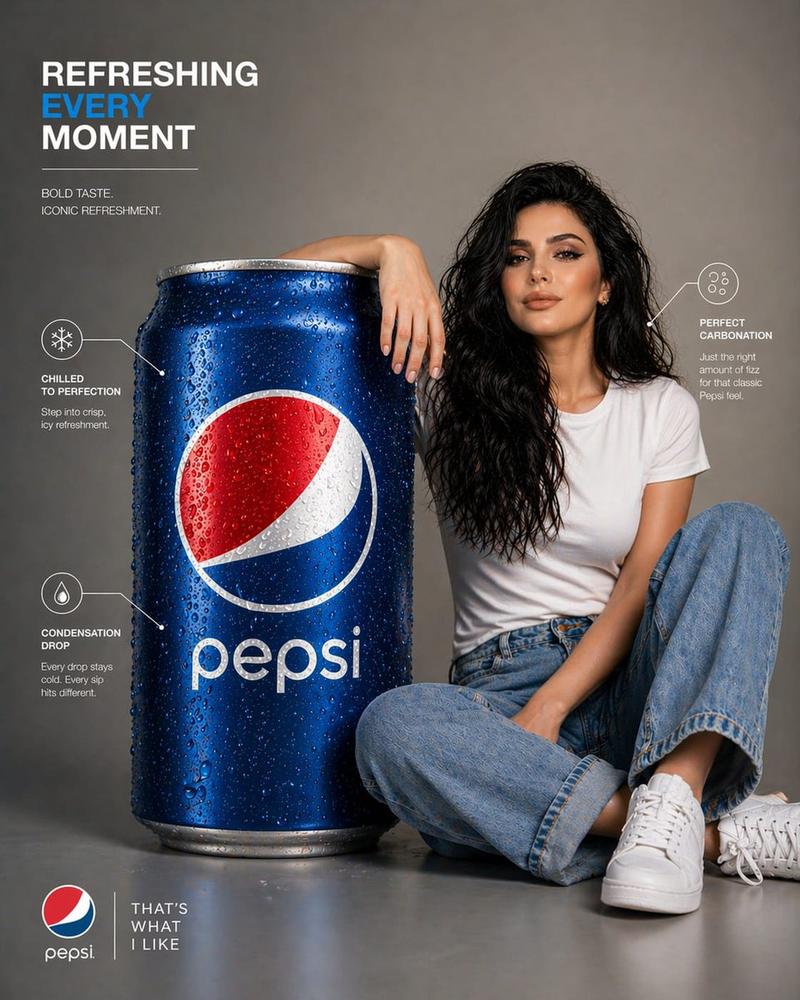
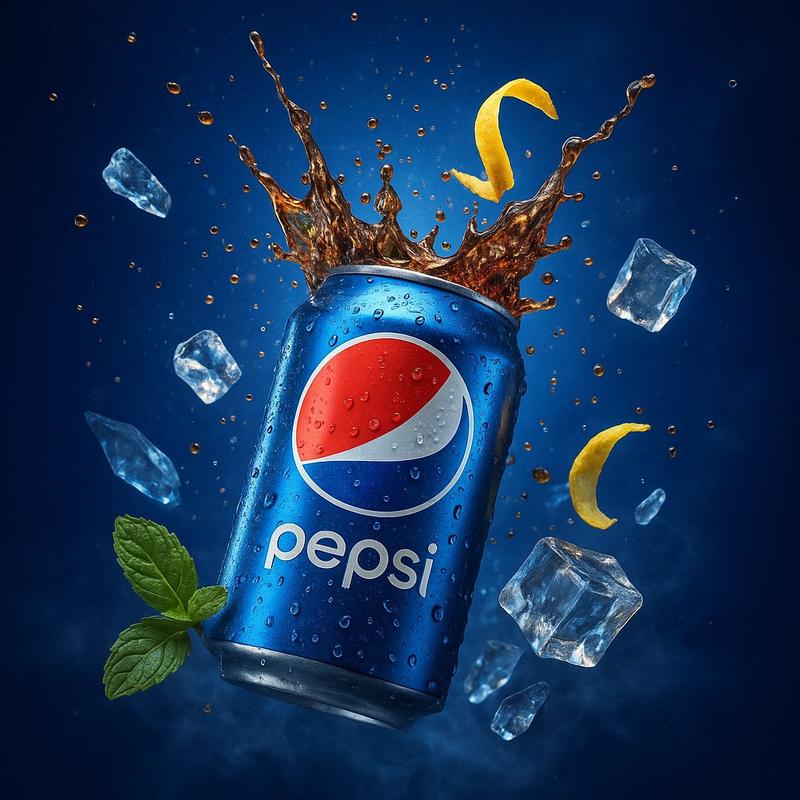
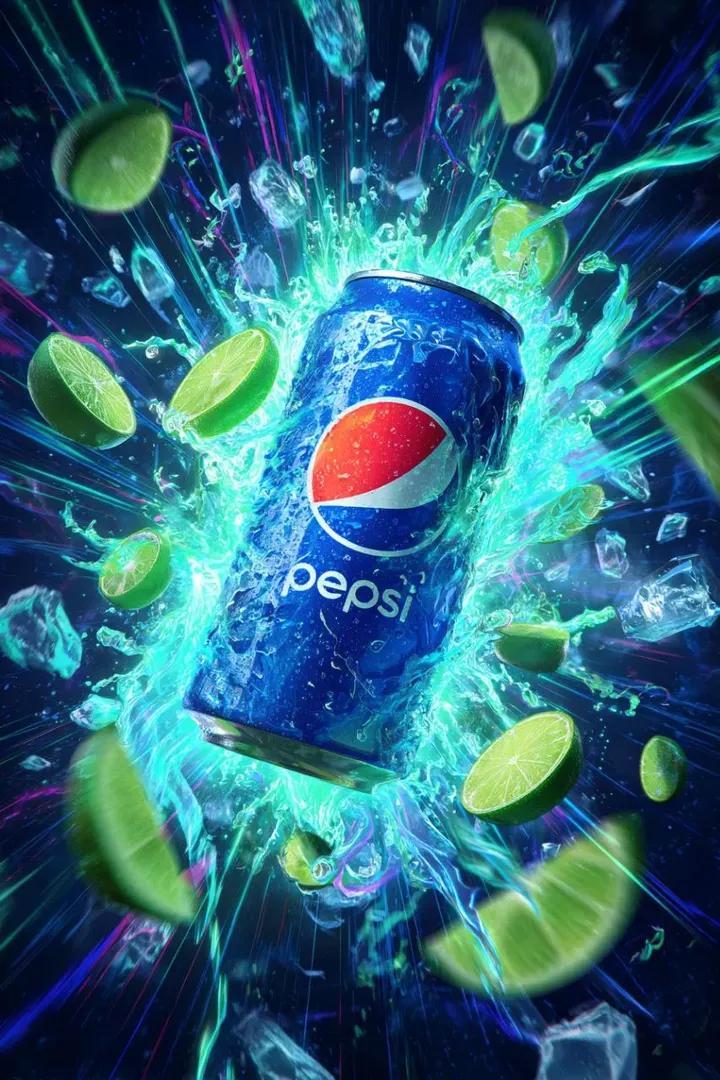
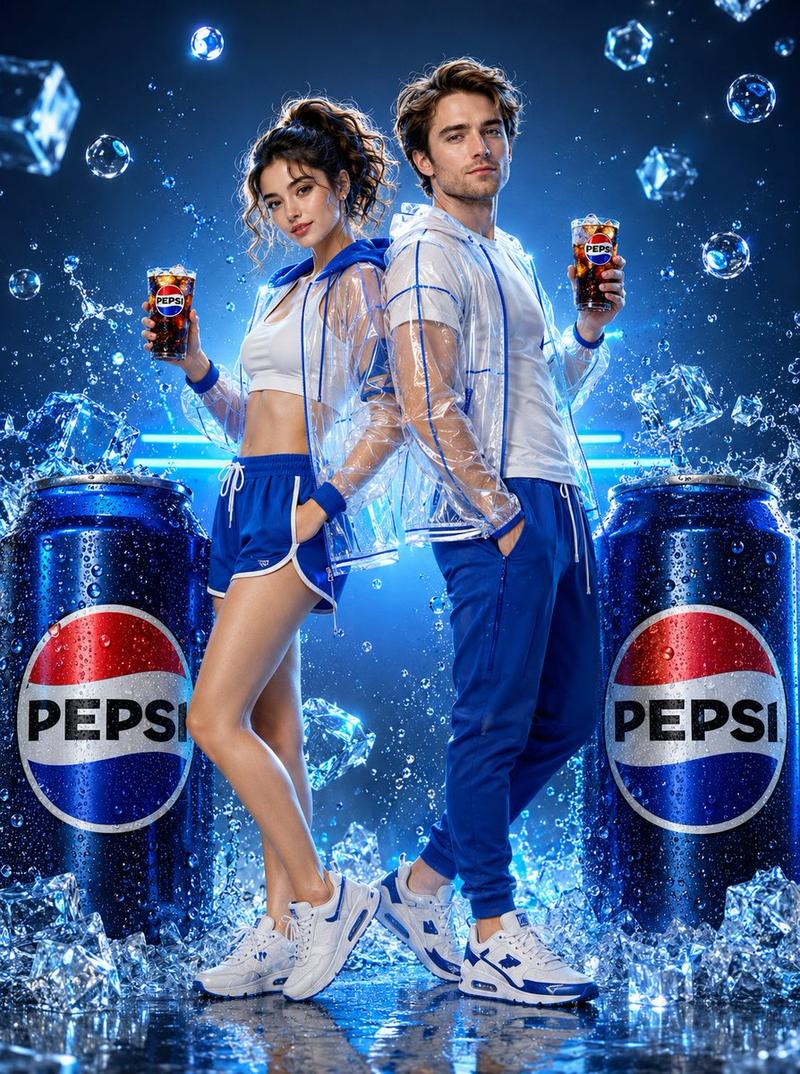
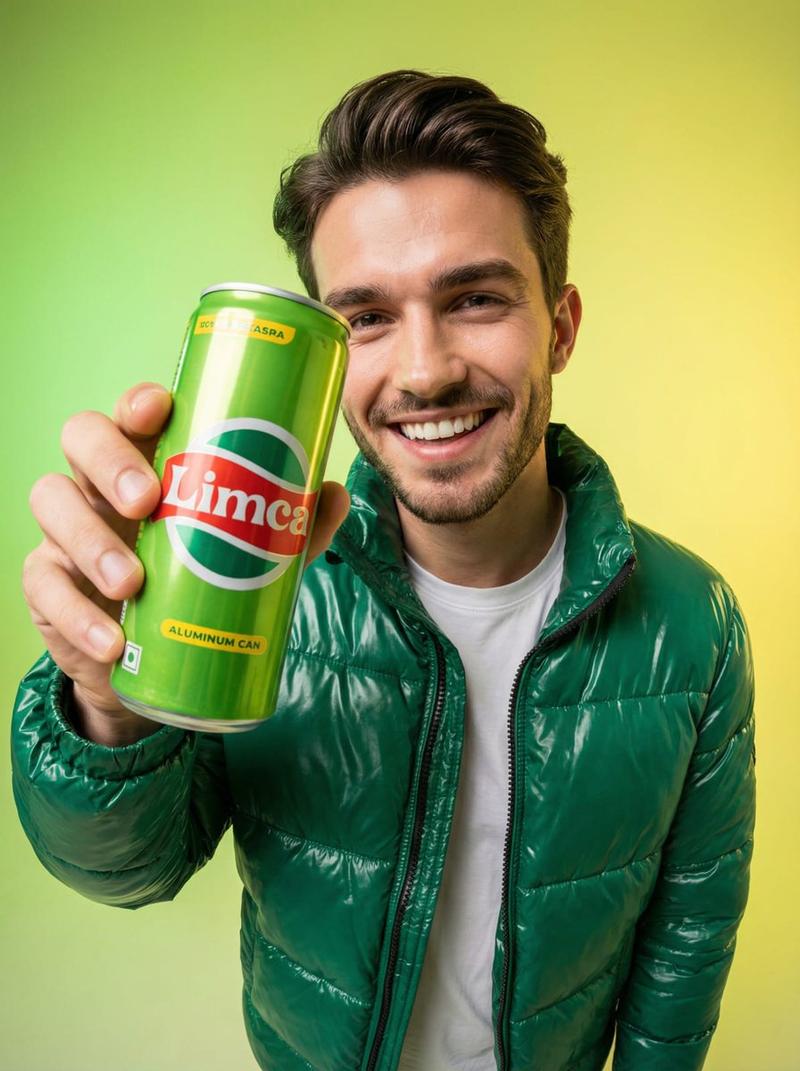
百事可乐信息图广告
Prompt
A premium infographic-style visual featuring an oversized {argument name="brand" default="Pepsi"} can placed beside a {argument name="subject" default="young woman"}. The can is scaled to be nearly the same size as her entire seated body, creating a striking, surreal proportion. The woman sits casually leaning against the giant can, one arm resting on it, interacting naturally with the object. Her face must closely match the provided reference image, accurate facial structure, skin tone, hairstyle, and expression — polished, realistic, and visually appealing. The Pepsi can is ultra-detailed with crisp branding, condensation droplets, realistic reflections, and metallic texture. The logo is clean, sharp, and properly proportioned. Composition is modern and minimal, set in a clean studio or soft gradient background. Include subtle infographic-style elements such as thin annotation lines, minimal labels, or callouts highlighting features like “{argument name="feature" default="refreshment"},” “carbonation,” or “chilled texture,” but keep it elegant and uncluttered. Lighting is soft studio lighting with controlled highlights and shadows, giving a premium advertising look. The model is styled in minimal, contemporary clothing that complements the red, white, and blue tones of the can. Color grading is crisp and slightly vibrant, with a commercial ad aesthetic. Balanced composition, sharp focus, slight depth of field for realism. Style: high-end product infographic, commercial beverage advertisement, clean UI-inspired annotations Resolution: ultra high resolution, 4K, highly detailed, photorealistic 85mm lens, f/2.8 hyper-realistic, studio quality no distortion, correct proportions clean typography, modern layout- Category
- Charts & Infographics
- Model
- GPT Image 2
- Creator
- Meem
- Source ID
- 15887
- Published
- Apr 25, 2026
Views3