17

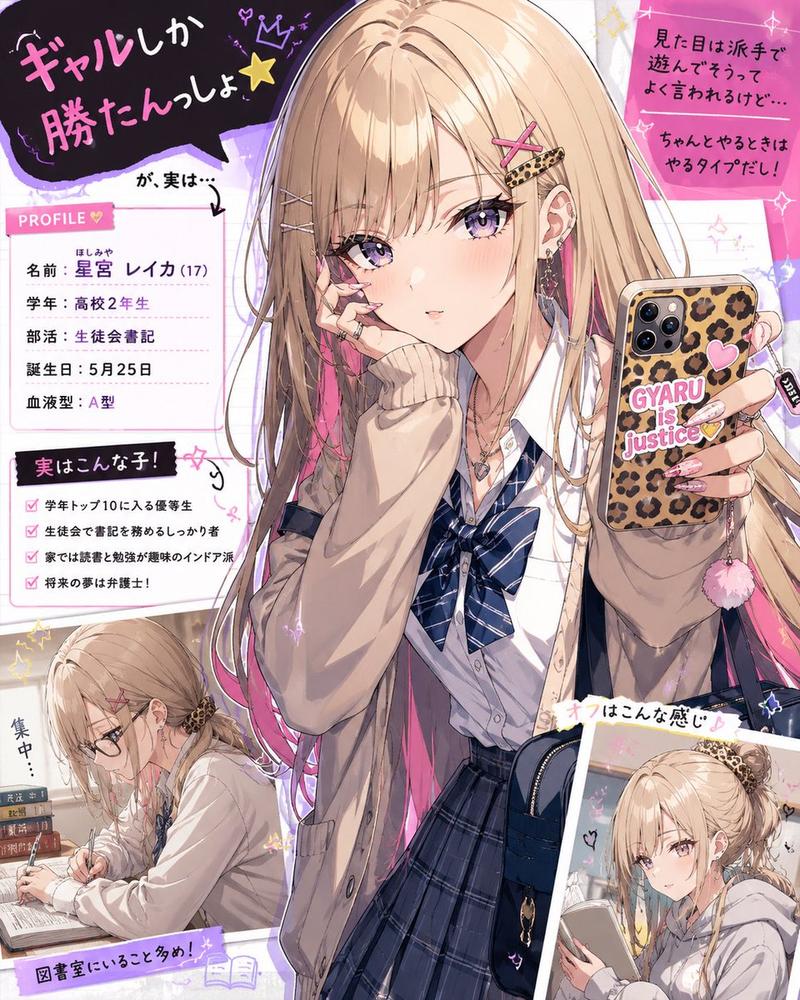
带有注释的 Instagram Story
Enlarge

带有注释的 Instagram Story

Prompt
想象一个 {argument name="location" default="时尚的实景咖啡馆"}。
在桌上放置适合该场景的餐点,例如 {argument name="food items" default="可爱的甜点、午餐和咖啡"}。

主体为一个出现在实景空间中的动漫角色,参考角色设定图进行创作。
姿势随机。
实时卡通渲染质量。清晰的赛璐珞风格边缘线,动漫风格的高光与阴影形成对比,基于 3DCG 但具有手绘动漫质感。皮肤呈现哑光赛璐珞涂装效果,头发带有高光带,眼睛具有多层渐变效果。

分析背景元素和角色姿势,然后对这些分析出的元素添加手绘注释。
使用 {argument name="annotation language" default="日语"} 手写字符(平假名和汉字)以及白色笔绘制的细手绘线条。
使用箭头和虚线来引导视觉焦点,指向特定元素。
最终图像应呈现 Instagram Story 风格,看起来就像直接在照片上书写的备忘录。
Category
Characters & People
Model
GPT Image 2
Views6
Source ID
15952
Published
Apr 25, 2026

Guide

About "带有注释的 Instagram Story"

What is this prompt for?

"带有注释的 Instagram Story" AI image prompt for GPT Image 2 (Characters & People). 一个复杂的提示词,将实景咖啡馆场景与动漫角色以及手绘注释相结合,呈现出 Instagram Story 的风格。 Copy it on Picva and re…

The full copyable prompt and example visuals above are ready for AI image generation or one-click recreate in Picva.

How to use this prompt

  1. Step 1

    Open the prompt detail

    Review the example visuals, category, and full prompt text for "带有注释的 Instagram Story".

  2. Step 2

    Copy the prompt

    Copy the prompt body from this page, or load it directly in Studio.

  3. Step 3

    Pick a model (GPT Image 2)

    Prefer GPT Image 2. If you switch models, keep subject and composition and tweak style terms.

  4. Step 4

    Generate and export

    Recreate the look in Picva, or export into your workflow for editing and publishing.

FAQ

What is the "带有注释的 Instagram Story" prompt?
It is an AI image-generation prompt for GPT Image 2 in the Characters & People category. This page includes the full prompt text, example visuals, and a one-click recreate path in Picva.
How do I use this prompt to generate an image?
Copy the prompt from this page, or use Generate / Studio. Paste it into a compatible image model, or recreate the look in Picva with optional reference images.
Which model is this prompt for?
This page lists GPT Image 2. Most descriptive prompts also transfer to nearby image models such as GPT Image, Flux, or Midjourney with light style tweaks.
Can I use the result commercially?
You can usually copy the prompt for creation, but commercial use of the final image depends on the model terms, reference-image rights, and the generated content. Follow the source author and platform rules.