18

废墟神殿中的暗影刺客
Enlarge

废墟神殿中的暗影刺客

Prompt
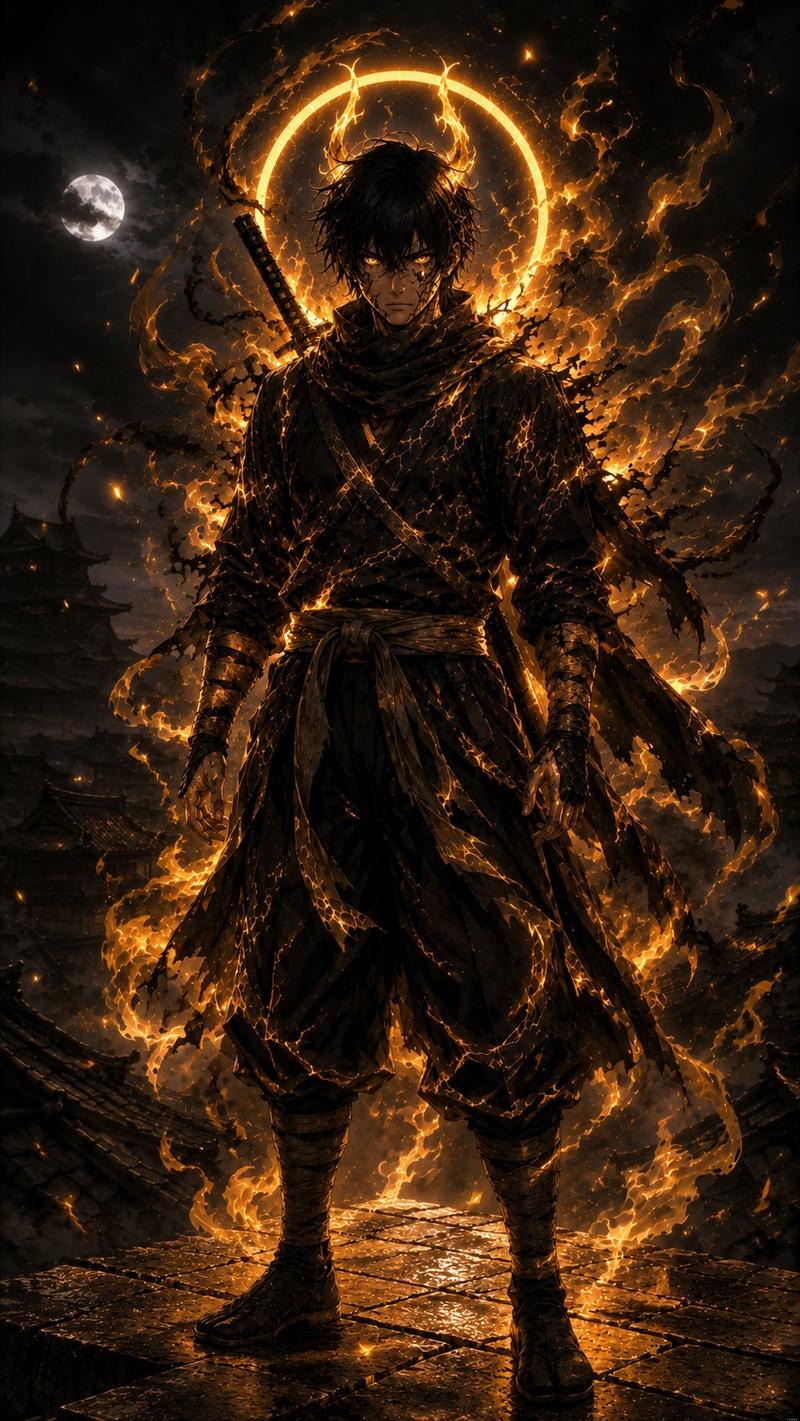
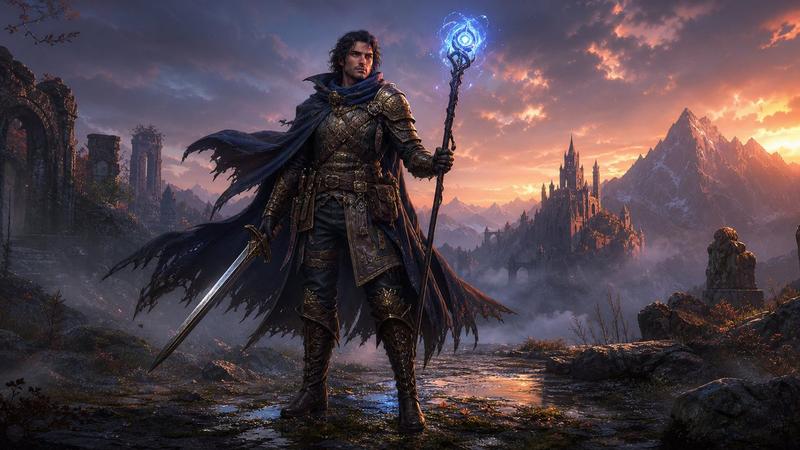
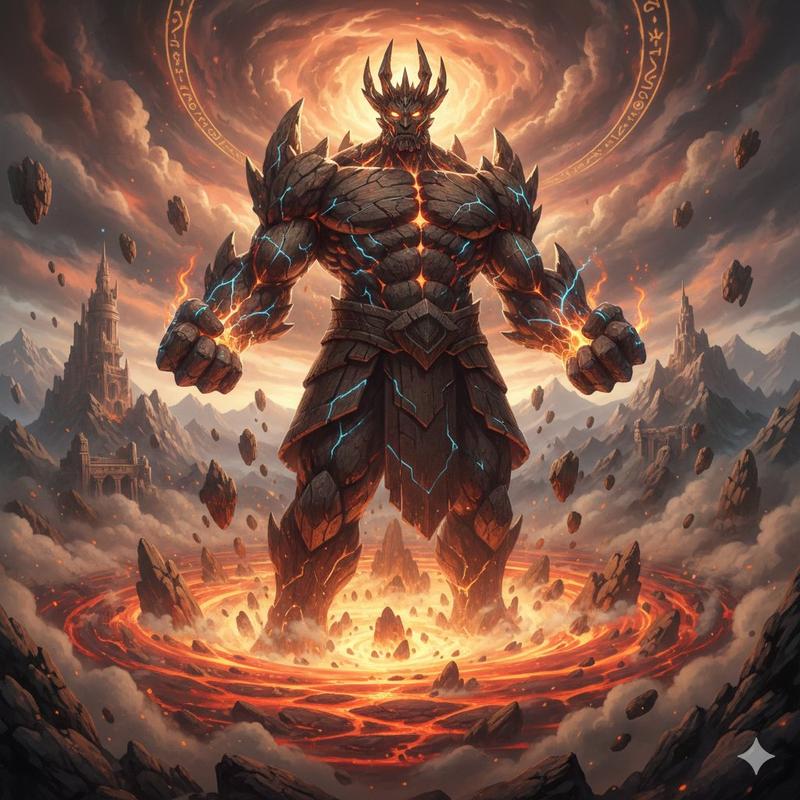
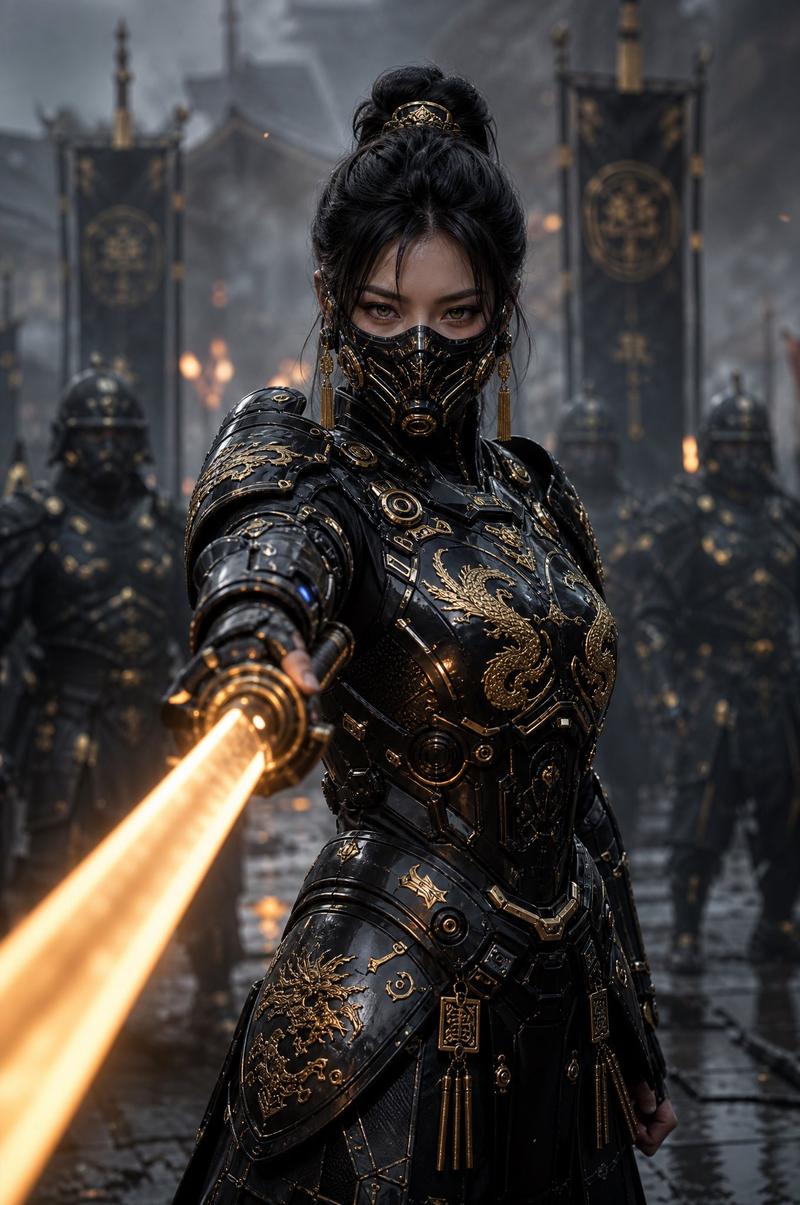
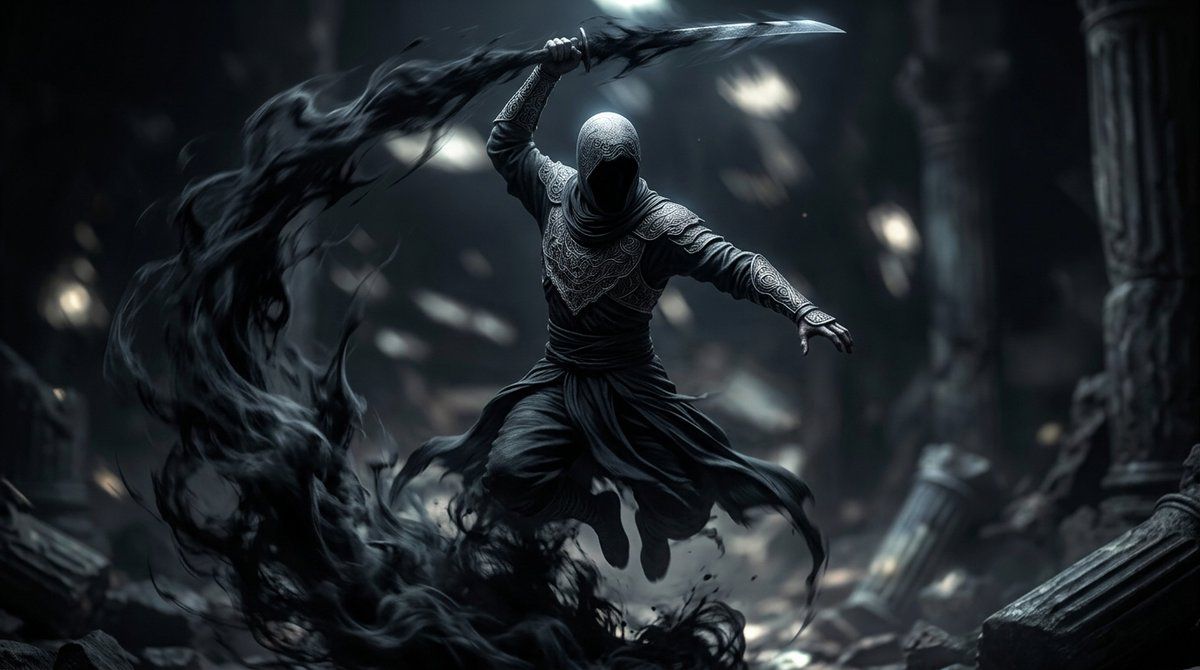
A cinematic dark-fantasy action scene inspired by {argument name="inspiration" default="Assassin's Creed"}, showing a single hooded assassin-like warrior suspended mid-leap inside a ruined ancient temple. The figure is centered, faceless in deep shadow beneath a tightly wrapped hood, wearing layered charcoal and black robes with ornate embossed patterns on the chest, shoulders, sleeves, and bracers, a wrapped waist sash, loose flowing trousers, and wind-whipped fabric tails. One arm is raised overhead gripping a curved blade, while the other arm extends outward for balance in a dynamic airborne attack pose. From the sweeping weapon and the fighter's movement, a massive ribbon of black smoke and shadow curls in a dramatic arc from the lower left foreground up around the character, like living darkness or ink in motion. The environment is a cavernous stone ruin with 2 visible broken columns, scattered rubble, dust, and blurred beams of pale light filtering from above. Use a moody monochrome palette of {argument name="primary color palette" default="black, charcoal, steel blue, and cold gray"}, high contrast, soft volumetric lighting, shallow depth of field, motion blur in the shadow trail, sharp focus on the warrior, ultra-detailed fabric textures, ominous atmosphere, epic game concept art style, realistic rendering, 16:9 widescreen composition.
Category
Charts & Infographics
Model
GPT Image 2
Creator
GrimSmile
Views6
Source ID
15962
Published
Apr 25, 2026

Guide

About "废墟神殿中的暗影刺客"

What is this prompt for?

"废墟神殿中的暗影刺客" AI image prompt for GPT Image 2 (Charts & Infographics). 此提示词可生成一张电影级暗黑奇幻动作艺术图,描绘了一位挥舞暗影能量的兜帽刺客战士,非常适合用作游戏主视觉图、海报或戏剧性的概念插画。 Copy it on Picva and r…

The full copyable prompt and example visuals above are ready for AI image generation or one-click recreate in Picva.

How to use this prompt

  1. Step 1

    Open the prompt detail

    Review the example visuals, category, and full prompt text for "废墟神殿中的暗影刺客".

  2. Step 2

    Copy the prompt

    Copy the prompt body from this page, or load it directly in Studio.

  3. Step 3

    Pick a model (GPT Image 2)

    Prefer GPT Image 2. If you switch models, keep subject and composition and tweak style terms.

  4. Step 4

    Generate and export

    Recreate the look in Picva, or export into your workflow for editing and publishing.

FAQ

What is the "废墟神殿中的暗影刺客" prompt?
It is an AI image-generation prompt for GPT Image 2 in the Charts & Infographics category. This page includes the full prompt text, example visuals, and a one-click recreate path in Picva.
How do I use this prompt to generate an image?
Copy the prompt from this page, or use Generate / Studio. Paste it into a compatible image model, or recreate the look in Picva with optional reference images.
Which model is this prompt for?
This page lists GPT Image 2. Most descriptive prompts also transfer to nearby image models such as GPT Image, Flux, or Midjourney with light style tweaks.
Can I use the result commercially?
You can usually copy the prompt for creation, but commercial use of the final image depends on the model terms, reference-image rights, and the generated content. Follow the source author and platform rules.