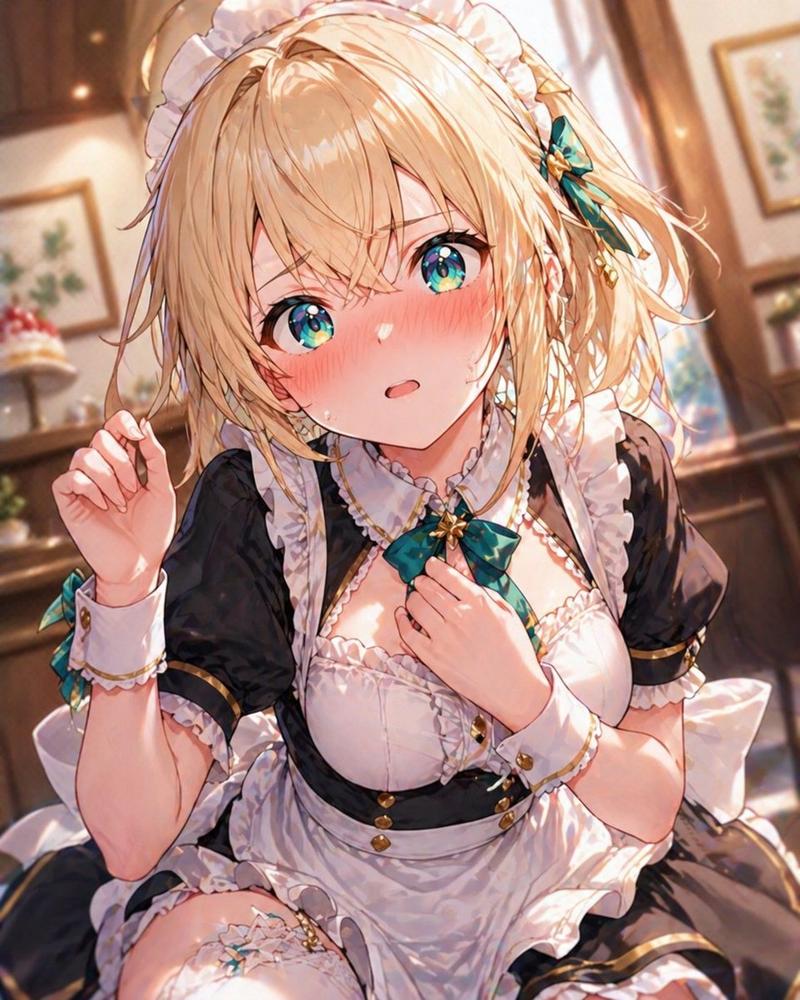
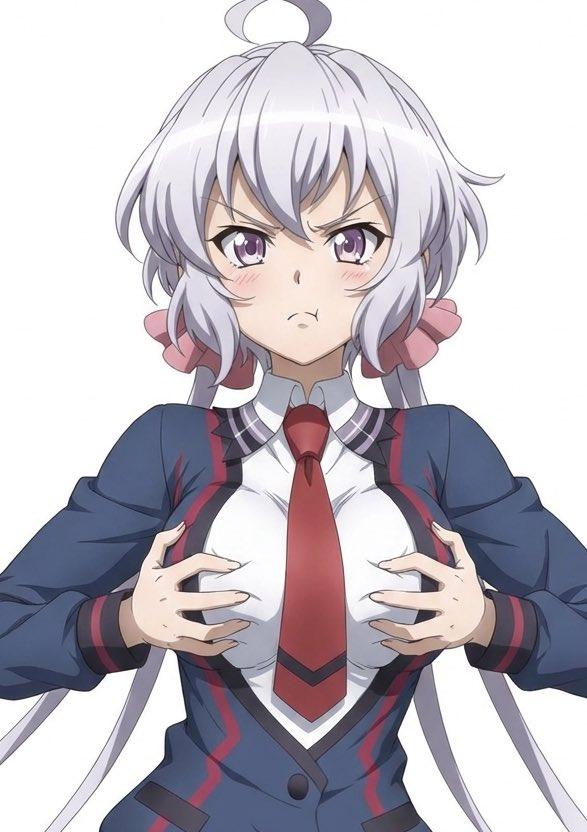
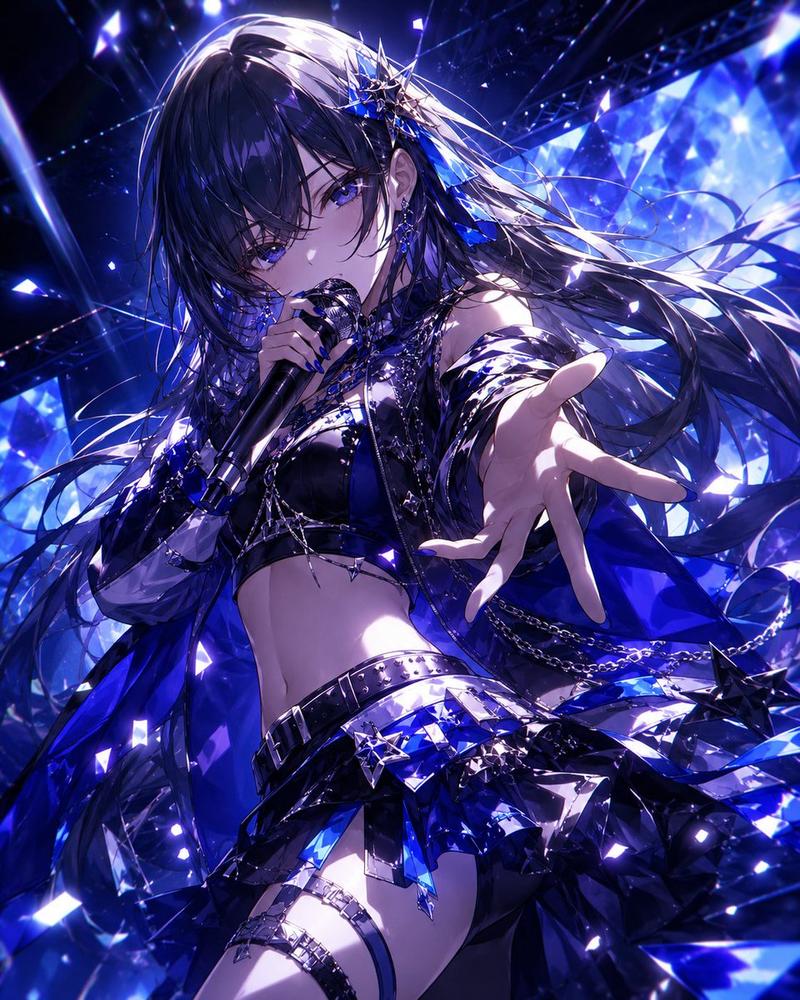
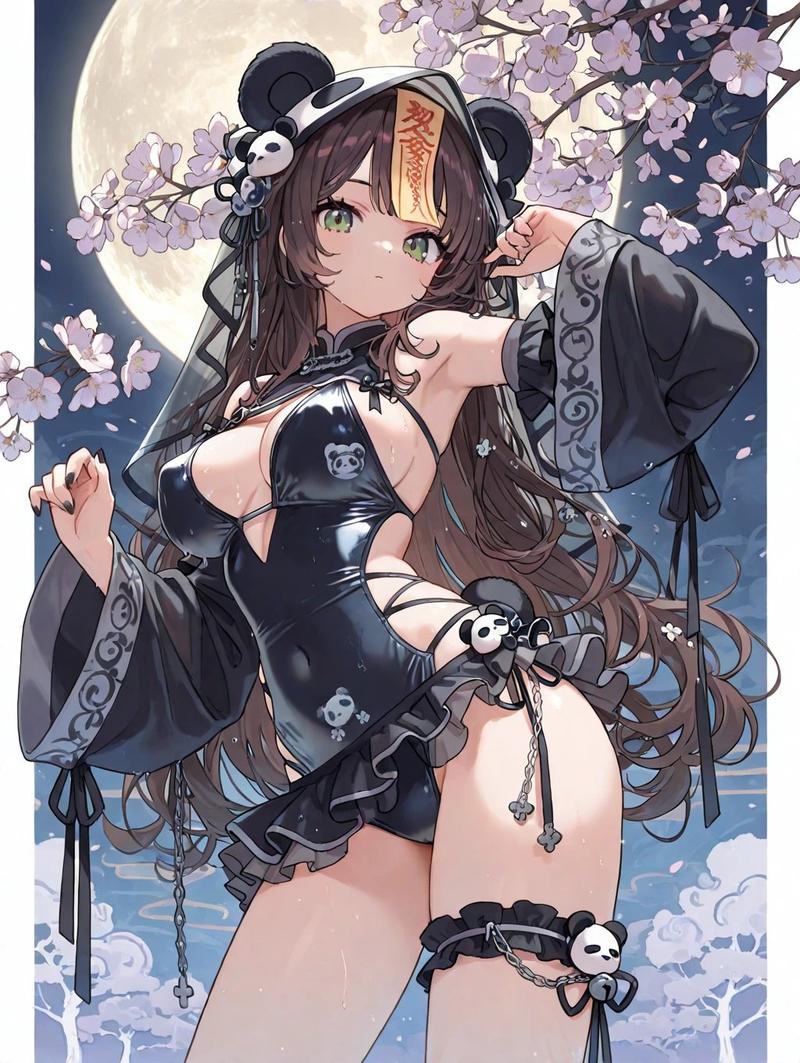
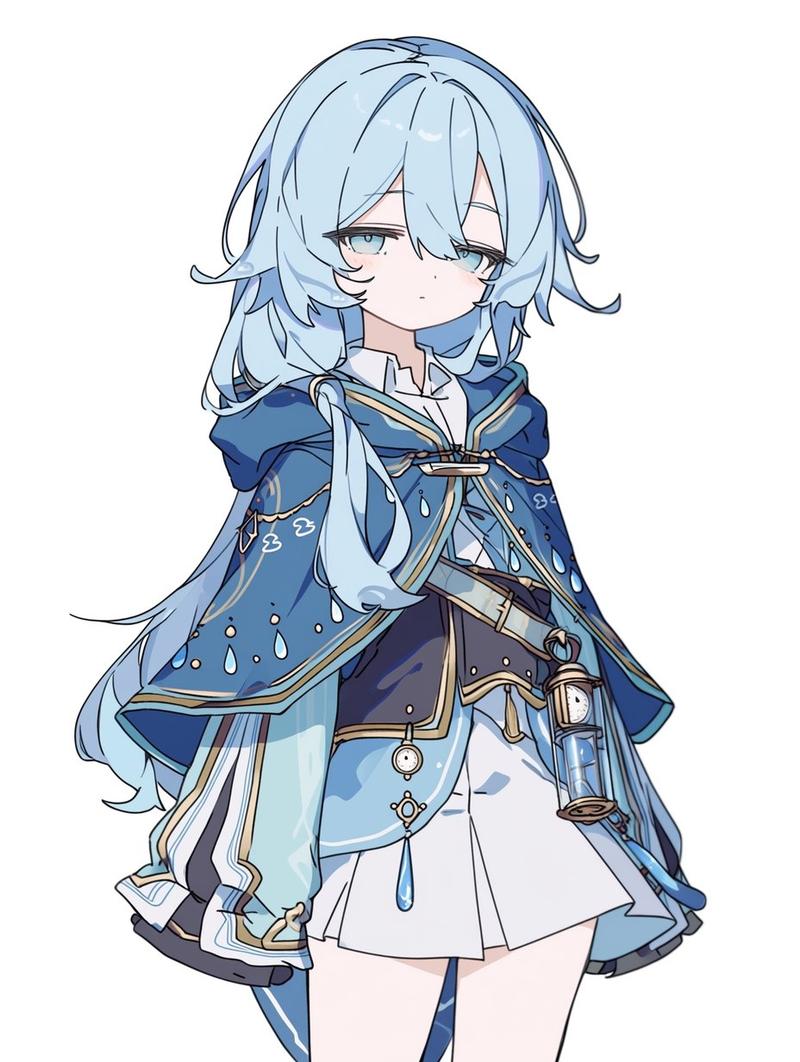
动漫偶像遮挡肖像
Prompt
A polished anime idol-style portrait of {argument name="character name" default="Kazama Iroha"}, shown from a dramatic low angle in a vertical composition, cropped from upper thighs to top of head, with the face completely hidden by a large centered rectangular censor block in soft beige. She has short, fluffy {argument name="hair color" default="blonde"} hair in a tousled bob with loose outward flips, long side strands, and a large teal-and-gold ribbon bow on top with small decorative ear-like accents. Her pose is confident and slightly playful, with one hand raised near her ear and the other arm out of frame, chest angled slightly left, body leaning subtly back. She wears a stylish stage costume in {argument name="accent colors" default="teal, white, black, and gold"}: a black zip-front cropped top, an open sleeveless short vest with glossy pale fabric and floral patterns, oversized detached white sleeves with dark cuffs and gold trim, star embellishments on the sleeves and chest bow, a large striped bow at the collar, and a low-rise skirt or shorts waistband with a star-shaped belt ornament and a small red cord knot decoration. Emphasize her exposed midriff, slim athletic build, glossy fabric rendering, delicate gold edging, and layered idol costume details. Use soft warm lighting, subtle pastel gradients, faint geometric sparkles in the background, and a clean airy backdrop fading from pale cyan to cream. The illustration should be highly detailed, smooth, luminous, and modern, with crisp anime linework, gentle blush tones, and premium gacha-card or VTuber key visual quality.- Category
- Photography & Realism
- Model
- GPT Image 2
- Creator
- ユメ・アスタAIイラストレーター
- Source ID
- 16031
- Published
- Apr 25, 2026
Views8