16

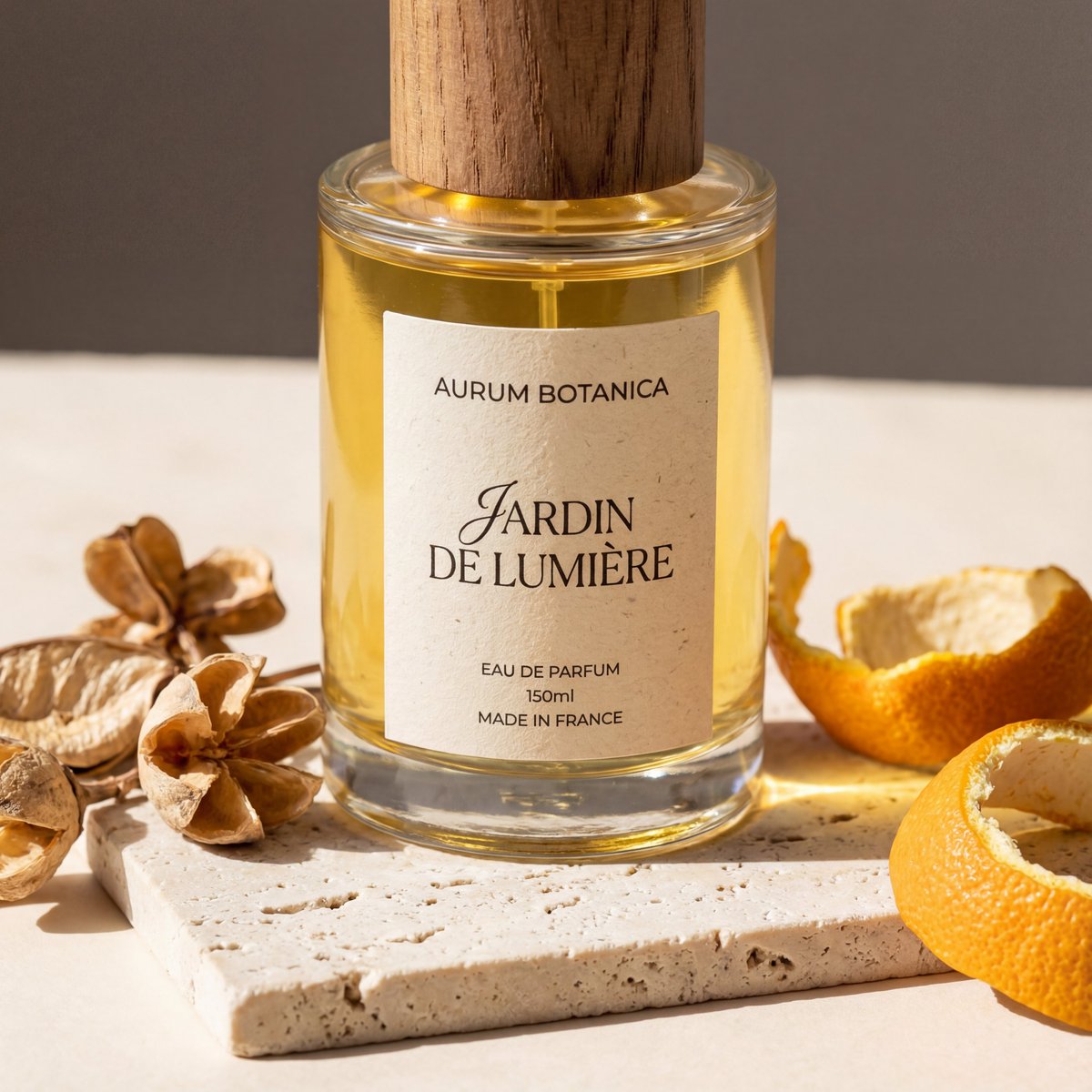
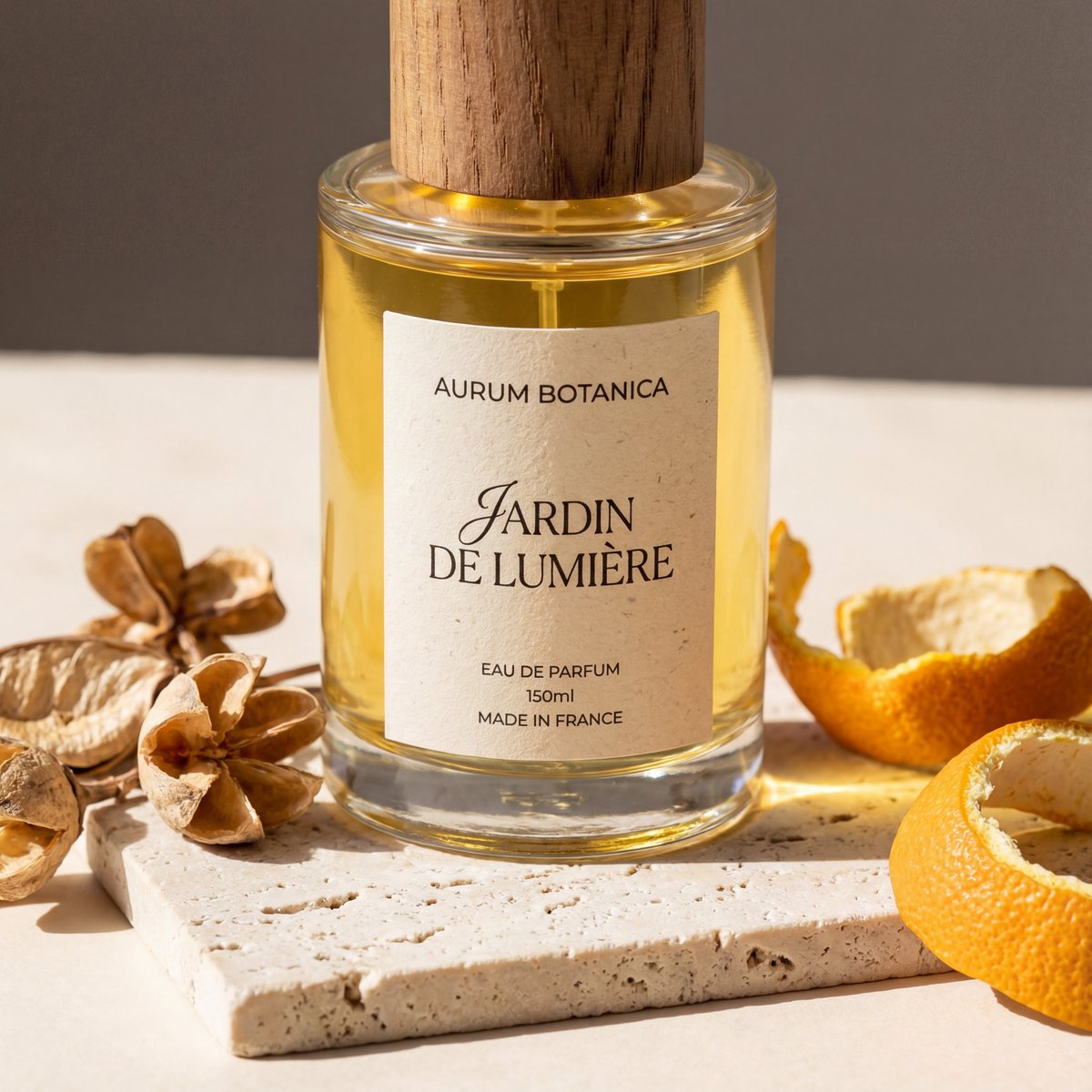
金色皮草中的高级感香水瓶
Enlarge

金色皮草中的高级感香水瓶

Prompt
A luxurious editorial product photograph of a single perfume bottle nestled into dense, plush faux fur in rich golden caramel and honey-brown tones. Center the composition on one clear oval glass bottle filled with warm amber liquid, with a glossy rounded black cap and a clean white rectangular label. The label text should read {argument name="brand name" default="BYREDO"} at the top, {argument name="product name" default="BAL D’AFRIQUE"} large in the middle, and {argument name="product type" default="EAU DE PARFUM"} in small text near the bottom. Shoot it as a close-up still life with soft studio lighting, subtle highlights on the glass and cap, gentle shadows in the folds of the fur, and a warm cinematic color palette. The bottle should sit slightly embedded in the fur so the surrounding texture frames it from all sides, creating a premium fashion editorial mood, minimal composition, shallow depth of field, crisp focus on the label, and a high-end beauty campaign aesthetic.
Category
Charts & Infographics
Model
GPT Image 2
Creator
Salma
Views2
Source ID
16149
Published
Apr 25, 2026

Guide

About "金色皮草中的高级感香水瓶"

What is this prompt for?

"金色皮草中的高级感香水瓶" AI image prompt for GPT Image 2 (Charts & Infographics). 此提示词可生成一张高端美妆产品大片,展示被温暖质感皮草环绕的香水瓶,非常适合奢侈香水广告及社交媒体营销活动。 Copy it on Picva and recreate th…

The full copyable prompt and example visuals above are ready for AI image generation or one-click recreate in Picva.

How to use this prompt

  1. Step 1

    Open the prompt detail

    Review the example visuals, category, and full prompt text for "金色皮草中的高级感香水瓶".

  2. Step 2

    Copy the prompt

    Copy the prompt body from this page, or load it directly in Studio.

  3. Step 3

    Pick a model (GPT Image 2)

    Prefer GPT Image 2. If you switch models, keep subject and composition and tweak style terms.

  4. Step 4

    Generate and export

    Recreate the look in Picva, or export into your workflow for editing and publishing.

FAQ

What is the "金色皮草中的高级感香水瓶" prompt?
It is an AI image-generation prompt for GPT Image 2 in the Charts & Infographics category. This page includes the full prompt text, example visuals, and a one-click recreate path in Picva.
How do I use this prompt to generate an image?
Copy the prompt from this page, or use Generate / Studio. Paste it into a compatible image model, or recreate the look in Picva with optional reference images.
Which model is this prompt for?
This page lists GPT Image 2. Most descriptive prompts also transfer to nearby image models such as GPT Image, Flux, or Midjourney with light style tweaks.
Can I use the result commercially?
You can usually copy the prompt for creation, but commercial use of the final image depends on the model terms, reference-image rights, and the generated content. Follow the source author and platform rules.