18

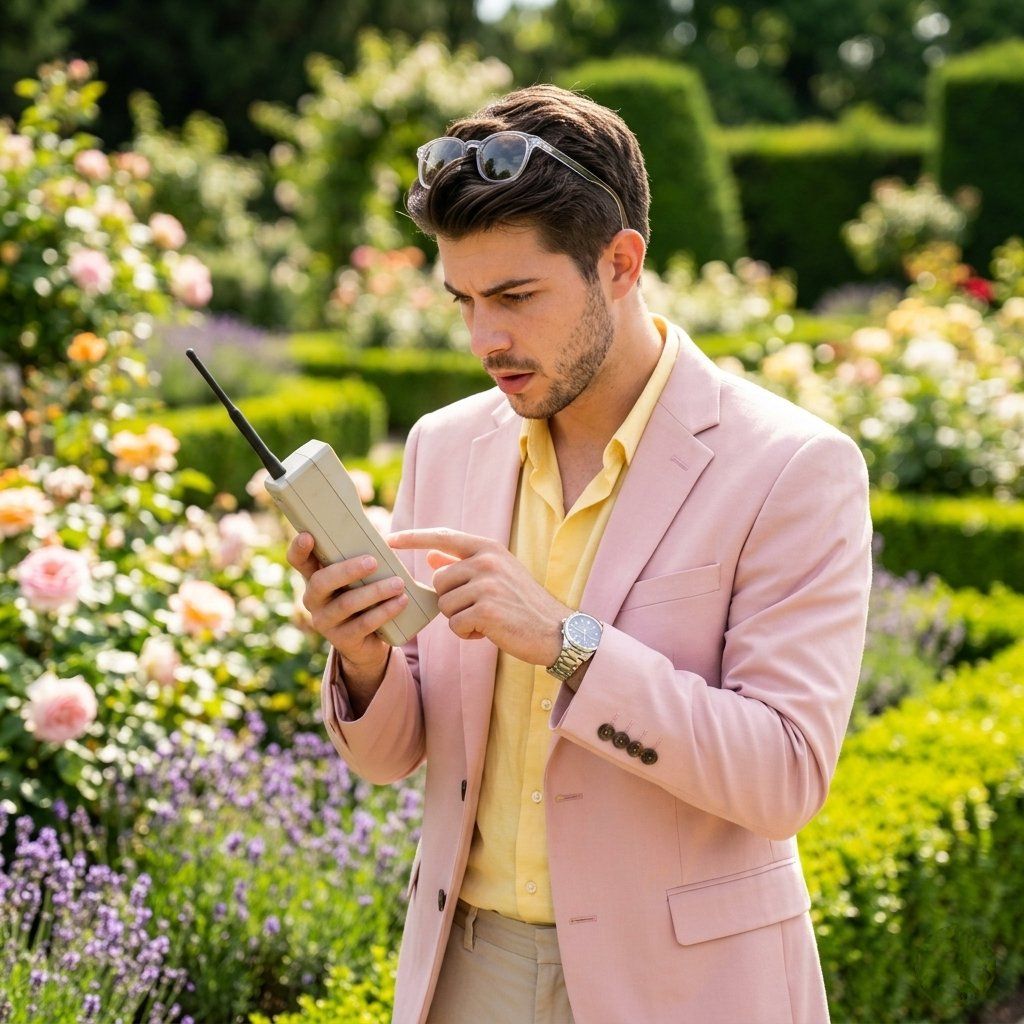
复古科技风格的生活方式园艺摄影
Enlarge

复古科技风格的生活方式园艺摄影

Prompt
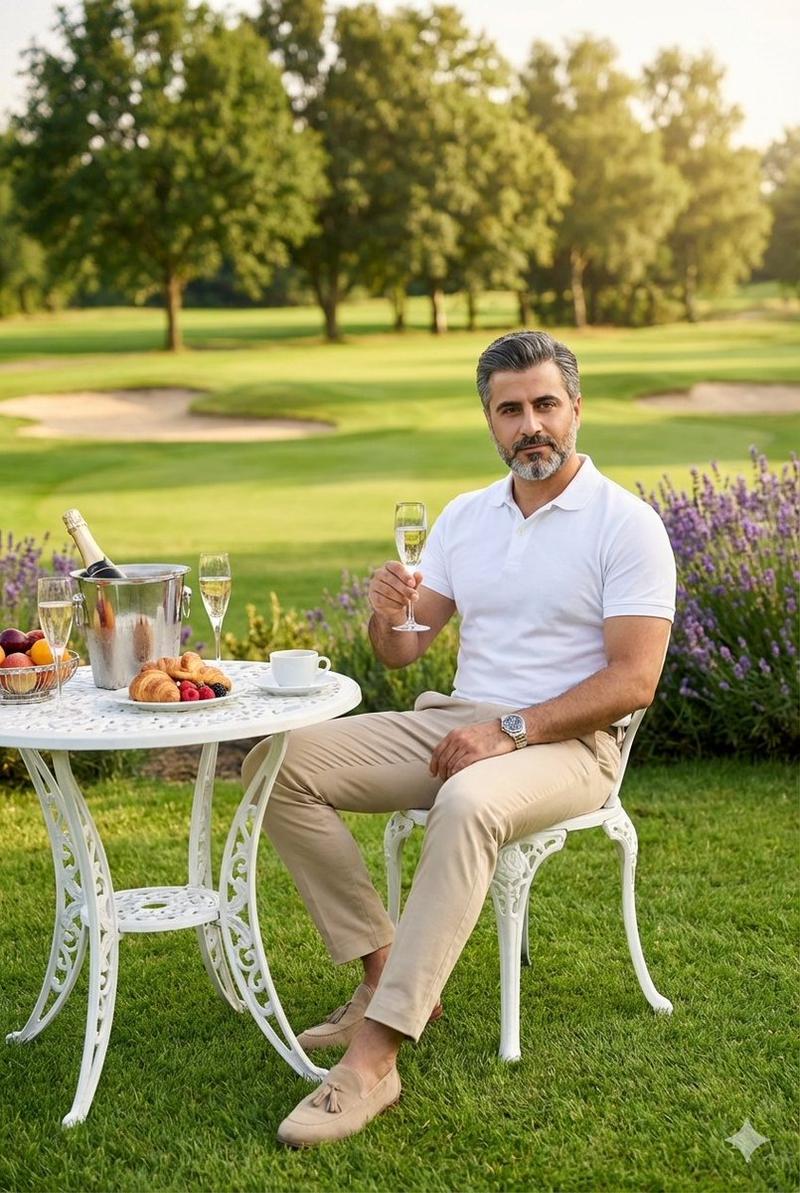
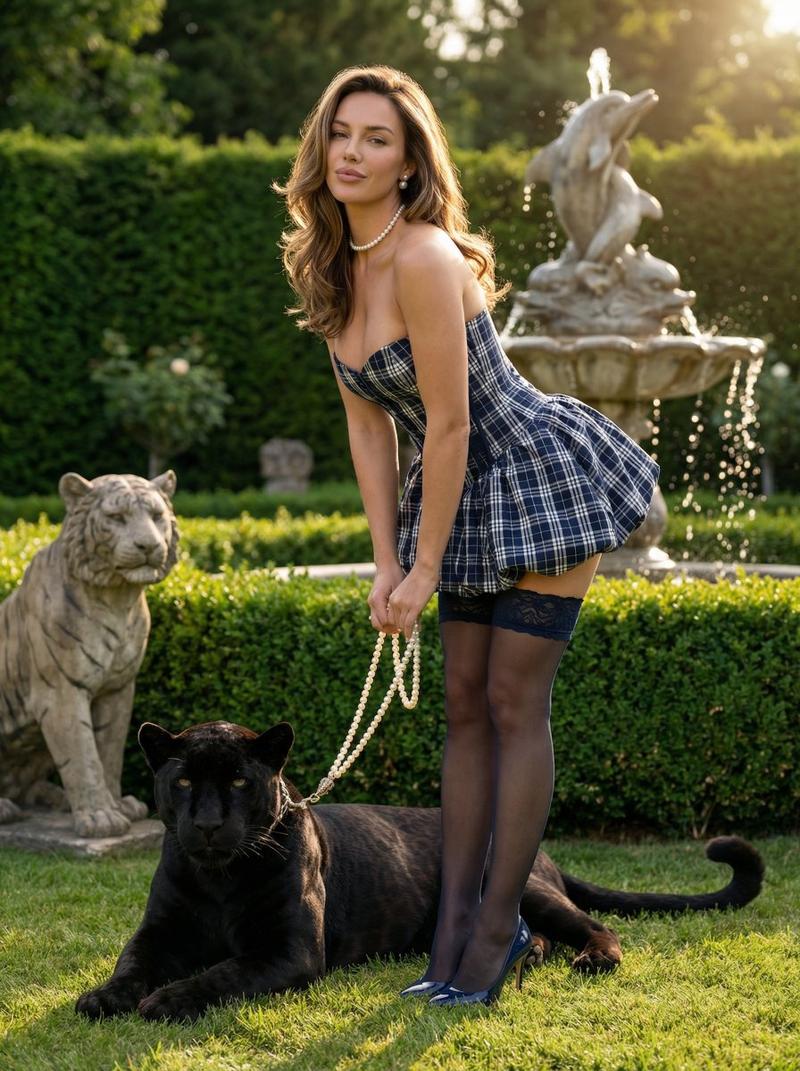
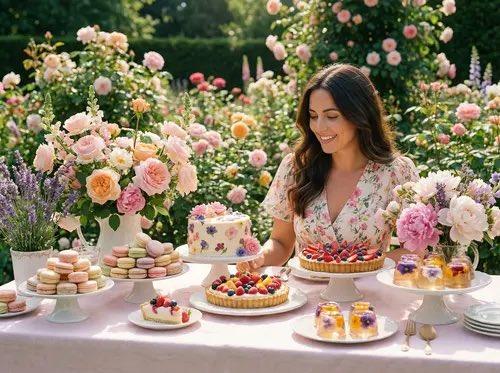
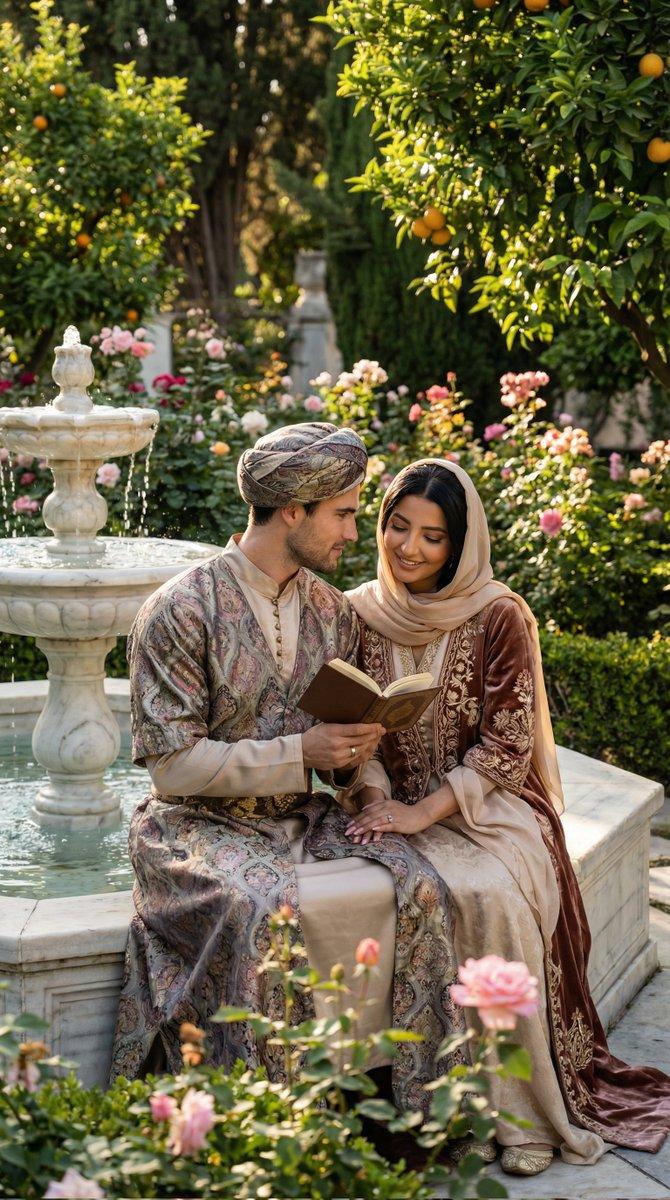
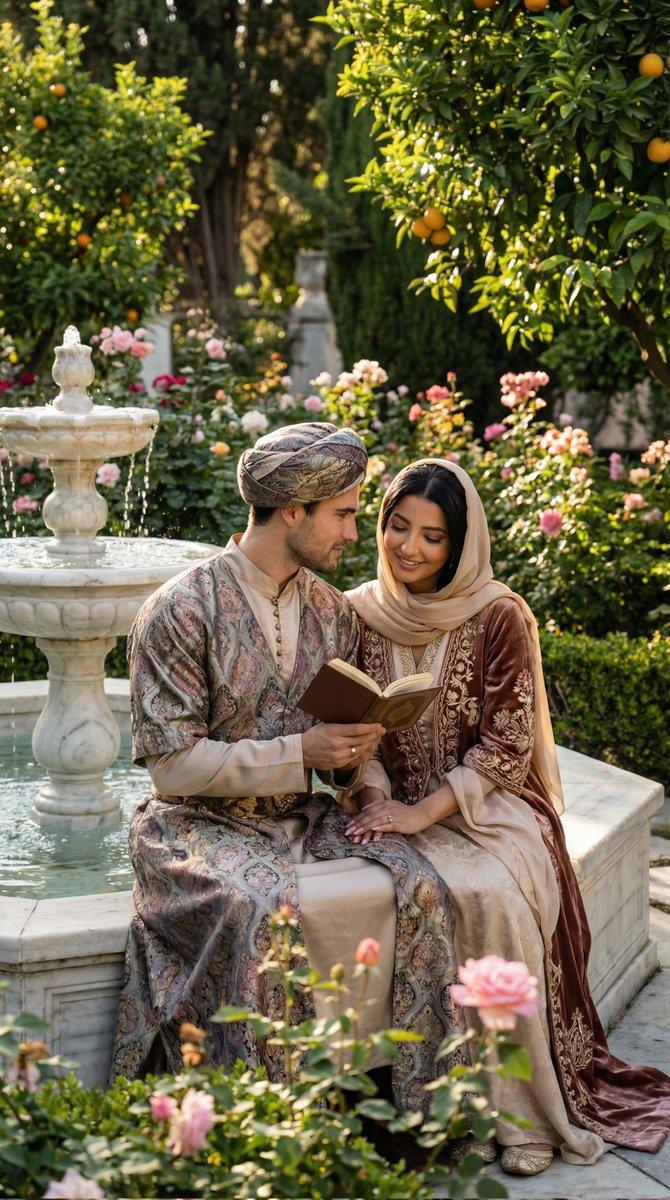
A {argument name="person" default="stylish man"} standing in a {argument name="setting" default="beautifully maintained garden filled with colorful flowers and trimmed hedges"}. He is wearing a {argument name="clothing" default="light pink blazer over a soft yellow shirt, beige trousers, a wristwatch, and sunglasses resting on his head"}. He is focused on using a retro handheld mobile device with an antenna, tapping on it with curiosity. Bright natural daylight, soft shadows, and vibrant colors enhance the scene. The background features lush greenery, blooming flowers, and a peaceful outdoor setting. Shot in lifestyle photography style, natural candid moment, shallow depth of field, 50mm lens, ultra-realistic, high detail, 8K resolution, warm and fresh color grading.
Category
Charts & Infographics
Model
GPT Image 2
Creator
Taaruk
Views4
Source ID
16212
Published
Apr 26, 2026

Guide

About "复古科技风格的生活方式园艺摄影"

What is this prompt for?

"复古科技风格的生活方式园艺摄影" AI image prompt for GPT Image 2 (Charts & Infographics). 一个以生活方式为主题的提示词,旨在生成一位在郁郁葱葱的花园中与复古移动设备互动的时尚人士,画面具有色彩鲜艳和浅景深的特点。 Copy it on Picva and r…

The full copyable prompt and example visuals above are ready for AI image generation or one-click recreate in Picva.

How to use this prompt

  1. Step 1

    Open the prompt detail

    Review the example visuals, category, and full prompt text for "复古科技风格的生活方式园艺摄影".

  2. Step 2

    Copy the prompt

    Copy the prompt body from this page, or load it directly in Studio.

  3. Step 3

    Pick a model (GPT Image 2)

    Prefer GPT Image 2. If you switch models, keep subject and composition and tweak style terms.

  4. Step 4

    Generate and export

    Recreate the look in Picva, or export into your workflow for editing and publishing.

FAQ

What is the "复古科技风格的生活方式园艺摄影" prompt?
It is an AI image-generation prompt for GPT Image 2 in the Charts & Infographics category. This page includes the full prompt text, example visuals, and a one-click recreate path in Picva.
How do I use this prompt to generate an image?
Copy the prompt from this page, or use Generate / Studio. Paste it into a compatible image model, or recreate the look in Picva with optional reference images.
Which model is this prompt for?
This page lists GPT Image 2. Most descriptive prompts also transfer to nearby image models such as GPT Image, Flux, or Midjourney with light style tweaks.
Can I use the result commercially?
You can usually copy the prompt for creation, but commercial use of the final image depends on the model terms, reference-image rights, and the generated content. Follow the source author and platform rules.