19

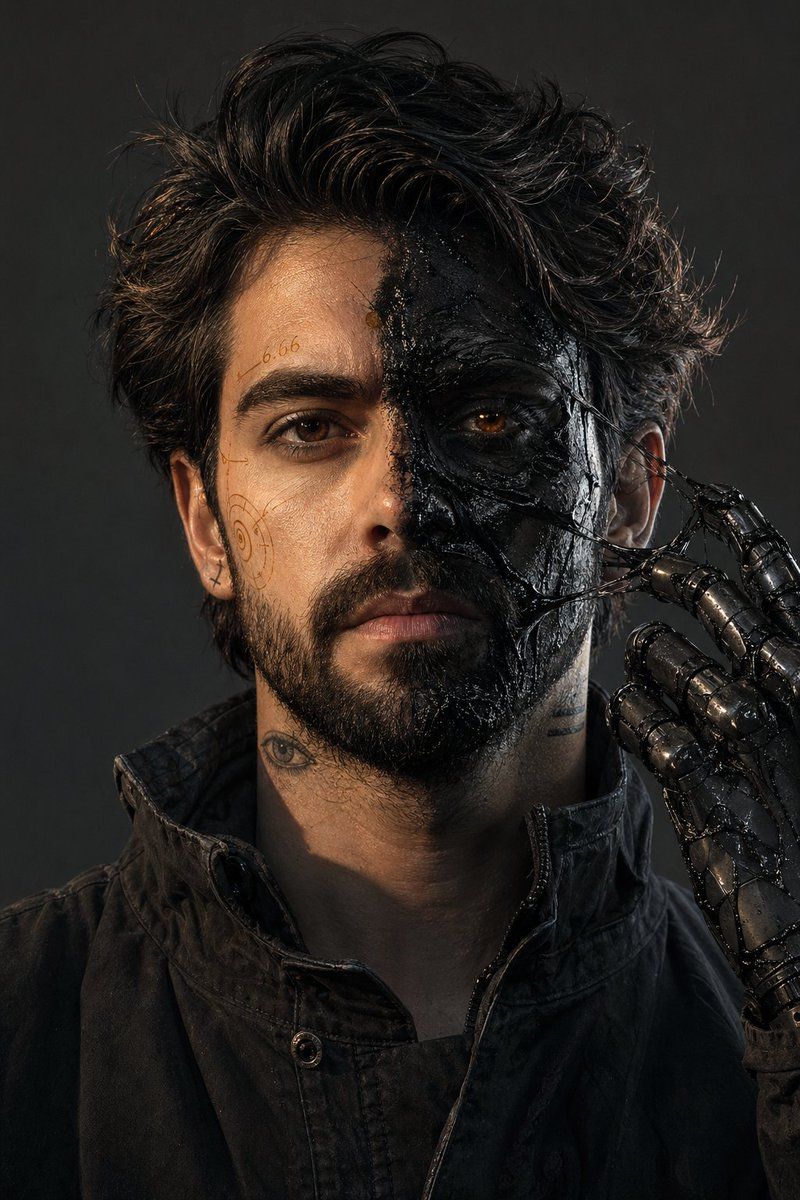
超现实树脂分裂肖像
Enlarge

超现实树脂分裂肖像

Prompt
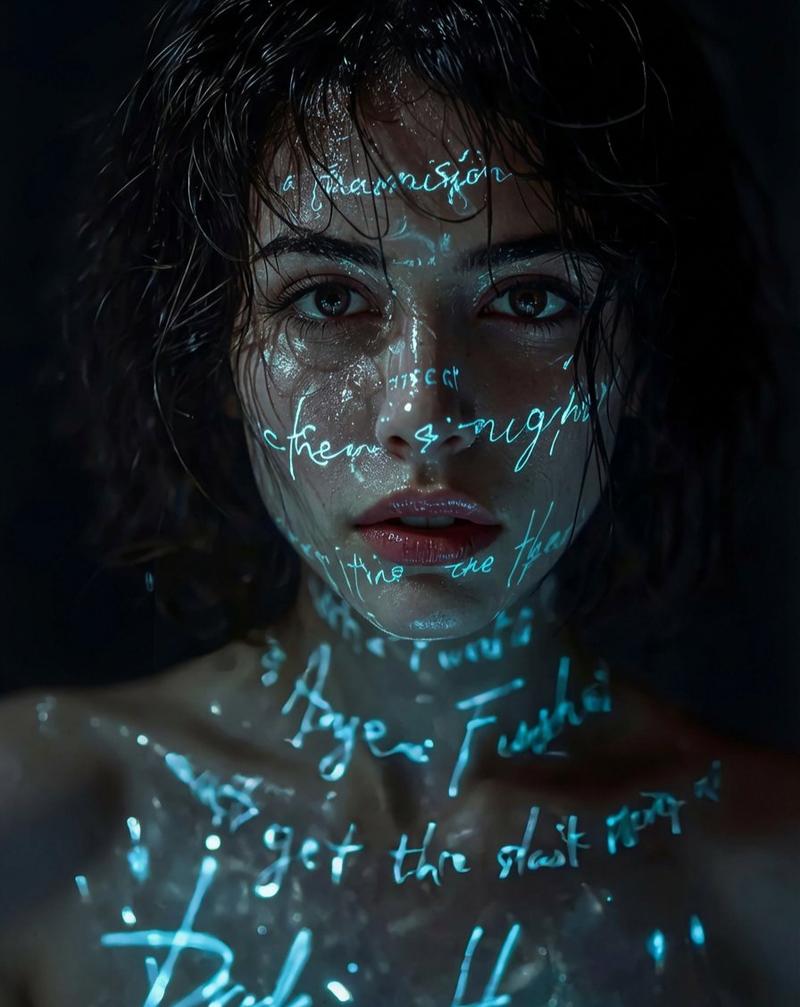
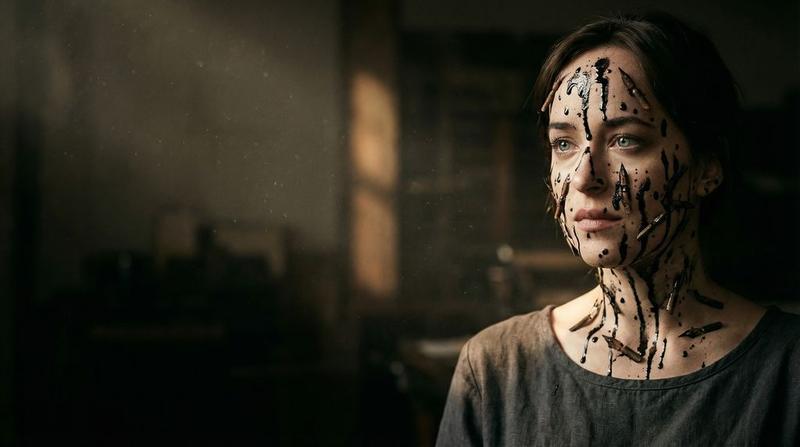
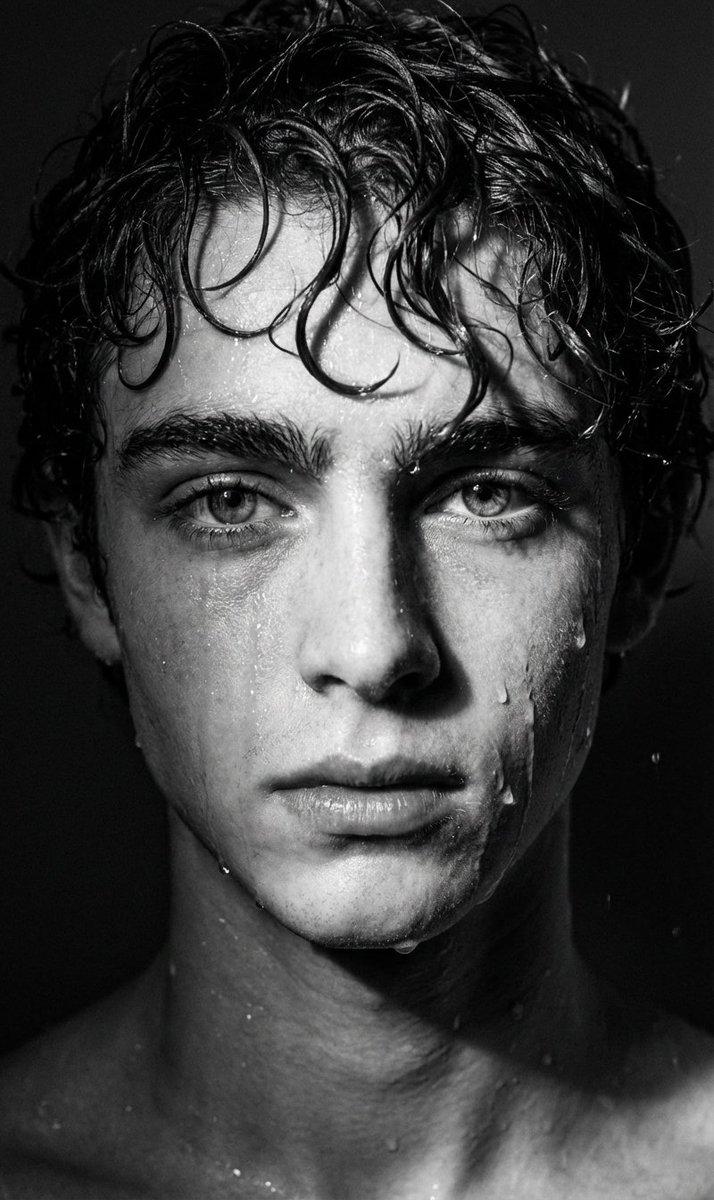
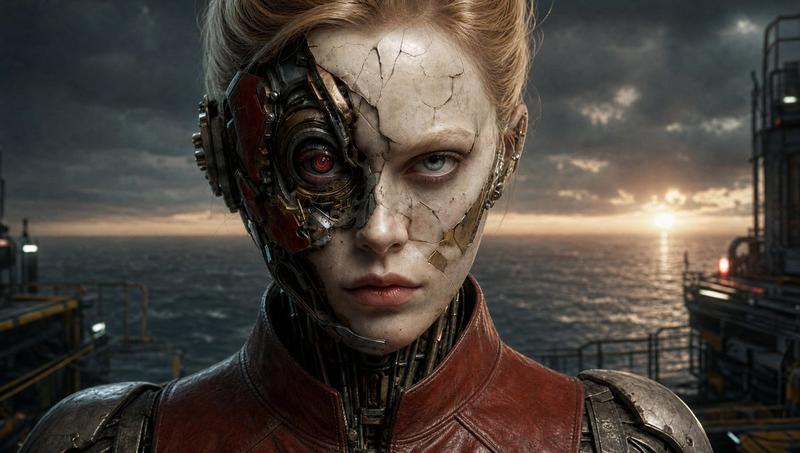
Ultra-photorealistic 8K RAW, 35mm, f/8, deep focus, no blur, no DOF, no noise, no grain, no haze, no dust, no volumetric light, no soft light, no glow. IMAX stage, 2:3 aspect ratio. Male with my exact face, 181cm 73kg, {argument name="hair style" default="messy dark hair"}, short stubble. Face split: left side — clean skin with {argument name="markings" default="thin amber technical markings (numbers \"6.66\", spiral symbols, hand-drawn)"}; right side — {argument name="skin effect" default="matte black skin covered in thick black resin (glossy, wet-looking, partially dried with stretched glossy strings between skin and fingers)"}. One eye natural dark brown, other faint amber glow (subtle, like light through honey, no beam). Tattoos: small eye on left neck, two horizontal lines on right jaw, tiny cross behind right ear. One mechanical prosthetic hand (black steel with sticky resin residue) raised to chin, fingers pulling a glossy resin string away from right cheek. Clothing: matte black worn jacket, high collar, no hood. Lighting: hard warm amber key from upper left, cool grey fill from lower right, sharp shadows. Color: desaturated grey-black, only amber as accent in resin reflections. Background: solid charcoal grey wall. Clean dry air, no particles. All surfaces sharp.
Category
Posters & Typography
Model
GPT Image 2
Creator
Zar⭕on
Views3
Source ID
16250
Published
Apr 26, 2026

Guide

About "超现实树脂分裂肖像"

What is this prompt for?

"超现实树脂分裂肖像" AI image prompt for GPT Image 2 (Posters & Typography). 一个极其详尽且专业的提示词,用于创作包含黑色树脂纹理、琥珀色标记以及高精度相机设置的分裂面部肖像。 Copy it on Picva and recreate the look in…

The full copyable prompt and example visuals above are ready for AI image generation or one-click recreate in Picva.

How to use this prompt

  1. Step 1

    Open the prompt detail

    Review the example visuals, category, and full prompt text for "超现实树脂分裂肖像".

  2. Step 2

    Copy the prompt

    Copy the prompt body from this page, or load it directly in Studio.

  3. Step 3

    Pick a model (GPT Image 2)

    Prefer GPT Image 2. If you switch models, keep subject and composition and tweak style terms.

  4. Step 4

    Generate and export

    Recreate the look in Picva, or export into your workflow for editing and publishing.

FAQ

What is the "超现实树脂分裂肖像" prompt?
It is an AI image-generation prompt for GPT Image 2 in the Posters & Typography category. This page includes the full prompt text, example visuals, and a one-click recreate path in Picva.
How do I use this prompt to generate an image?
Copy the prompt from this page, or use Generate / Studio. Paste it into a compatible image model, or recreate the look in Picva with optional reference images.
Which model is this prompt for?
This page lists GPT Image 2. Most descriptive prompts also transfer to nearby image models such as GPT Image, Flux, or Midjourney with light style tweaks.
Can I use the result commercially?
You can usually copy the prompt for creation, but commercial use of the final image depends on the model terms, reference-image rights, and the generated content. Follow the source author and platform rules.