19

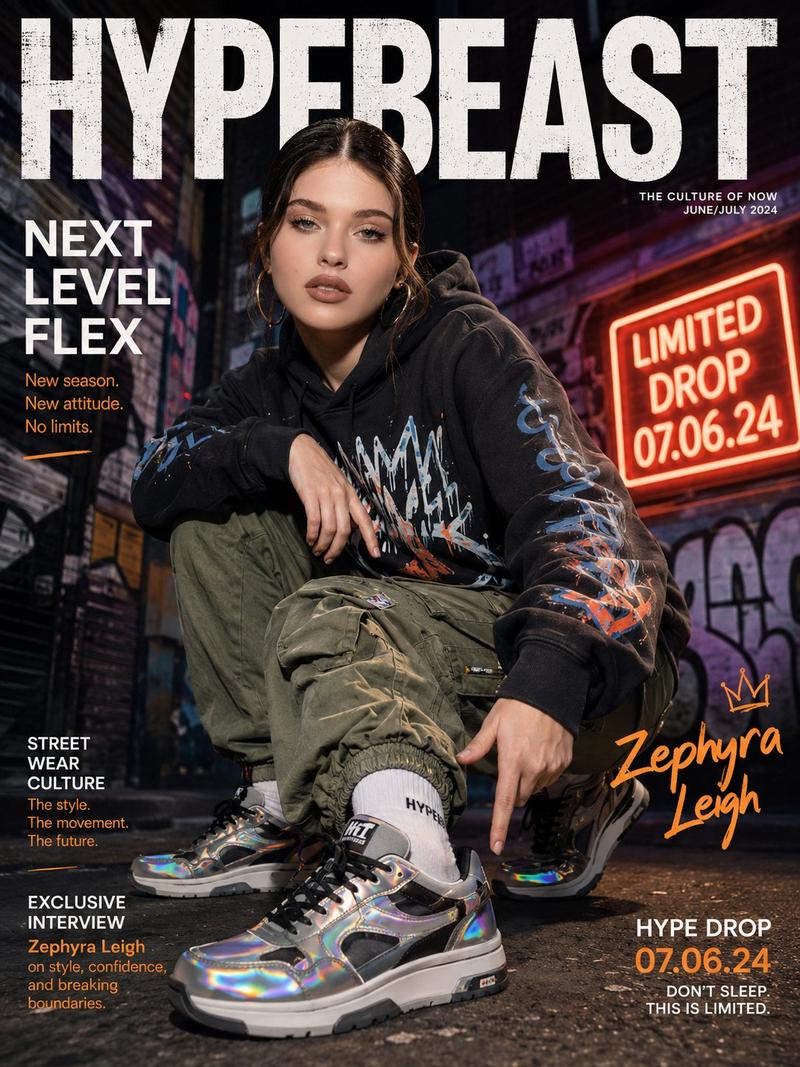
街头服饰宣传海报提示词
Enlarge

街头服饰宣传海报提示词

Prompt
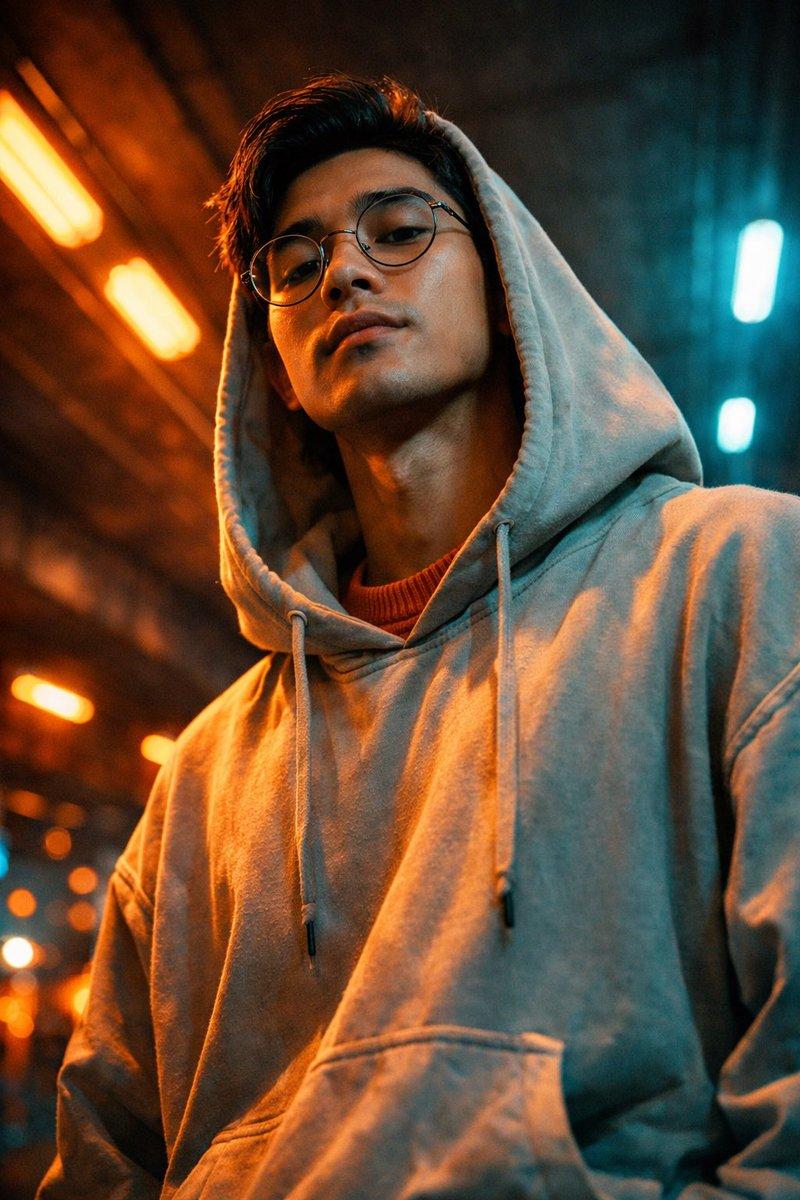
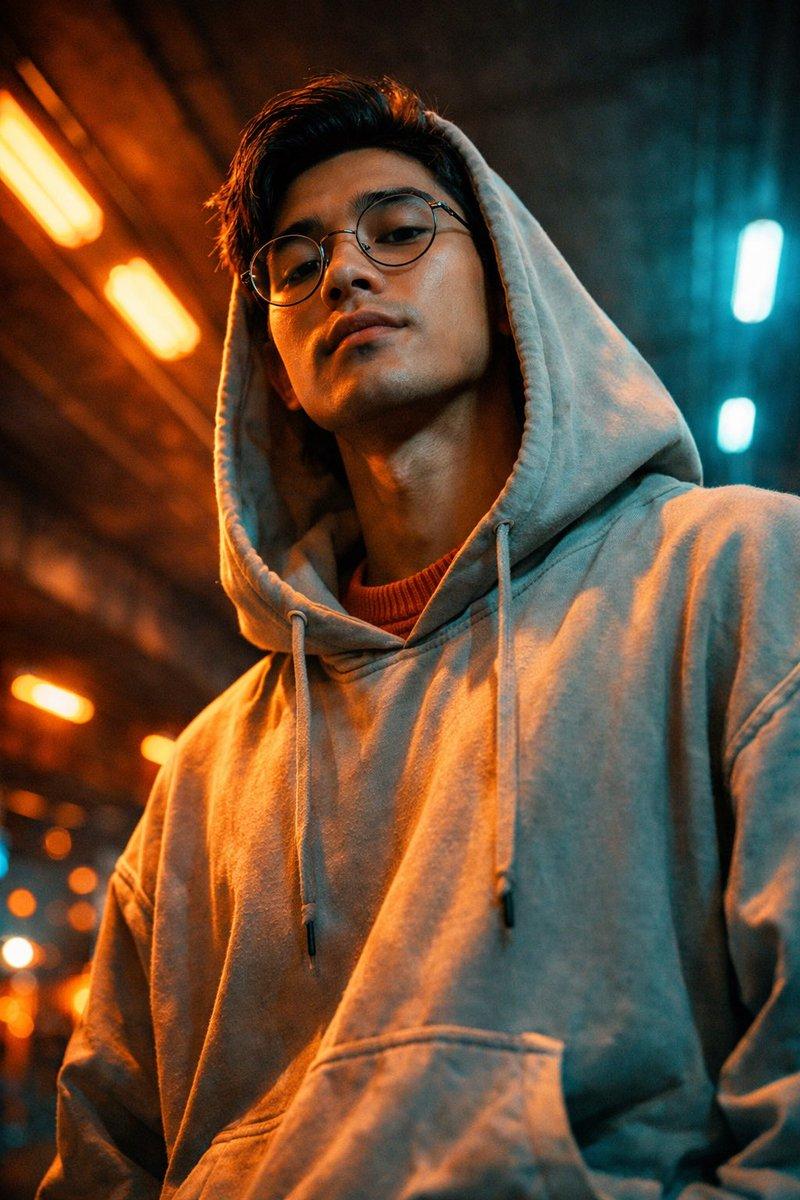
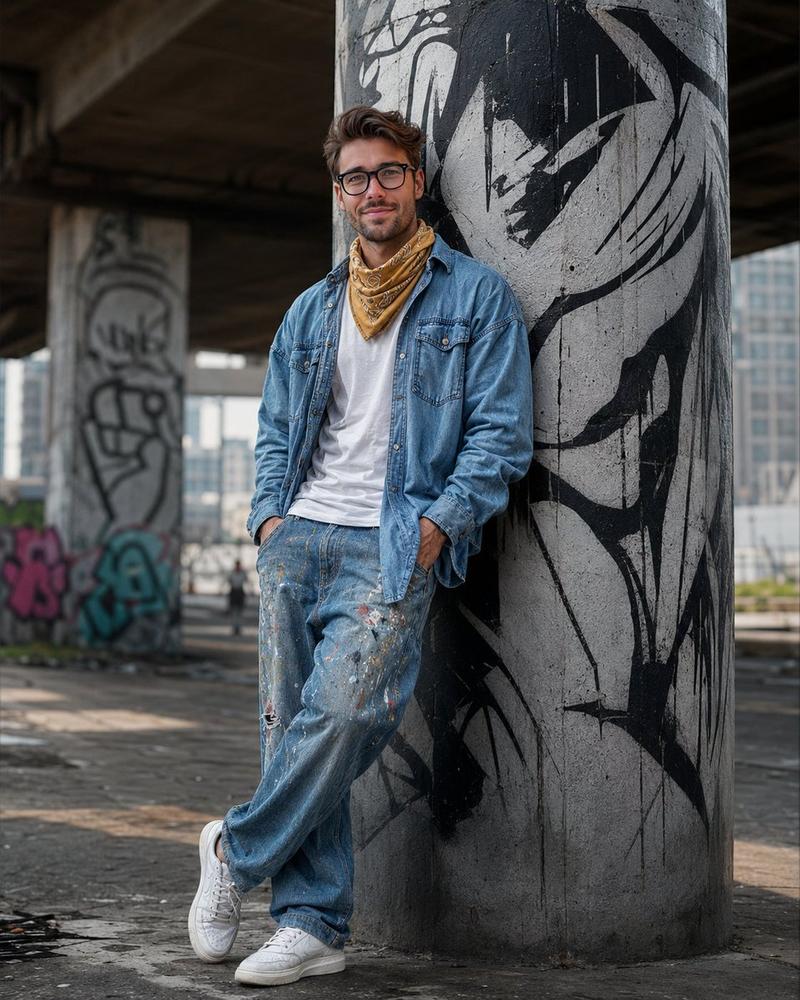
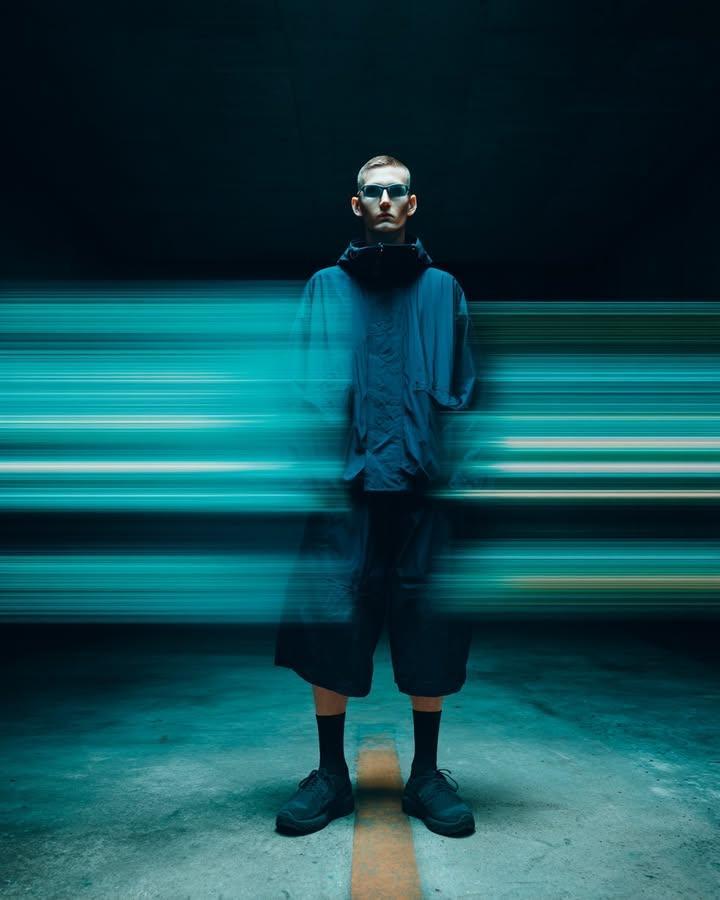
Create a premium, highly realistic 1:1 campaign poster for {argument name="brand" default="NOIR"}, a modern streetwear brand. Show one {argument name="product" default="hero oversized hoodie"} as the main focus against a gritty urban backdrop with wet concrete floors, dramatic low lighting, subtle smoke in the air and a raw street energy. Add bold minimal typography with the brand name NOIR and a short campaign headline like "{argument name="headline" default="Wear the Dark"}." Make it feel like a real high-end streetwear editorial, sharp detail, realistic fabric textures, modern and edgy, deep black tones with subtle grey accents, no clutter, no collage.
Category
Charts & Infographics
Model
GPT Image 2
Creator
Danilo
Views5
Source ID
16267
Published
Apr 26, 2026

Guide

About "街头服饰宣传海报提示词"

What is this prompt for?

"街头服饰宣传海报提示词" AI image prompt for GPT Image 2 (Charts & Infographics). 为名为 NOIR 的品牌生成高端城市街头服饰宣传海报的提示词,具有粗犷的美学风格和极简的排版设计。 Copy it on Picva and recreate the look…

The full copyable prompt and example visuals above are ready for AI image generation or one-click recreate in Picva.

How to use this prompt

  1. Step 1

    Open the prompt detail

    Review the example visuals, category, and full prompt text for "街头服饰宣传海报提示词".

  2. Step 2

    Copy the prompt

    Copy the prompt body from this page, or load it directly in Studio.

  3. Step 3

    Pick a model (GPT Image 2)

    Prefer GPT Image 2. If you switch models, keep subject and composition and tweak style terms.

  4. Step 4

    Generate and export

    Recreate the look in Picva, or export into your workflow for editing and publishing.

FAQ

What is the "街头服饰宣传海报提示词" prompt?
It is an AI image-generation prompt for GPT Image 2 in the Charts & Infographics category. This page includes the full prompt text, example visuals, and a one-click recreate path in Picva.
How do I use this prompt to generate an image?
Copy the prompt from this page, or use Generate / Studio. Paste it into a compatible image model, or recreate the look in Picva with optional reference images.
Which model is this prompt for?
This page lists GPT Image 2. Most descriptive prompts also transfer to nearby image models such as GPT Image, Flux, or Midjourney with light style tweaks.
Can I use the result commercially?
You can usually copy the prompt for creation, but commercial use of the final image depends on the model terms, reference-image rights, and the generated content. Follow the source author and platform rules.