15

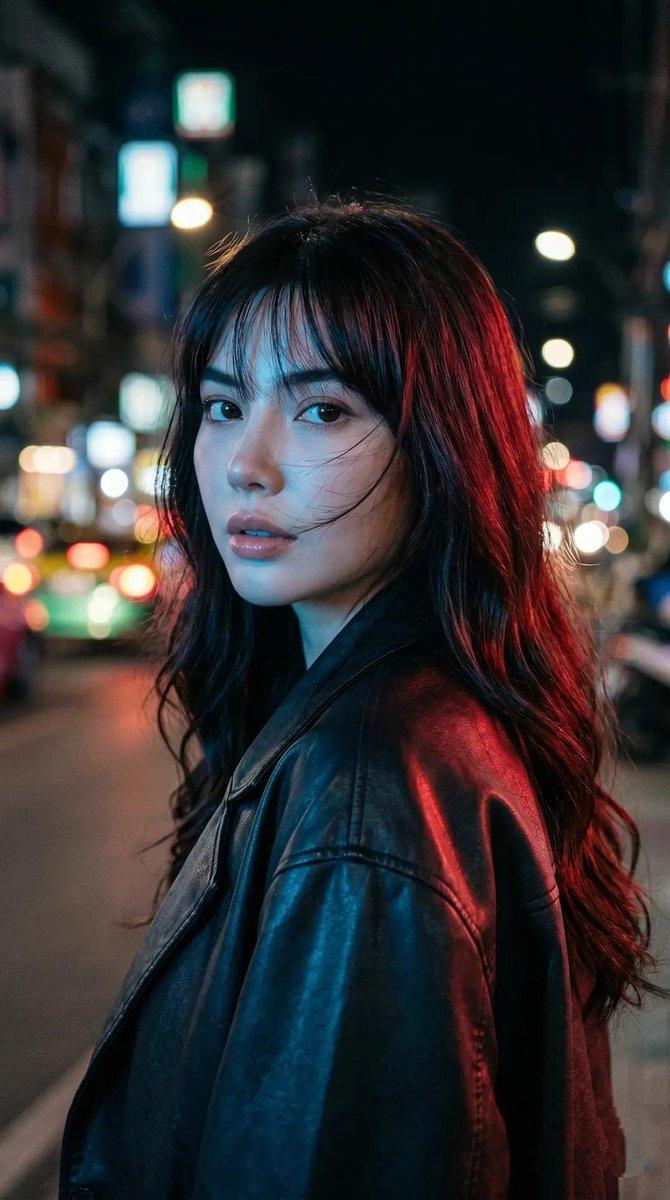
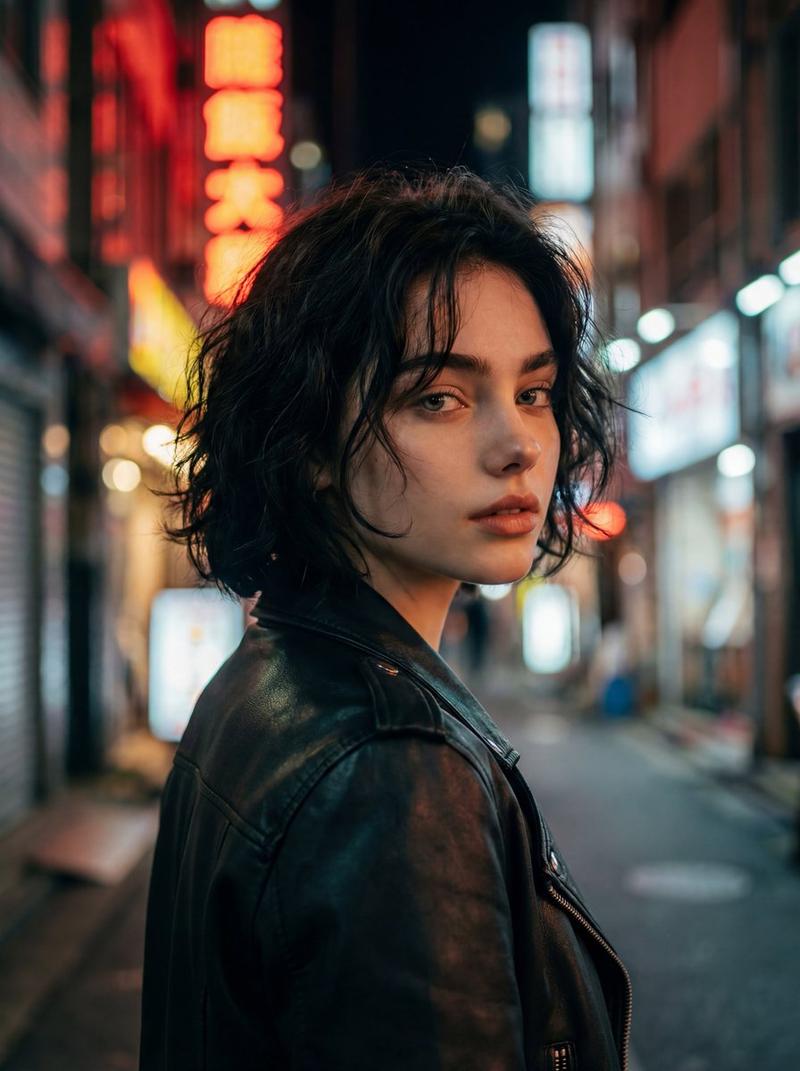
霓虹之夜回眸肖像
Enlarge

霓虹之夜回眸肖像

Prompt
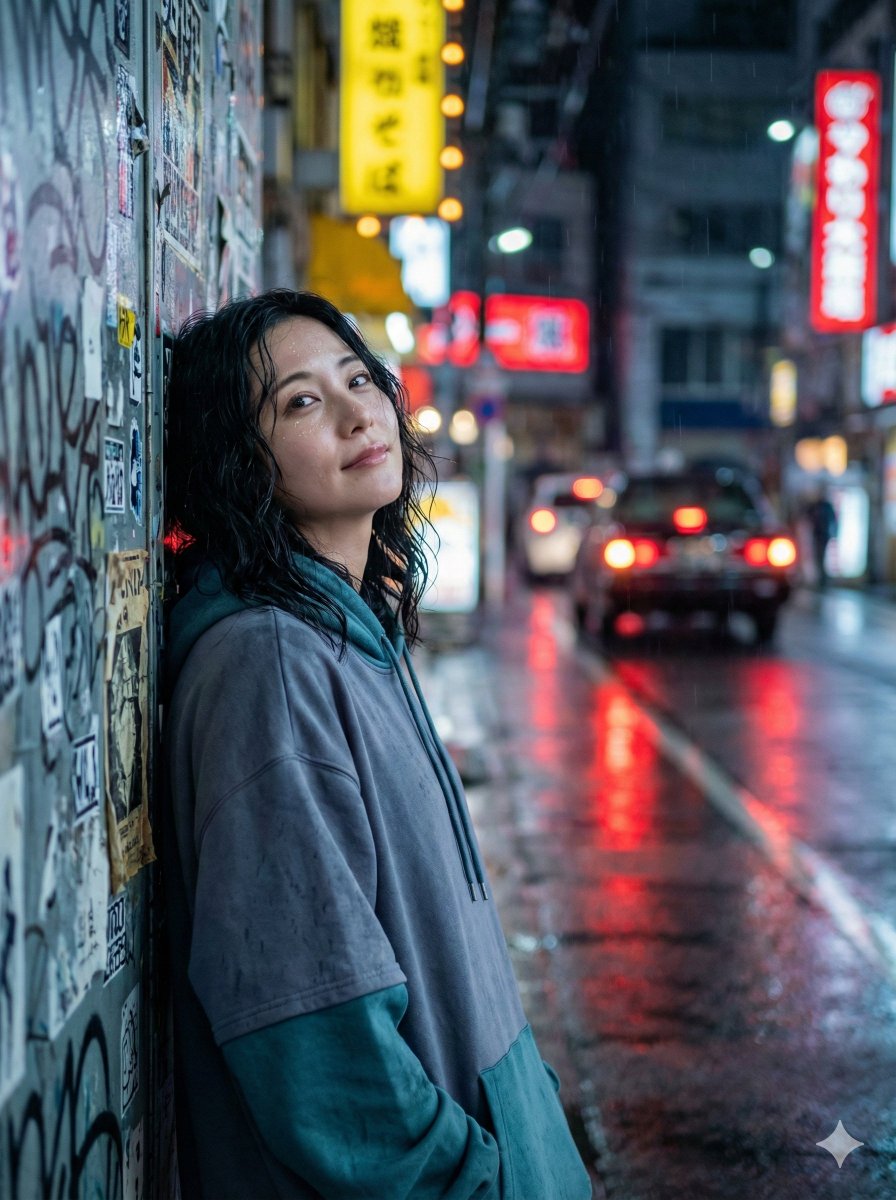
Cinematic close-up portrait of a young woman standing on a city street at night, framed from about mid-torso up in a vertical composition, body turned away while she looks back over her shoulder toward the camera with a soft but intense expression. Long {argument name="hair color" default="dark brown"} wavy hair with loose texture and wispy bangs, slightly wind-swept. Natural dewy makeup, minimal styling, wearing an oversized {argument name="jacket material and color" default="black leather jacket"}. Moody urban background with blurred neon signs, streetlights, car headlights and taillights rendered as colorful bokeh, suggesting a lively downtown street. Off-center composition with the subject occupying the left-center of the frame and the street receding into the right side. Dramatic split lighting with cool cyan-blue light on one side of her hair and jacket and warm red-magenta light on the other side, creating a teal-and-red cinematic color grade. High contrast, shallow depth of field, subtle film grain, slight glow around highlights, realistic photography, shot as if on a Sony A7S III with an 85mm lens.
Category
Charts & Infographics
Model
GPT Image 2
Creator
K
Views11
Source ID
16302
Published
Apr 26, 2026

Guide

About "霓虹之夜回眸肖像"

What is this prompt for?

"霓虹之夜回眸肖像" AI image prompt for GPT Image 2 (Charts & Infographics). 一个电影感霓虹都市肖像提示词,用于生成一张身穿皮夹克、带有戏剧性红蓝分色光影的忧郁夜景女性照片。 Copy it on Picva and recreate the look in…

The full copyable prompt and example visuals above are ready for AI image generation or one-click recreate in Picva.

How to use this prompt

  1. Step 1

    Open the prompt detail

    Review the example visuals, category, and full prompt text for "霓虹之夜回眸肖像".

  2. Step 2

    Copy the prompt

    Copy the prompt body from this page, or load it directly in Studio.

  3. Step 3

    Pick a model (GPT Image 2)

    Prefer GPT Image 2. If you switch models, keep subject and composition and tweak style terms.

  4. Step 4

    Generate and export

    Recreate the look in Picva, or export into your workflow for editing and publishing.

FAQ

What is the "霓虹之夜回眸肖像" prompt?
It is an AI image-generation prompt for GPT Image 2 in the Charts & Infographics category. This page includes the full prompt text, example visuals, and a one-click recreate path in Picva.
How do I use this prompt to generate an image?
Copy the prompt from this page, or use Generate / Studio. Paste it into a compatible image model, or recreate the look in Picva with optional reference images.
Which model is this prompt for?
This page lists GPT Image 2. Most descriptive prompts also transfer to nearby image models such as GPT Image, Flux, or Midjourney with light style tweaks.
Can I use the result commercially?
You can usually copy the prompt for creation, but commercial use of the final image depends on the model terms, reference-image rights, and the generated content. Follow the source author and platform rules.