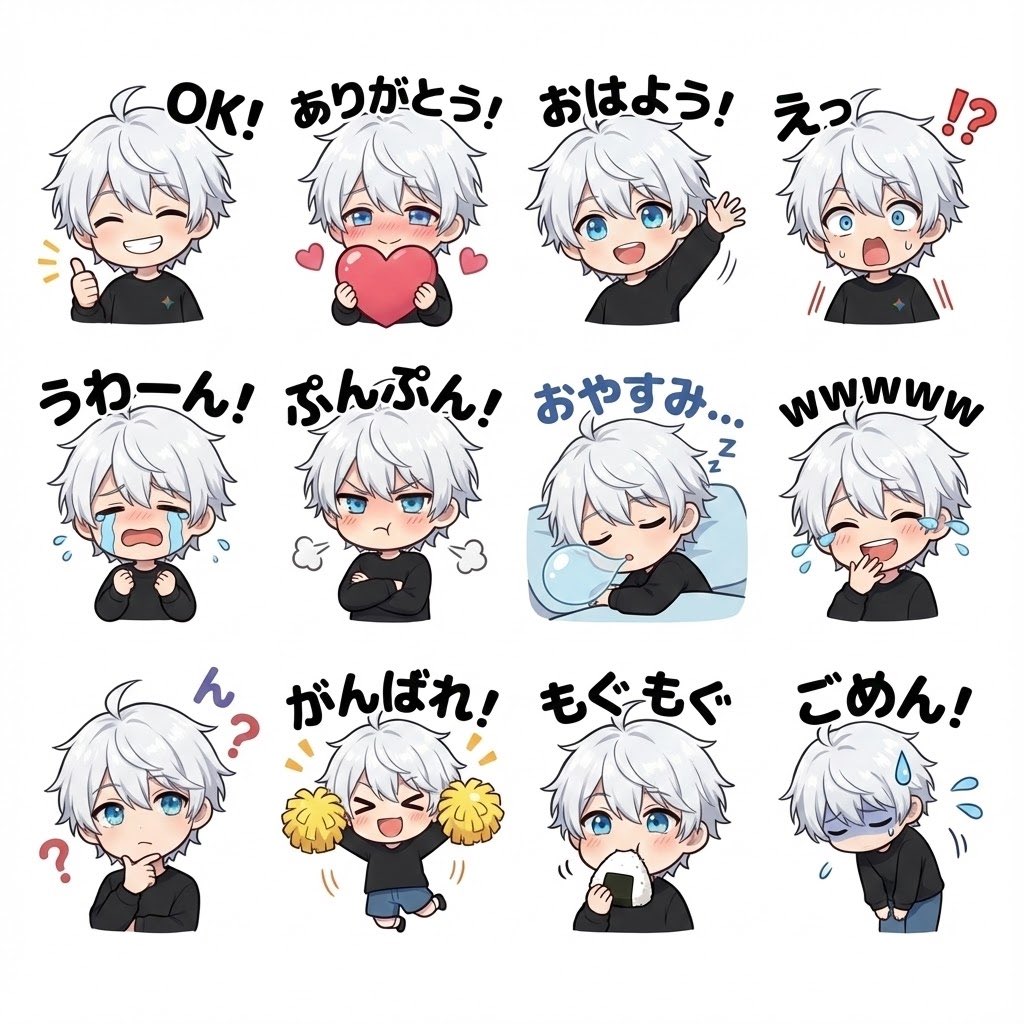
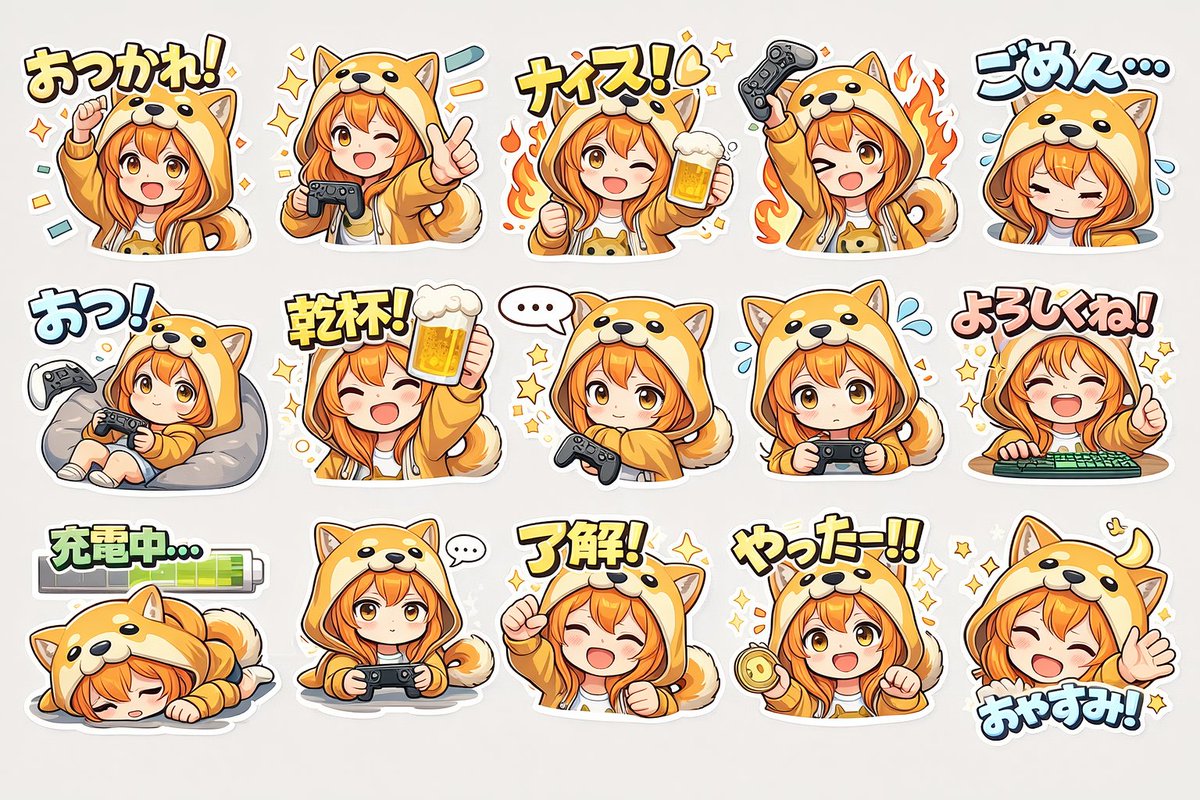
日式办公场景 LINE 贴纸样张
Prompt
{"type":"LINE sticker sample sheet","style":"cute Japanese messaging sticker illustration, clean white background, soft anime-cartoon rendering, bold colorful outlined Japanese text above each sticker, expressive office-worker mascot set","format":"3x3 grid","subjects":{"main_character":{"description":"young Japanese businessman in a black suit, white dress shirt, black tie, neat dark slicked-back hair, shown from the waist up in each sticker, friendly and professional","face_visibility":"generic face area, simple approachable features or anonymized face","pose_variation_count":9},"sidekick":{"description":"small bright yellow chick mascot with orange beak and feet, very expressive, often reacting beside the businessman","appearance_consistency":"same chick character across all 9 stickers"}},"layout":{"background":"plain white","grid":{"rows":3,"columns":3,"count":9},"sections":[{"position":"top-left","title":"お任せください!","count":2,"elements":["businessman giving thumbs up","happy chick flapping with sparkles"]},{"position":"top-center","title":"確認します","count":3,"elements":["businessman holding and reading a sheet of paper","chick beside document","green handwritten text うんうん near chick"]},{"position":"top-right","title":"すみません!","count":3,"elements":["businessman bowing with hands together apologetically","blue sweat drops around head","sad chick bowing"]},{"position":"middle-left","title":"ここ大事です","count":3,"elements":["businessman raising one index finger","happy chick","small red flag held by chick"]},{"position":"middle-center","title":"資料ください…!","count":4,"elements":["businessman leaning over a tall stack of documents on desk","worried posture","anxious chick with teary eyes","blue stress marks and sweat drops"]},{"position":"middle-right","title":"OKです!","count":3,"elements":["businessman making an OK hand sign","smiling chick with wings spread","green emphasis lines"]},{"position":"bottom-left","title":"それは対象外です","count":4,"elements":["businessman holding a round sign with a red X","other hand raised in stopping gesture","worried chick","small blue sweat drops"]},{"position":"bottom-center","title":"作成中です","count":4,"elements":["businessman working on a laptop at a desk","coffee mug beside laptop","chick standing next to mug","small sparkles indicating active progress"]},{"position":"bottom-right","title":"採択を目指します!","count":3,"elements":["businessman with clenched fist raised in determination","cheering chick beside him","orange burst lines behind them"]}]},"text_style":{"placement":"above each sticker","font":"thick hand-drawn Japanese display lettering","outline":"dark outline with light inner border","colors":["red-orange","blue","red","purple","green"]},"composition":"each sticker is isolated with generous spacing, balanced mascot pairing, consistent proportions and visual identity across the full sheet","quality":"polished sample image for original LINE stickers, cute, readable, commercial mockup feel"}- Category
- Charts & Infographics
- Model
- GPT Image 2
- Creator
- 矢農 誠(アヒル室長)|補助金活用アドバイザー
- Source ID
- 16384
- Published
- Apr 26, 2026
Views4