17

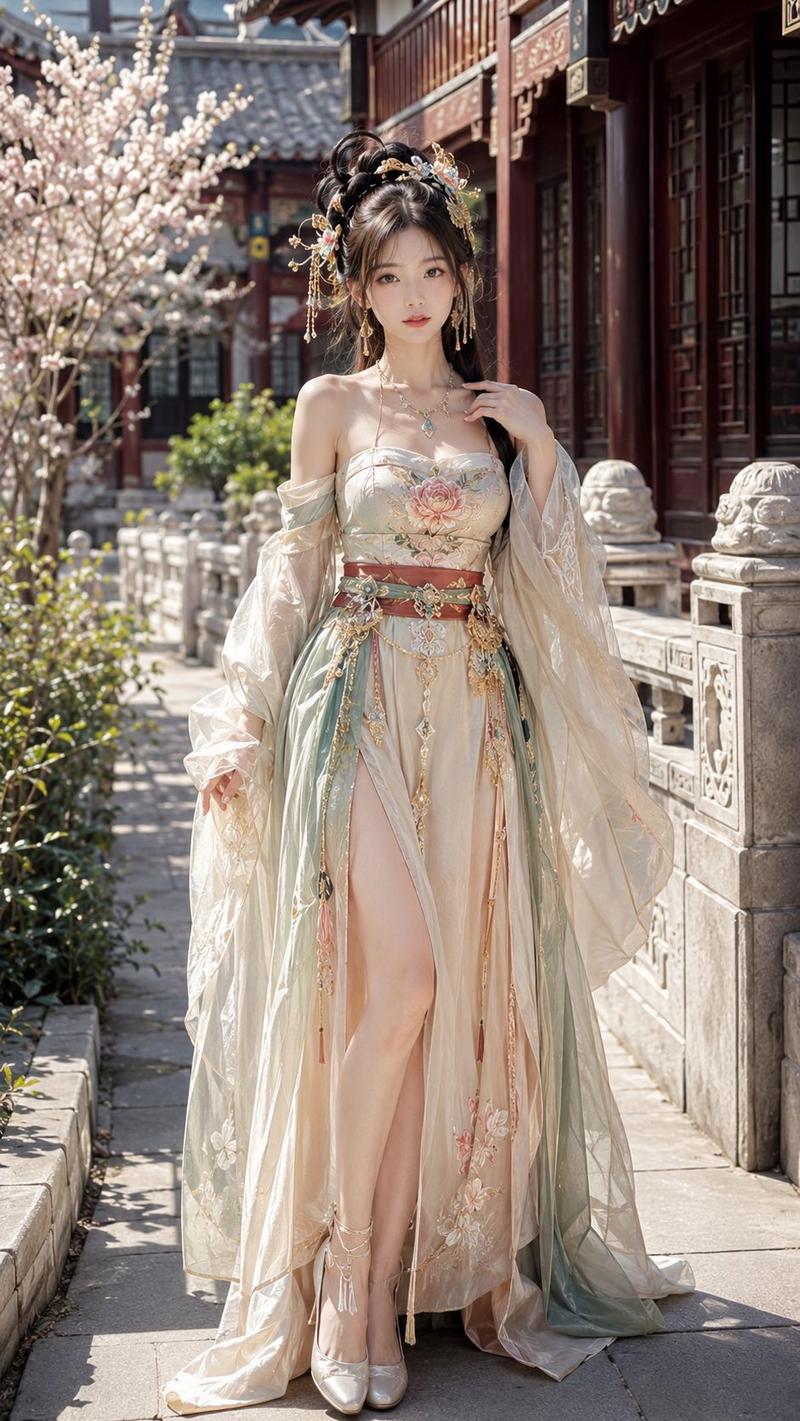
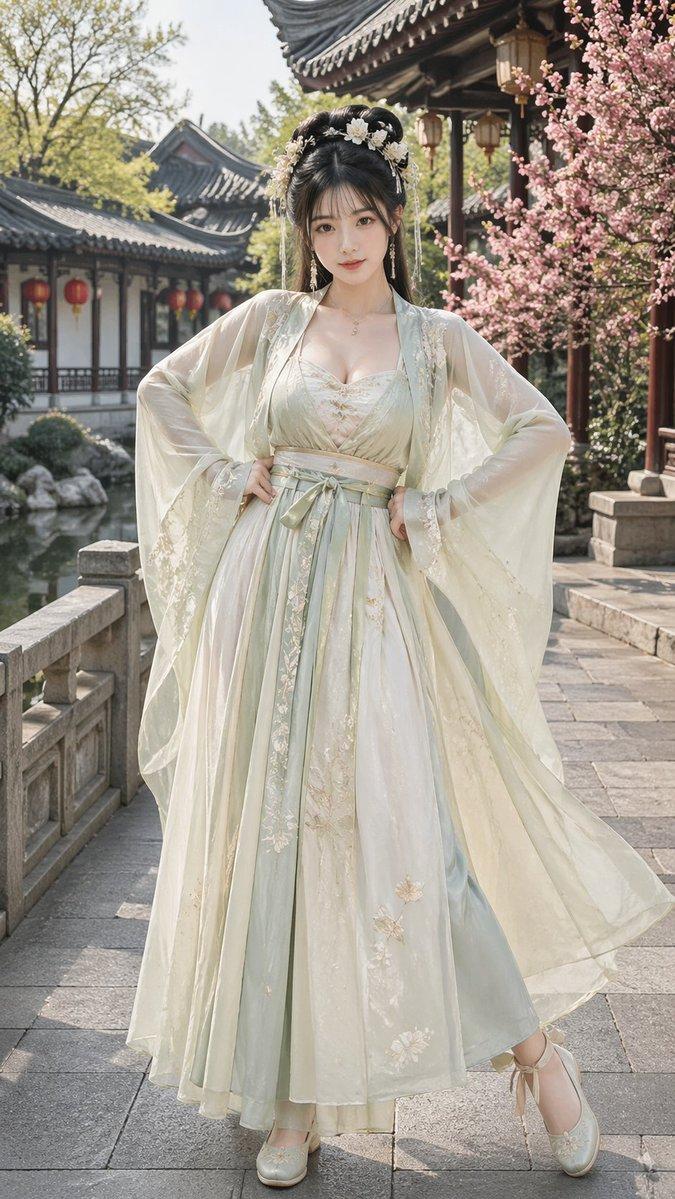
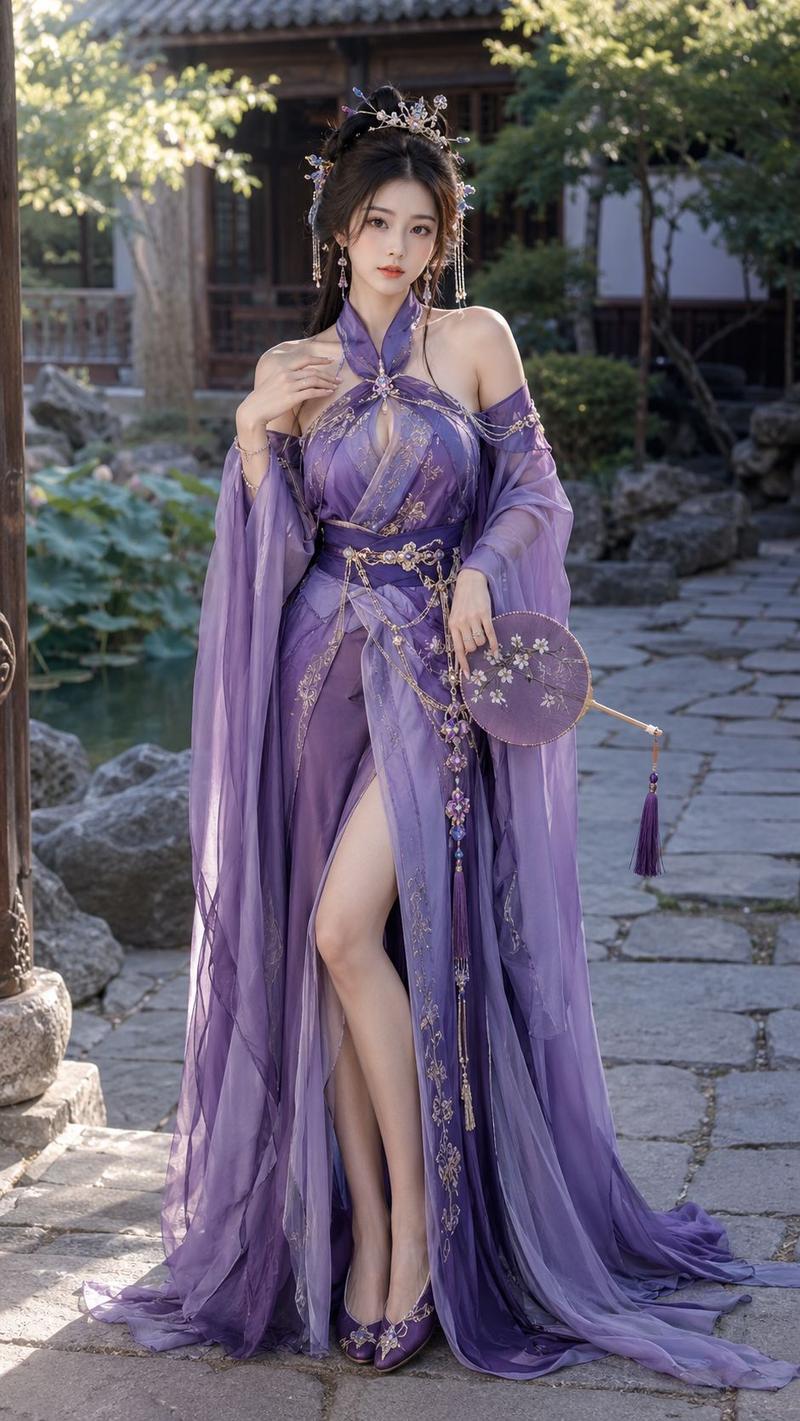
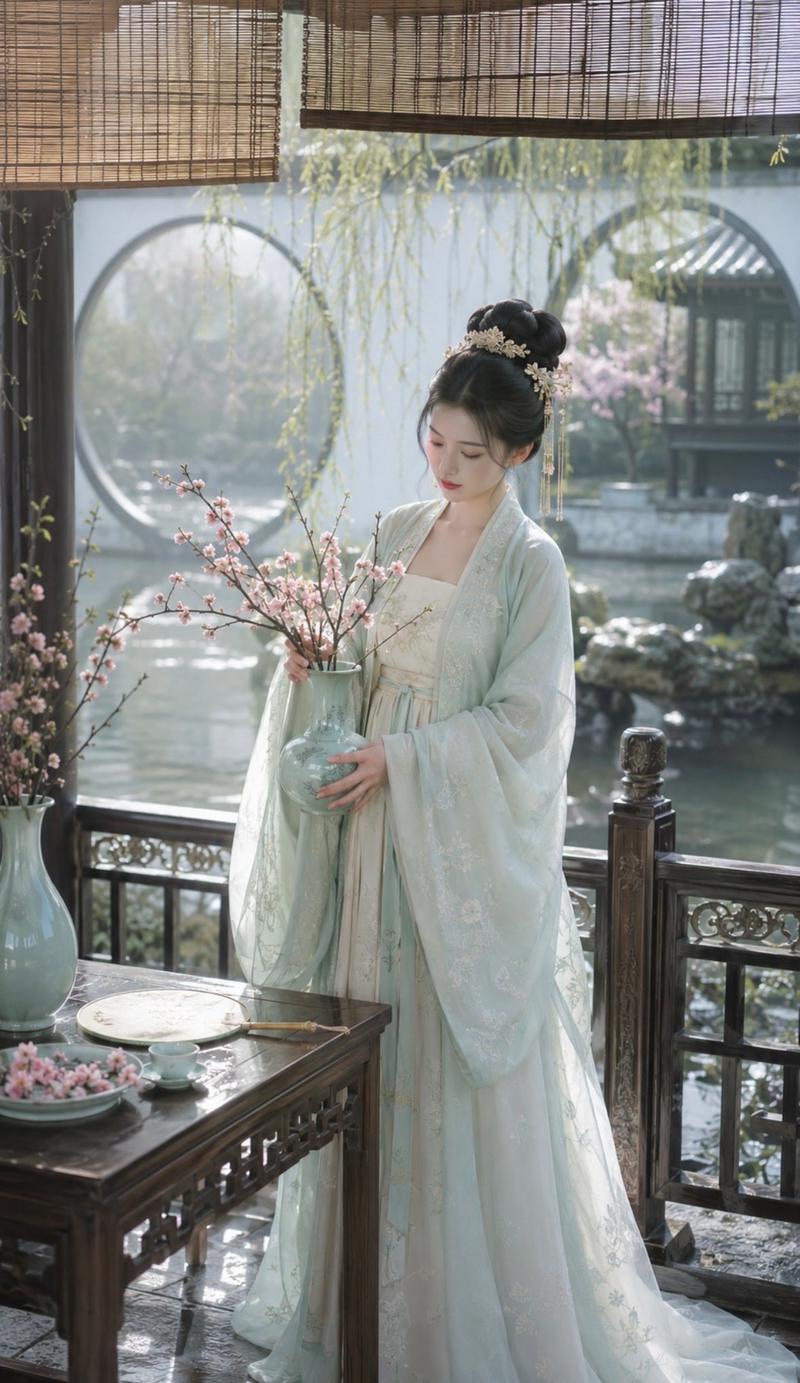
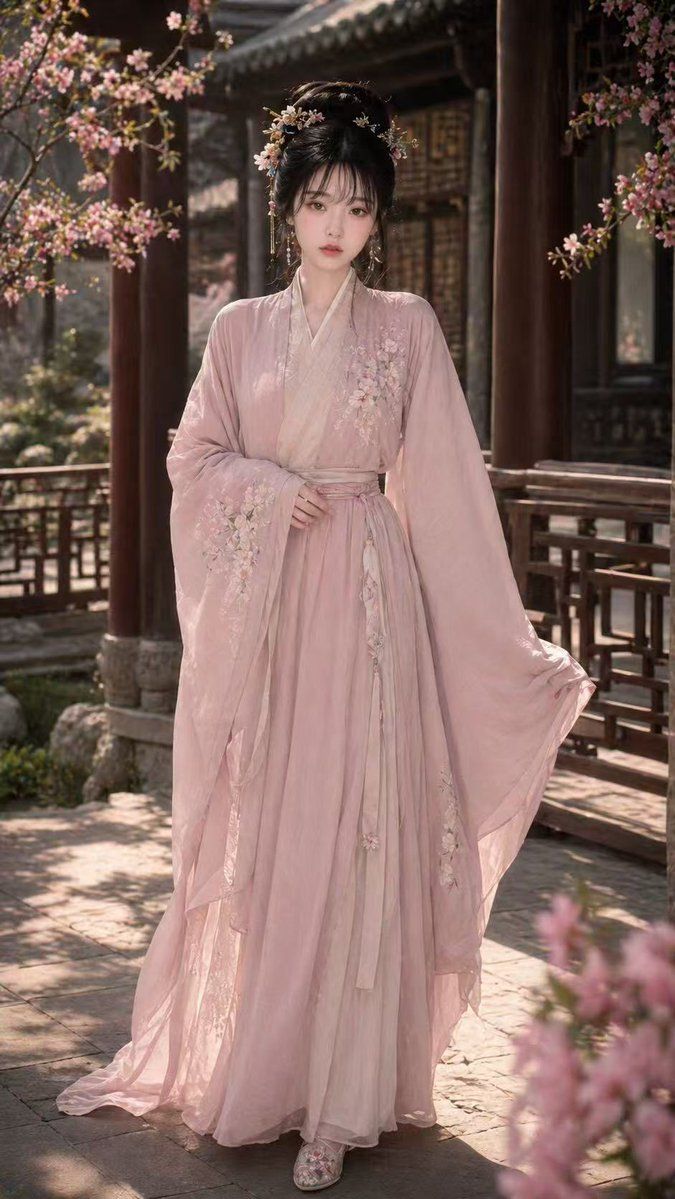
宋代汉服人像
Enlarge

Example images

宋代汉服人像

Prompt
An {argument name="角色描述" default="18-year-old Chinese Internet celebrity beauty"}, with a model figure, exquisite facial features, cold and sweet temperament, wearing {argument name="服装" default="elegant light pink Song Dynasty Hanfu"}, exquisite clothing details, with ancient-style buns, exquisite hairpin headdresses and embroidered shoes. The whole body stands in the front, with a natural and elegant posture, slightly showing the curve of the body. The {argument name="场景" default="scene is a beautiful ancient-style courtyard, with flowers and trees, cloisters and soft light and shadow"}. The picture is a high-quality ultra-realistic photography style, the characters are clear, the skin is delicate, the whole is aesthetic and high-end, and the 9:16 vertical composition.
Category
Charts & Infographics
Model
GPT Image 2
Creator
Shinning
Views2
Source ID
16789
Published
Apr 28, 2026

Guide

About "宋代汉服人像"

What is this prompt for?

"宋代汉服人像" AI image prompt for GPT Image 2 (Charts & Infographics). 一个经过优化的提示词,用于在古风庭院中生成一张宋代传统汉服美女的写实人像。 Copy it on Picva and recreate the look in one click.

The full copyable prompt and example visuals above are ready for AI image generation or one-click recreate in Picva.

How to use this prompt

  1. Step 1

    Open the prompt detail

    Review the example visuals, category, and full prompt text for "宋代汉服人像".

  2. Step 2

    Copy the prompt

    Copy the prompt body from this page, or load it directly in Studio.

  3. Step 3

    Pick a model (GPT Image 2)

    Prefer GPT Image 2. If you switch models, keep subject and composition and tweak style terms.

  4. Step 4

    Generate and export

    Recreate the look in Picva, or export into your workflow for editing and publishing.

FAQ

What is the "宋代汉服人像" prompt?
It is an AI image-generation prompt for GPT Image 2 in the Charts & Infographics category. This page includes the full prompt text, example visuals, and a one-click recreate path in Picva.
How do I use this prompt to generate an image?
Copy the prompt from this page, or use Generate / Studio. Paste it into a compatible image model, or recreate the look in Picva with optional reference images.
Which model is this prompt for?
This page lists GPT Image 2. Most descriptive prompts also transfer to nearby image models such as GPT Image, Flux, or Midjourney with light style tweaks.
Can I use the result commercially?
You can usually copy the prompt for creation, but commercial use of the final image depends on the model terms, reference-image rights, and the generated content. Follow the source author and platform rules.