17

Modest Fashion Studio 杂志大片提示词
Enlarge

Modest Fashion Studio 杂志大片提示词

Prompt
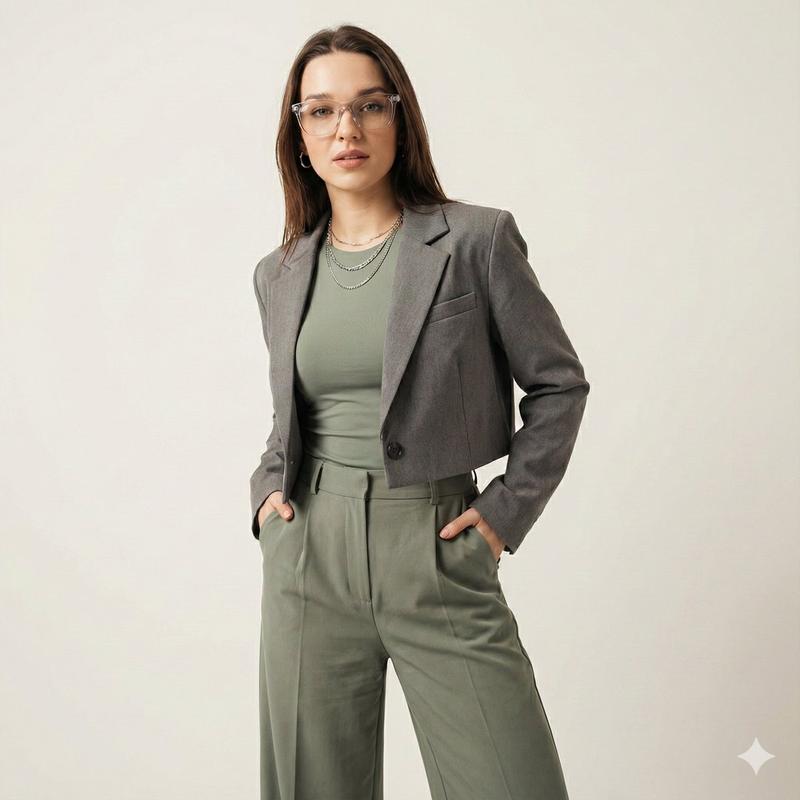
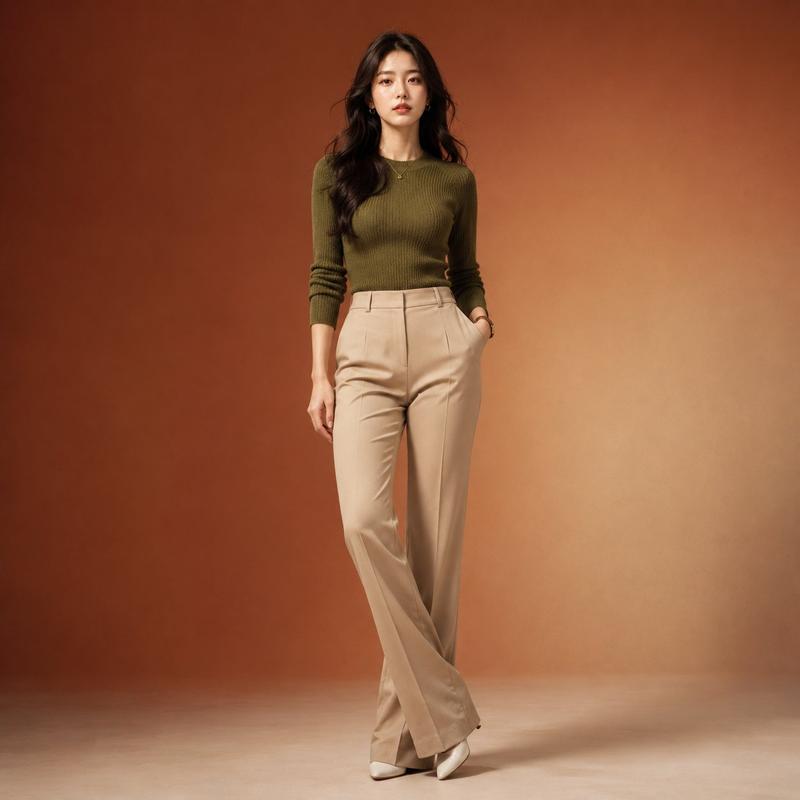
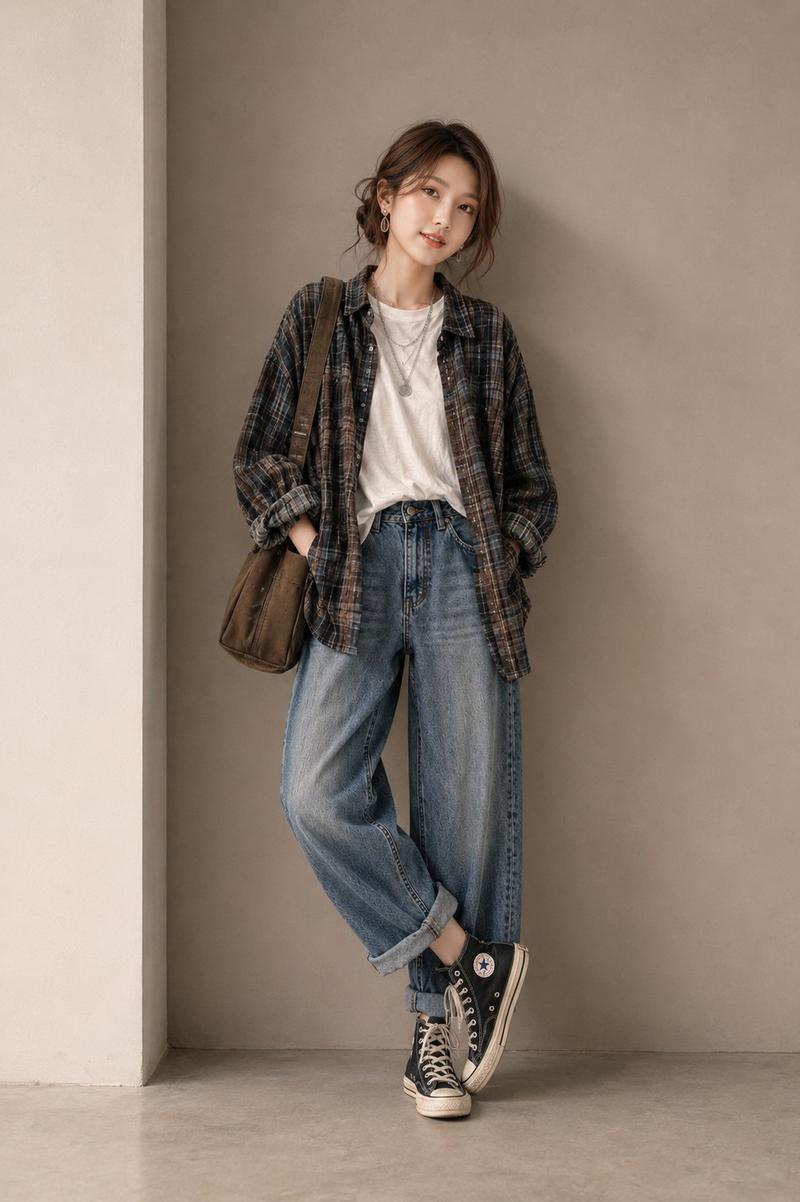
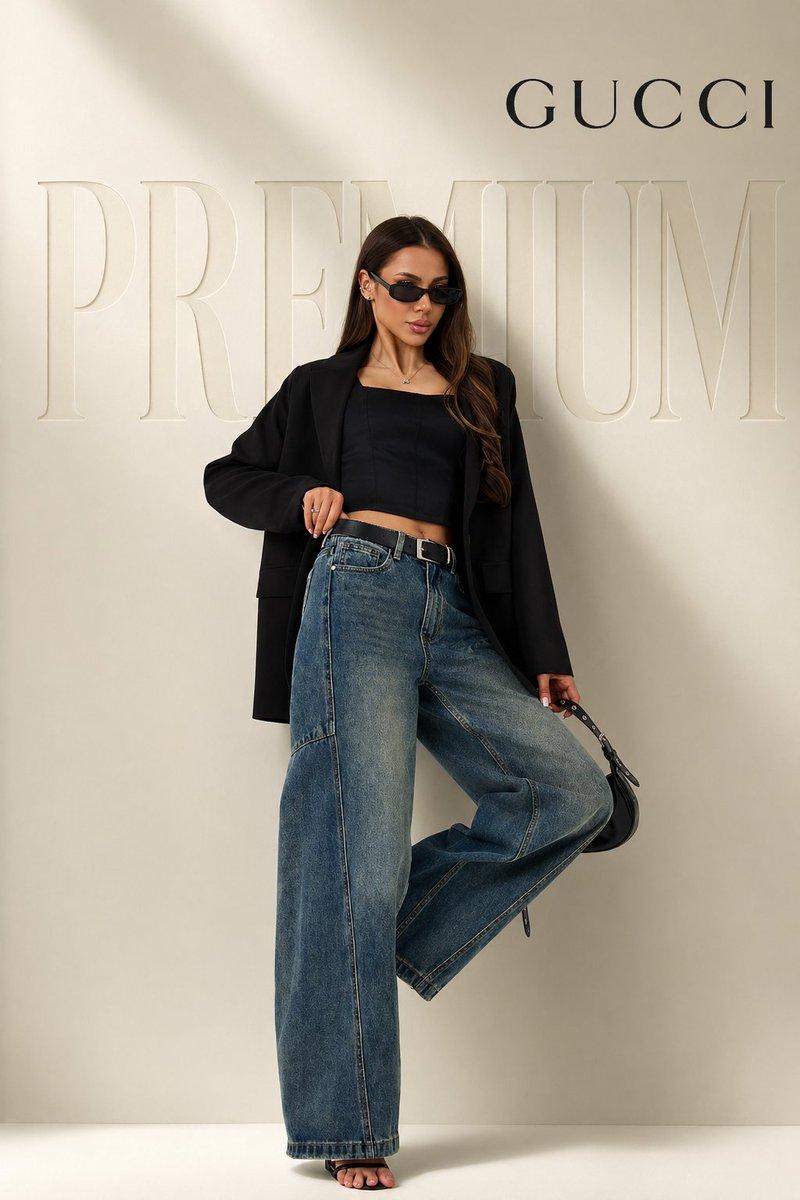
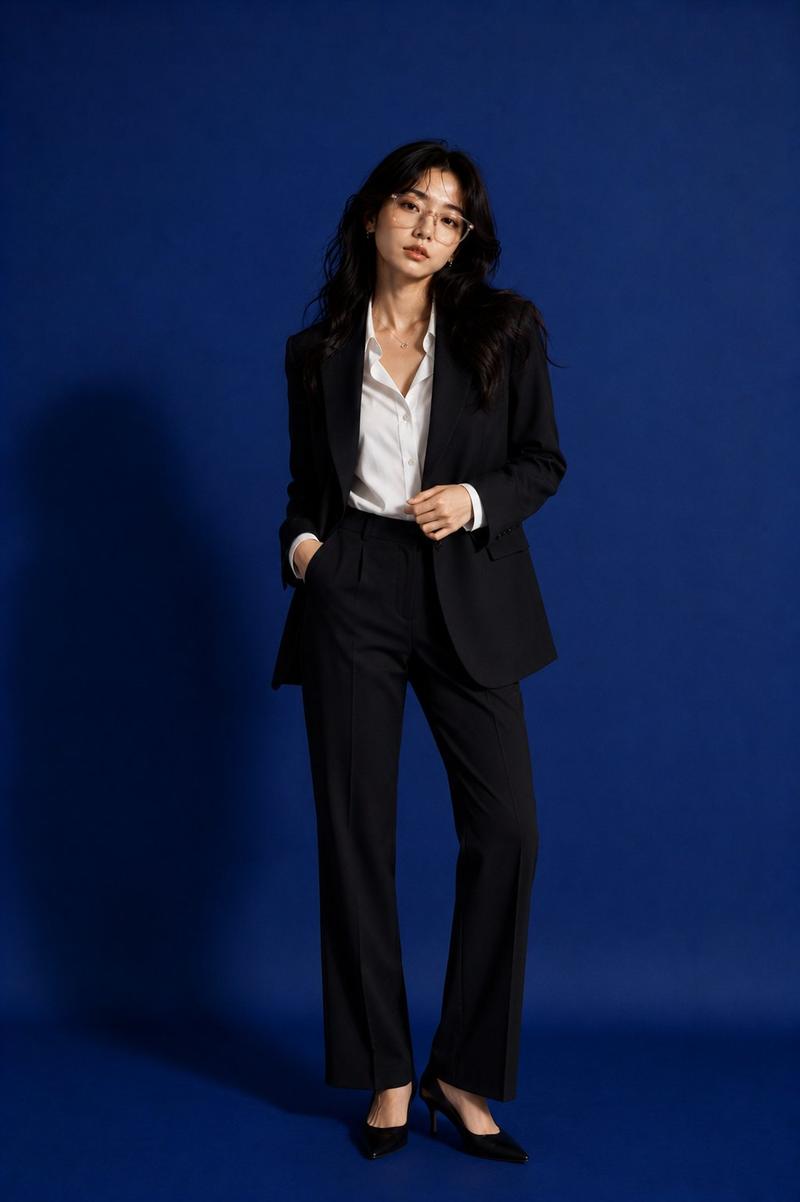
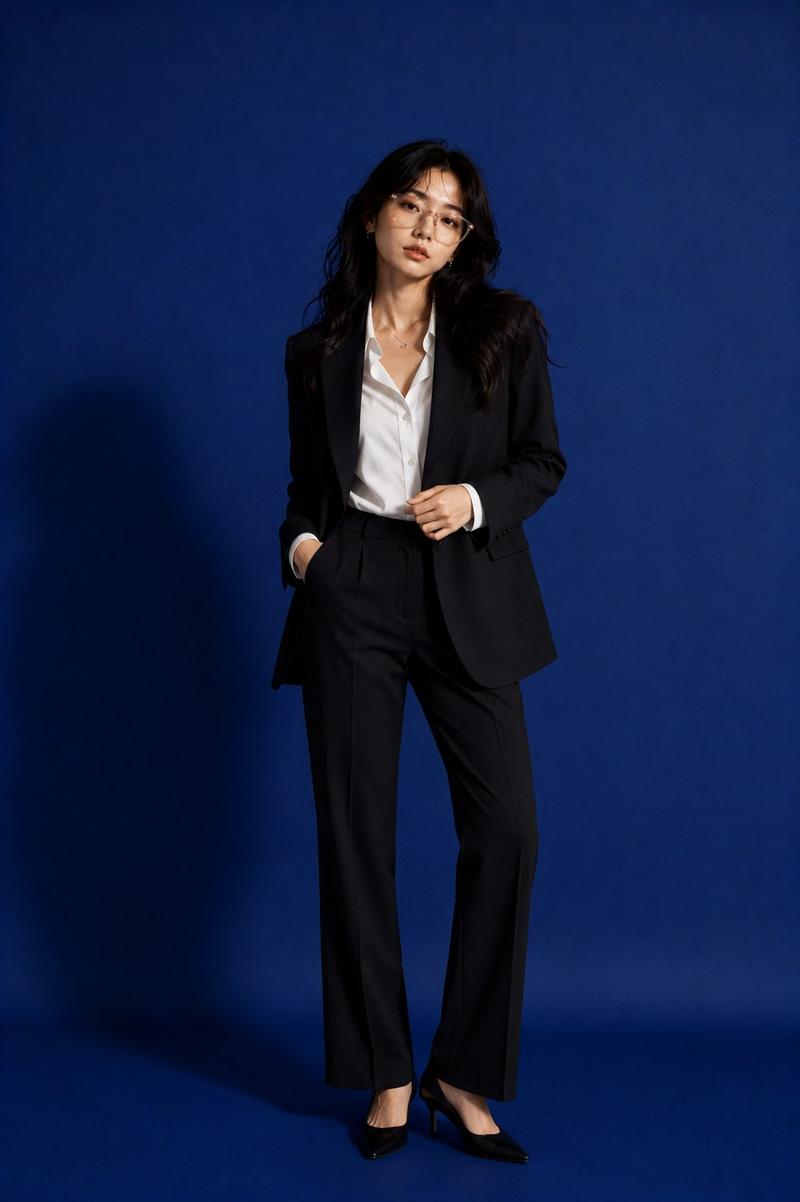
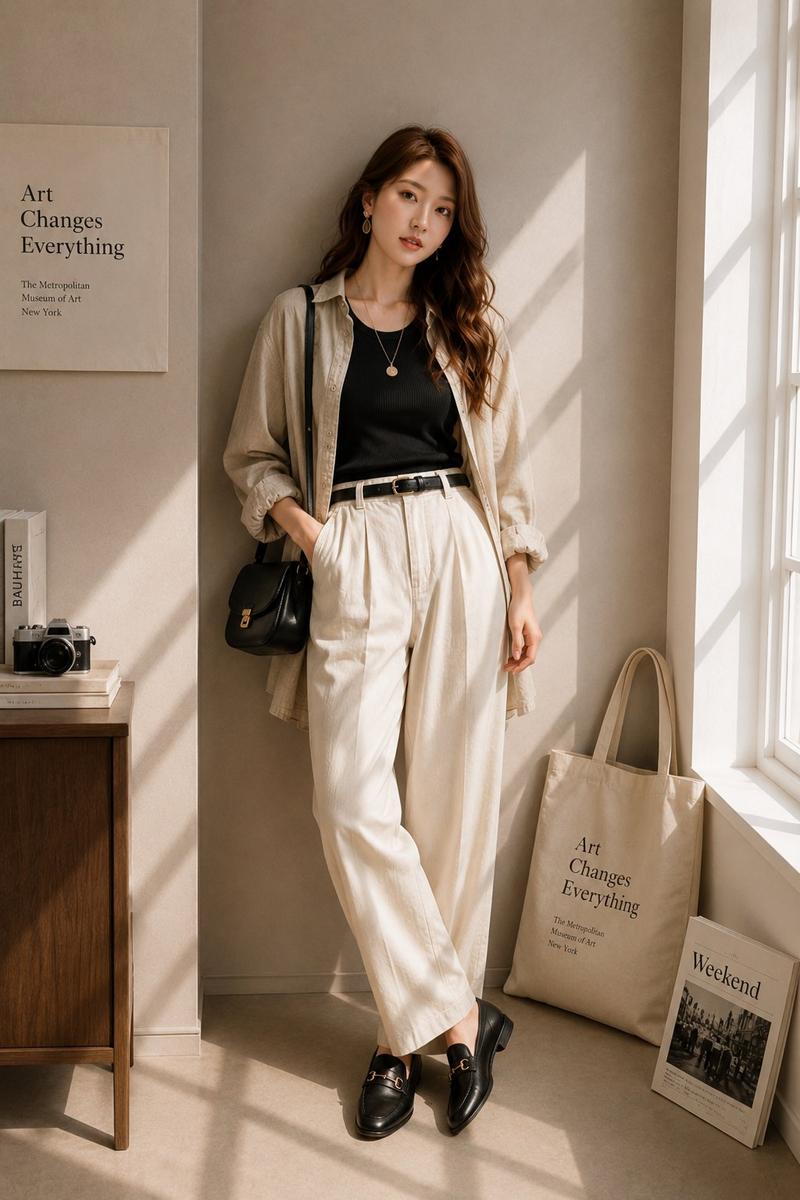
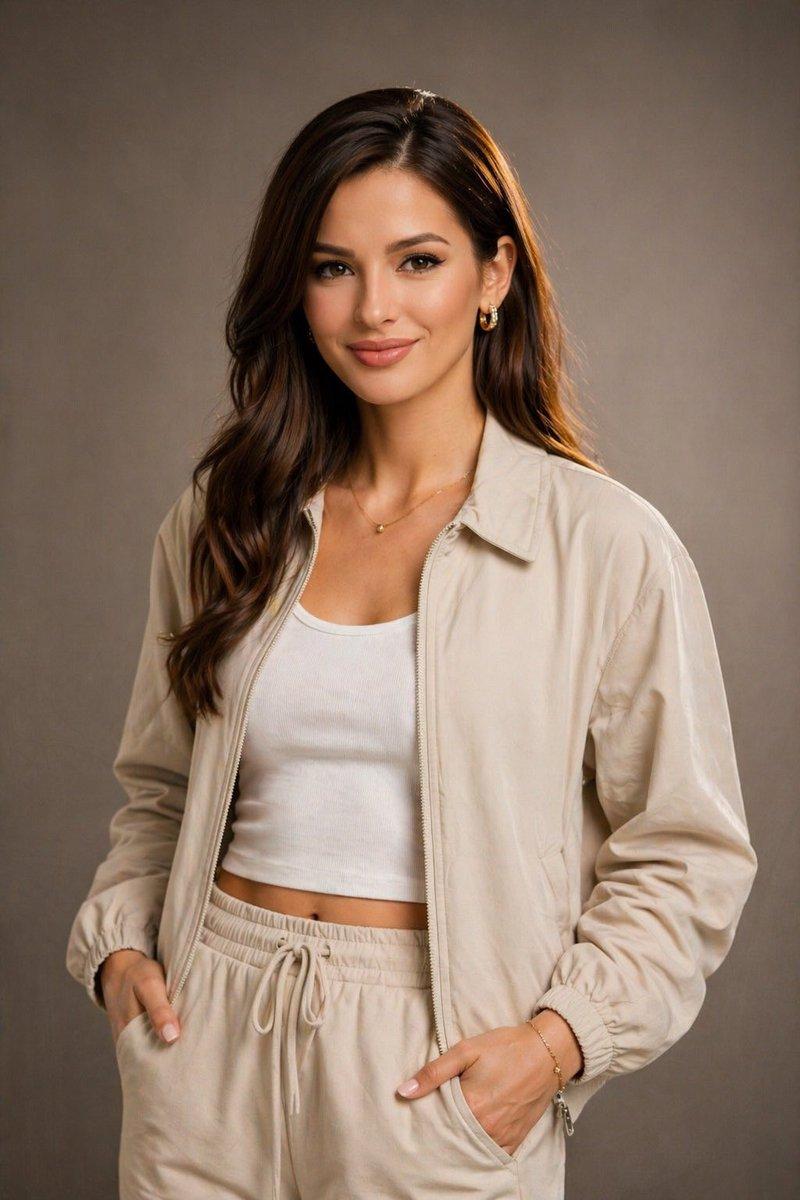
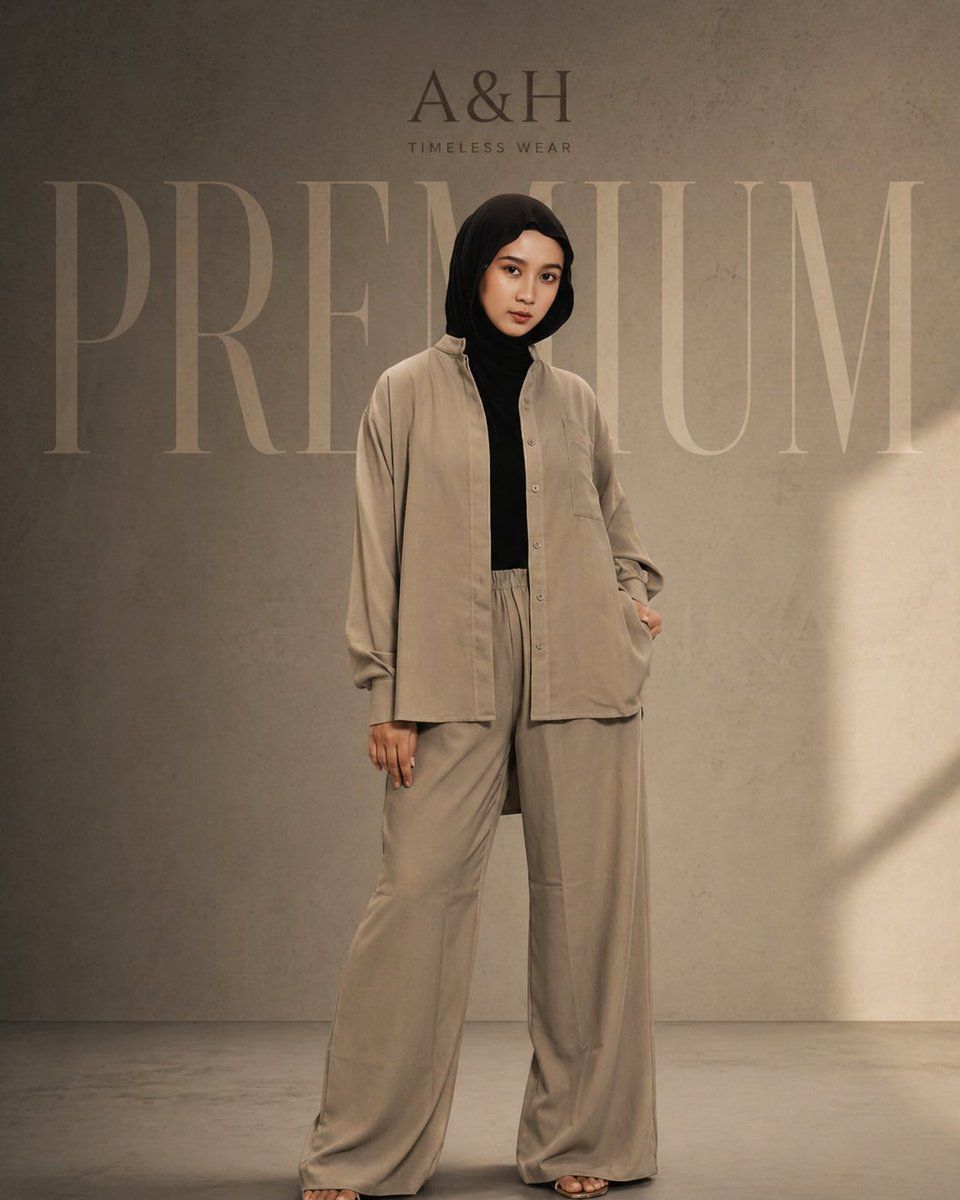
A cinematic fashion editorial shot of a modest female model wearing a {argument name="outfit" default="loose tunic set and hijab"}, standing confidently in a minimal studio. Keep the same pose, front-facing, relaxed stance. Outfit in aesthetic neutral tones (soft beige / warm taupe). Background is {argument name="background" default="textured concrete"} with dim, moody lighting and soft shadows for a premium cinematic feel. Remove all original text and branding.

Add elegant branding: “{argument name="brand" default="A&H"}” at the top in a luxury serif font. Add very large, faded word “PREMIUM” in the background behind the model (low opacity, wide spacing). Color grading should be warm, slightly desaturated, high-end fashion look. Soft light falloff, subtle vignette, editorial style, ultra clean composition, high resolution.
Category
Posters & Typography
Model
GPT Image 2
Creator
auqib
Views2
Source ID
16823
Published
Apr 28, 2026

Guide

About "Modest Fashion Studio 杂志大片提示词"

What is this prompt for?

"Modest Fashion Studio 杂志大片提示词" AI image prompt for GPT Image 2 (Posters & Typography). 一套用于生成极简摄影棚风格、暖色调灯光及高端品牌感 Modest Fashion 摄影作品的电影感提示词。 Copy it on Picva…

The full copyable prompt and example visuals above are ready for AI image generation or one-click recreate in Picva.

How to use this prompt

  1. Step 1

    Open the prompt detail

    Review the example visuals, category, and full prompt text for "Modest Fashion Studio 杂志大片提示词".

  2. Step 2

    Copy the prompt

    Copy the prompt body from this page, or load it directly in Studio.

  3. Step 3

    Pick a model (GPT Image 2)

    Prefer GPT Image 2. If you switch models, keep subject and composition and tweak style terms.

  4. Step 4

    Generate and export

    Recreate the look in Picva, or export into your workflow for editing and publishing.

FAQ

What is the "Modest Fashion Studio 杂志大片提示词" prompt?
It is an AI image-generation prompt for GPT Image 2 in the Posters & Typography category. This page includes the full prompt text, example visuals, and a one-click recreate path in Picva.
How do I use this prompt to generate an image?
Copy the prompt from this page, or use Generate / Studio. Paste it into a compatible image model, or recreate the look in Picva with optional reference images.
Which model is this prompt for?
This page lists GPT Image 2. Most descriptive prompts also transfer to nearby image models such as GPT Image, Flux, or Midjourney with light style tweaks.
Can I use the result commercially?
You can usually copy the prompt for creation, but commercial use of the final image depends on the model terms, reference-image rights, and the generated content. Follow the source author and platform rules.