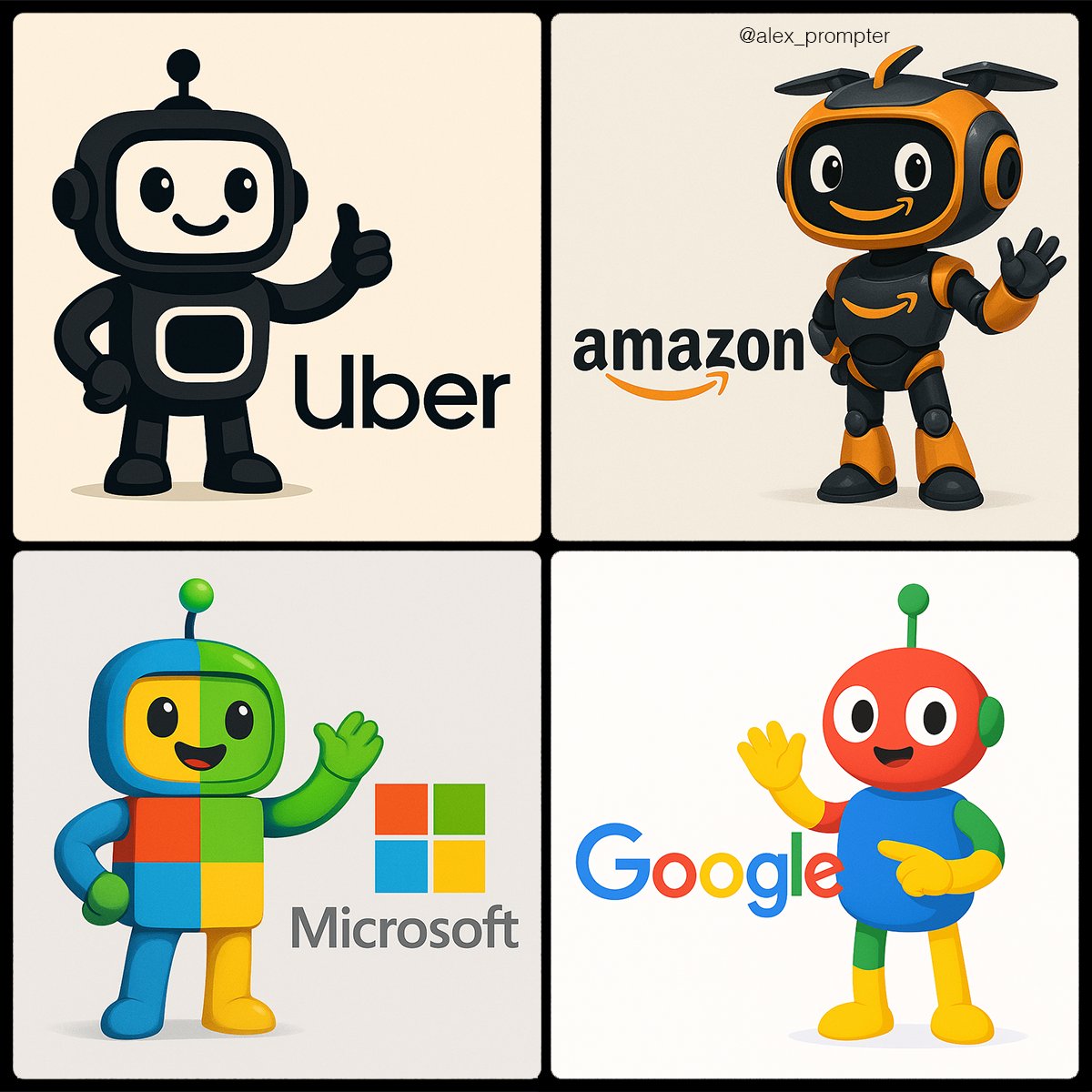
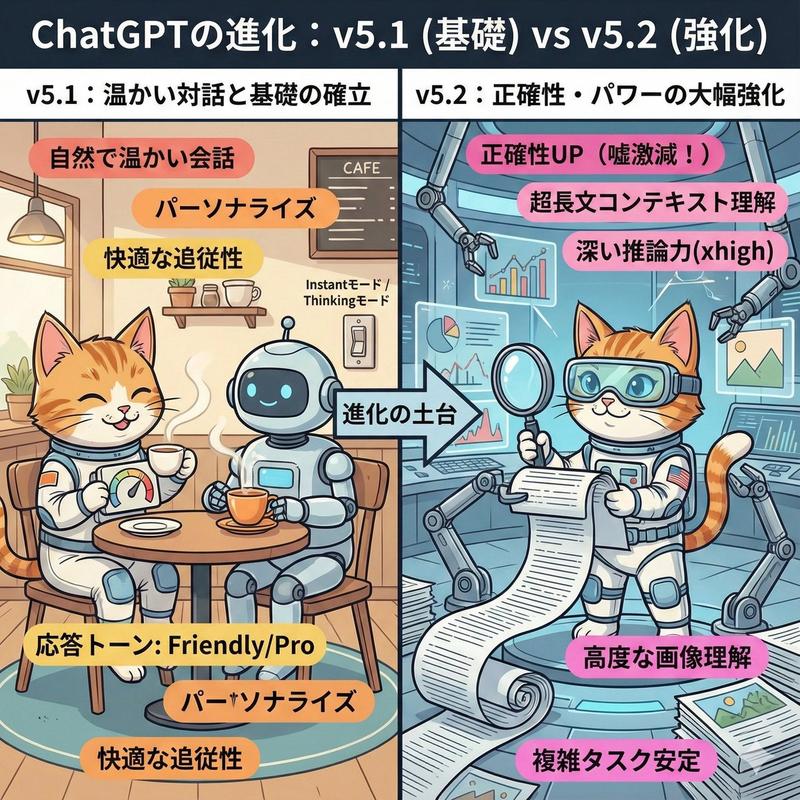
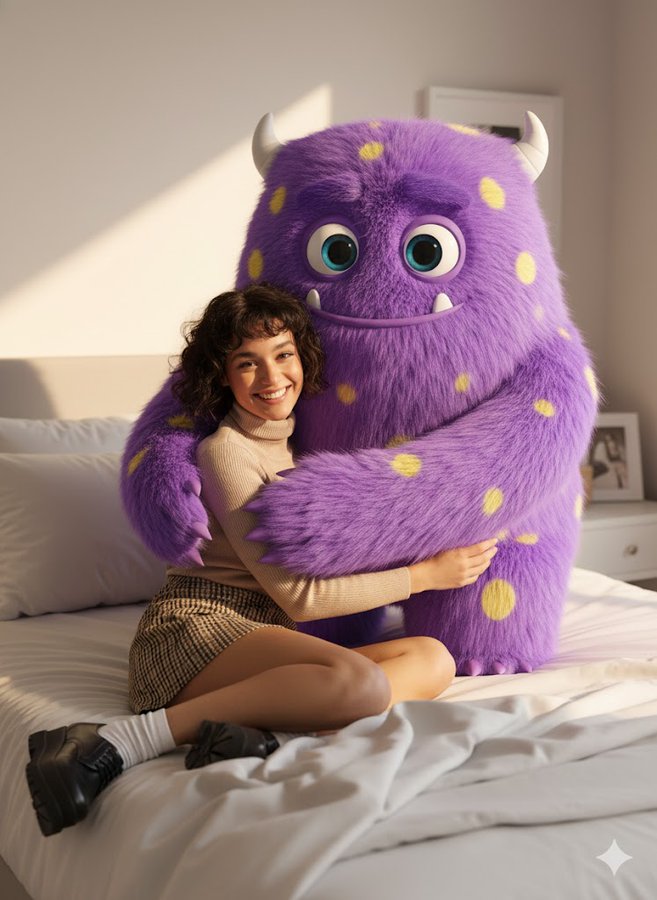
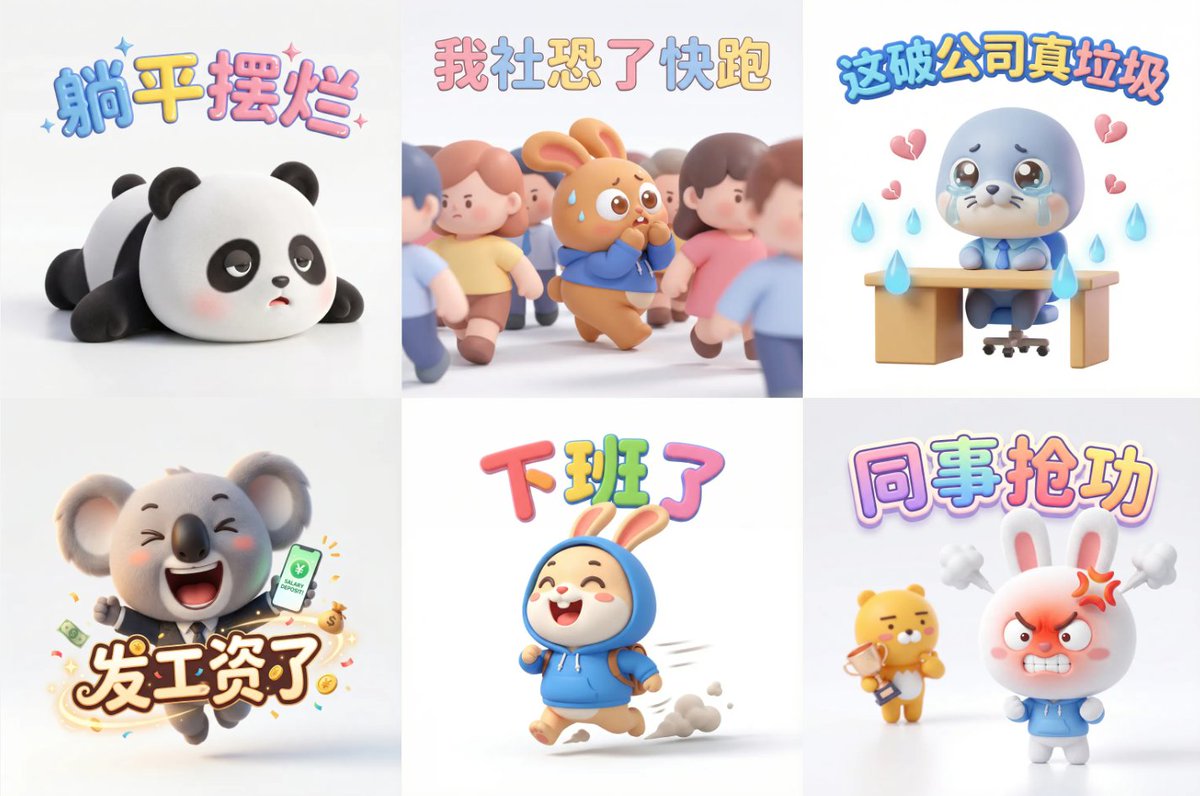
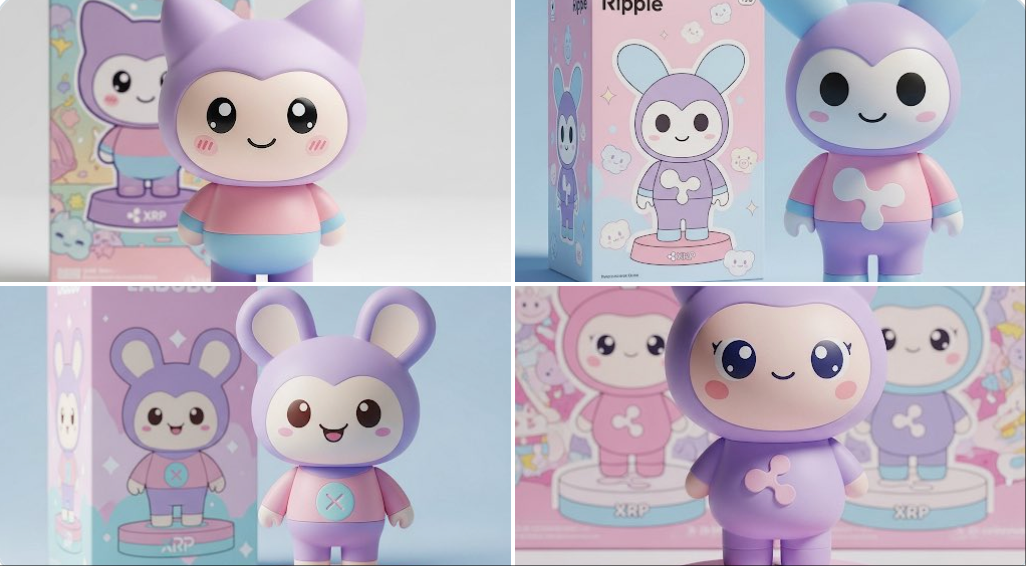
AI 合作伙伴关系发布海报场景
Prompt
A warm, editorial-style announcement poster set inside a sunlit creative studio with a cozy startup office vibe. Center the composition on two cute mascots sitting side by side on a beige couch, surrounded by photographers, journalists, and content creators documenting the moment. Above them, place a large hand-painted poster on a light brick wall reading “Big news. Better together. {argument name="brand name" default="Skywork"} × {argument name="product name" default="GPT Image 2"}” in oversized brush lettering, with playful colorful accent strokes around the text. The left mascot is a glossy blue chibi character with a round body, big black oval eyes, a smiling face, white face panel, a paintbrush-shaped crest on its head, a painter’s palette motif on its cheek, and a white “S” on its belly, gesturing happily with one hand. The right mascot is a small white-and-teal robot with a rounded helmet-like head, black face screen, glowing cyan eyes and smile, teal circuitry details across the body, and a teal spiral emblem on the chest, also smiling and gesturing as if in conversation. Put a wooden coffee table in front of them with exactly 8 visible items: 1 small potted plant, 1 white mug reading “PIXELS IDEAS IMPACT,” 3 stacked design books, 1 open sketchbook with concept drawings, 1 pen, 1 smartphone lying flat, and 1 smartphone held in the foreground capturing the mascots. Surround the scene with exactly 7 visible human figures partially entering frame, some holding DSLR cameras, one holding a video camera with a flip-out screen, and 3 microphones with cube flags labeled “TECH NEWS,” “AI ZONE,” and another media mic. Add translucent cyan holographic interface panels floating beside the robot, suggesting AI-generated visuals and design tools. Decorate the walls and shelves with creative studio details: pinned art prints and posters reading “Create Inspire Elevate,” “CREATIVITY MEETS INTELLIGENCE,” “IMAGINE GENERATE ELEVATE,” and “FUTURE IS CREATIVE,” plus a paintbrush illustration, a circuit diagram print, books, plants, and a studio light in the upper right corner. Lighting is golden-hour sunlight streaming through large industrial windows on both sides, creating a cinematic, optimistic launch-event mood. Style: polished 3D illustration mixed with commercial lifestyle photography, highly detailed, friendly, brand-forward, vibrant but tasteful colors, soft depth of field, premium poster composition, square format.- Category
- Charts & Infographics
- Model
- GPT Image 2
- Creator
- Gina Acosta
- Source ID
- 16949
- Published
- Apr 28, 2026
Views5