17

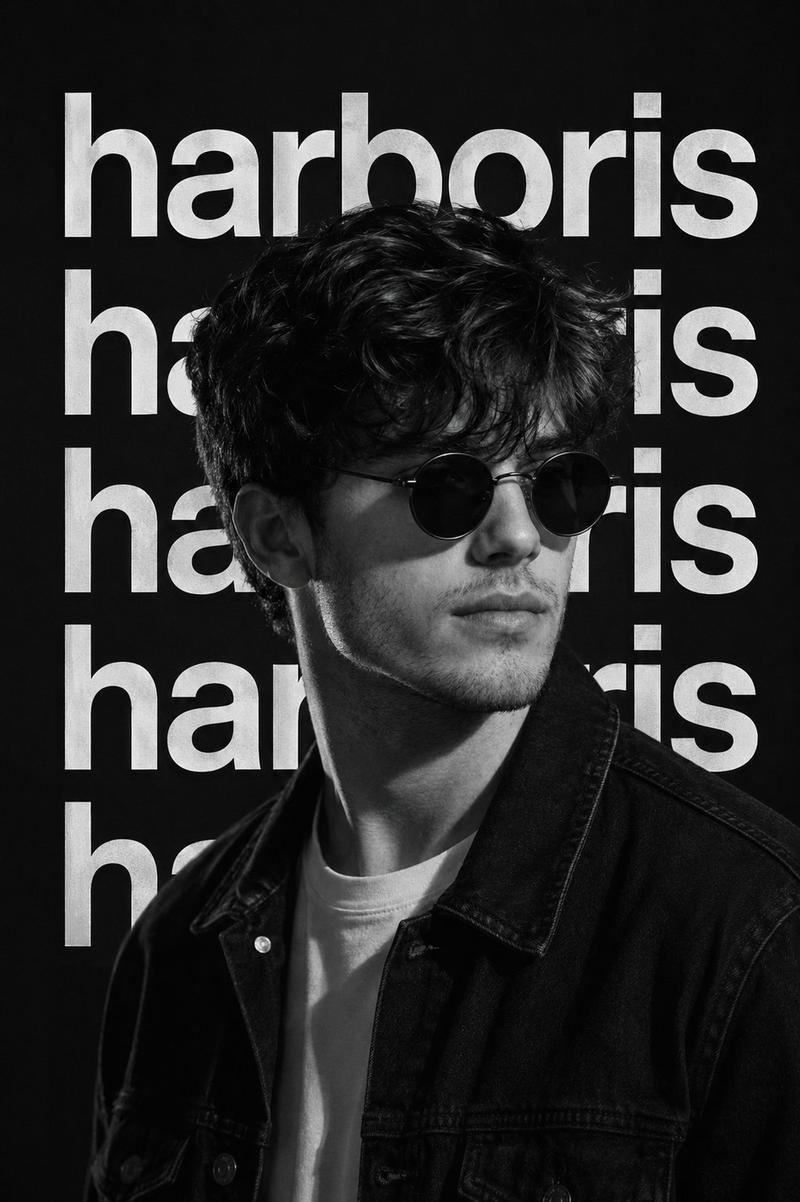
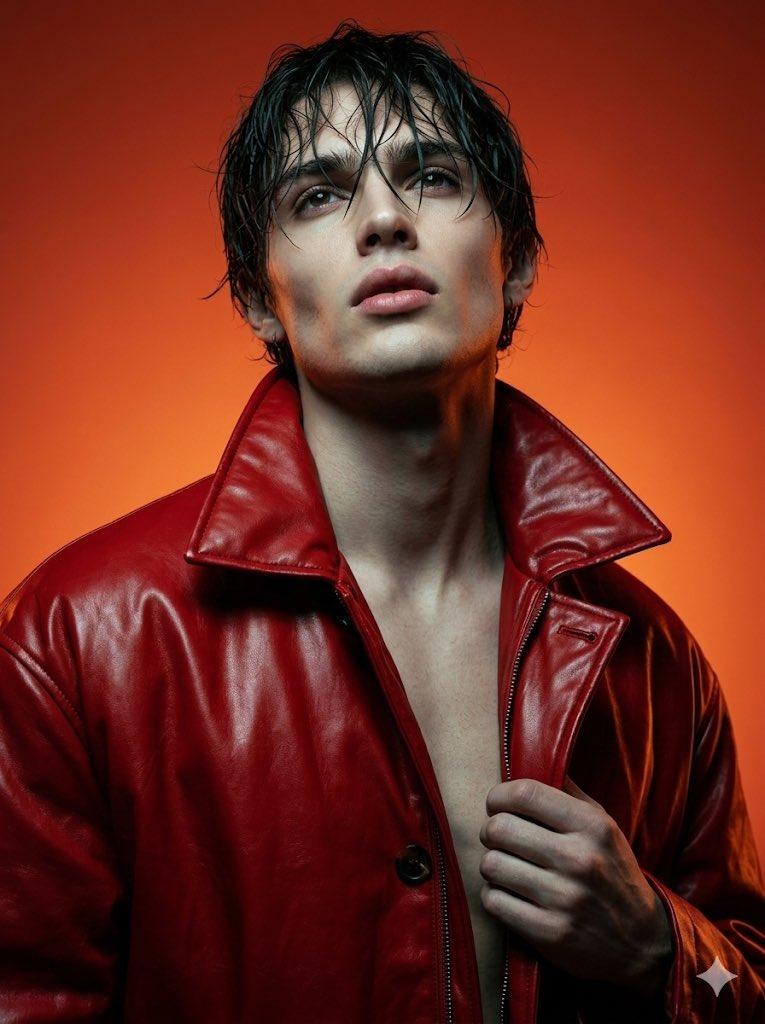
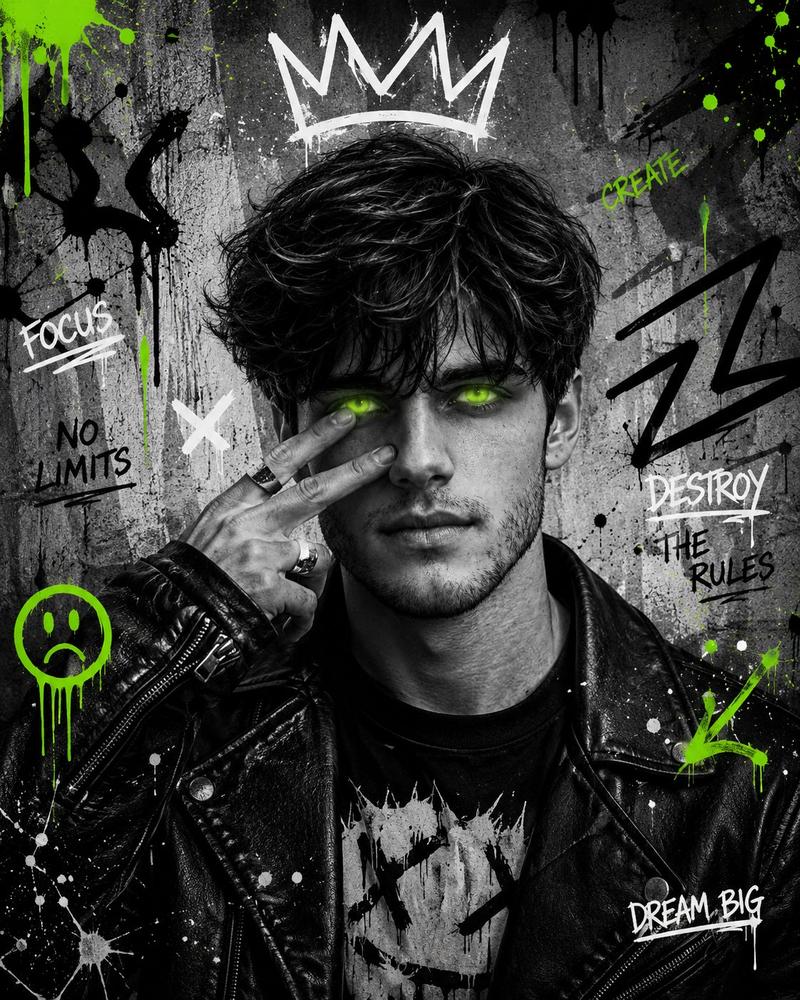
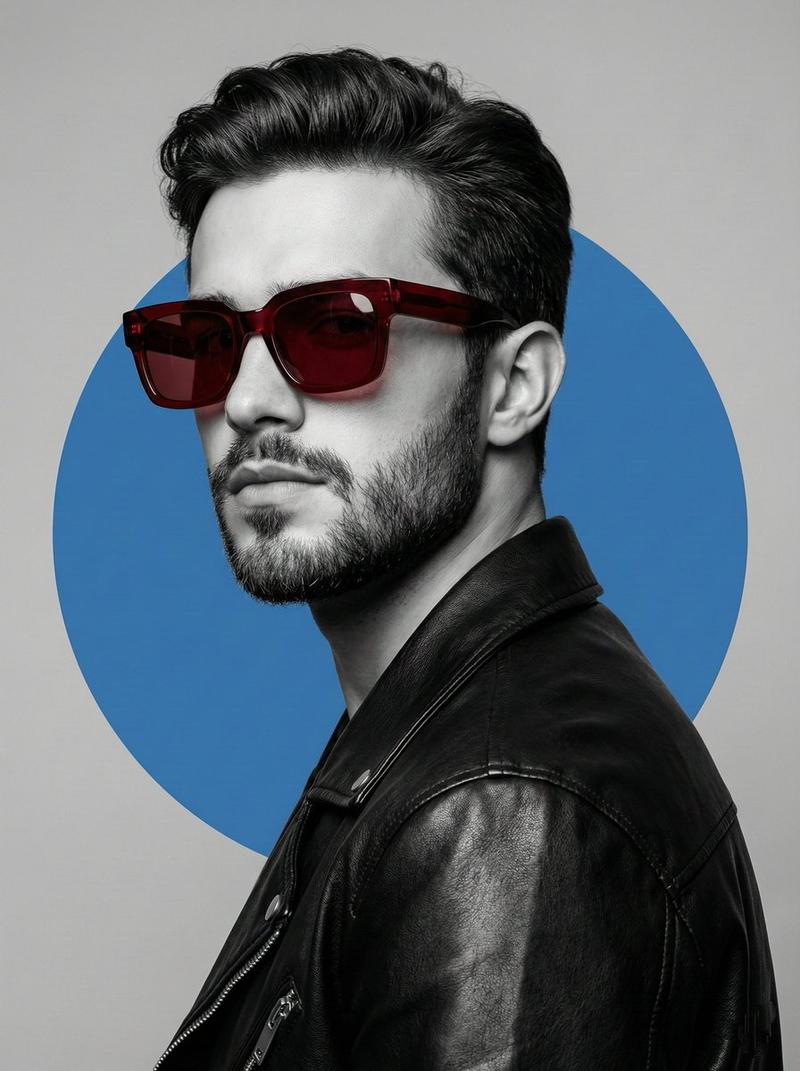
街头服饰宣传海报
Enlarge

街头服饰宣传海报

Prompt
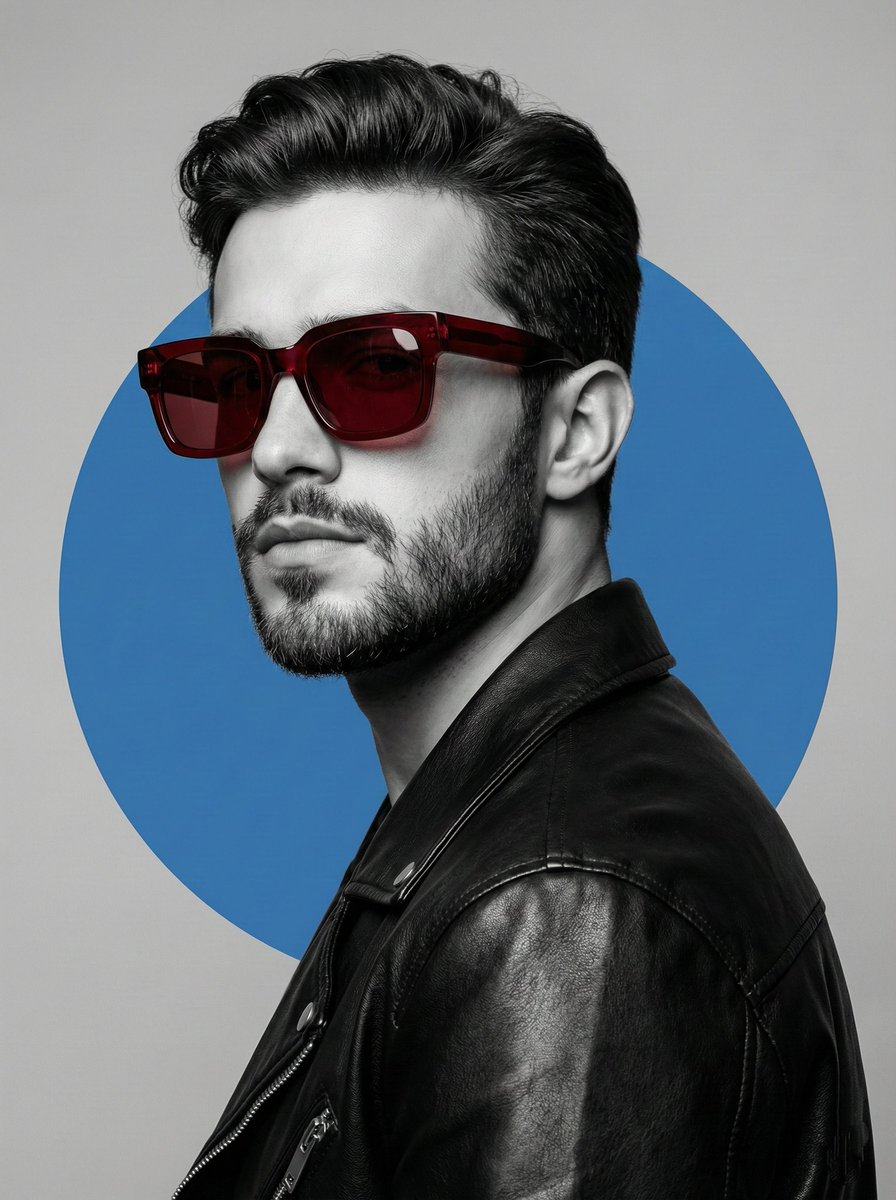
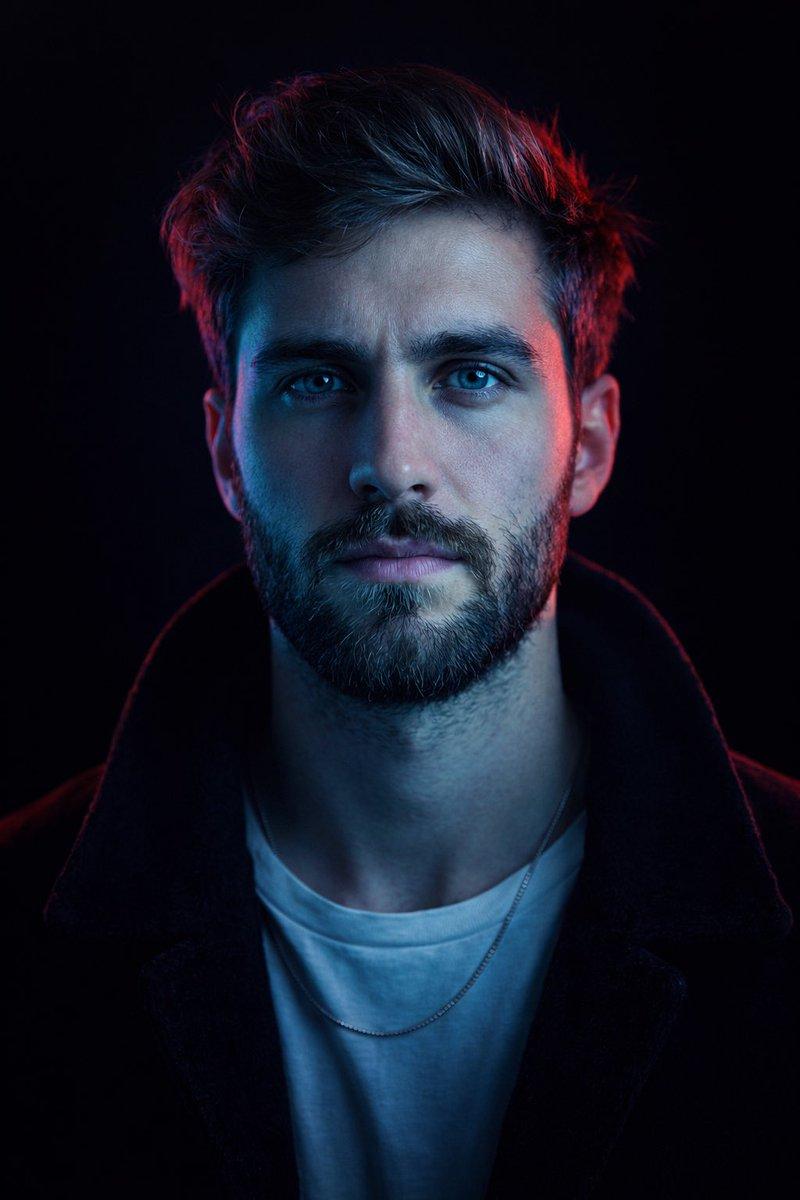
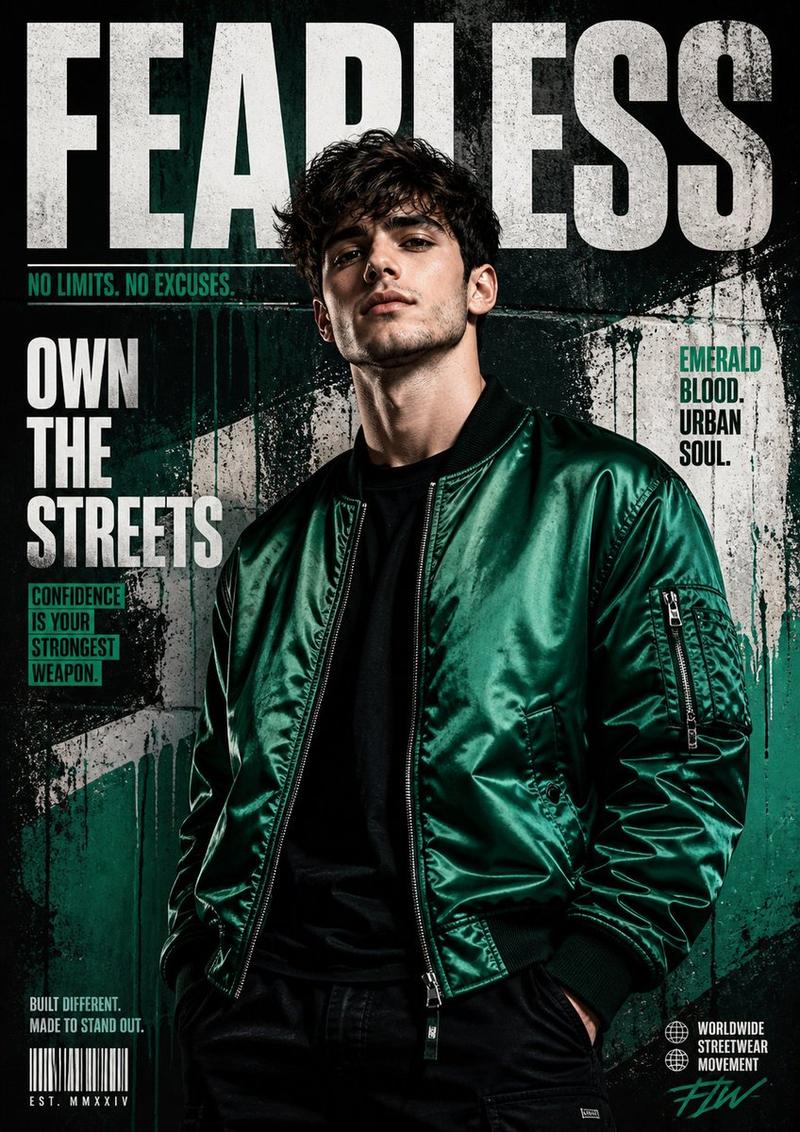
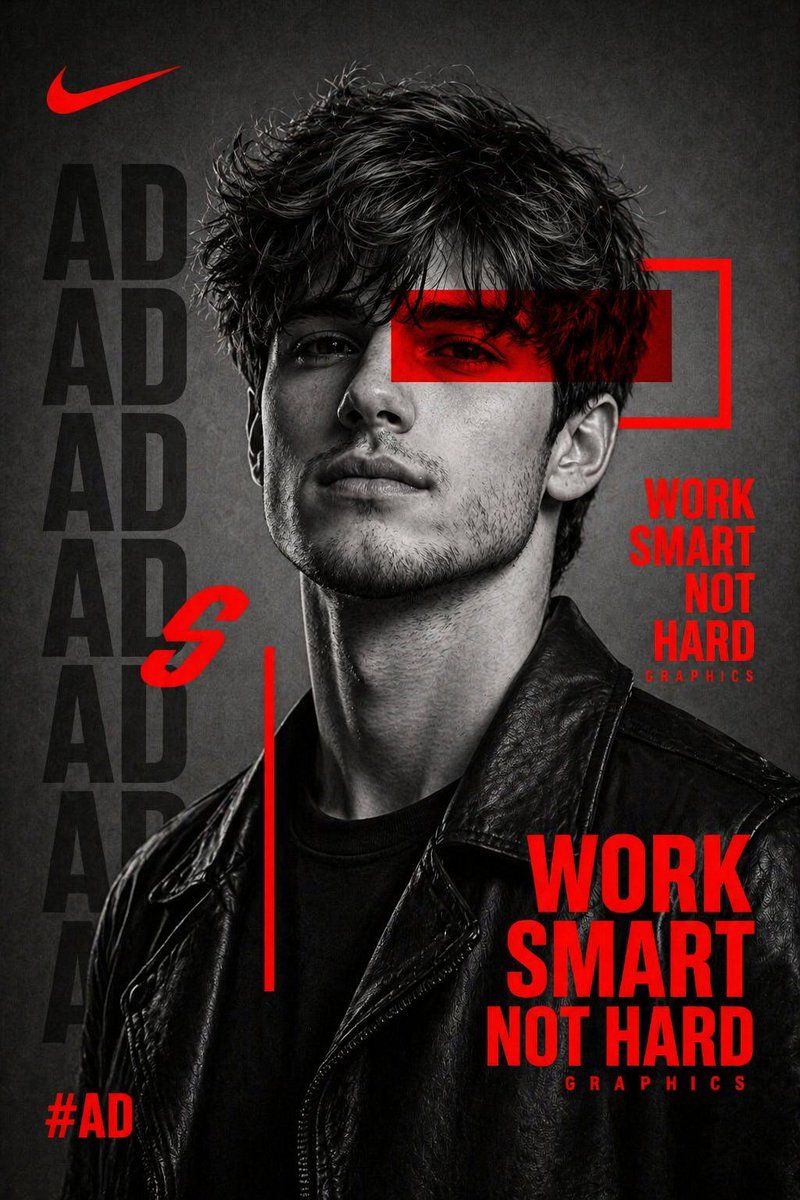
Create a bold, high-contrast black and white portrait of a {argument name="subject" default="confident young man wearing a black leather jacket"}, facing slightly sideways with an intense expression. Use dramatic studio lighting with sharp shadows and detailed skin texture for a cinematic look. Add {argument name="graphic element" default="strong red graphic elements"} layered over the image, including a horizontal red bar across the eyes, geometric shapes, thin lines, and framing boxes. Incorporate large, bold typography in the background and foreground. Use a modern sans-serif font with repeated faded text behind the subject (like a name pattern), and a strong motivational headline in bright red such as: “{argument name="headline" default="WORK SMART NOT HARD"}”. Design layout should feel like a premium sports or streetwear campaign poster. Keep the background minimal and textured grey. Add subtle branding-style elements like a hashtag (#AD) and small text like “GRAPHICS”. Color palette: black, white, grey, and vibrant red only. Style: clean, modern, aggressive, editorial, Nike-style campaign poster. Focus on sharp details, contrast, and composition balance.
Category
Charts & Infographics
Model
GPT Image 2
Creator
Harboris
Views7
Source ID
17039
Published
Apr 29, 2026

Guide

About "街头服饰宣传海报"

What is this prompt for?

"街头服饰宣传海报" AI image prompt for GPT Image 2 (Charts & Infographics). 一个高对比度的编辑风格海报提示词,结合了黑白摄影、醒目的红色排版以及品牌设计元素。 Copy it on Picva and recreate the look in one cli…

The full copyable prompt and example visuals above are ready for AI image generation or one-click recreate in Picva.

How to use this prompt

  1. Step 1

    Open the prompt detail

    Review the example visuals, category, and full prompt text for "街头服饰宣传海报".

  2. Step 2

    Copy the prompt

    Copy the prompt body from this page, or load it directly in Studio.

  3. Step 3

    Pick a model (GPT Image 2)

    Prefer GPT Image 2. If you switch models, keep subject and composition and tweak style terms.

  4. Step 4

    Generate and export

    Recreate the look in Picva, or export into your workflow for editing and publishing.

FAQ

What is the "街头服饰宣传海报" prompt?
It is an AI image-generation prompt for GPT Image 2 in the Charts & Infographics category. This page includes the full prompt text, example visuals, and a one-click recreate path in Picva.
How do I use this prompt to generate an image?
Copy the prompt from this page, or use Generate / Studio. Paste it into a compatible image model, or recreate the look in Picva with optional reference images.
Which model is this prompt for?
This page lists GPT Image 2. Most descriptive prompts also transfer to nearby image models such as GPT Image, Flux, or Midjourney with light style tweaks.
Can I use the result commercially?
You can usually copy the prompt for creation, but commercial use of the final image depends on the model terms, reference-image rights, and the generated content. Follow the source author and platform rules.