15

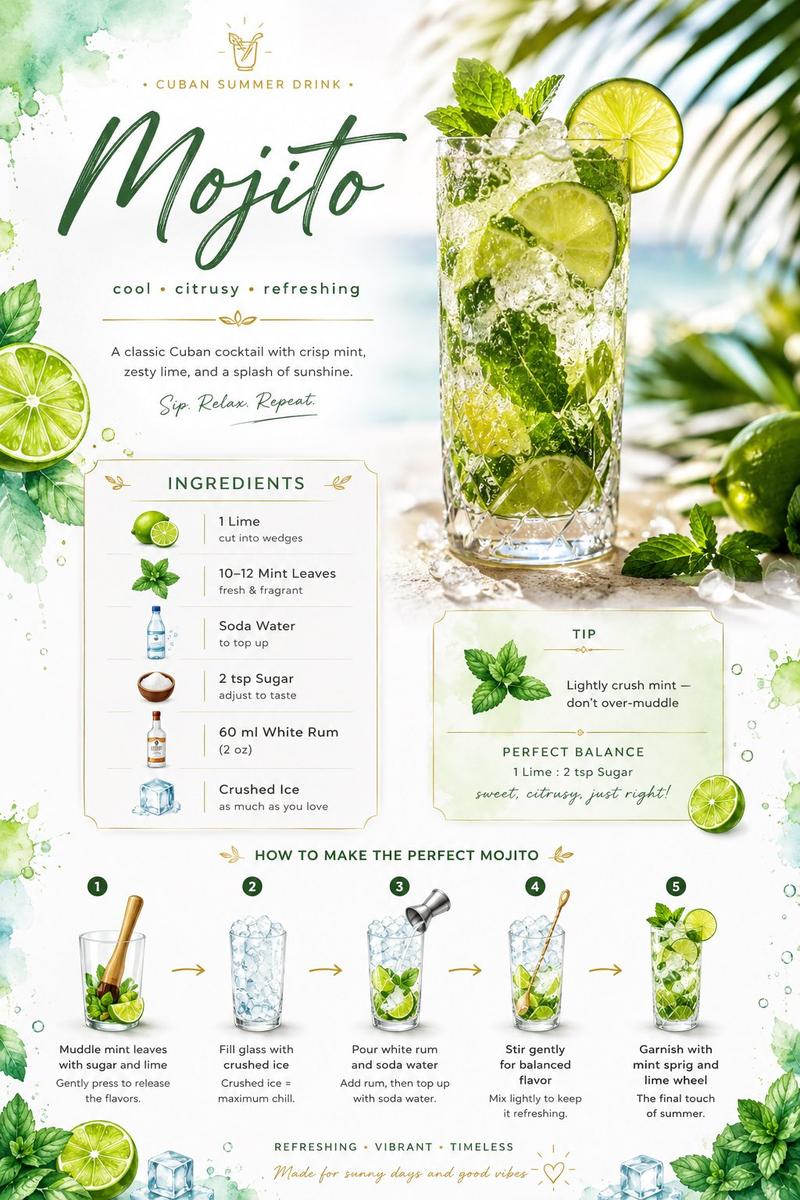
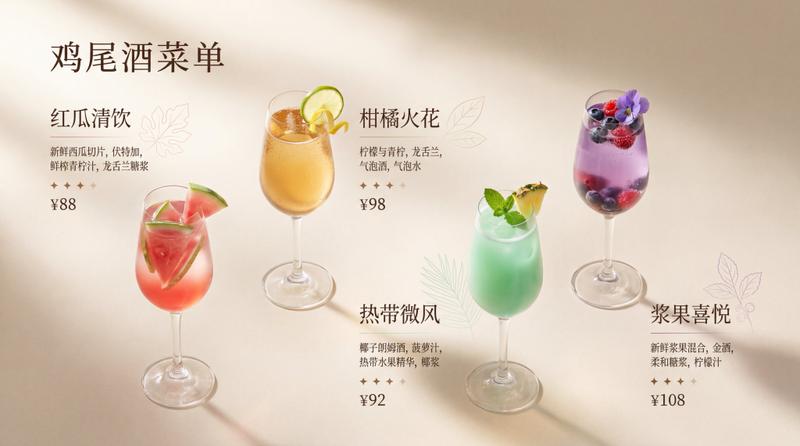
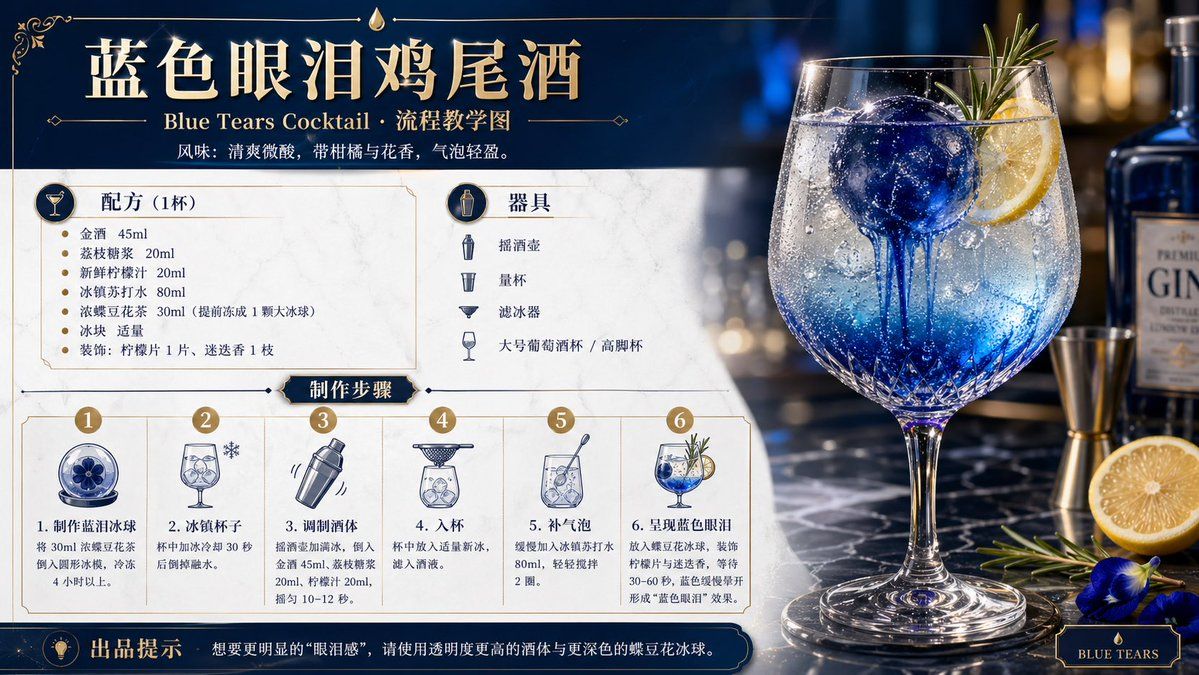
鸡尾酒配方教程与概念海报
Enlarge

Example images

鸡尾酒配方教程与概念海报

Prompt
试着帮我生成 调制 一杯 {argument name="饮品" default="蓝色眼泪"} 鸡尾酒(配料流程你自己发挥想象,但是要写清楚确保可复现)的 流程教学图和概念设计宣传图,{argument name="风格" default="轻奢酒咖海报风格"} 横版
Category
Charts & Infographics
Model
GPT Image 2
Views4
Source ID
17077
Published
Apr 29, 2026

Guide

About "鸡尾酒配方教程与概念海报"

What is this prompt for?

"鸡尾酒配方教程与概念海报" AI image prompt for GPT Image 2 (Charts & Infographics). 为特定鸡尾酒生成横版宣传海报及教学示意图,包含配料表与制作步骤。 Copy it on Picva and recreate the look in one click.

The full copyable prompt and example visuals above are ready for AI image generation or one-click recreate in Picva.

How to use this prompt

  1. Step 1

    Open the prompt detail

    Review the example visuals, category, and full prompt text for "鸡尾酒配方教程与概念海报".

  2. Step 2

    Copy the prompt

    Copy the prompt body from this page, or load it directly in Studio.

  3. Step 3

    Pick a model (GPT Image 2)

    Prefer GPT Image 2. If you switch models, keep subject and composition and tweak style terms.

  4. Step 4

    Generate and export

    Recreate the look in Picva, or export into your workflow for editing and publishing.

FAQ

What is the "鸡尾酒配方教程与概念海报" prompt?
It is an AI image-generation prompt for GPT Image 2 in the Charts & Infographics category. This page includes the full prompt text, example visuals, and a one-click recreate path in Picva.
How do I use this prompt to generate an image?
Copy the prompt from this page, or use Generate / Studio. Paste it into a compatible image model, or recreate the look in Picva with optional reference images.
Which model is this prompt for?
This page lists GPT Image 2. Most descriptive prompts also transfer to nearby image models such as GPT Image, Flux, or Midjourney with light style tweaks.
Can I use the result commercially?
You can usually copy the prompt for creation, but commercial use of the final image depends on the model terms, reference-image rights, and the generated content. Follow the source author and platform rules.