18

在工作台前写作的现代版以斯帖
Enlarge

Example images

在工作台前写作的现代版以斯帖

Prompt
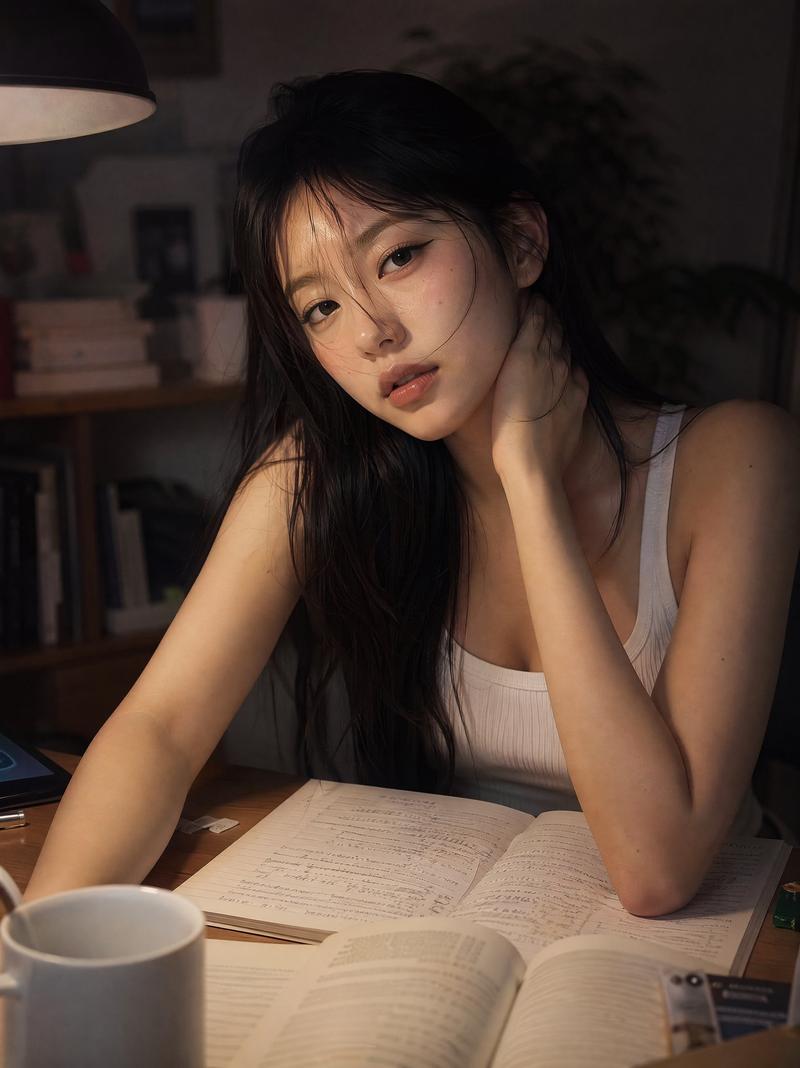
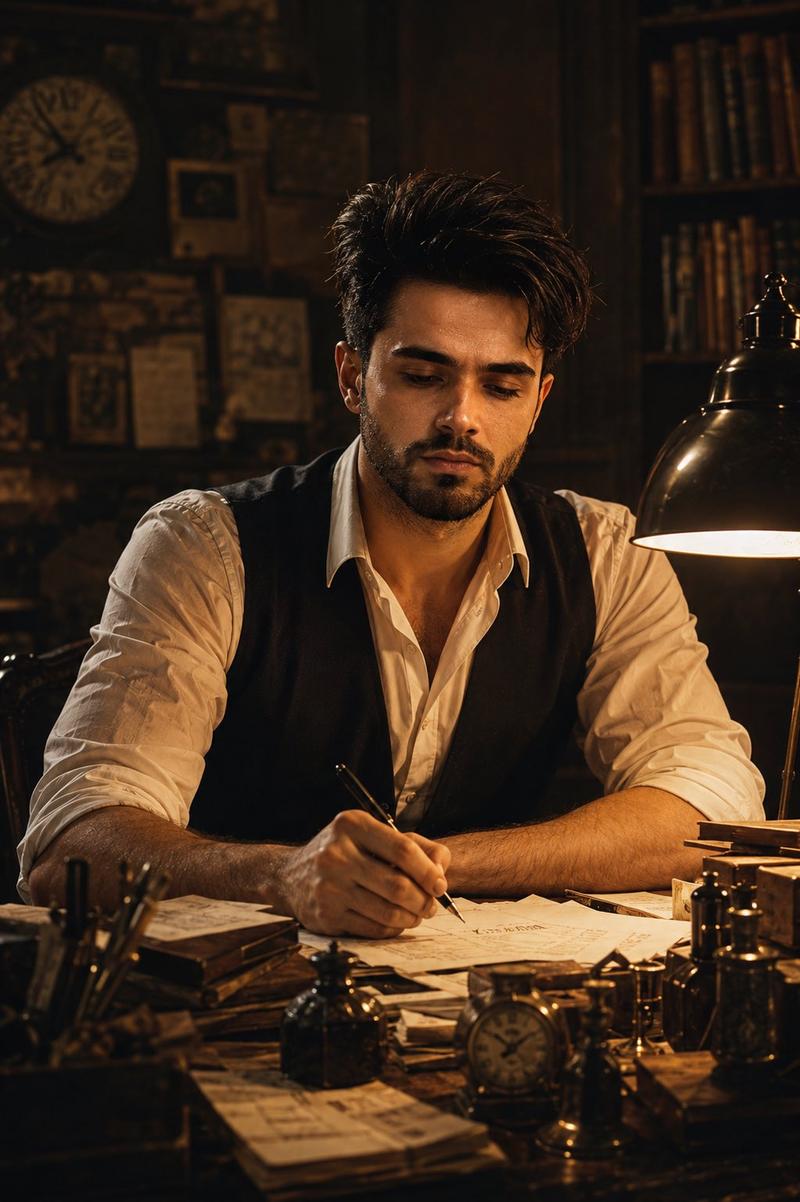
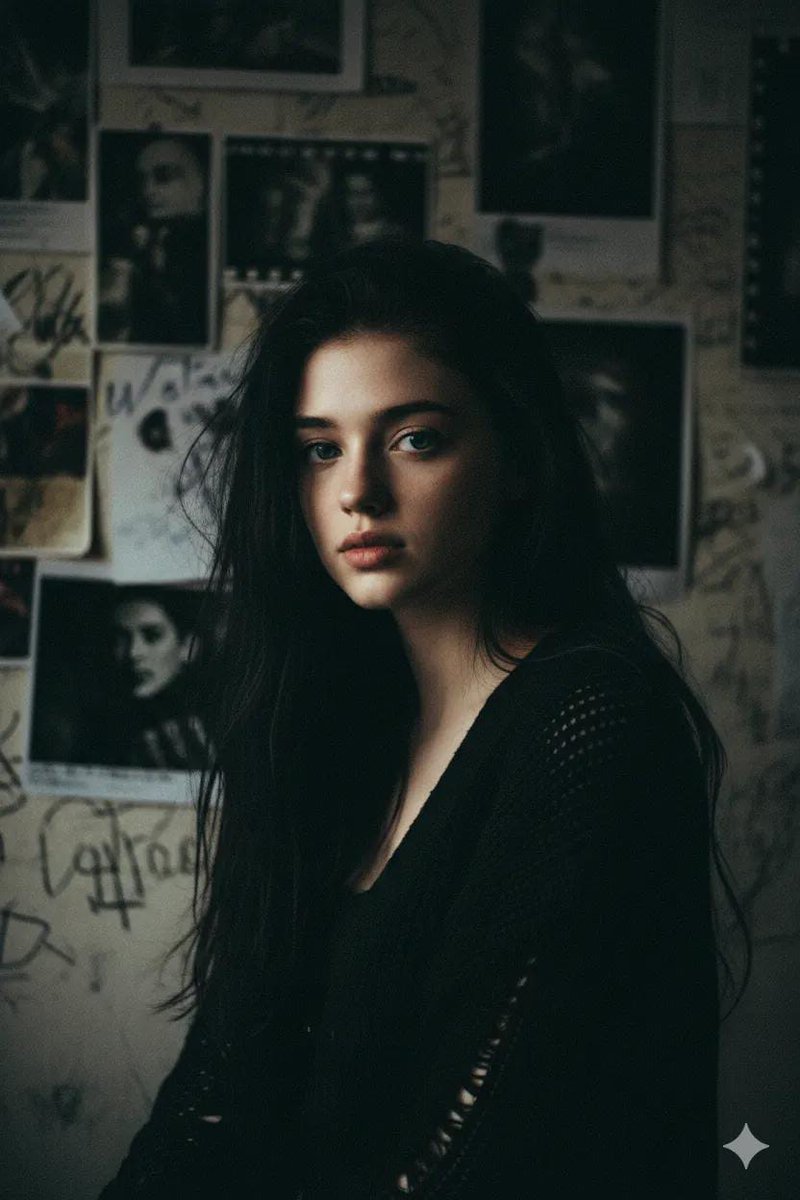
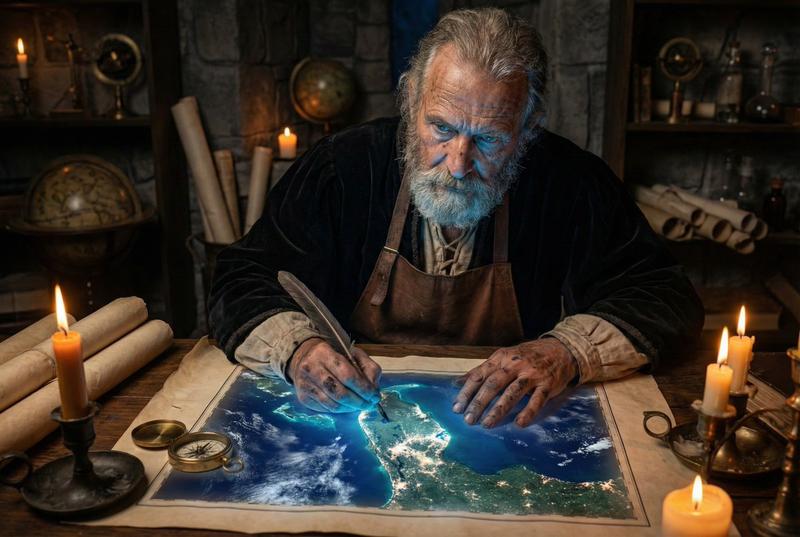
A cinematic, photorealistic modern portrait of {argument name="character name" default="Esther"} reimagined in the present day, seated at a large worktable and leaning forward while sketching or annotating papers with a black pen. She has long, voluminous dark curly hair, medium olive-brown skin, and wears a soft light beige cardigan over a neutral tank top, layered delicate necklaces, and a simple ring. Her pose is candid and focused, with one hand writing and the other resting across a spread of maps, drawings, and printed pages on the table. Frame the image as a medium close-up from slightly above table height, centered on her upper body and hands. Use warm natural indoor lighting, shallow depth of field, and a softly blurred creative studio or workshop background with earthy brown and amber tones, giving the scene an intimate, thoughtful, contemporary storytelling mood. Emphasize realism, tactile skin and fabric texture, natural curls, documentary-style photography, subtle color grading, and a serious yet calm expression.
Category
Charts & Infographics
Model
GPT Image 2
Views6
Source ID
17111
Published
Apr 29, 2026

Guide

About "在工作台前写作的现代版以斯帖"

What is this prompt for?

"在工作台前写作的现代版以斯帖" AI image prompt for GPT Image 2 (Charts & Infographics). 一张温暖、电影感十足的写实肖像,描绘了现代版以斯帖在杂乱的桌前素描的场景,非常适合角色重塑和当代圣经题材的叙事。 Copy it on Picva and recreat…

The full copyable prompt and example visuals above are ready for AI image generation or one-click recreate in Picva.

How to use this prompt

  1. Step 1

    Open the prompt detail

    Review the example visuals, category, and full prompt text for "在工作台前写作的现代版以斯帖".

  2. Step 2

    Copy the prompt

    Copy the prompt body from this page, or load it directly in Studio.

  3. Step 3

    Pick a model (GPT Image 2)

    Prefer GPT Image 2. If you switch models, keep subject and composition and tweak style terms.

  4. Step 4

    Generate and export

    Recreate the look in Picva, or export into your workflow for editing and publishing.

FAQ

What is the "在工作台前写作的现代版以斯帖" prompt?
It is an AI image-generation prompt for GPT Image 2 in the Charts & Infographics category. This page includes the full prompt text, example visuals, and a one-click recreate path in Picva.
How do I use this prompt to generate an image?
Copy the prompt from this page, or use Generate / Studio. Paste it into a compatible image model, or recreate the look in Picva with optional reference images.
Which model is this prompt for?
This page lists GPT Image 2. Most descriptive prompts also transfer to nearby image models such as GPT Image, Flux, or Midjourney with light style tweaks.
Can I use the result commercially?
You can usually copy the prompt for creation, but commercial use of the final image depends on the model terms, reference-image rights, and the generated content. Follow the source author and platform rules.