17

奢华时尚色彩分析项目
Enlarge

奢华时尚色彩分析项目

Prompt
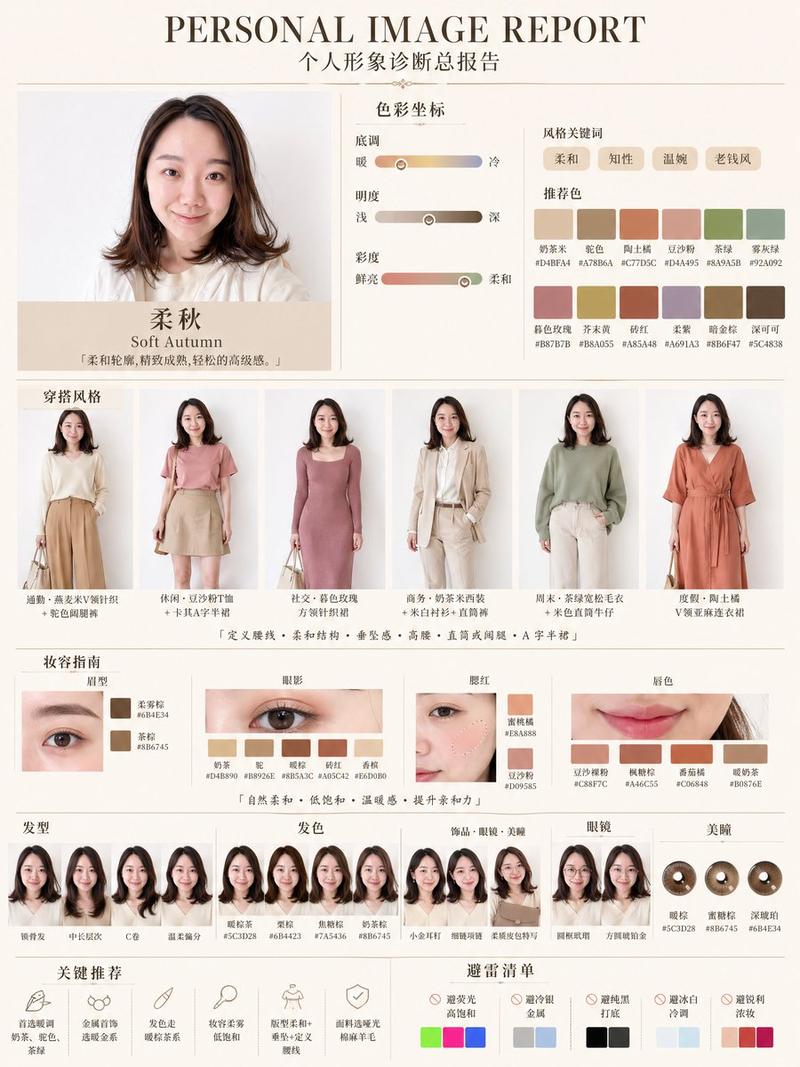
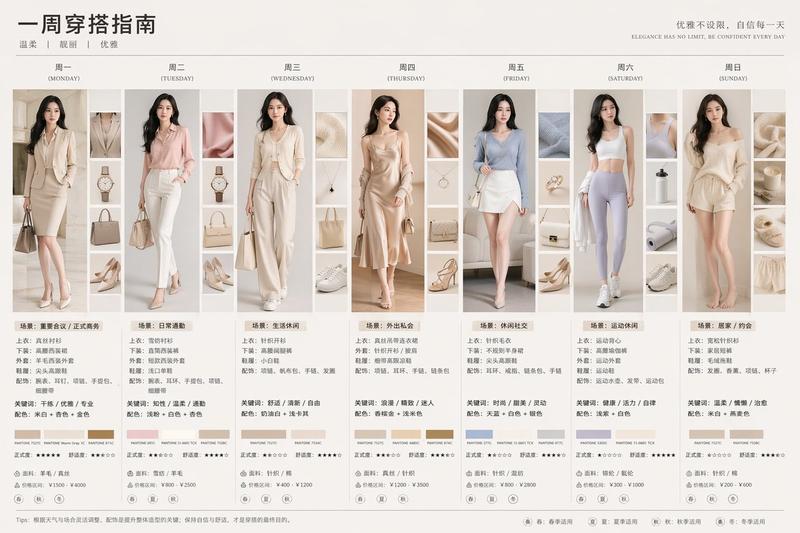
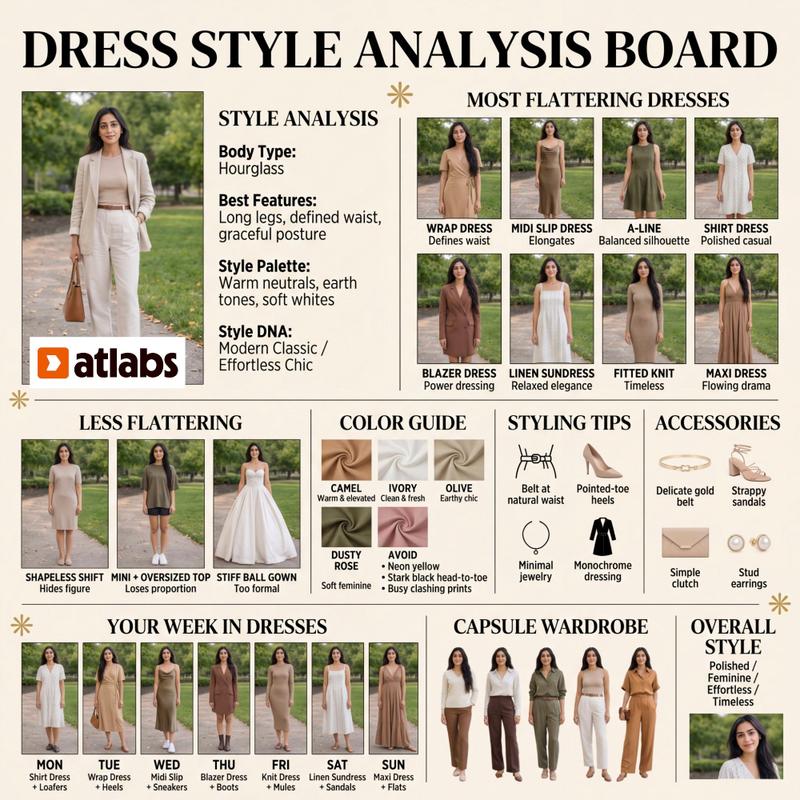
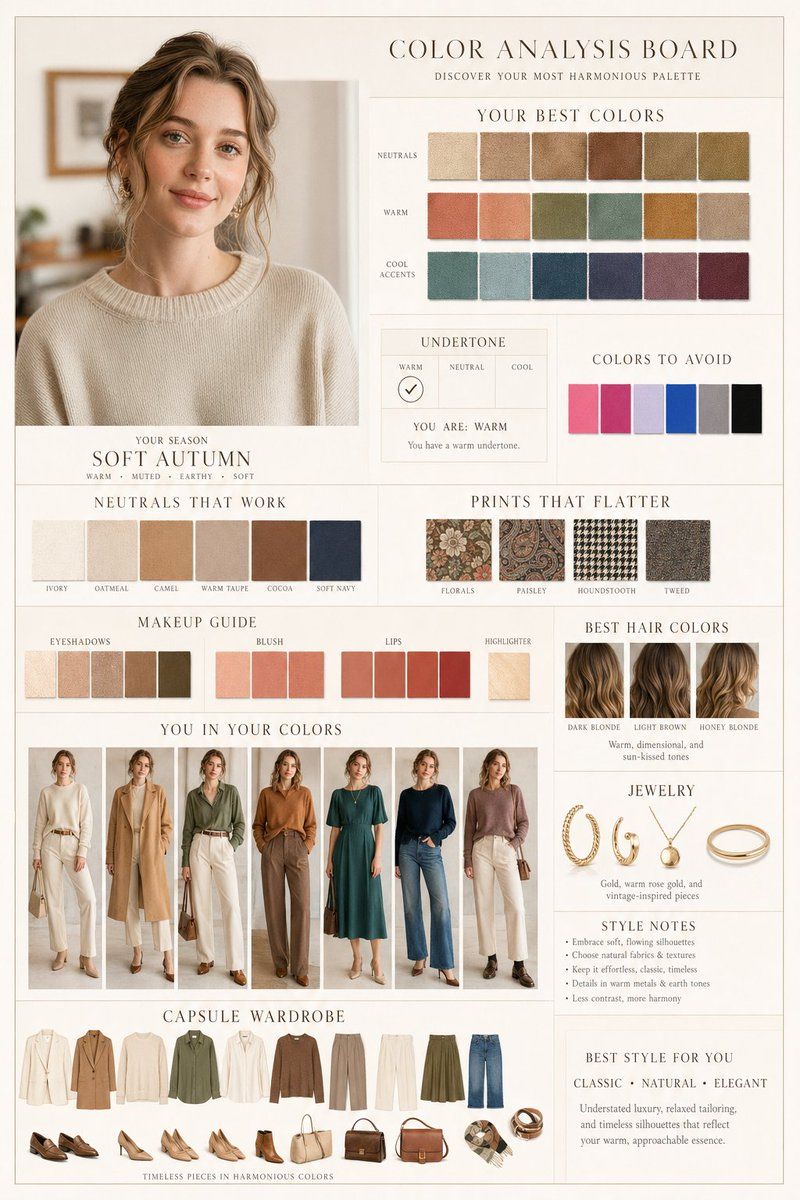
Create a high-end editorial “Color Analysis Board” from this portrait in a {argument name="aesthetic" default="Dior / Ralph Lauren aesthetic"}. Clean beige/ivory background, warm tones, soft diffused lighting, ultra-detailed photorealistic quality, consistent lighting, minimal elegant typography, grid-based layout.

Main portrait: enhanced natural beauty (same identity, smooth skin, soft glow, realistic texture)Top section: “Your Best Colors” with fabric swatches with the best algorithm choices Undertone panel: warm / neutral / cool with marked result.
Colors to avoid
Neutrals that work
Prints that flatter
Makeup guide: eyeshadows, blush, lips, highlighter 
“You in your colors”: multiple outfit best variations 
Hair colors: best .
Jewelry
Style notes

Capsule wardrobe: coordinated outfits, shoes, bags, accessories 
Style: best style for me
Category
Charts & Infographics
Model
GPT Image 2
Creator
Oogie
Views3
Source ID
17271
Published
Apr 30, 2026

Guide

About "奢华时尚色彩分析项目"

What is this prompt for?

"奢华时尚色彩分析项目" AI image prompt for GPT Image 2 (Charts & Infographics). 一个为时尚杂志编辑设计的精致布局提示词,包含 Dior / Ralph Lauren 风格的色卡、美妆指南及胶囊衣橱推荐。 Copy it on Picva and recrea…

The full copyable prompt and example visuals above are ready for AI image generation or one-click recreate in Picva.

How to use this prompt

  1. Step 1

    Open the prompt detail

    Review the example visuals, category, and full prompt text for "奢华时尚色彩分析项目".

  2. Step 2

    Copy the prompt

    Copy the prompt body from this page, or load it directly in Studio.

  3. Step 3

    Pick a model (GPT Image 2)

    Prefer GPT Image 2. If you switch models, keep subject and composition and tweak style terms.

  4. Step 4

    Generate and export

    Recreate the look in Picva, or export into your workflow for editing and publishing.

FAQ

What is the "奢华时尚色彩分析项目" prompt?
It is an AI image-generation prompt for GPT Image 2 in the Charts & Infographics category. This page includes the full prompt text, example visuals, and a one-click recreate path in Picva.
How do I use this prompt to generate an image?
Copy the prompt from this page, or use Generate / Studio. Paste it into a compatible image model, or recreate the look in Picva with optional reference images.
Which model is this prompt for?
This page lists GPT Image 2. Most descriptive prompts also transfer to nearby image models such as GPT Image, Flux, or Midjourney with light style tweaks.
Can I use the result commercially?
You can usually copy the prompt for creation, but commercial use of the final image depends on the model terms, reference-image rights, and the generated content. Follow the source author and platform rules.