18

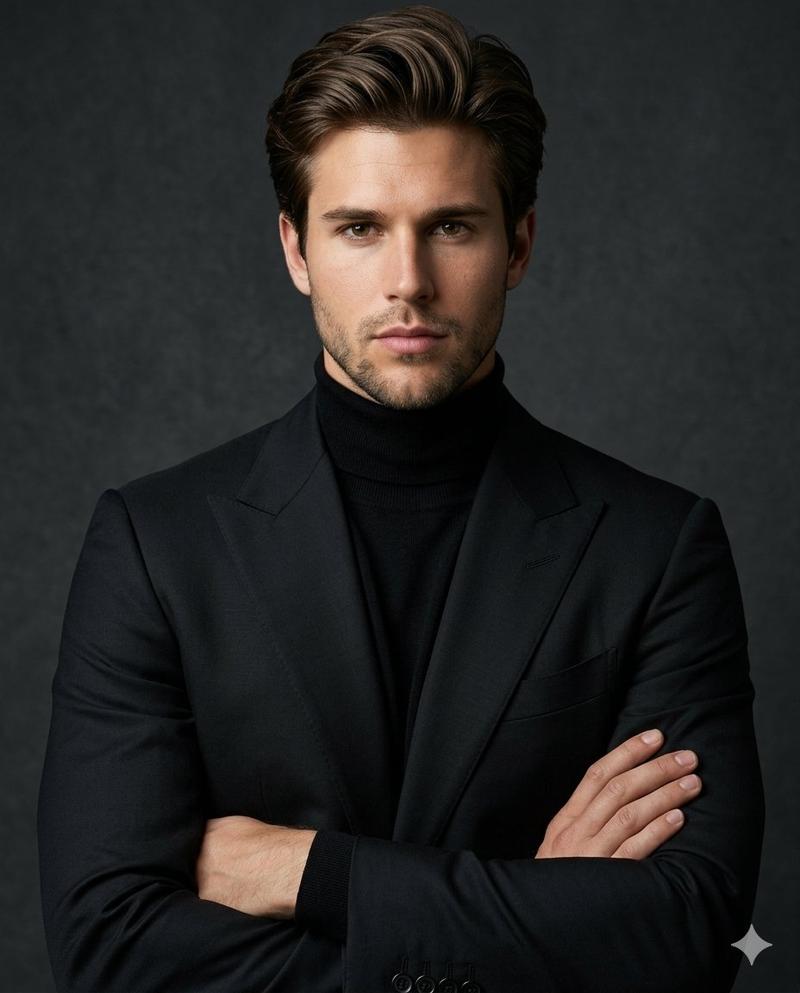
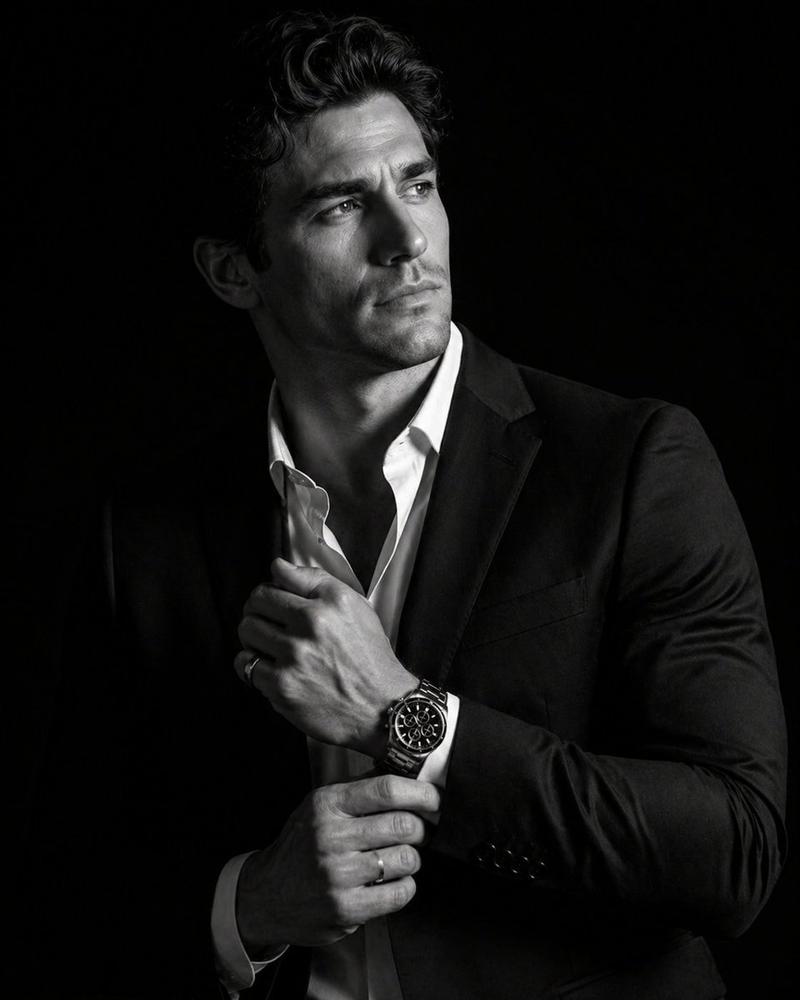
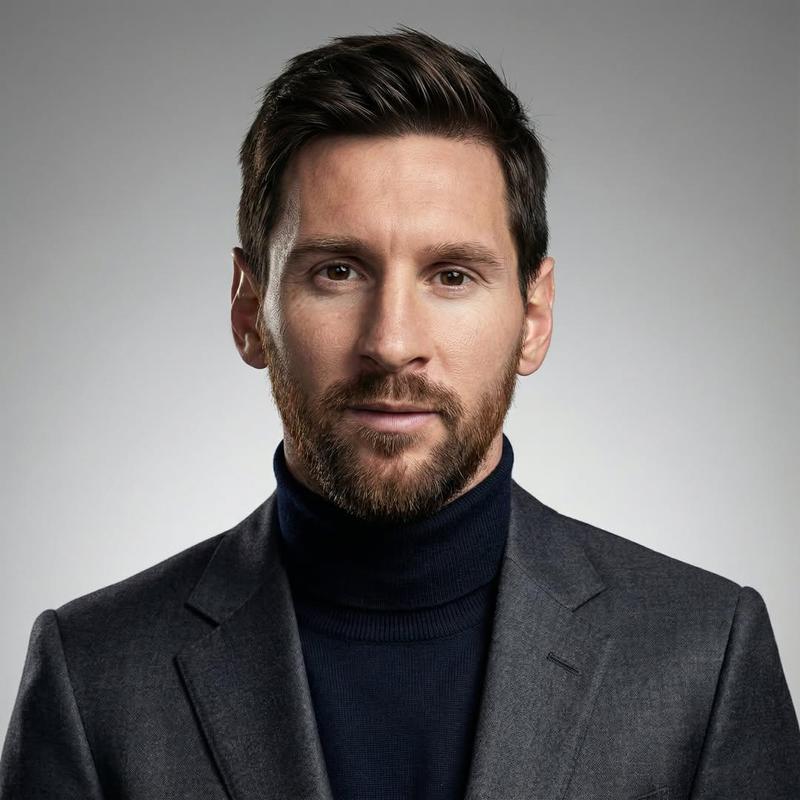
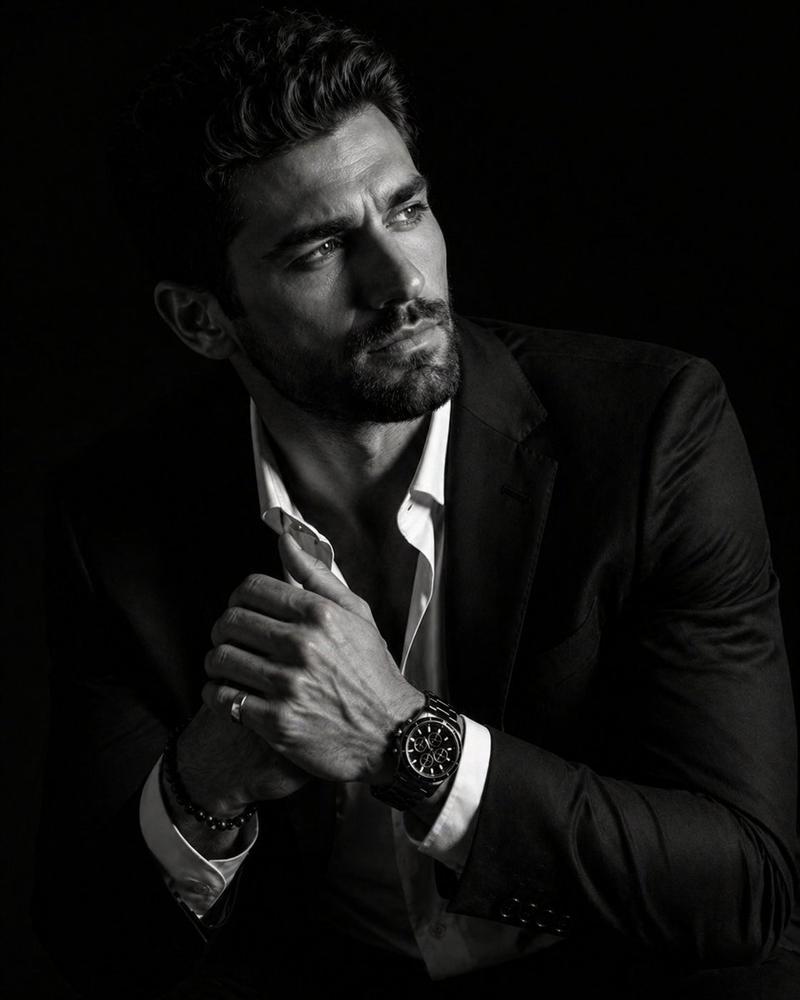
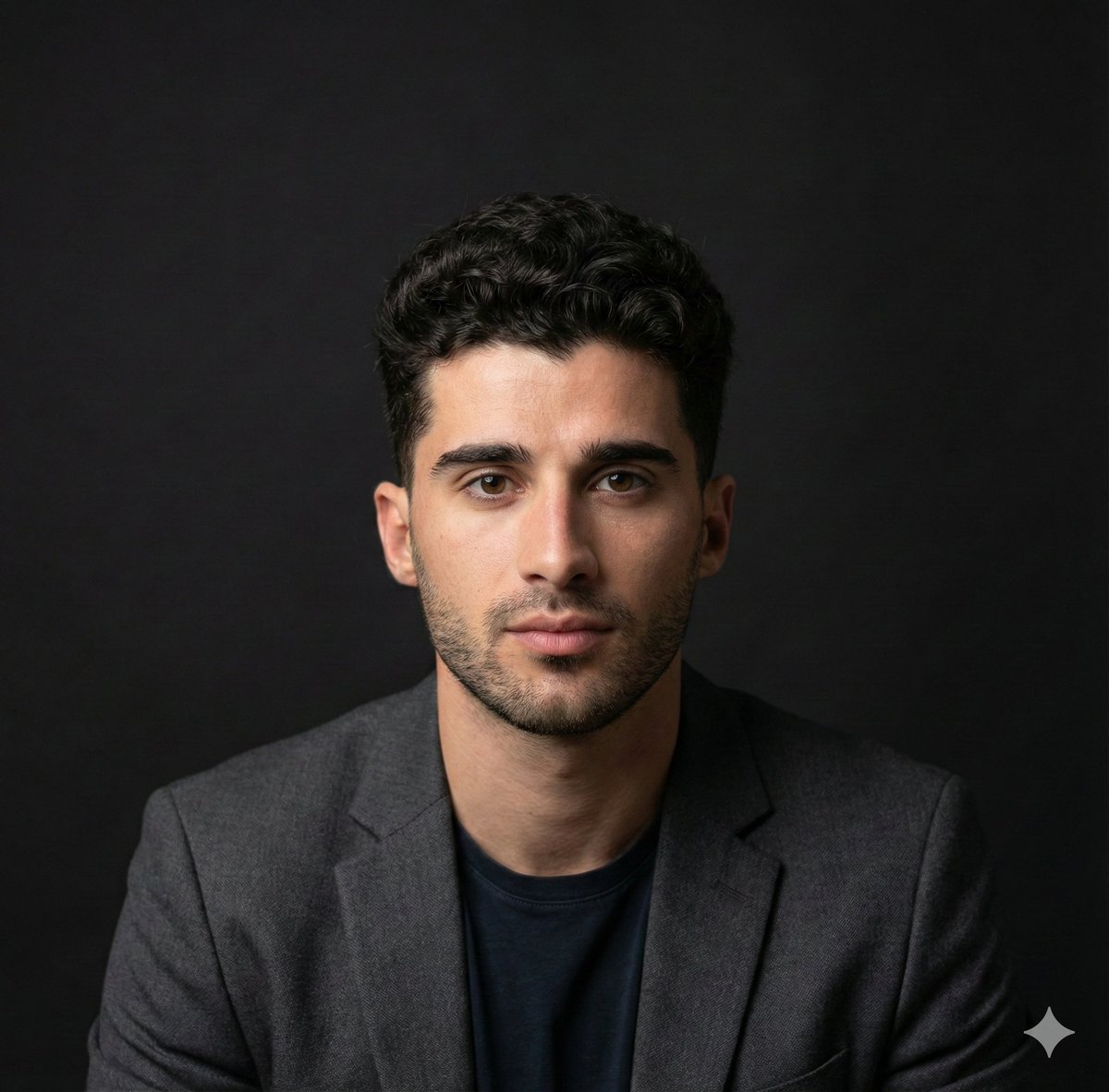
电影感黑白影棚肖像
Enlarge

电影感黑白影棚肖像

Prompt
A high-end, cinematic black-and-white studio portrait of a {argument name="subject description" default="fit man with a refined, athletic build"}. The subject is positioned in a medium shot against a solid, deep black background that provides zero texture or distraction. He is wearing a {argument name="outfit" default="dark, well-tailored blazer over a textured grey turtleneck sweater"}. The man is looking off-camera toward the upper right with a confident, slight smile and a bright, aspirational expression. His arms are crossed firmly over his chest, showcasing a powerful but composed "power pose." The lighting is classic Rembrandt-style, casting soft shadows that highlight his sharp jawline, groomed hair, and the subtle muscularity of his neck and frame. The final look is elegant and professional, with a high-contrast monochromatic color grade and sharp focus on facial details.
Category
Brand & Logos
Model
GPT Image 2
Creator
SPEEDYAI
Views6
Source ID
17275
Published
Apr 30, 2026

Guide

About "电影感黑白影棚肖像"

What is this prompt for?

"电影感黑白影棚肖像" AI image prompt for GPT Image 2 (Brand & Logos). 一个高端影棚肖像提示词,用于创作以伦勃朗光影风格呈现、背景深邃纯黑的专业健美男性主体。 Copy it on Picva and recreate the look in one click.

The full copyable prompt and example visuals above are ready for AI image generation or one-click recreate in Picva.

How to use this prompt

  1. Step 1

    Open the prompt detail

    Review the example visuals, category, and full prompt text for "电影感黑白影棚肖像".

  2. Step 2

    Copy the prompt

    Copy the prompt body from this page, or load it directly in Studio.

  3. Step 3

    Pick a model (GPT Image 2)

    Prefer GPT Image 2. If you switch models, keep subject and composition and tweak style terms.

  4. Step 4

    Generate and export

    Recreate the look in Picva, or export into your workflow for editing and publishing.

FAQ

What is the "电影感黑白影棚肖像" prompt?
It is an AI image-generation prompt for GPT Image 2 in the Brand & Logos category. This page includes the full prompt text, example visuals, and a one-click recreate path in Picva.
How do I use this prompt to generate an image?
Copy the prompt from this page, or use Generate / Studio. Paste it into a compatible image model, or recreate the look in Picva with optional reference images.
Which model is this prompt for?
This page lists GPT Image 2. Most descriptive prompts also transfer to nearby image models such as GPT Image, Flux, or Midjourney with light style tweaks.
Can I use the result commercially?
You can usually copy the prompt for creation, but commercial use of the final image depends on the model terms, reference-image rights, and the generated content. Follow the source author and platform rules.