17

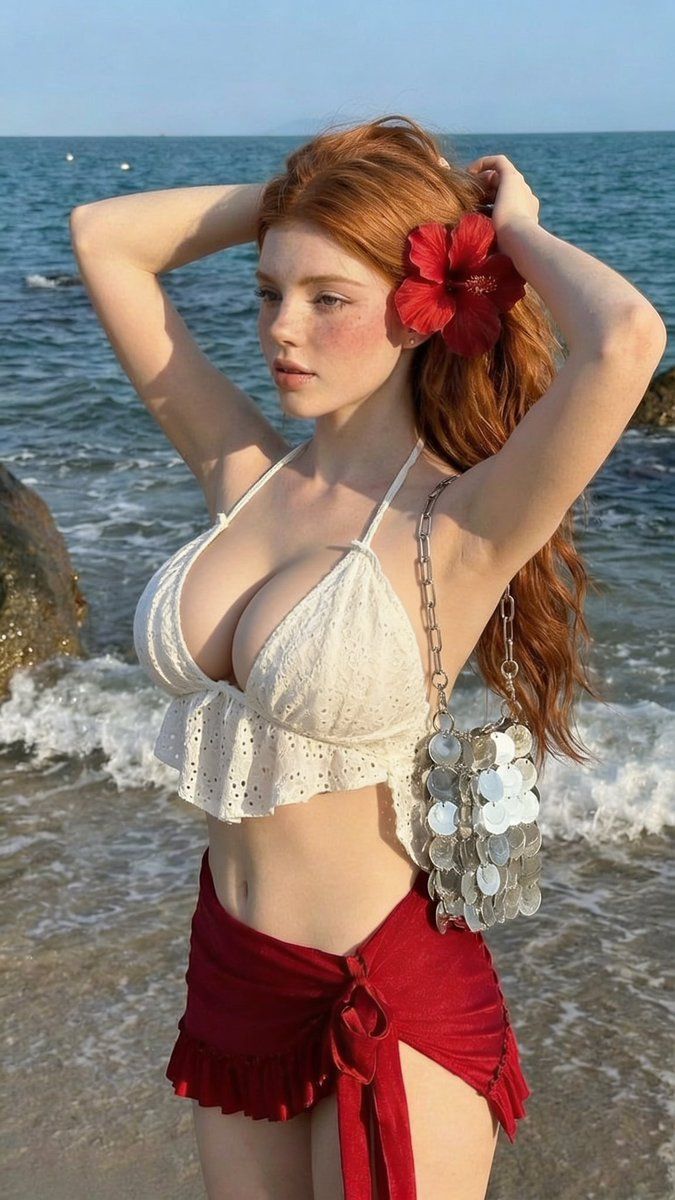
黄金时刻海滩时尚人像
Enlarge

黄金时刻海滩时尚人像

Prompt
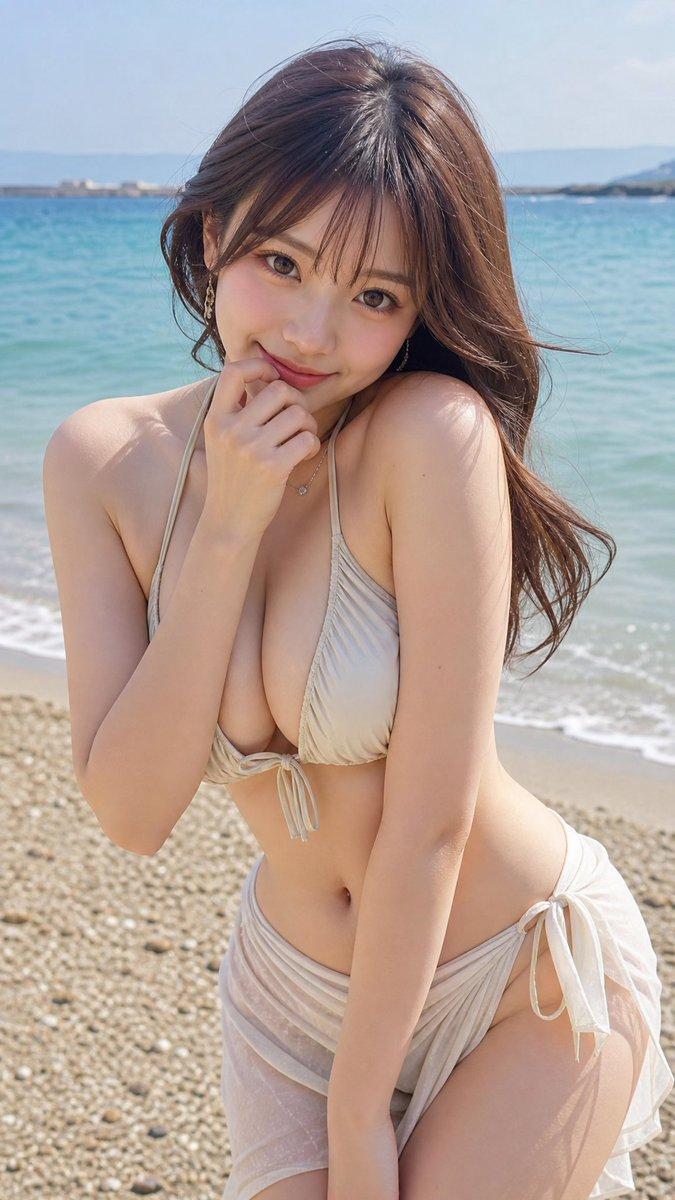
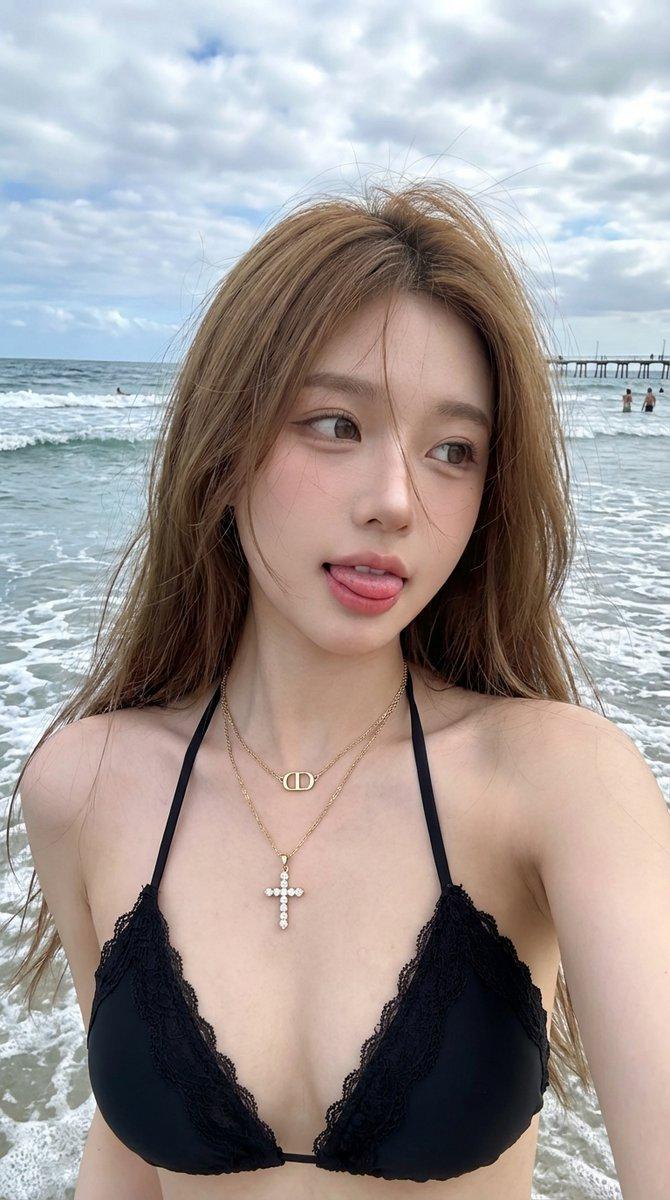
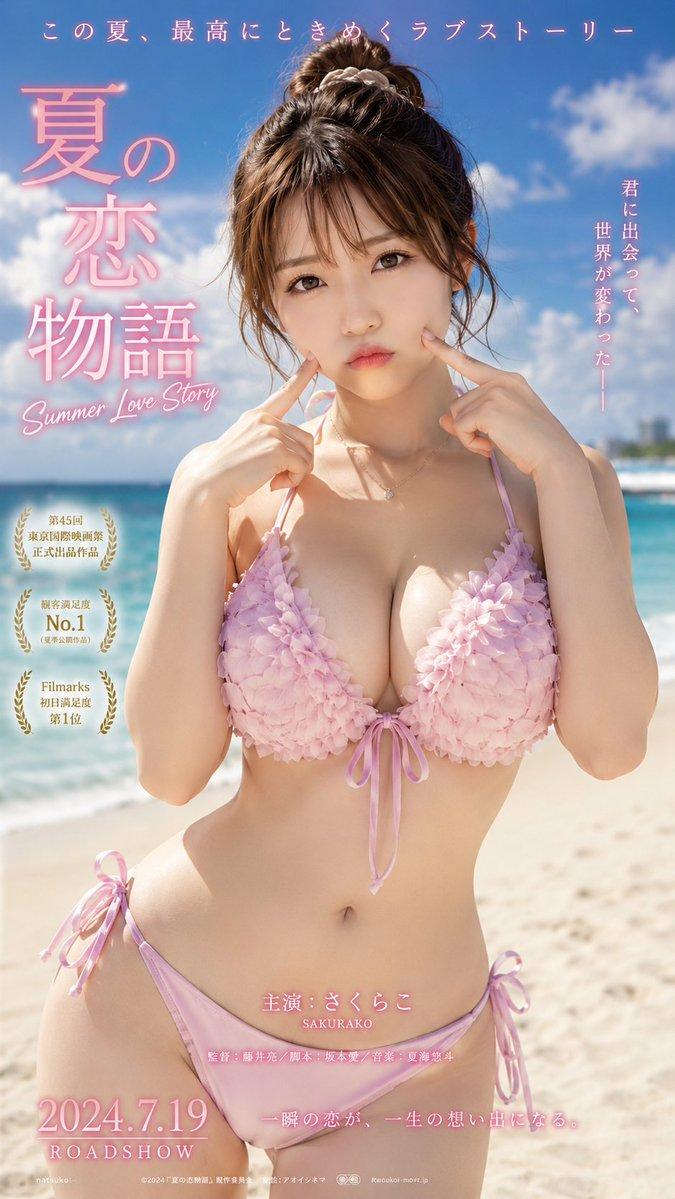
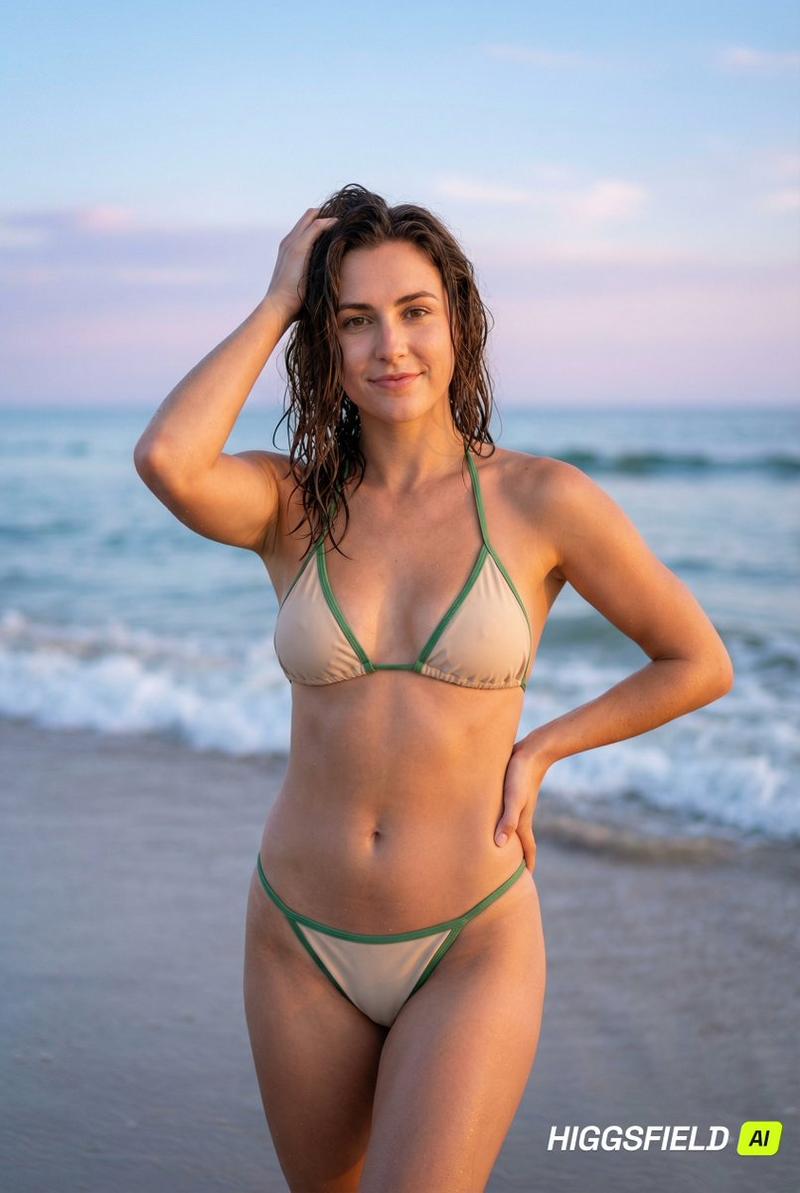
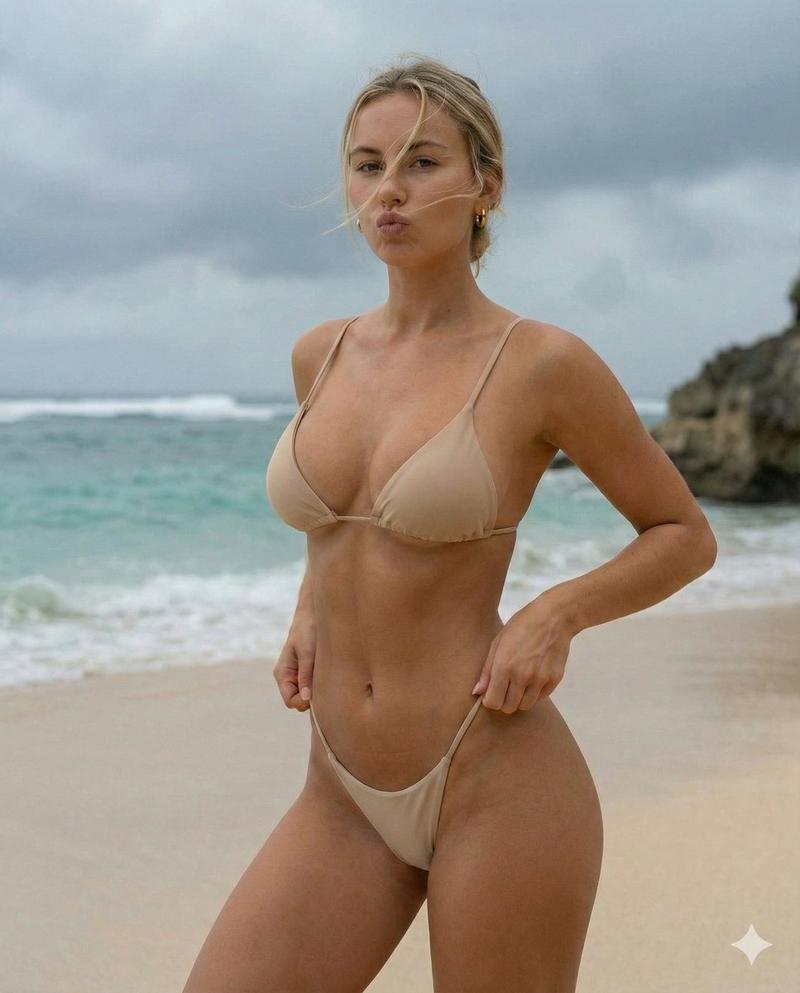
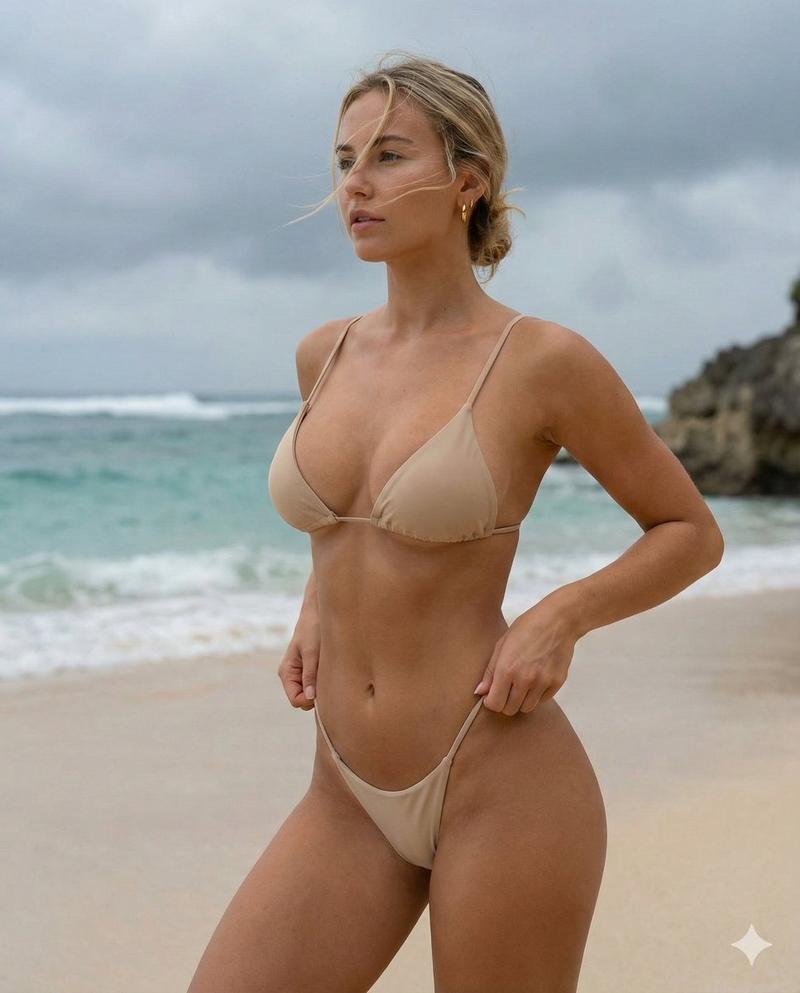
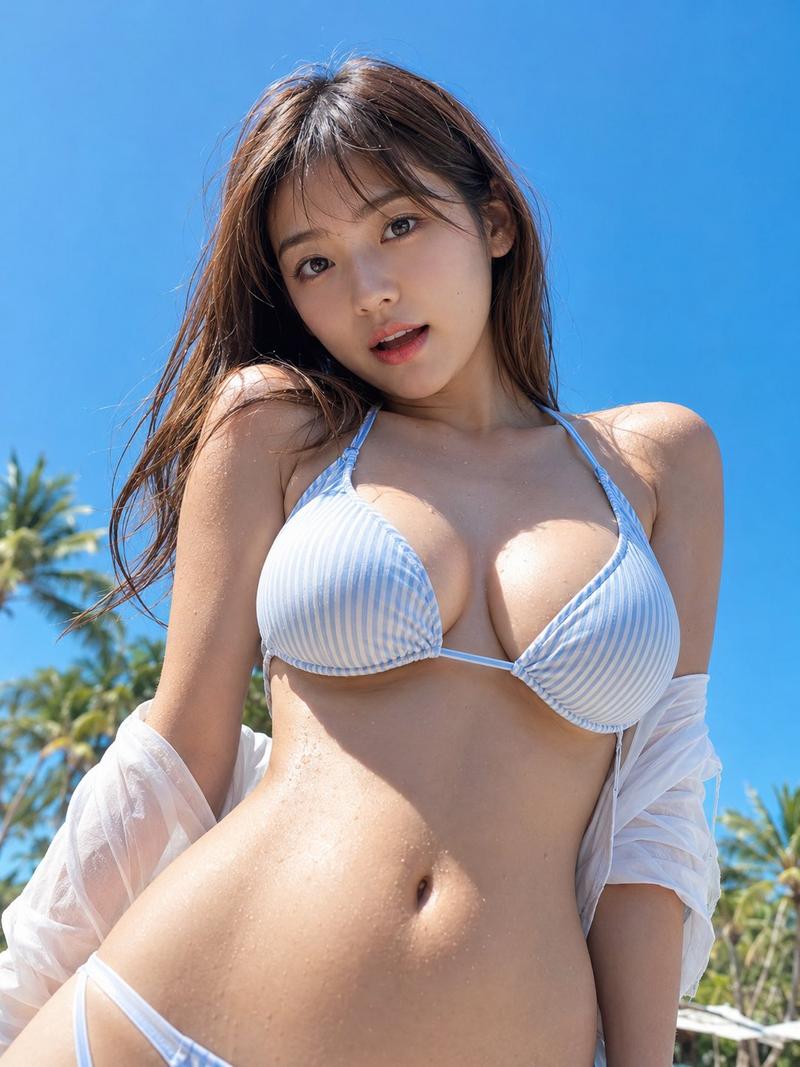
A photorealistic beach portrait of a young woman with long {argument name="hair color" default="copper-red"} hair, fair skin and freckles, standing at the shoreline with ocean waves and rocks behind her. She wears a {argument name="accessory" default="red hibiscus flower"} tucked behind one ear, a white eyelet halter-style beach top, a {argument name="skirt" default="red wrap mini skirt"} with ruffle details, and a small silver sequin shoulder bag. Golden-hour sunlight, natural pose with both arms raised adjusting her hair, soft sea breeze, realistic skin texture, shallow depth of field, high-resolution editorial summer fashion photography.
Category
Charts & Infographics
Model
GPT Image 2
Creator
Miz
Views3
Source ID
17311
Published
Apr 30, 2026

Guide

About "黄金时刻海滩时尚人像"

What is this prompt for?

"黄金时刻海滩时尚人像" AI image prompt for GPT Image 2 (Charts & Infographics). 一个写实的夏季时尚编辑摄影提示词,描绘了黄金时刻海滩上的红发女性。 Copy it on Picva and recreate the look in one click.

The full copyable prompt and example visuals above are ready for AI image generation or one-click recreate in Picva.

How to use this prompt

  1. Step 1

    Open the prompt detail

    Review the example visuals, category, and full prompt text for "黄金时刻海滩时尚人像".

  2. Step 2

    Copy the prompt

    Copy the prompt body from this page, or load it directly in Studio.

  3. Step 3

    Pick a model (GPT Image 2)

    Prefer GPT Image 2. If you switch models, keep subject and composition and tweak style terms.

  4. Step 4

    Generate and export

    Recreate the look in Picva, or export into your workflow for editing and publishing.

FAQ

What is the "黄金时刻海滩时尚人像" prompt?
It is an AI image-generation prompt for GPT Image 2 in the Charts & Infographics category. This page includes the full prompt text, example visuals, and a one-click recreate path in Picva.
How do I use this prompt to generate an image?
Copy the prompt from this page, or use Generate / Studio. Paste it into a compatible image model, or recreate the look in Picva with optional reference images.
Which model is this prompt for?
This page lists GPT Image 2. Most descriptive prompts also transfer to nearby image models such as GPT Image, Flux, or Midjourney with light style tweaks.
Can I use the result commercially?
You can usually copy the prompt for creation, but commercial use of the final image depends on the model terms, reference-image rights, and the generated content. Follow the source author and platform rules.