15

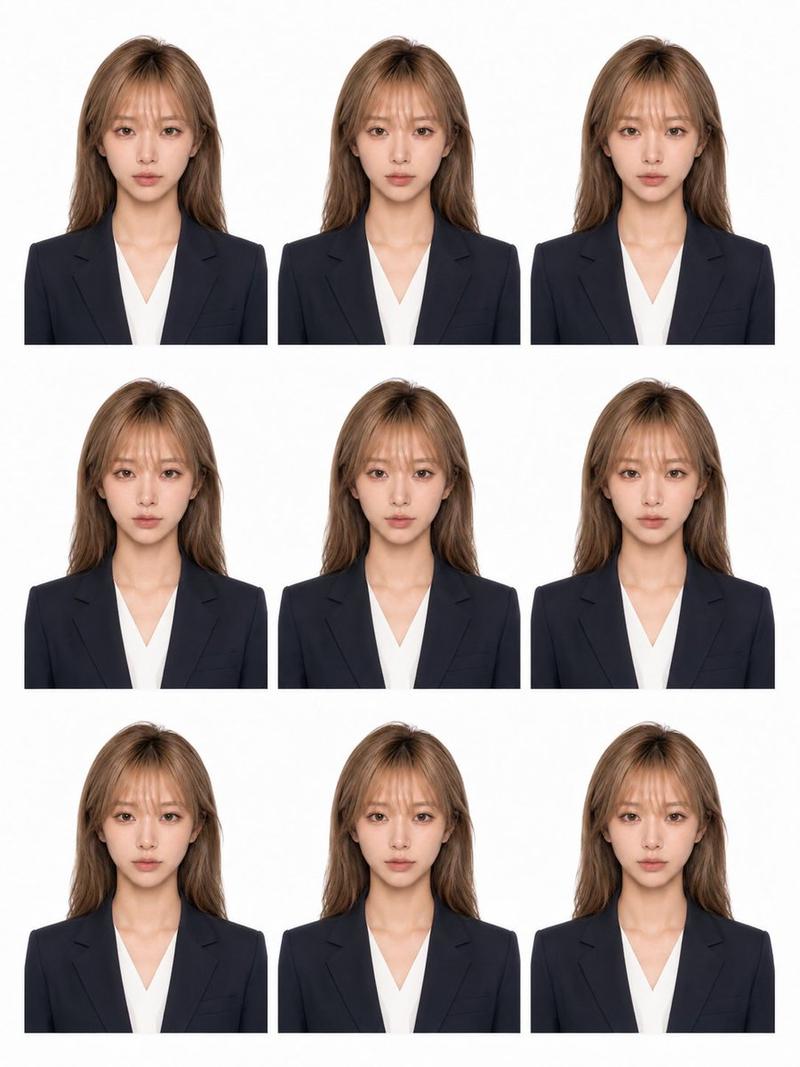
匿名商务证件照
Enlarge

匿名商务证件照

Prompt
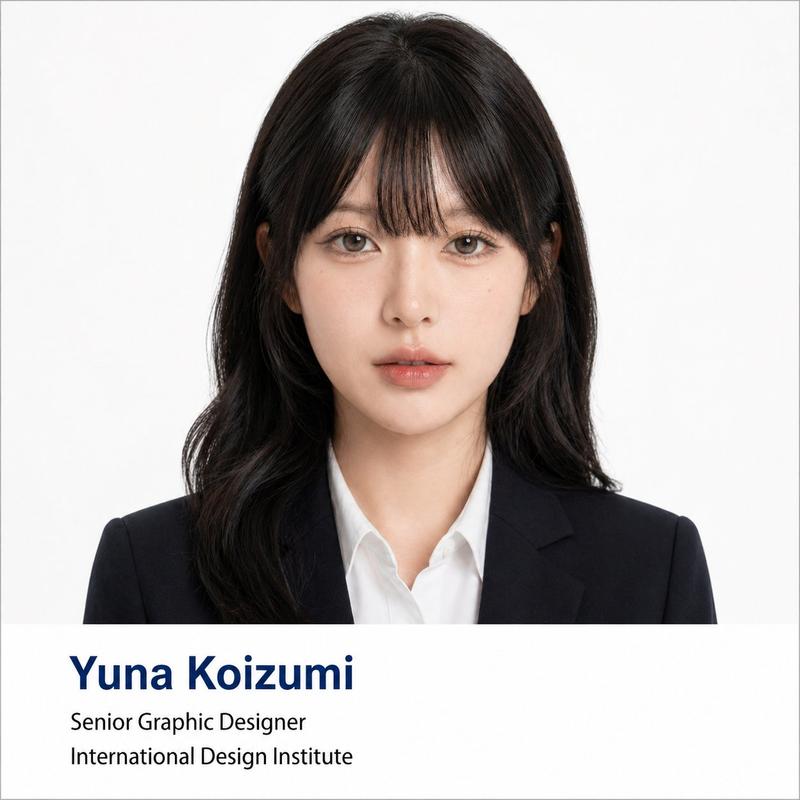
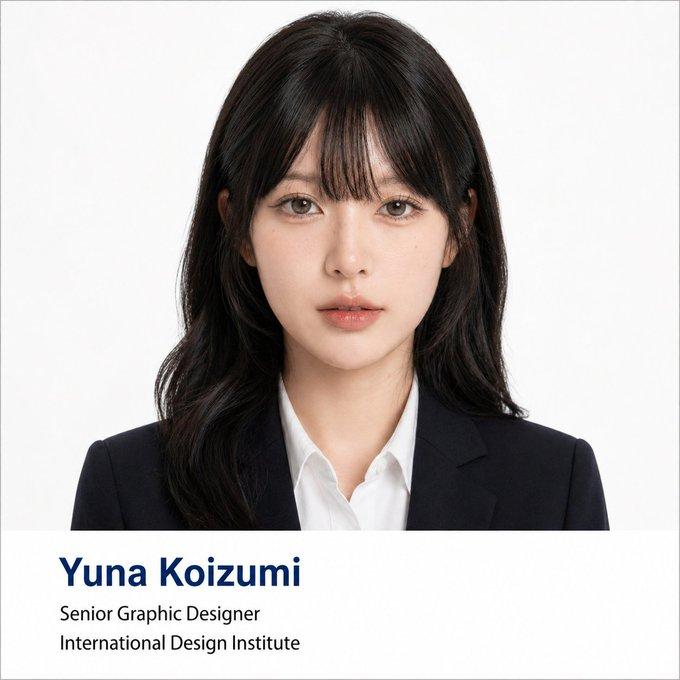
A clean studio-style ID photo of a young East Asian woman from the chest up, centered and facing straight toward the camera against a plain light gray-white background. She has {argument name="hair color" default="dark brown"} hair parted precisely in the middle and tied into 2 low pigtails hanging over both shoulders, with smooth straight roots and slightly softly curled ends. She wears a {argument name="blazer color" default="black"} tailored business blazer over a {argument name="top color" default="white"} crew-neck blouse, creating a formal job-application or passport-photo look. The composition is symmetrical, evenly lit with soft diffused studio lighting, realistic skin texture, natural color grading, sharp focus, and a minimal professional headshot aesthetic. Frame vertically in a portrait orientation with the top of the head fully visible and the upper torso included. Place a small subtle watermark-like text on the left side reading {argument name="watermark text" default="@yui_ai_model"}. Cover the entire face area from forehead to chin with a large centered rectangular blur block in a beige-brown tone, as if anonymizing the subject.
Category
Posters & Typography
Model
GPT Image 2
Creator
YUI
Views1
Source ID
17478
Published
Apr 30, 2026

Guide

About "匿名商务证件照"

What is this prompt for?

"匿名商务证件照" AI image prompt for GPT Image 2 (Posters & Typography). 此提示词可生成一张逼真的影棚肖像,展示了一位着装专业的女性,其面部经过模糊处理,适用于匿名个人资料、证件或模拟简历图像。 Copy it on Picva and recreate th…

The full copyable prompt and example visuals above are ready for AI image generation or one-click recreate in Picva.

How to use this prompt

  1. Step 1

    Open the prompt detail

    Review the example visuals, category, and full prompt text for "匿名商务证件照".

  2. Step 2

    Copy the prompt

    Copy the prompt body from this page, or load it directly in Studio.

  3. Step 3

    Pick a model (GPT Image 2)

    Prefer GPT Image 2. If you switch models, keep subject and composition and tweak style terms.

  4. Step 4

    Generate and export

    Recreate the look in Picva, or export into your workflow for editing and publishing.

FAQ

What is the "匿名商务证件照" prompt?
It is an AI image-generation prompt for GPT Image 2 in the Posters & Typography category. This page includes the full prompt text, example visuals, and a one-click recreate path in Picva.
How do I use this prompt to generate an image?
Copy the prompt from this page, or use Generate / Studio. Paste it into a compatible image model, or recreate the look in Picva with optional reference images.
Which model is this prompt for?
This page lists GPT Image 2. Most descriptive prompts also transfer to nearby image models such as GPT Image, Flux, or Midjourney with light style tweaks.
Can I use the result commercially?
You can usually copy the prompt for creation, but commercial use of the final image depends on the model terms, reference-image rights, and the generated content. Follow the source author and platform rules.